
Product Overview
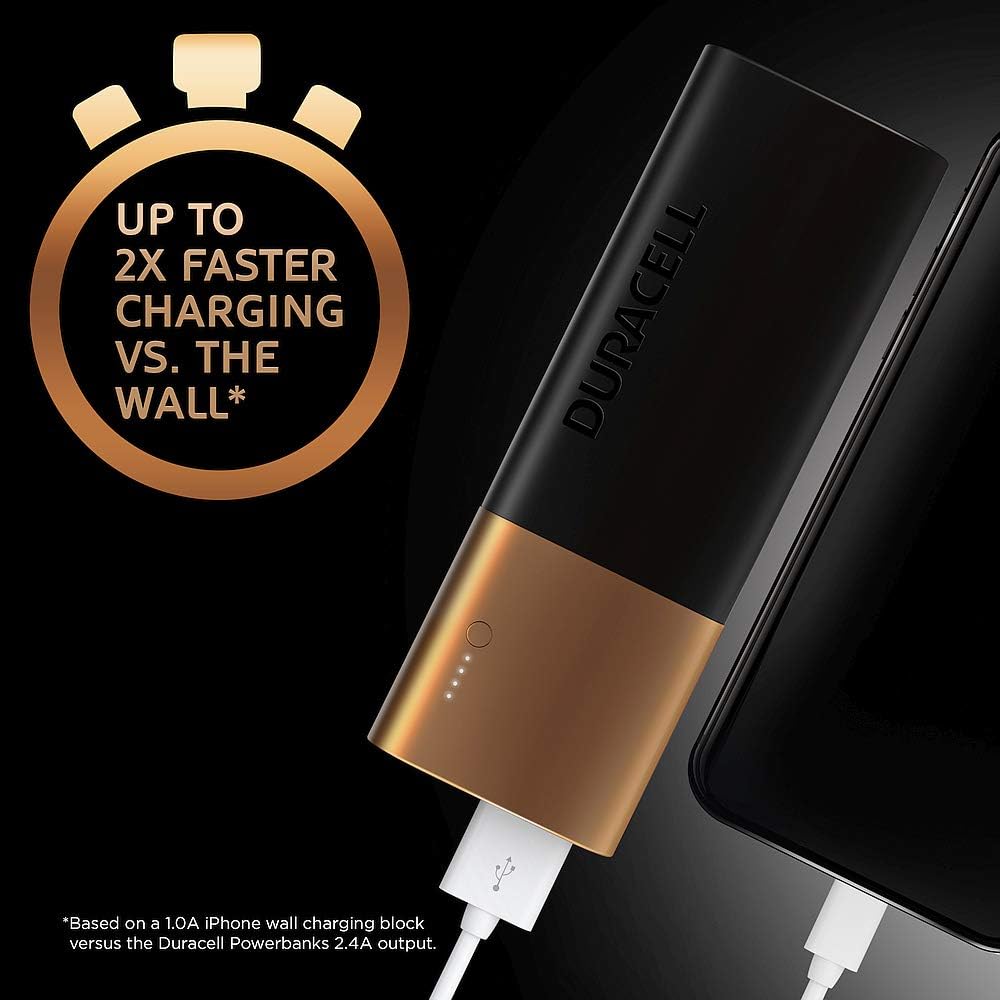
The Duracell Powerbank 20100 mAh is designed to provide a reliable and portable power source for your electronic devices. Featuring fast charge technology and high capacity, it extends the battery life of your smartphone or other USB-powered devices without interruption. This power bank incorporates 10 safety features for secure and worry-free operation.
Key Features
- Duracell, the #1 trusted battery brand, is proud to offer the 20100 mAh Powerbank, as part of Duracell’s trusted lineup of power products.
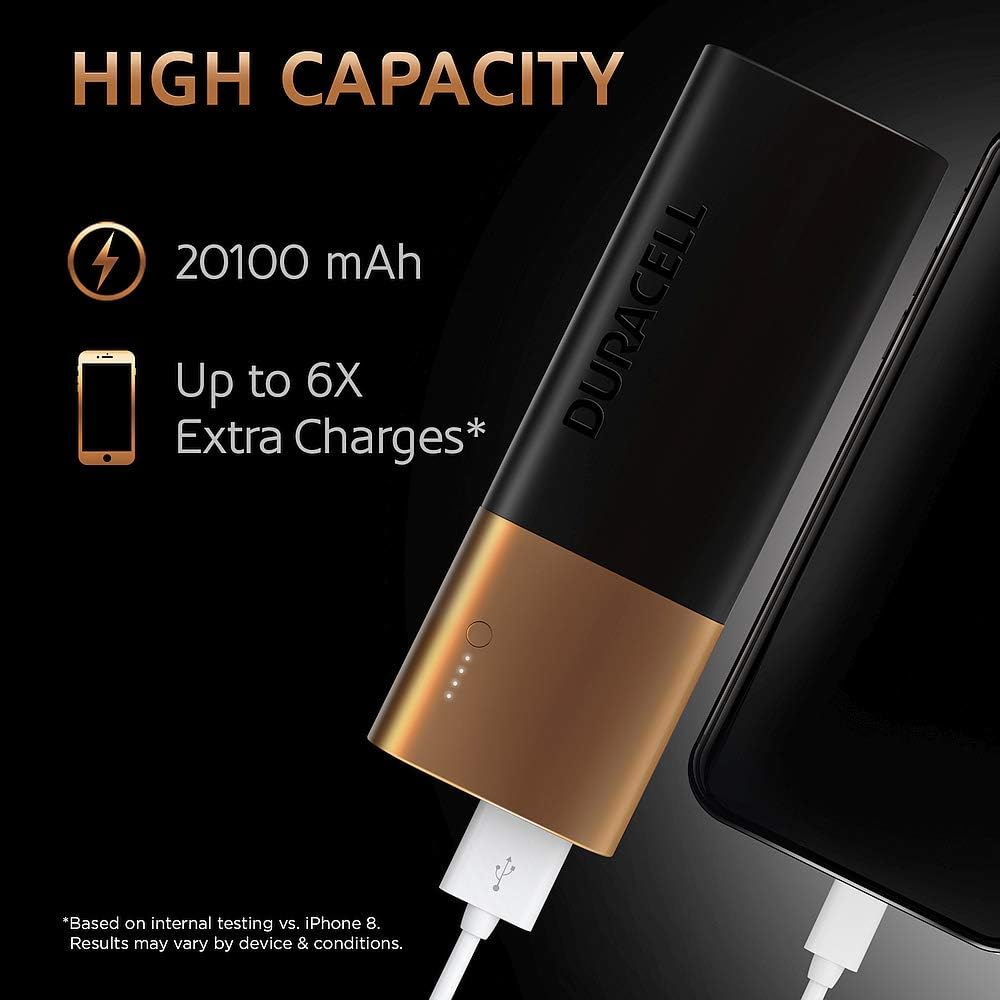
- Can deliver up to six extra charges on your smartphone.*
- Dual charge technology to simultaneously charge both the powerbank and USB-powered device.
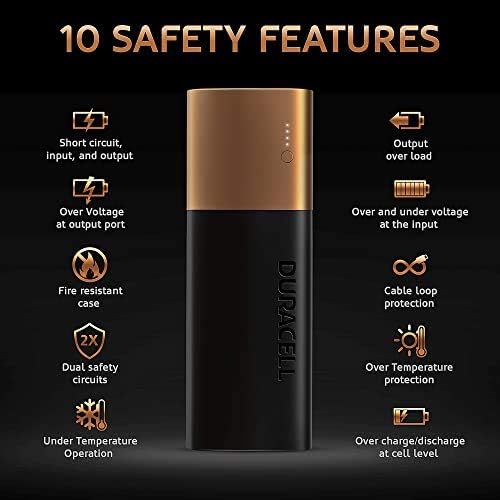
- Equipped with 10 important safety features to prevent over-charge, over-discharge, and over-heating.
- *Based on internal testing vs. iPhone 8. Results may vary by device and usage conditions.

Setup: Charging the Powerbank
Before initial use, fully charge your Duracell Powerbank. Connect the power bank to a compatible USB wall adapter using a USB-C cable. The LED indicators will illuminate to show the charging progress. Ensure the power bank is fully charged for optimal performance.

Operating: Charging Your Devices
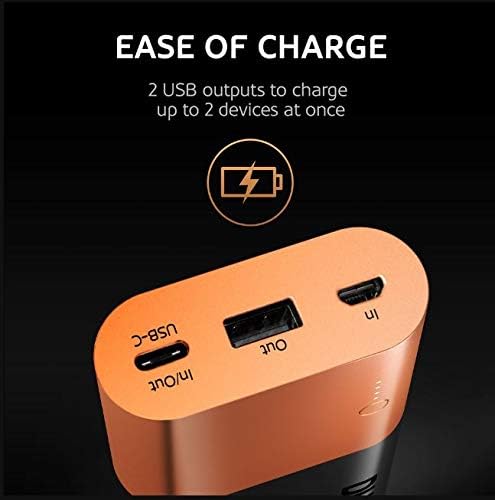
To charge your devices, connect your device's charging cable to one of the available output ports on the power bank (USB-A or USB-C). The power bank will automatically begin charging your device. For optimal charging speed, use the appropriate cable for your device.
Dual Charge Technology
The Duracell Powerbank supports dual charge technology, allowing you to recharge the power bank itself while simultaneously charging a connected device. This feature ensures both your power bank and device are ready when you need them.

Safety Features
The Duracell Powerbank is built with 10 essential safety features to protect both the power bank and your connected devices. These include:
- Over-charge protection
- Over-discharge protection
- Over-heating protection
- Short circuit protection
- Over-voltage protection at output port
- Over and under voltage at the input
- Fire resistant case
- Cable loop protection
- Dual safety circuits
- Under temperature operation
Product Specifications
| Specification | Value |
|---|---|
| Product Dimensions | 1.18 x 4 x 9.63 inches |
| Item Weight | 1.04 pounds |
| ASIN | B07YV8R6NY |
| Item model number | VEGOOS-erji-1-19 |
| Manufacturer | Duracell Distributing, Inc |
| Connector Type | USB |
| Brand | DURACELL |
| Battery Capacity | 20100 Milliamp Hours |
| Special Feature | Fast, Portable Charger |
| Voltage | 5 Volts |
Care and Maintenance
- Keep the power bank dry and away from moisture.
- Avoid exposing the power bank to extreme temperatures (hot or cold).
- Clean the power bank with a soft, dry cloth. Do not use harsh chemicals or abrasive materials.
- Store the power bank in a cool, dry place when not in use.
- Do not attempt to disassemble, open, or service the power bank.
Troubleshooting
- Device not charging: Ensure the power bank is charged. Check that the charging cable is securely connected to both the power bank and your device. Try a different cable or port.
- Power bank not charging: Ensure the charging cable is securely connected to the power bank and the wall adapter. Verify the wall adapter is functioning correctly and plugged into a live outlet.
- Slow charging: Ensure you are using a compatible fast-charging cable and adapter if fast charging is desired. Some devices may charge slower depending on their battery status or the cable used.
Warranty and Support
For warranty information or technical support, please refer to the official Duracell website or contact their customer service. Keep your proof of purchase for any warranty claims.