
1. Introduction
This manual provides essential instructions for the proper setup, operation, maintenance, and troubleshooting of your Krypton: The Complete Series Blu-ray set. Please read this manual thoroughly before use to ensure optimal viewing experience and disc longevity.
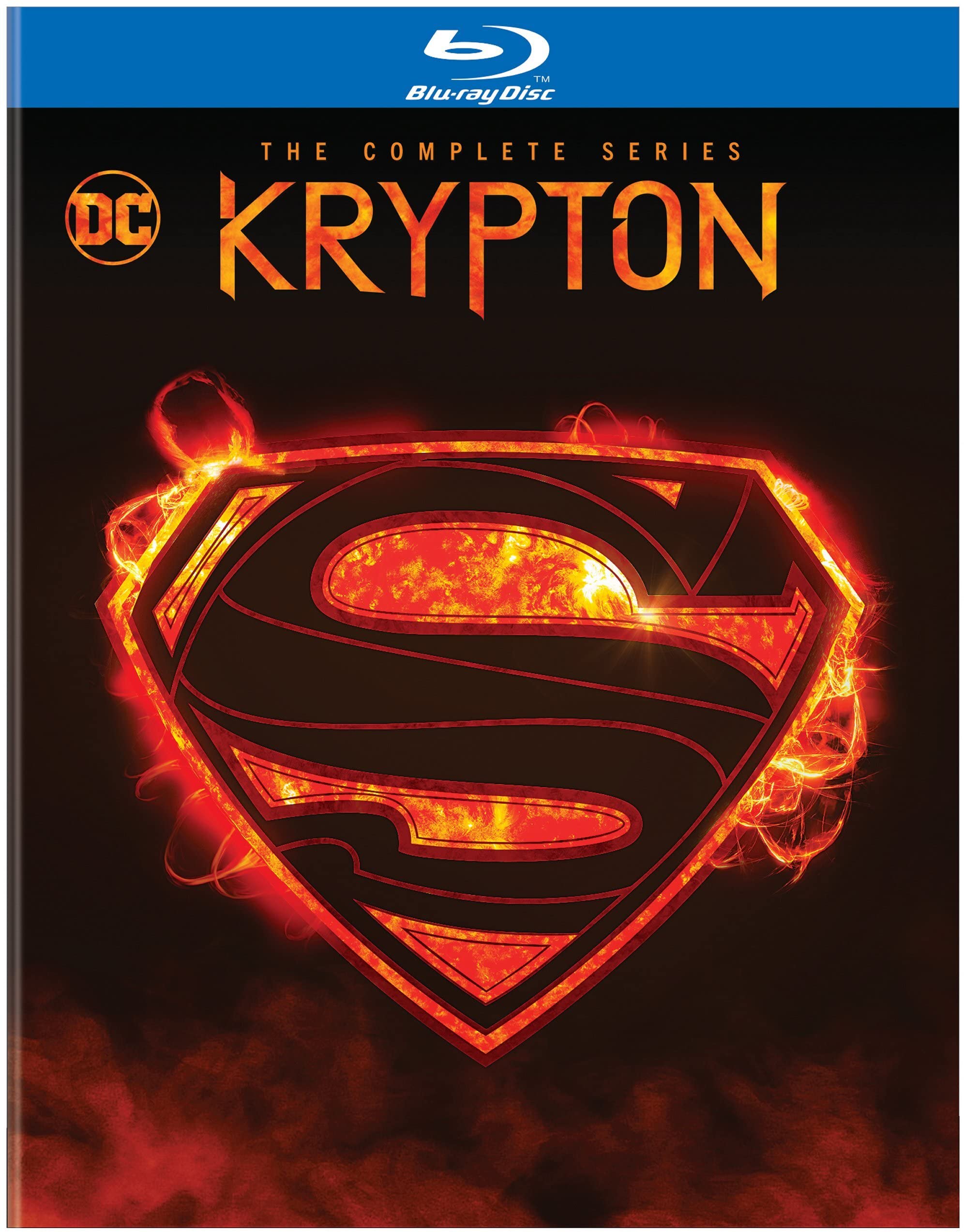
This image displays the front cover artwork for the Krypton: The Complete Series Blu-ray set, featuring key characters and series title.
2. Setup
2.1 System Requirements
- A Blu-ray disc player compatible with Region A (North America, Central America, South America, Japan, Korea, Southeast Asia) discs.
- A television or display device with appropriate video input (e.g., HDMI).
- Necessary audio/video cables (e.g., HDMI cable) to connect your Blu-ray player to your display and audio system.
2.2 Disc Insertion
- Ensure your Blu-ray player is powered on and connected to your display.
- Gently open the disc tray or slot on your Blu-ray player.
- Hold the Blu-ray disc by its edges to avoid touching the playback surface.
- Place the disc into the tray or slot with the label side facing up.
- Close the disc tray or allow the player to automatically draw in the disc.
- The player should automatically load the disc and display the main menu.
3. Operating Instructions
3.1 Basic Playback
- Play: Press the PLAY button on your remote control to start playback.
- Pause: Press the PAUSE button to temporarily stop playback. Press again to resume.
- Stop: Press the STOP button to end playback and return to the main menu or disc start.
- Skip: Use the SKIP FORWARD or SKIP BACKWARD buttons to jump between chapters or episodes.
- Fast Forward/Rewind: Use the FFWD or REW buttons for accelerated playback.
3.2 Menu Navigation
Use the arrow keys (UP, DOWN, LEFT, RIGHT) on your remote control to navigate through the disc menus. Press the ENTER or OK button to select an option.
3.3 Language and Subtitle Selection
From the main menu or during playback, access the AUDIO or SUBTITLES options to select your preferred language for audio tracks and subtitles. Available languages include English.
3.4 Special Features
Navigate to the SPECIAL FEATURES section on the disc menu to access bonus content, if available.
4. Maintenance
4.1 Disc Handling
- Always hold discs by their outer edges or the center hole.
- Avoid touching the playback surface (the shiny side) to prevent fingerprints and scratches.
- Do not bend or flex the discs.
4.2 Cleaning
- If a disc becomes dirty, gently wipe it with a soft, lint-free cloth.
- Wipe from the center of the disc outwards in a straight line, not in a circular motion.
- Do not use abrasive cleaners, solvents, or harsh chemicals.
4.3 Storage
- Store discs in their original cases to protect them from dust, scratches, and direct sunlight.
- Keep discs away from extreme temperatures and high humidity.
5. Troubleshooting
| Problem | Possible Cause | Solution |
|---|---|---|
| Disc does not play or load. | Disc is dirty or scratched; incorrect disc insertion; player malfunction; region incompatibility. | Clean the disc (see Section 4.2); re-insert the disc correctly; try another disc to check player; ensure your player is Region A compatible. |
| No audio or video during playback. | Cables are loose or incorrectly connected; TV input is incorrect; player audio/video settings are wrong. | Check all cable connections; verify TV input source; adjust player's audio/video output settings. |
| Menu navigation is unresponsive. | Remote control batteries are low; disc is frozen; player is unresponsive. | Replace remote batteries; eject and re-insert the disc; power cycle the Blu-ray player. |
| Disc skips or freezes. | Disc is dirty or damaged; player lens is dirty. | Clean the disc (see Section 4.2); inspect disc for damage; consider using a Blu-ray lens cleaner. |
6. Specifications
- Title: Krypton: The Complete Series
- Model Number: BR756890
- ASIN: B07YTD3CJZ
- Media Format: Blu-ray, NTSC
- Number of Discs: 4
- Run Time: Approximately 19 hours and 44 minutes
- Language: English
- Genre: Action & Adventure
- MPAA Rating: NR (Not Rated)
- Release Date: January 14, 2020
- Studio: Warner Home Video
- Product Dimensions: 0.7 x 7.5 x 5.4 inches
- Item Weight: 2.82 ounces
7. Warranty and Support
7.1 Warranty Information
Specific warranty details for this Blu-ray product are typically provided within the physical product packaging or by the retailer at the time of purchase. Please refer to any included documentation for warranty terms and conditions.
7.2 Customer Support
For further assistance or inquiries regarding your Krypton: The Complete Series Blu-ray, please contact the distributor:
Distributor: Warner Home Video
Please visit the official Warner Home Video website or contact their customer service for support options.