
1. Introduction
Thank you for choosing the iGear Ensemble 20W Wooden Portable Soundbar. This manual provides essential information for setting up, operating, and maintaining your soundbar to ensure optimal performance and longevity. The iGear Ensemble is designed to deliver rich audio with extra bass, featuring versatile connectivity options and a portable design crafted from recycled wood.

Image 1.1: Front view of the iGear Ensemble 20W Wooden Portable Soundbar.
2. What's in the Box
Please check the package contents carefully. If any items are missing or damaged, contact customer support.
- 1 x iGear Ensemble Soundbar
- 1 x Charging Cable
- 1 x User Manual

Image 2.1: The iGear Ensemble Soundbar and its included charging cable.
3. Features
- 20W Extra Bass Speaker: Enjoy powerful and clear audio with enhanced bass.
- Bluetooth v5.0 Connectivity: Seamless wireless connection to compatible devices.
- Multi-Channel Connectivity: Supports USB drives and TF/SD cards for diverse audio sources.
- In-Built FM Radio: Tune into your favorite radio stations.
- Rechargeable 2400mAh Battery: Provides 3-5 hours of music playback on a single charge.
- Built-in Woofer: Delivers deeper and richer bass performance.
- Lightweight and Portable: Easy to carry for music on the go.
- Wooden Material: Crafted from recycled wood for an elegant aesthetic.
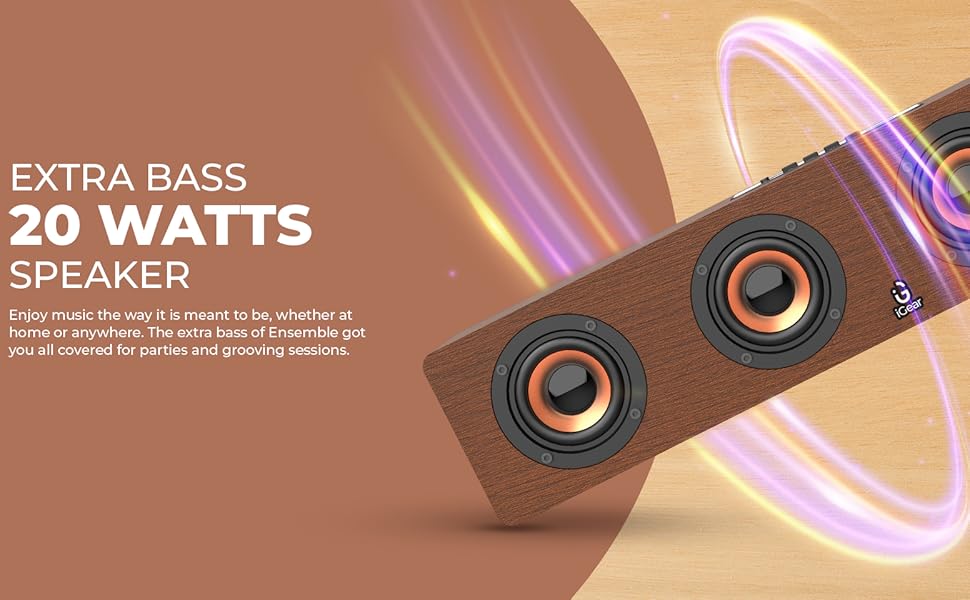
Image 3.1: The soundbar's 20 Watts output for extra bass.
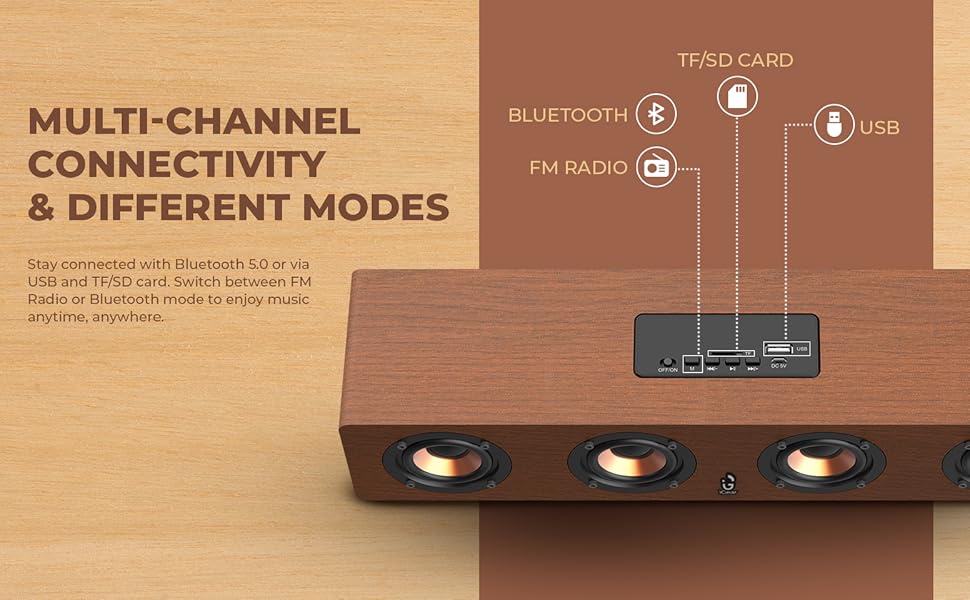
Image 3.2: The soundbar features a 2400 mAh battery for extended playtime.
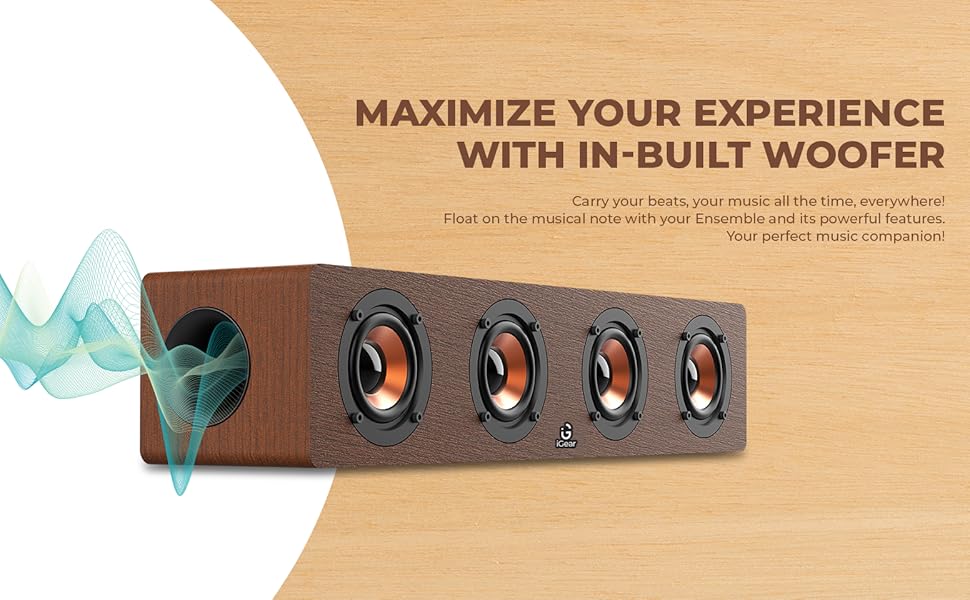
Image 3.3: The soundbar's in-built woofer for enhanced audio experience.
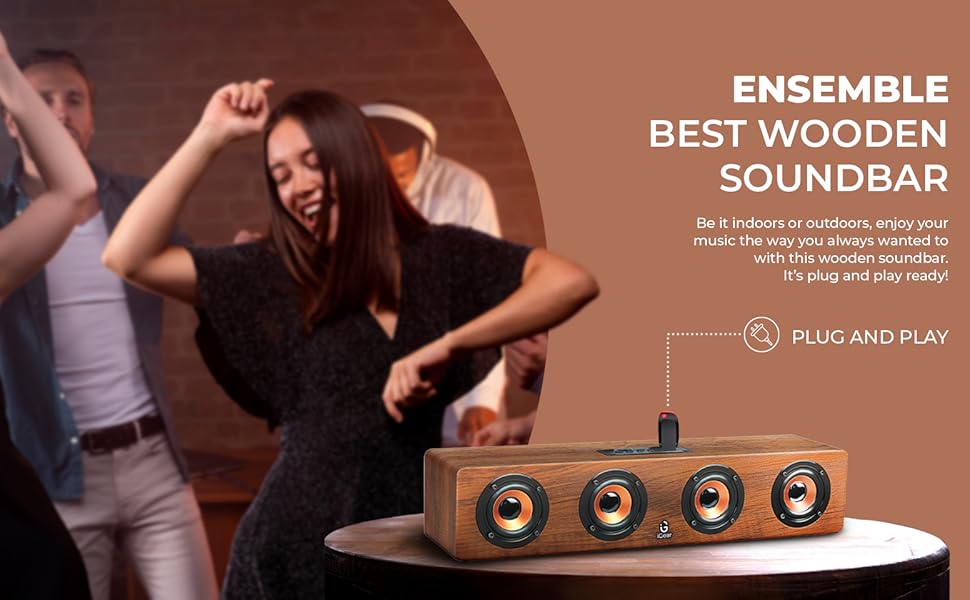
Image 3.4: Overview of the soundbar's multi-channel connectivity options.
4. Setup
4.1 Charging the Soundbar
- Connect the provided charging cable to the DC 5V port on the soundbar.
- Connect the other end of the charging cable to a USB power adapter (not included) or a computer's USB port.
- The charging indicator light will illuminate. Allow approximately 5 hours for a full charge.
- Once fully charged, the indicator light may change or turn off, depending on the model. Disconnect the charging cable.
4.2 Powering On/Off
- To power on, slide the ON/OFF switch to the 'ON' position. You will hear an audible prompt.
- To power off, slide the ON/OFF switch to the 'OFF' position.
4.3 Bluetooth Pairing
- Ensure the soundbar is powered on and in Bluetooth mode (indicated by a blue LED light or audible prompt). If not, press the 'M' (Mode) button to switch to Bluetooth mode.
- On your device (smartphone, tablet, laptop), enable Bluetooth and search for available devices.
- Select "iGear Ensemble" from the list of found devices.
- Once paired, you will hear a confirmation sound, and the Bluetooth indicator light will remain steady.
5. Operating Instructions
5.1 Mode Selection
Press the 'M' (Mode) button repeatedly to cycle through available modes: Bluetooth, FM Radio, USB, and TF/SD Card.
5.2 Volume Control
- Press and hold the 'Volume Down (-)' button to decrease the volume.
- Press and hold the 'Volume Up (+)' button to increase the volume.
5.3 Playback Control
- Press the 'Play/Pause' button to play or pause audio.
- In Bluetooth/USB/TF/SD mode, short press 'Previous Track (-)' to go to the previous track.
- In Bluetooth/USB/TF/SD mode, short press 'Next Track (+)' to go to the next track.
5.4 FM Radio Operation
- Switch to FM Radio mode using the 'M' button.
- Press and hold the 'Play/Pause' button to automatically scan and save available FM stations.
- Use the 'Previous Track (-)' and 'Next Track (+)' buttons to navigate between saved stations.
5.5 USB/TF/SD Card Playback
- Insert a USB drive or TF/SD card (with audio files) into the respective port.
- The soundbar will automatically switch to USB or TF/SD mode and begin playback. If not, press the 'M' button to select the correct mode.
- Use the playback control buttons (Play/Pause, Previous/Next Track) as described above.
6. Maintenance
- Cleaning: Use a soft, dry cloth to clean the surface of the soundbar. Do not use abrasive cleaners or solvents.
- Storage: Store the soundbar in a cool, dry place away from direct sunlight and extreme temperatures.
- Battery Care: To prolong battery life, avoid fully discharging the battery frequently. Charge the soundbar regularly, even if not in use for extended periods.
- Avoid Water: This product is not waterproof. Keep it away from water and high humidity.
7. Troubleshooting
| Problem | Possible Cause | Solution |
|---|---|---|
| No power | Battery is drained; Power switch is OFF. | Charge the soundbar; Slide the power switch to 'ON'. |
| No sound | Volume is too low; Incorrect mode selected; Device not connected. | Increase volume; Press 'M' to select correct mode; Re-pair Bluetooth or re-insert USB/TF/SD card. |
| Bluetooth not pairing | Soundbar not in pairing mode; Device Bluetooth is off; Too far from device. | Ensure soundbar is in Bluetooth mode; Enable Bluetooth on your device; Move device closer to soundbar (within 10 meters). |
| FM radio static | Weak signal. | Move the soundbar to a location with better reception; Re-scan for stations. |
8. Specifications
| Feature | Detail |
|---|---|
| Model Name | Ensemble |
| Model Number | iG-1130 |
| Speaker Type | Surround Sound |
| Mounting Type | Tabletop Mount |
| Material | Wood (recycled) |
| Wireless Communication | Bluetooth v5.0 |
| Connectivity Technology | Bluetooth, USB, Wireless |
| Speaker Maximum Output Power | 20 Watts |
| Battery Capacity | 2400 mAh Lithium Ion |
| Battery Average Life | 3-5 Hours |
| Charging Time | 5 Hours |
| Product Dimensions (D x W x H) | 10.2D x 40.6W x 10.2H Centimeters |
| Item Weight | 1.1 Kilograms |
| Control Method | Touch |
| Special Features | Bass Boost, In-Built FM Radio, In-Built Subwoofer, Supports TF/SD cards and USB Drives |

Image 8.1: Dimensions of the iGear Ensemble Soundbar.
9. Warranty and Support
The iGear Ensemble Soundbar comes with a Limited Warranty. Please refer to the warranty card included in your package for specific terms and conditions. For any product-related queries, technical support, or warranty claims, please contact:
- Manufacturer: Corporate Gifting Solutions, iGear Tech Private Limited
- Address: 204 Sai Corporate Park, Laxmi Nagar, Off Link Road, Goregaon West, Mumbai 400104
- Toll-free number: 1800 22 8495
10. Product Overview Video
Watch this official product video for a visual overview of the iGear Ensemble Soundbar's features and design.
Video 10.1: An overview of the iGear Ensemble 20W Wooden Portable Soundbar, showcasing its design, features, and connectivity options.

