Introduction
This manual provides comprehensive instructions for the assembly, operation, maintenance, and troubleshooting of your Tempur-Pedic 1539761 Mesh Back Fabric Task Chair. Please read these instructions carefully before use to ensure proper function and longevity of your product.
Important Safety Information
- Do not exceed the maximum weight capacity of 250 pounds (113 kg). Exceeding this limit may cause damage to the chair or personal injury.
- Ensure all bolts and screws are securely tightened before use and periodically check for tightness.
- Keep hands and fingers clear of moving parts during adjustment.
- Use the chair on a level surface to prevent tipping.
Product Overview
The Tempur-Pedic 1539761 Mesh Back Fabric Task Chair is designed for comfort and support in an office environment. Key features include a breathable mesh back, a plush Tempur foam seat cushion, adjustable armrests, and a robust five-star nylon base with rolling casters.
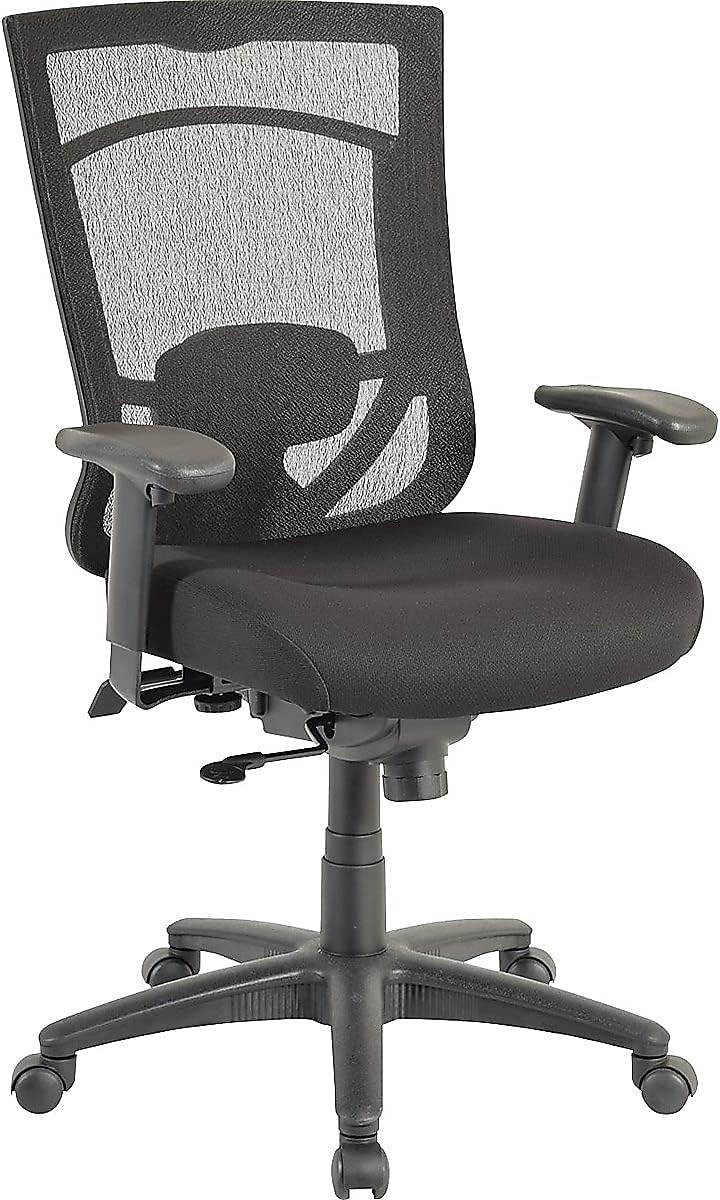
Figure 1: Front view of the Tempur-Pedic 1539761 Mesh Back Fabric Task Chair. This image displays the chair's overall design, including the mesh back, fabric seat, and adjustable armrests.
Setup and Assembly
Assembly typically requires two people and approximately 30-60 minutes. Ensure all components are present before beginning. Refer to the included assembly diagram for detailed visual instructions.
- Attach Casters to Base: Insert the five casters into the holes at the end of each leg of the five-star base. Push firmly until they click into place.
- Insert Gas Lift: Place the gas lift cylinder into the center hole of the five-star base.
- Assemble Seat and Back: Attach the backrest to the seat mechanism using the provided hardware. Ensure all screws are tightened securely.
- Attach Armrests: Secure the armrests to the seat assembly. Note: Pay close attention to the visual diagrams for armrest orientation, as printed arrows may sometimes be misleading. Ensure the armrests are positioned correctly for comfortable use.
- Connect Seat to Gas Lift: Carefully place the assembled seat and back onto the gas lift cylinder, ensuring it is centered and stable.

Figure 2: Chair dimensions. This image illustrates the overall height (44.1 inches), width (27.95 inches), and depth (27.2 inches) of the assembled chair.
Operating Instructions
Your chair features several adjustable components to customize your seating experience.
1. Seat Height Adjustment
To adjust the seat height:
- To raise the seat, lift the pneumatic seat-height adjustment lever (typically located on the right side, under the seat) while taking your weight off the seat.
- To lower the seat, lift the same lever while remaining seated.
2. Armrest Adjustment
The armrests are both width and height adjustable:
- Height Adjustment: Press the button located on the side of each armrest support and slide the armrest up or down to your desired height. Release the button to lock.
- Width Adjustment: Loosen the knobs or levers located underneath the seat, near the armrest attachment points, to slide the armrests inward or outward. Retighten to secure.
3. Synchro-Tilt Mechanism (Recline, Tension, Lock)
The synchro-tilt mechanism allows the backrest and seat to recline in a synchronized motion.
- Recline: To recline, lean back in the chair.
- Tilt Tension: Adjust the round knob located underneath the seat, usually at the front. Turn clockwise to increase tension (making it harder to recline) or counter-clockwise to decrease tension (making it easier to recline). Note: This knob can be stiff; apply firm, steady pressure.
- Tilt Lock: To lock the chair in an upright or reclined position, push the lever (often the same as the height adjustment lever, pushed inward) to engage the lock. Pull the lever outward to unlock and allow reclining.
4. Lumbar Support
The chair includes integrated lumbar support. This support can be adjusted vertically (up and down) to better fit the curve of your lower back. Locate the adjustment mechanism on the back of the chair and slide it to your preferred height.
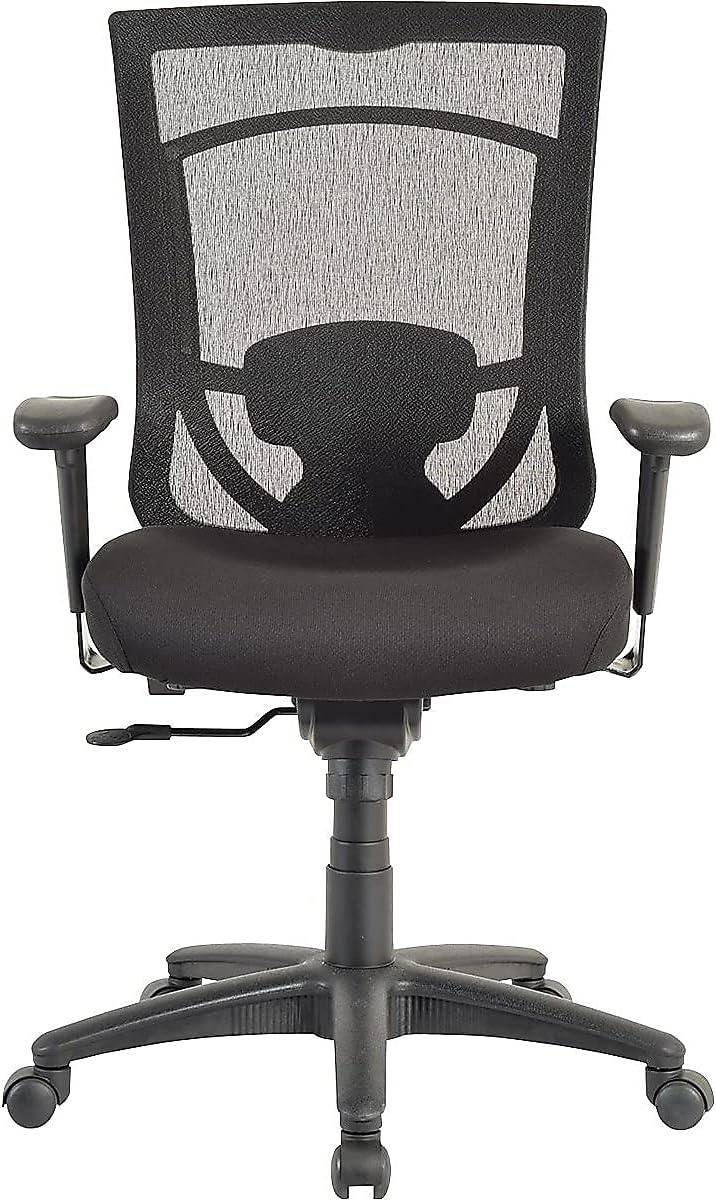
Figure 3: Back view of the chair. This image highlights the mesh backrest and the visible lumbar support adjustment mechanism.
Maintenance
- Cleaning: For the fabric seat and mesh back, use a damp cloth and mild soap for spot cleaning. Avoid harsh chemicals or abrasive cleaners.
- Inspection: Periodically check all screws and bolts to ensure they remain tight. Retighten as necessary to maintain stability and safety.
- Casters: Keep casters free of debris (hair, dust) to ensure smooth rolling.
Troubleshooting
| Problem | Possible Cause | Solution |
|---|---|---|
| Chair does not adjust height. | Gas lift cylinder malfunction or lever not engaged. | Ensure the height adjustment lever is fully engaged. If the issue persists, the gas lift cylinder may need replacement. Contact customer support. |
| Chair reclines too easily or not enough. | Tilt tension is incorrectly set. | Adjust the tilt tension knob located under the seat. Turn clockwise to increase tension, counter-clockwise to decrease. |
| Lumbar support feels uncomfortable. | Lumbar support is not at the correct height for your back. | Adjust the lumbar support vertically to align with the natural curve of your lower back. Experiment with different heights. |
| Armrests are too close/far apart or uneven. | Incorrect assembly or adjustment. | Review assembly instructions for armrest attachment. Adjust armrest width using the knobs/levers under the seat. Ensure both armrests are set to the same height. |
| Chair squeaks or wobbles. | Loose hardware. | Check and tighten all screws and bolts, especially those connecting the seat, back, and armrests. |
Specifications
- Brand: Tempur-Pedic
- Model Number: 1539761
- Color: Black
- Dimensions (Overall): 27.2" (Depth) x 27.95" (Width) x 44.1" (Height)
- Seat Depth: 20.1 inches
- Item Weight: 58.7 pounds
- Weight Capacity: Up to 250 lbs
- Back Style: Mesh Back
- Fill Material: Foam (Tempur foam)
- Special Features: Arm Rest, Cushion Availability, Lumbar Support, Synchro-Tilt Mechanism
- Product Care: Spot Clean
Warranty and Support
For warranty information, replacement parts, or further assistance, please contact Tempur-Pedic customer support. You can often find contact details on the manufacturer's website or through your point of purchase.
Visit the official Tempur-Pedic Store for more product information.


