
1. Introduction
This FREENOVE 4WD Car Kit is a programmable robotics platform designed for educational purposes and hobbyists. It supports various operational modes including line tracking, obstacle avoidance, and manual control. The kit is compatible with Arduino IDE for programming and can be controlled wirelessly via a dedicated RF remote or a mobile application on Android and iOS devices.
Please note that this car kit requires assembly. Batteries and a charger are not included and must be purchased separately. Detailed instructions for battery selection are provided in the downloadable tutorial.
2. Components Overview
The FREENOVE 4WD Car Kit includes all necessary parts for assembly and operation. Below is an overview of the main components:
- Acrylic Parts: Chassis components for the car structure.
- Mechanical Parts: Gears, shafts, and other moving components.
- Dynamic Parts: Four drive wheels and motors.
- Electronic Parts: Control board (compatible with Arduino IDE), Freenove 4WD Car Shield, IR receiver, Freenove Tracking Sensor, Ultrasonic Ranging Module, Servo, Bluetooth Module, and RGB LED bars.
- RF Remote: Wireless remote with joystick for manual control.
- Accessories: USB cable, 9V battery holder (for remote), various screws, nuts, and a screwdriver.


3. Assembly
Assembly of the FREENOVE 4WD Car Kit is required. A comprehensive, step-by-step assembly guide is provided in the downloadable tutorial. Please refer to the tutorial for detailed visual instructions and ensure all parts are correctly installed.
- Preparation: Unpack all components and verify against the packing list.
- Chassis Construction: Assemble the acrylic chassis plates using the provided screws and nuts.
- Motor Installation: Attach the four drive motors to the chassis and connect them to the motor driver on the car shield.
- Sensor Integration: Mount the ultrasonic sensor, line-tracking sensor, and other modules as per the tutorial.
- Wiring: Connect all electronic components to the Freenove 4WD Car Shield and the control board. Pay close attention to wiring diagrams in the tutorial to avoid errors.
- Battery Installation: Install the required batteries (not included) into the car's battery holder and the RF remote's 9V battery holder (if using).
4. Software Setup and Programming
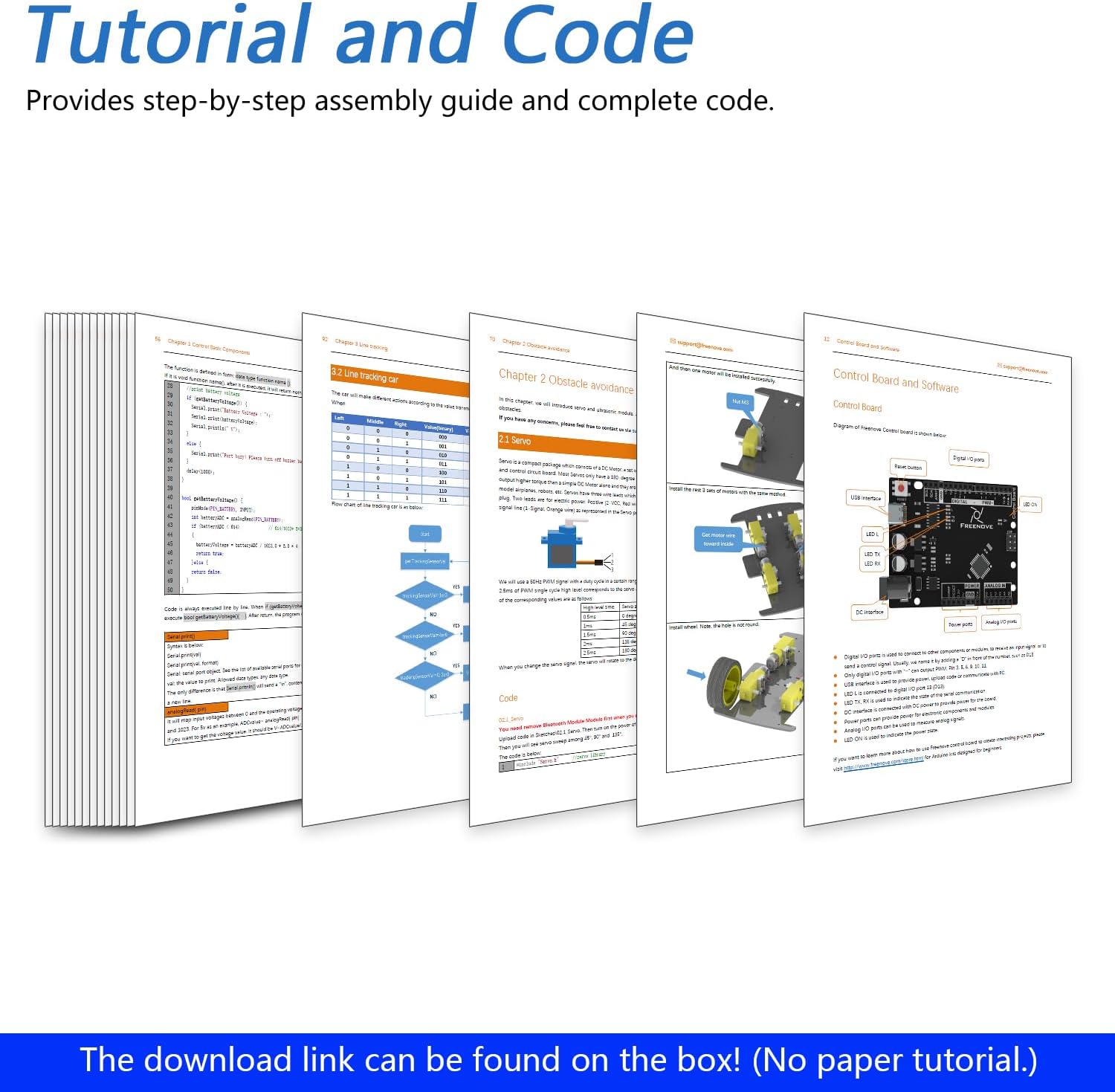
The FREENOVE 4WD Car Kit is designed to be programmed using the Arduino IDE. A detailed tutorial and complete code examples are available for download. No paper tutorial is included in the kit.
- Download Tutorial & Code: The download link for the tutorial and code can be found on the product box. Visit the specified URL to access these resources.
- Install Arduino IDE: If not already installed, download and install the Arduino IDE on your computer.
- Upload Code: Follow the tutorial's instructions to upload the necessary code (sketches) to the car's control board. Ensure the Bluetooth module is removed from the car shield during code upload to prevent interference.
- Customization: The provided code is fully editable, allowing users to customize the car's behavior and functions.
5. Operating Modes
The FREENOVE 4WD Car Kit supports multiple operational modes:
- Line Tracking Mode: The car utilizes its line-tracking sensor to follow a black line on a light-colored surface, automatically adjusting its path to stay on the line.
- Obstacle Avoidance Mode: Using the ultrasonic distance sensor mounted on a rotatable head, the car can detect obstacles in its path and autonomously navigate around them.
- Manual Control Mode: Users can directly control the car's movement and functions using the RF remote or the Freenove mobile application.

6. Control Methods
The FREENOVE 4WD Car Kit offers flexible control options:
- RF Remote Control: The kit includes a wireless RF remote with a joystick for intuitive manual control. This remote requires a 9V battery (not included).
- Mobile Application Control: The car can be controlled via the Freenove App, available for Android (version 5.0 or later) and iOS (version 10 or later) devices. Search for "Freenove" on Google Play or the App Store to download. The app allows for wireless control and customization of RGB LED colors.

7. Power Requirements
Batteries are not included with the FREENOVE 4WD Car Kit. Please ensure you acquire the correct batteries before operation:
- For the Car: Two (2) rechargeable batteries. Refer to the downloadable tutorial for specific battery type and charger recommendations.
- For the RF Remote: One (1) 9V battery. This is optional if you primarily use the mobile app for control.
8. Specifications
| Feature | Detail |
|---|---|
| Brand | FREENOVE |
| Model Number | FNK0041B |
| Educational Objective | STEM |
| Theme | Car |
| Assembly Required | Yes |
| Item Dimensions (L x W x H) | 11.02 x 5.91 x 2.36 inches (28 cm x 15 cm x 6 cm) |
| Item Weight | 895 Grams |
| Control Methods | RF Remote, Android App, iOS App |
| Sensors Included | Ultrasonic Distance Sensor, Line Tracking Sensor |

9. Troubleshooting
If you encounter any issues during assembly or operation, please refer to the detailed troubleshooting section in the downloadable tutorial. Common issues and their solutions are covered there. Ensure all connections are secure and code is uploaded correctly.
- Car Not Moving: Check battery levels, motor connections, and ensure the correct code is uploaded.
- Remote/App Not Connecting: Verify Bluetooth module installation (if applicable), ensure the car is powered on, and the correct control mode is selected.
- Sensors Malfunctioning: Inspect sensor wiring and placement. Calibrate sensors if necessary, as described in the tutorial.
10. Support and Warranty
FREENOVE provides free technical support for any questions or problems you may encounter. You can find support information and contact details on the product box or by visiting the FREENOVE website.
- Technical Support: For assistance, please contact FREENOVE support via the email address or website provided in the product documentation.
- Warranty Information: Details regarding product warranty are typically included with your purchase or can be found on the official FREENOVE website.