Product Overview
The PERLESMITH PSMFK12 Full Motion TV Wall Mount is designed to securely hold most 26-60 inch flat, curved, OLED, and 4K TVs weighing up to 77 lbs. It offers versatile viewing options with its full motion capabilities, including tilt, swivel, and extension, ensuring an optimal viewing experience from various angles.

Image: The PERLESMITH PSMFK12 TV wall mount, showcasing its robust design and various mounting hardware components.
Key Features
- Universal Compatibility: Fits most 26-60 inch LED, LCD, OLED 4K TVs up to 77 lbs. Supports VESA patterns from 100x100mm to 400x400mm.
- Customizable Viewing: Offers +5°/-8° tilt to reduce glare, 90° swivel for optimal viewing angles, and +/-4° post-installation leveling adjustment.
- Extended Reach: Extends from 1.77 inches (4.5 cm) to 18.89 inches (48 cm) from the wall for flexible movement and space-saving.
- Innovative & Durable Construction: Features a wider wall plate for better load distribution, longer and stronger articulating arms, and welded rotary rivet structures for enhanced stability.
- Easy Installation: Comes with all necessary mounting hardware and a detailed graphical installation guide for a quick setup.

Image: Illustrates the wide compatibility of the mount, supporting TVs from 26 to 60 inches and up to 77 lbs.
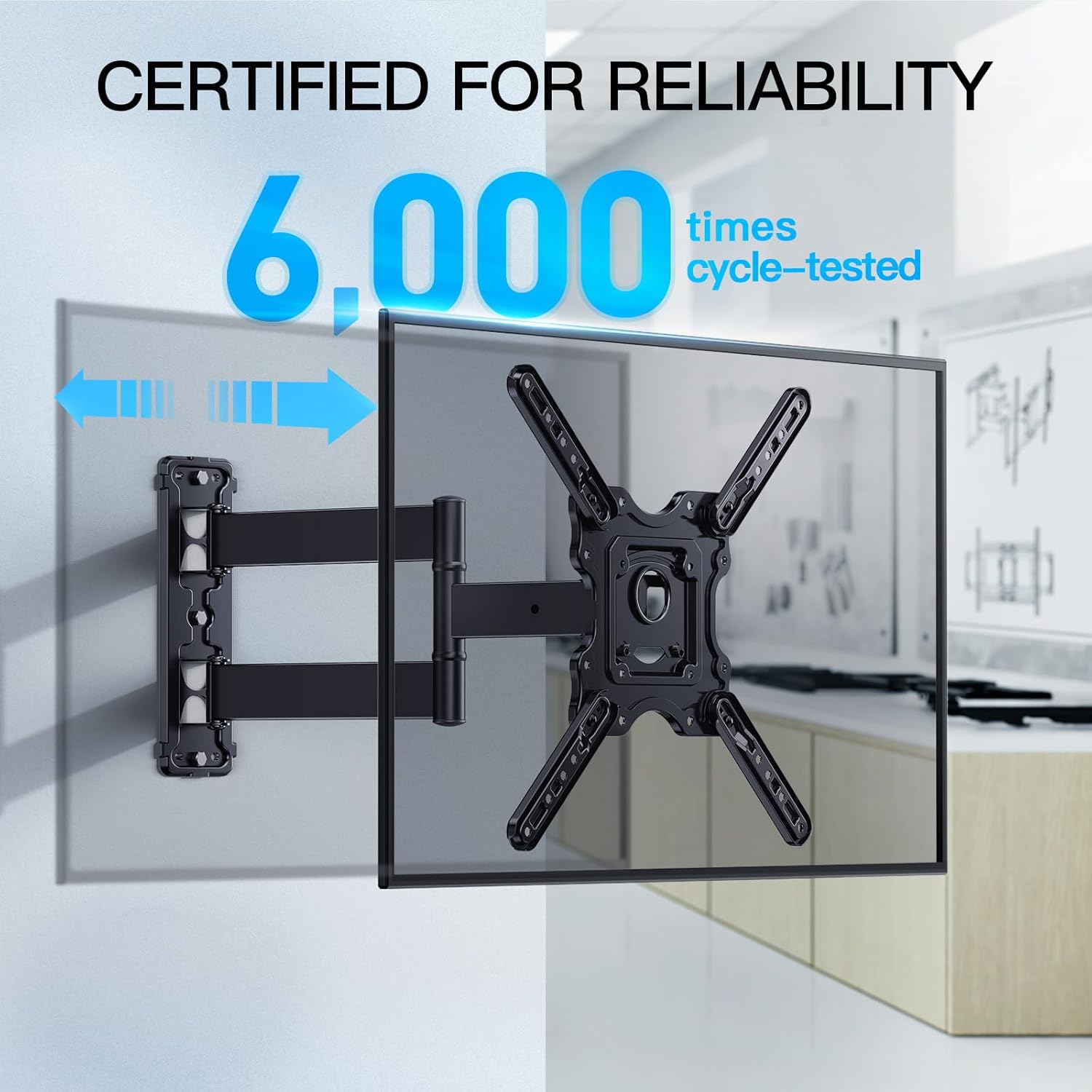
Image: Highlights the mount's reliability, having undergone 6,000 cycle tests.

Image: Details the sturdy and durable construction with reinforced wall plate and heavy-duty steel.

Image: Demonstrates the mount's 90-degree swivel capability for optimal viewing from any position.

Image: Shows the tilt (+5°/-15°) and extension (Max 18.89") features for customized viewing.

Image: Highlights the single stud mounting option for flexible TV placement.
What's in the Box
Your PERLESMITH PSMFK12 TV Wall Mount package includes:
- 1 x Full Motion TV Wall Mount
- 1 x Mounting Hardware Kit (various screws, anchors, washers, spacers, wrench, cable ties)
Image: All components included in the PERLESMITH TV Wall Mount package.
Setup & Installation
Before beginning installation, ensure you have identified the correct wall type (wood stud or concrete/brick) and have the necessary tools. Always follow the detailed graphical installation guide provided in your package.
General Steps:
- Attach TV Brackets: Secure the TV brackets to the back of your TV using the appropriate screws and spacers from the hardware kit. Ensure VESA compatibility.
- Mount Wall Plate: Locate a wood stud or mark drill points on a concrete/brick wall. Drill pilot holes and securely attach the wall plate using the provided lag bolts or concrete anchors.
- Hang TV: Carefully lift the TV and hook the TV brackets onto the wall plate. Ensure the TV is securely seated.
- Adjust Level: Use the post-installation leveling adjustment screws to ensure your TV is perfectly horizontal.
Installation Video Overview:
Video: An official PERLESMITH video demonstrating the full motion capabilities and installation process of the TV wall mount. This video provides a visual guide for mounting the TV and adjusting its position.
Operating Instructions
Once installed, your PERLESMITH TV wall mount offers flexible adjustments for optimal viewing:
- Extension: Gently pull the TV away from the wall to extend the arm. The mount can extend up to 18.89 inches (48 cm).
- Swivel: Pivot the TV left or right up to 90 degrees (depending on TV size and wall distance) to direct the screen towards your viewing area.
- Tilt: Adjust the vertical viewing angle by tilting the TV +5° upwards or -8° downwards to reduce glare or achieve a comfortable viewing position.
- Leveling: Fine-tune the horizontal level of the TV by adjusting the +/-4° post-installation leveling screws.
Maintenance
To ensure the longevity and safe operation of your TV wall mount, perform the following maintenance:
- Regular Inspection: Periodically check all screws and connections to ensure they are tight and secure. Over time, vibrations or frequent adjustments may loosen them.
- Cleaning: Wipe the mount with a soft, dry cloth to remove dust. Avoid using abrasive cleaners or solvents that could damage the finish.
- Lubrication: If the articulating arms become stiff, apply a small amount of silicone-based lubricant to the moving joints.
- Weight Check: Ensure the weight of your TV does not exceed the maximum load capacity of 77 lbs.
Troubleshooting
If you encounter any issues with your PERLESMITH TV wall mount, refer to the official Troubleshooting Guide (PDF) for detailed solutions. Below are some common issues and general advice:
- TV Not Level: Use the +/-4° post-installation leveling adjustment screws on the TV plate to fine-tune the horizontal alignment.
- Mount Feels Loose: Re-tighten all mounting screws on both the wall plate and the TV brackets. Ensure the wall anchors/stud connections are secure.
- Difficulty Moving Arm: Check for any obstructions. If joints are stiff, apply a small amount of lubricant as per maintenance instructions.
- Missing Parts: Verify all components against the 'What's in the Box' section. Contact PERLESMITH customer support if parts are missing.
Specifications
| Specification | Detail |
|---|---|
| Brand | PERLESMITH |
| Model Number | PSMFK12 |
| Compatible TV Size | 26-60 Inches |
| Maximum Weight Capacity | 77 lbs |
| VESA Compatibility | 100x100mm to 400x400mm |
| Movement Type | Articulating/Full motion/Swivel/Tilt/Extension |
| Tilt Angle | +5° / -8° |
| Swivel Angle | Up to 90° (left/right) |
| Level Adjustment | +/-4° |
| Wall Distance (Extension) | 1.77" to 18.89" |
| Material | Alloy Steel |
| Color | Black |
| Item Weight | 5.21 pounds |
| Product Dimensions | 15.7 x 12.4 x 2.4 inches |
| UPC | 619191016518 |
Warranty & Support
For further assistance, warranty information, or to access the complete user manual, please refer to the following resources:
- User Manual (PDF): Download Here
- Troubleshooting Guide (PDF): Download Here
- Visit the PERLESMITH Store: PERLESMITH Official Store


