
1. Introduction
The Autel AP2500/AP2500E is a Bluetooth-enabled OBD2 diagnostic tool designed for comprehensive vehicle analysis. This device connects to your smartphone or tablet (iOS/Android, excluding tablets) via Bluetooth, providing access to all-system diagnostics, various service functions, and full OBDII test modes. It supports CAN FD protocol and covers a wide range of vehicles from 1996 to 2025. This manual provides instructions for setup, operation, maintenance, and troubleshooting to ensure effective use of your diagnostic scanner.
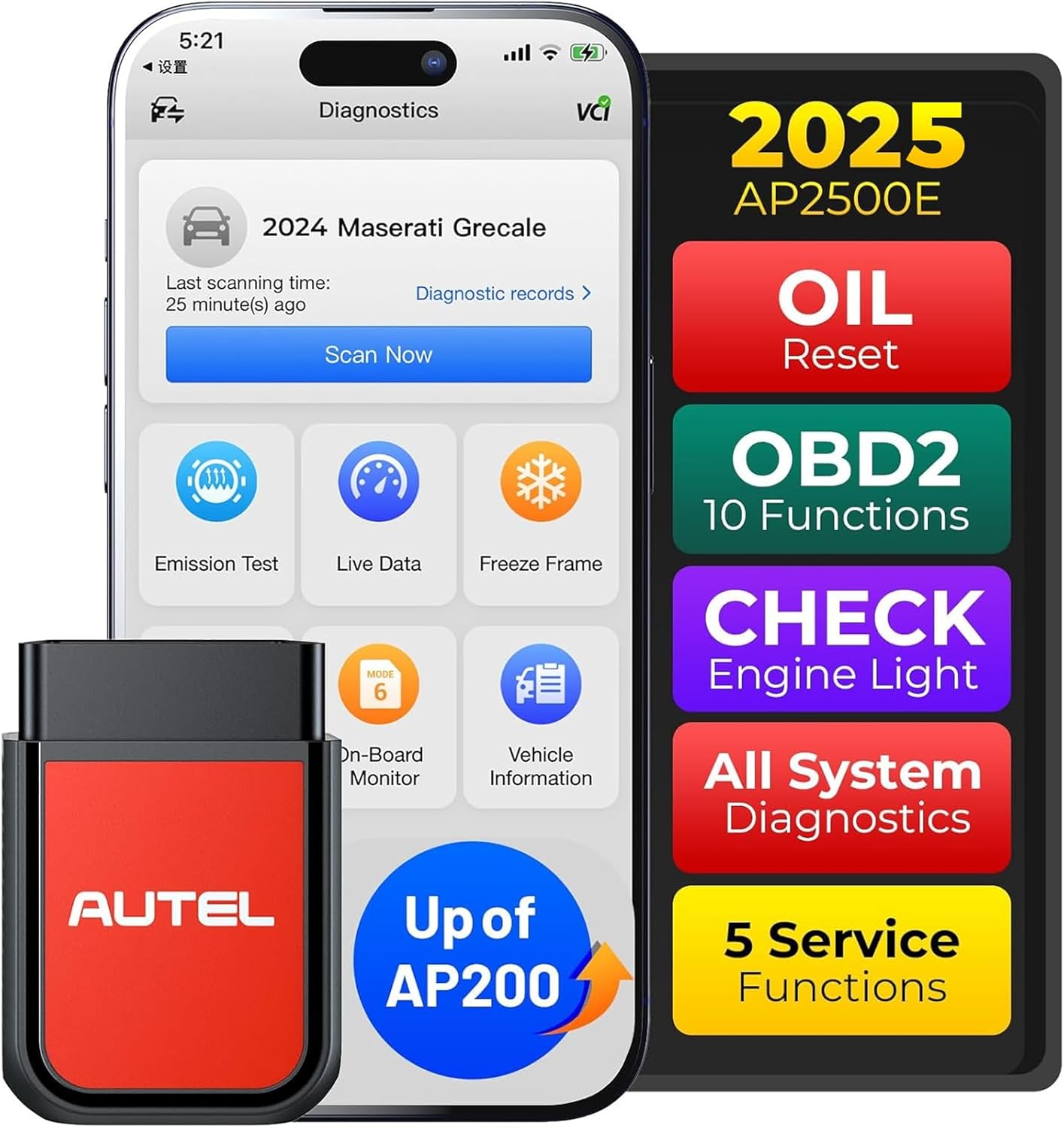
Image: The Autel AP2500/AP2500E OBD2 scanner connected to a smartphone displaying the diagnostic application interface.
2. Setup Guide
Follow these steps to set up your Autel AP2500/AP2500E scanner and connect it to your mobile device.
- Download the MaxiAP Diag App: Search for "MaxiAP Diag" in your device's app store (Apple App Store for iOS or Google Play Store for Android) and install the application.
- Create an Account: Open the MaxiAP Diag app and register for a new account or log in if you already have one.
- Bind the Device: Plug the AP2500/AP2500E scanner into your vehicle's OBDII port. The device will power on automatically. In the app, navigate to the device binding section and follow the on-screen prompts to bind your scanner using its serial number.
- Connect via Bluetooth: Ensure your mobile device's Bluetooth is enabled. Within the MaxiAP Diag app, initiate the Bluetooth pairing process. Note: Bluetooth pairing must be done within the app, not through your phone's general Bluetooth settings.
- Vehicle Selection: Once connected, select your vehicle's make, model, and year within the app to download the necessary diagnostic software for your specific vehicle. The first vehicle brand software is provided free of charge for lifetime use.

Image: Visual guide illustrating the steps to connect the Autel AP2500/AP2500E to a smartphone via the MaxiAP Diag app.
3. Operating Instructions
3.1 All-System Diagnostics
The AP2500/AP2500E provides in-depth scanning for all available vehicle systems, including Engine, Transmission, ABS, SRS, TPMS, EPB, Steering, Chassis, and HVAC. This allows for comprehensive fault code reading and clearing across the entire vehicle.
- Read Fault Codes: Retrieve Diagnostic Trouble Codes (DTCs) from all control modules.
- Clear Fault Codes: Erase DTCs after repairs have been completed.
- ECU Information: View detailed information about the Electronic Control Units.

Image: A visual representation of the scanner's capability to perform full system diagnostics and utilize AutoVIN for quick vehicle identification.
3.2 Full OBDII Functions
The scanner supports all 10 modes of OBDII testing, crucial for diagnosing engine-related issues and ensuring emission compliance.
- Read Codes: Display current, pending, and permanent DTCs.
- Erase Codes: Clear DTCs and reset monitors.
- Live Data: View real-time data stream from vehicle sensors in text or graph format.
- Freeze Frame: Capture a snapshot of vehicle operating conditions when an emission-related fault occurs.
- I/M Readiness: Check the readiness of emission-related monitors.
- O2 Sensor Test: Retrieve O2 sensor monitor test results.
- On-Board Monitor Test: Retrieve results for emission-related powertrain components and systems.
- Component Test: Initiate a leak test for the vehicle's EVAP system.
- Vehicle Information: Retrieve VIN, Cal ID, and CVN.

Image: An overview of the eight primary OBDII functions available through the scanner, including reading codes, live data, and I/M readiness.
3.3 5 Hot Service Functions
The AP2500/AP2500E includes five commonly used maintenance and reset functions.
- Oil Reset: Reset the oil life system after an oil change.
- TPMS (Indirect): Read tire pressure data from the ECU.
- Wiper Replacement: Perform necessary procedures for wiper motor replacement.
- BMS Reset: Register the new battery after replacement.
- EV Battery: Provide essential tests for electric vehicle battery health and reliability.

Image: Display of the 5 hot maintenance functions and 7 additional services available for users, such as Oil Reset, TPMS, and EV Battery test.
3.4 Performance Testing
Conduct a 0-100 km/h acceleration test to evaluate your vehicle's dynamic response and engine performance.
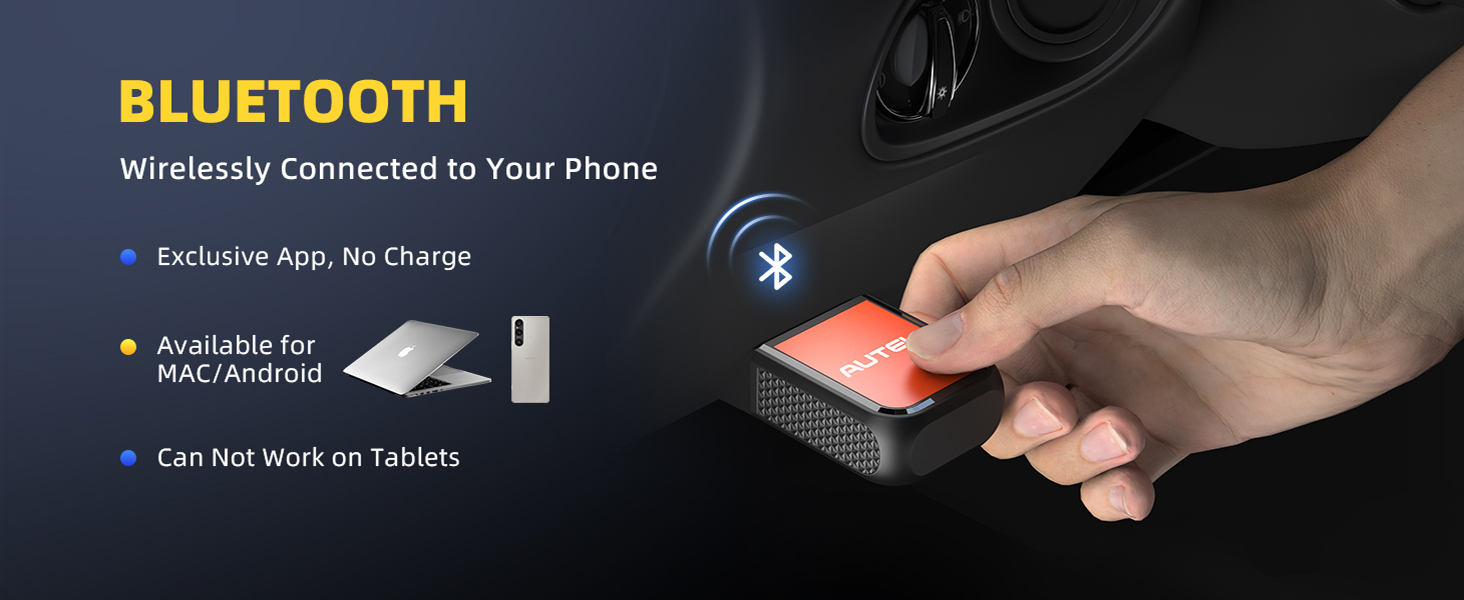
Image: A smartphone screen displaying a performance test measuring a car's 0-100 km/h acceleration time.
3.5 AutoVIN and Real-time Data
The AutoVIN feature automatically identifies vehicle information, streamlining the diagnostic process. The device also provides real-time graphic data display for various parameters, aiding in quick problem identification.
- Automatically identify vehicles in seconds.
- Display real-time data such as engine speed, coolant temperature, oil temperature, battery status, and more.

Image: A smartphone displaying real-time graphic data for various vehicle parameters, indicating car health and potential issues.
3.6 Emissions Test
Perform a quick emissions test to check if your vehicle meets smog compliance standards and is ready for a smog test.

Image: A car undergoing an emissions test, with a 'Smog Check' logo, highlighting the scanner's ability to check for smog compliance.
4. Maintenance
4.1 Software Updates
The Autel AP2500/AP2500E offers lifetime free updates for one chosen car brand. For additional car brands, a subscription fee applies.
- Regularly check the MaxiAP Diag app for software updates to ensure optimal performance and access to the latest vehicle data and functions.
- Updates are typically performed directly through the app with a stable internet connection.

Image: A visual representation of the one-click update process within the MaxiAP Diag app.
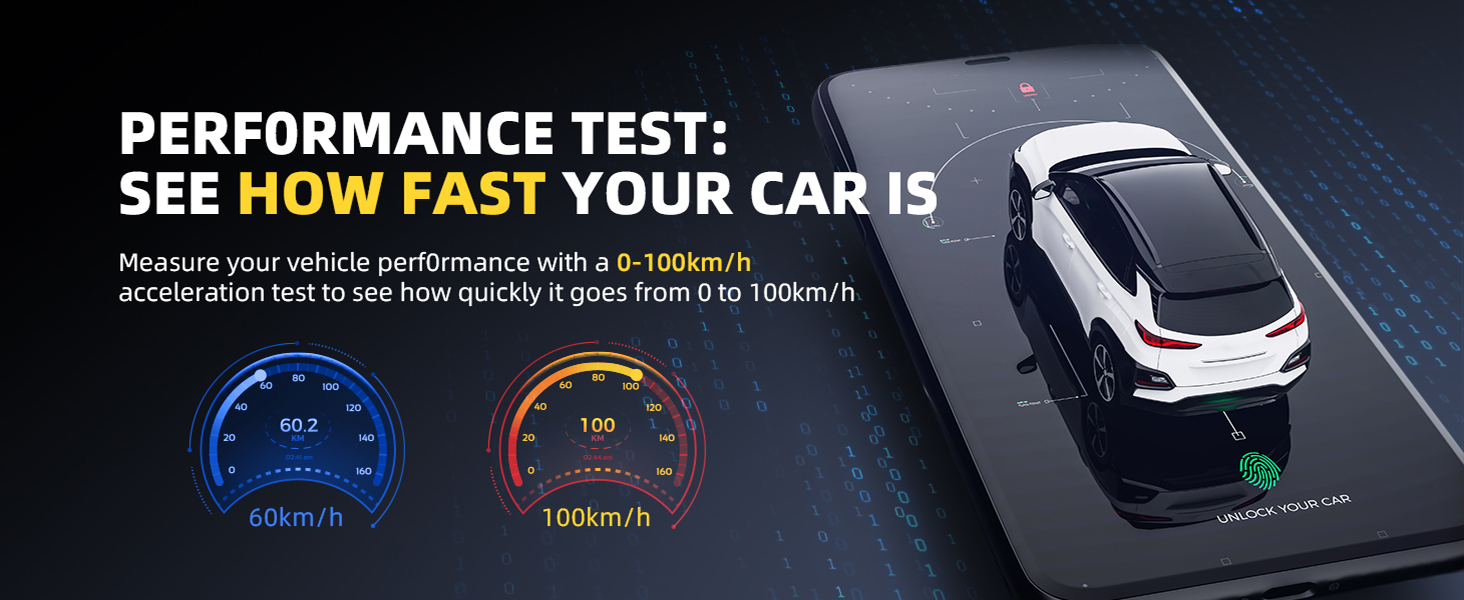
Image: Details regarding the subscription model for additional car brands, indicating the first brand is free and subsequent brands require an annual fee.
5. Troubleshooting
If you encounter issues with your Autel AP2500/AP2500E, consider the following common solutions:
- Connection Issues: Ensure the scanner is firmly plugged into the vehicle's OBDII port. Verify that Bluetooth is enabled on your mobile device and that pairing is initiated and completed within the MaxiAP Diag app, not through your phone's general settings.
- App Not Available/Function Unavailable: The app and certain functions may have regional restrictions. Ensure your device's region settings are compatible with the product's intended market (e.g., North America for this model).
- Firmware Update Loop: If the app repeatedly requests a firmware update, ensure you have a stable internet connection. Try restarting the app and your mobile device. If the issue persists, contact Autel customer support.
- Vehicle Compatibility: While the AP2500/AP2500E supports a wide range of vehicles, specific functions may vary by vehicle make, model, and year. Refer to the in-app vehicle coverage lookup function for detailed compatibility.
- Slow Performance: Ensure your mobile device meets the minimum system requirements for the MaxiAP Diag app and has sufficient storage space.
For persistent issues or advanced troubleshooting, refer to the official Autel support resources or contact their customer service.
6. Specifications
| Brand | Autel |
| Model | AP2500/AP2500E (Upgrade of AP200) |
| Item Weight | 3.87 ounces |
| Package Dimensions | 10.04 x 8.15 x 1.42 inches |
| Operating System | Android, iOS (Phone devices only, not tablets) |
| Connectivity | Bluetooth 5.0 |
| Supported Protocols | CAN FD, all OBDII protocols |
| Vehicle Coverage | 45+ Brands, 1996-2025 OBD vehicles (Designed for North America) |
| Included Components | Autel AP2500/AP2500E OBD2 Scanner Bluetooth |
7. Warranty and Support
Autel provides comprehensive support for the AP2500/AP2500E scanner.
- Quality Backup: The product includes a 2-year quality backup.
- Technical Support: Access to 24/7 technical support for assistance with any issues or questions.
- Software Updates: Lifetime regular updates for the chosen vehicle brand.
For support, please contact Autel customer service through their official website or the contact information provided in the MaxiAP Diag app.
Image: Autel customer service team members ready to provide professional technical support.