
1. Introduction
The WRINERY Fingertip Pulse Oximeter is a device designed to provide an accurate reading of your blood oxygen saturation level (SpO2) and pulse rate from your fingertip. This manual provides essential information for the safe and effective use of the device.
2. Important Safety Information
This pulse oximeter is not intended for medical use. It is designed for data monitoring of blood oxygen saturation levels at home, during sports activities, or for aviation use only. It is suitable for athletes and seniors. Consult a medical professional for any health concerns.
Do not use the device in an MRI or CT environment.
Keep the device away from young children as small parts may pose a choking hazard.
3. Package Contents
- 1 x WRINERY Fingertip Pulse Oximeter
- 1 x Protective Case
- 1 x Hook
- 1 x Lanyard
- 2 x AAA Batteries
- 1 x User Manual
4. Product Features
- High-Definition OLED Display: Provides clear and vivid reading data.
- Accurate and Reliable: Measures oxygen levels and pulse rate within approximately 8 seconds.
- Portable Design: Compact size for easy carrying.
- Wide Finger Size Accommodation: Designed for ages 12 and above.
5. Device Layout
Familiarize yourself with the components of your WRINERY Pulse Oximeter:

Image: Diagram showing the operating button, SpO2 value, perfusion index, pulse rate, power indicator, and graph on the oximeter's OLED display.
- Operating Button: Used to power on/off the device and change display modes.
- SpO2 Value: Displays blood oxygen saturation level.
- Perfusion Index (PI): Indicates the strength of the pulse signal.
- Pulse Rate (PR bpm): Displays heart rate in beats per minute.
- Power Indicator: Shows battery level.
- Graph: Visual representation of pulse waveform.
6. Setup
Battery Installation
The device requires two AAA batteries for operation. Ensure correct polarity during installation.

Image: Illustration demonstrating how to open the battery compartment and insert two AAA batteries with correct polarity.
- Open the battery cover on the back of the device.
- Insert two AAA batteries, matching the positive (+) and negative (-) terminals as indicated inside the compartment.
- Close the battery cover securely.
7. Operating Instructions
Follow these steps to obtain a reading:
- Ensure the device has batteries installed.
- Open the clamp of the oximeter.
- Insert one finger into the rubber opening of the oximeter, ensuring the finger is placed correctly.
- Press the operating button on the front panel to turn on the device.
- Keep your hand still during the measurement. Movement can affect accuracy.
- The readings for SpO2 and pulse rate will appear on the display within a few seconds.
- The device will automatically power off after approximately 8 seconds of inactivity.
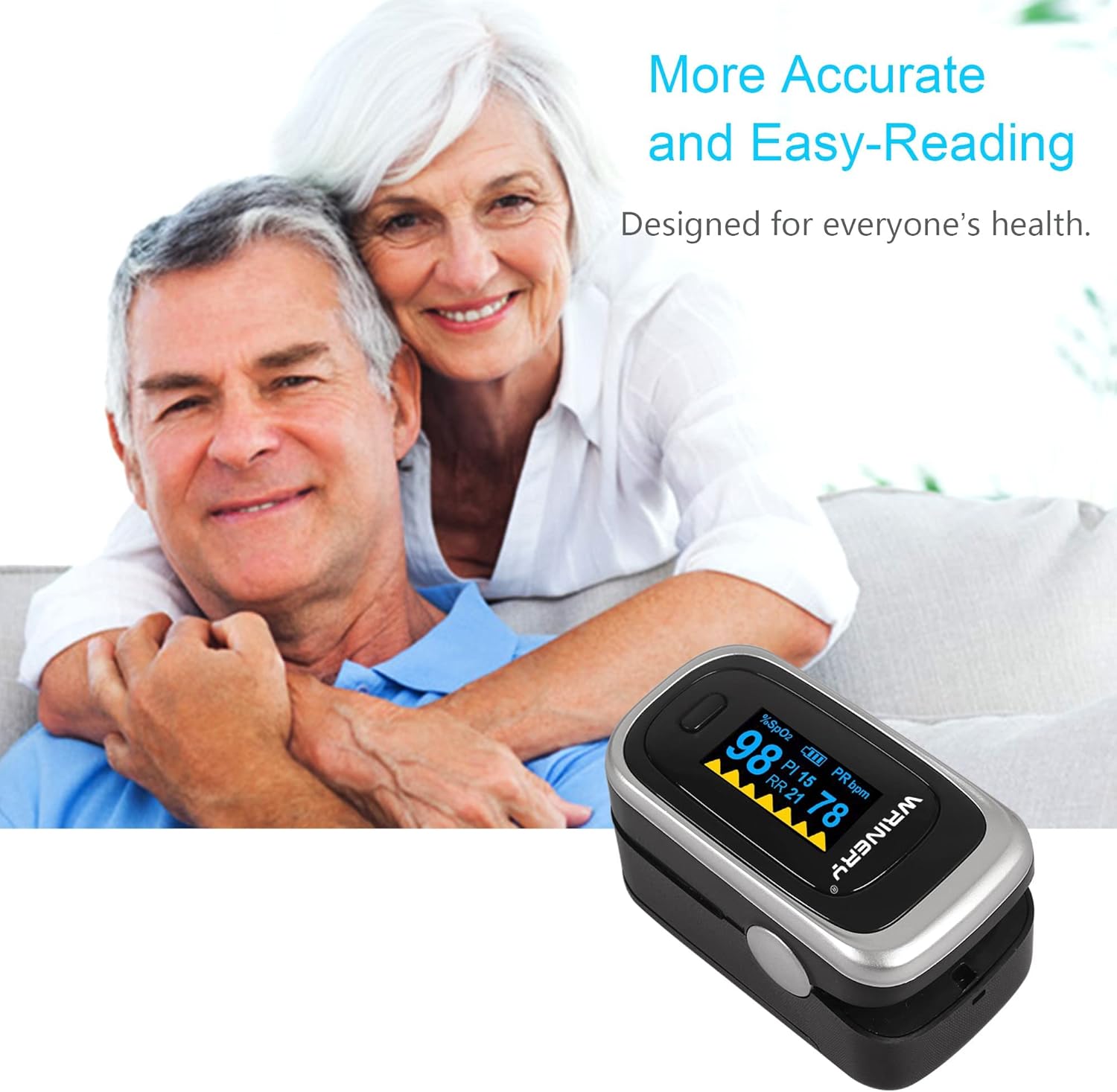
Image: A WRINERY Pulse Oximeter displaying readings, with an elderly couple in the background, illustrating ease of use.
8. Understanding Readings
The display shows two primary measurements:
- SpO2 (%): Blood oxygen saturation level. This indicates the percentage of hemoglobin in your blood that is saturated with oxygen.
- PR bpm: Pulse Rate. This is the number of times your heart beats per minute.
Reasons for Inaccurate Readings
Several factors can lead to inaccurate readings:
- Low Blood Perfusion: If your blood perfusion level is low, the oximeter may have difficulty registering an accurate reading. Warming your hands and fingers (e.g., by rubbing them together) before measurement can help.
- Movement: Any movement of the hand or finger during measurement can cause the device to reset or provide an inaccurate reading. Keep your hand still.
- Nail Polish or False Fingernails: These can obstruct the light path and lead to false readings.
- Cold Fingers: Cold extremities can reduce blood flow and affect accuracy.
- Strong Ambient Light: Direct sunlight or strong artificial light can interfere with the sensor.
9. Maintenance
Cleaning the Device
Clean the surface of the oximeter before and after each use. Use a soft cloth dampened with a mild disinfectant (e.g., 70% isopropyl alcohol). Do not immerse the device in water or any cleaning solution.
Storage
Store the device in its protective case in a cool, dry place when not in use. Avoid extreme temperatures, humidity, and direct sunlight. Remove batteries if the device will not be used for an extended period to prevent leakage.
10. Troubleshooting
If you encounter issues with your WRINERY Pulse Oximeter, refer to the following table:
| Problem | Possible Cause | Solution |
|---|---|---|
| Device does not turn on | Dead or incorrectly installed batteries | Replace batteries or ensure correct polarity. |
| Inaccurate or unstable readings | Movement during measurement, low blood perfusion, nail polish, cold fingers, strong ambient light | Keep still, warm fingers, remove nail polish, avoid strong light. |
| Battery cover does not stay closed | Original design for easy opening, or batteries not fully inserted | Ensure batteries are fully inserted. If the issue persists, contact customer support. |
| Display shows "Finger Out" or similar error | Finger not properly inserted or sensor obstruction | Reinsert finger, ensuring it is fully and correctly positioned in the chamber. |
11. Specifications
| Specification | Detail |
|---|---|
| Model Name | Oxygen Saturation Monitor |
| Brand | WRINERY |
| Measuring Range (SpO2) | 95-100% |
| Measuring Range (Pulse Rate) | 60-100 beats per minute |
| Display Type | OLED |
| Power Source | 2 x AAA Batteries (included) |
| Package Dimensions | 3.86 x 3.07 x 1.93 inches |
| Item Weight | 4.66 ounces |
| First Available Date | September 22, 2019 |
12. Warranty and Support
For warranty information or technical support, please refer to the contact details provided with your purchase documentation or visit the official WRINERY website. Please have your product model and purchase date available when contacting support.