
WRINERY B07Y7Z7RS9
Contents
WRINERY Oxygen Saturation Monitor, Pulse Oximeter Fingertip, Model B07Y7Z7RS9 User Manual
Model: B07Y7Z7RS9 | Brand: WRINERY
1. Introduction
The WRINERY Fingertip Pulse Oximeter is a portable, non-invasive device intended for spot-checking of oxygen saturation of arterial hemoglobin (SpO2) and pulse rate. It is designed for use by sports enthusiasts, aviators, and individuals interested in monitoring their SpO2 and pulse rate at home. This device is not intended for medical diagnosis or treatment.
2. Important Safety Information
- This pulse oximeter is not for medical use. It is intended for data monitoring of blood oxygen saturation level at home, for sports, or aviation use only.
- Consult a medical professional for any health concerns.
- Do not use the device in an MRI or CT environment.
- Keep the device away from young children. Small parts may pose a choking hazard.
- Do not use the device on the same finger for more than 5 minutes continuously.
3. Package Contents
Please check the package contents to ensure all items are present:
- 1 x WRINERY Fingertip Pulse Oximeter
- 1 x Protective Case
- 1 x Hook
- 1 x Lanyard
- 2 x AAA Batteries
- 1 x User Manual (this document)
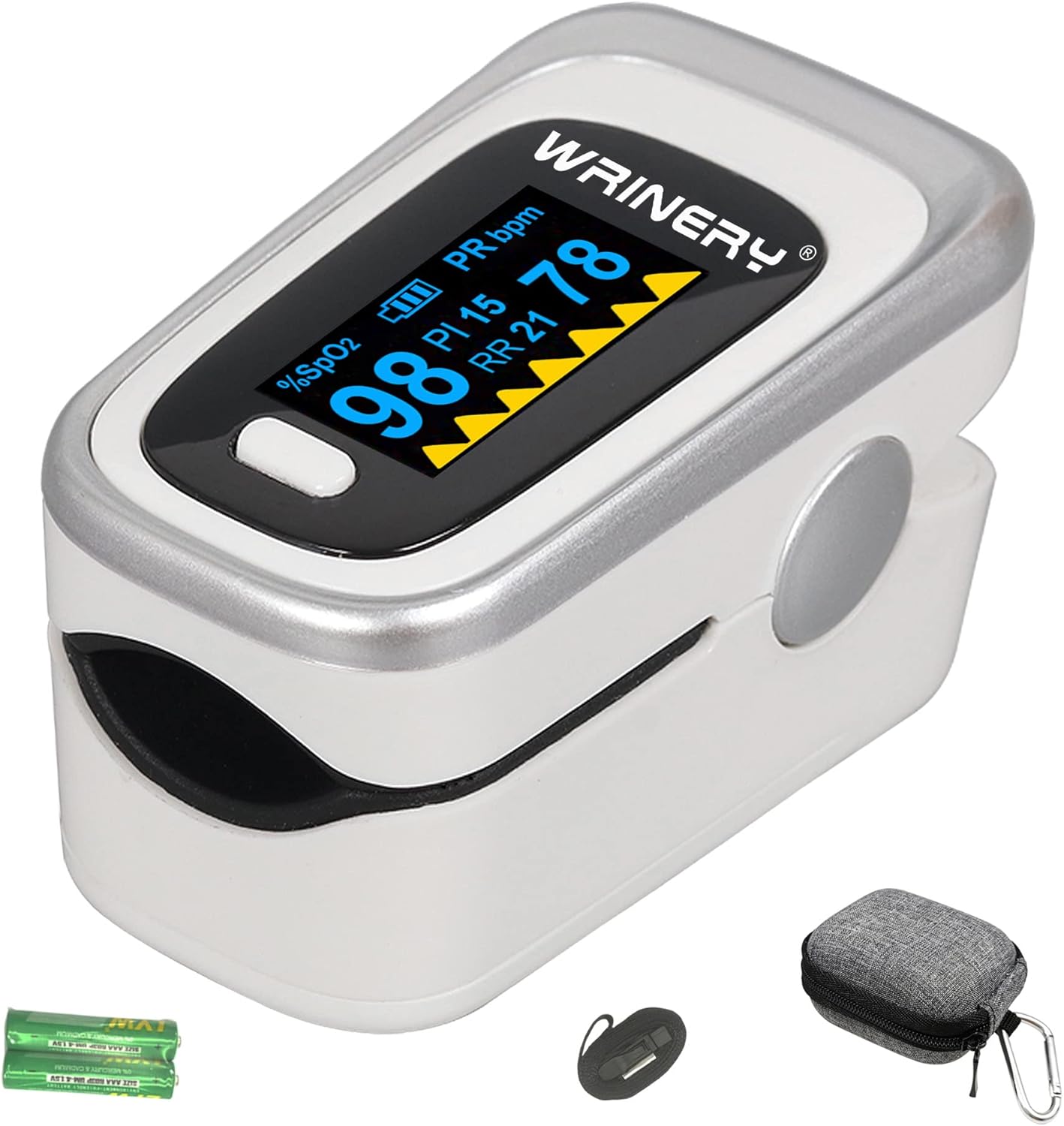
Image: The WRINERY Pulse Oximeter, along with its protective case, lanyard, and AAA batteries.
4. Product Overview
The WRINERY Pulse Oximeter features a compact design with an OLED display for clear readings.

Image: Diagram illustrating the components of the pulse oximeter, including the operating button, OLED display showing SpO2 value, Perfusion Index (PI), Pulse Rate (PR bpm), Power Indicator, and a graph.
- Operating Button: Powers the device on/off and changes display modes.
- OLED Display: Shows SpO2, Pulse Rate, Perfusion Index, and a plethysmograph.
- Finger Chamber: Where the finger is inserted for measurement.
- Battery Compartment: Located at the back for AAA batteries.
5. Setup and Battery Installation
- Open the battery compartment cover located on the back of the device.
- Insert the two AAA batteries provided, ensuring correct polarity (+ and -).
- Close the battery compartment cover securely.
Note: The battery cover is designed to be easily opened. Inserting the batteries helps it stay more securely closed. If issues persist, contact customer support.
6. Operating Instructions
To obtain an accurate reading:
- Ensure your hand is warm and still. Avoid movement during measurement.
- Open the clamp of the oximeter.
- Insert one finger (preferably the index or middle finger) into the finger chamber, ensuring it is fully inserted and resting on the sensor.
- Release the clamp.
- Press the operating button once to turn on the device.
- Keep your hand still. The readings for SpO2 and pulse rate will appear on the OLED display within approximately 8 seconds.
- To turn off the device, remove your finger. The device will automatically power off after a few seconds of inactivity.
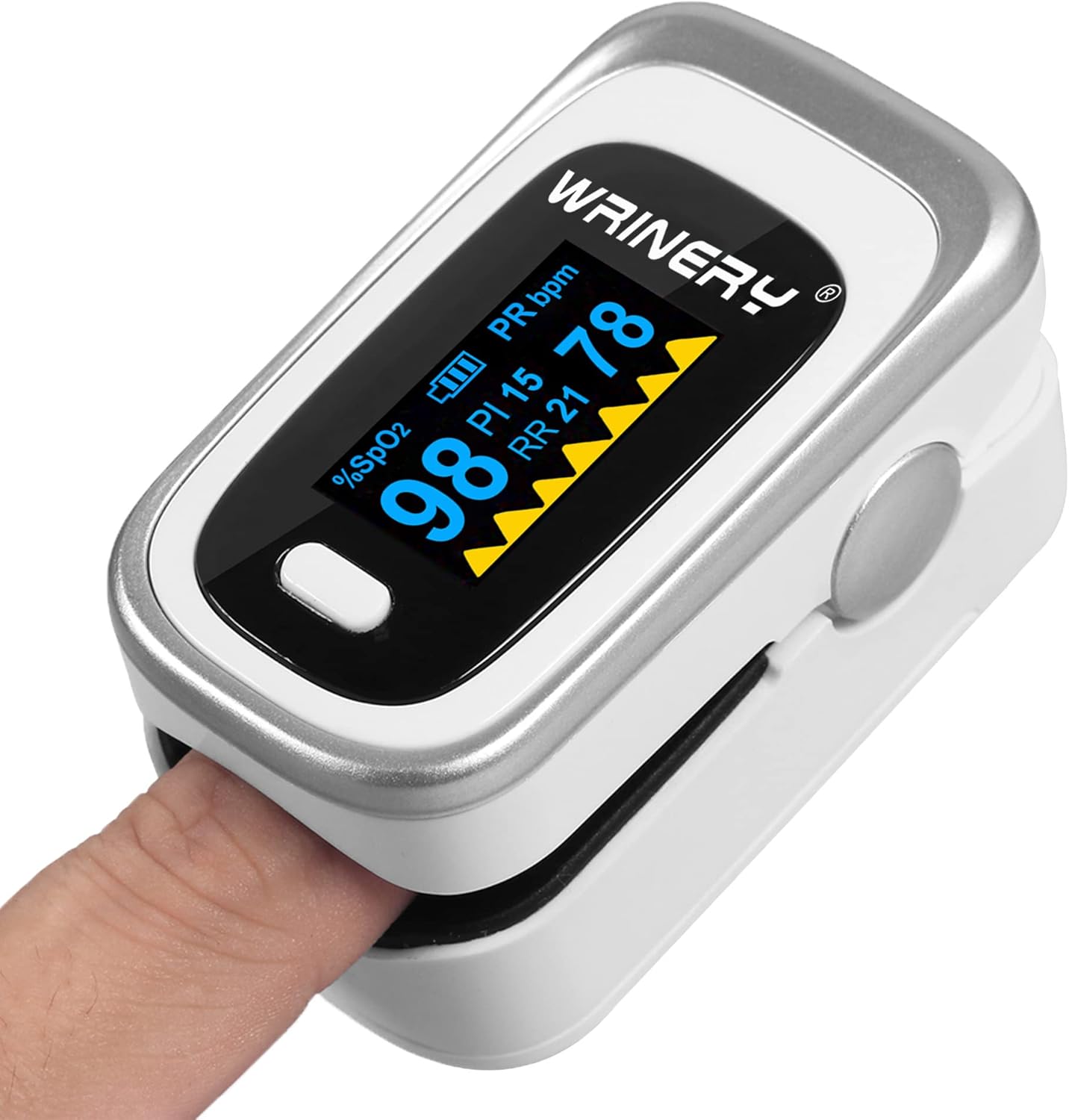
Image: A finger correctly inserted into the WRINERY Pulse Oximeter, with the device displaying readings.
7. Understanding Your Readings
- SpO2 (%): Oxygen Saturation Level. This indicates the percentage of hemoglobin in your blood that is saturated with oxygen. Normal values typically range from 95% to 100%.
- PR bpm: Pulse Rate (beats per minute). This is the number of times your heart beats per minute. Normal adult resting heart rates typically range from 60 to 100 bpm.
- PI (Perfusion Index): This indicates the strength of the pulse signal. A higher PI value generally means a stronger signal and more reliable reading.
- Plethysmograph: The waveform displayed on the screen represents the pulse strength. A consistent, smooth waveform indicates a good signal.
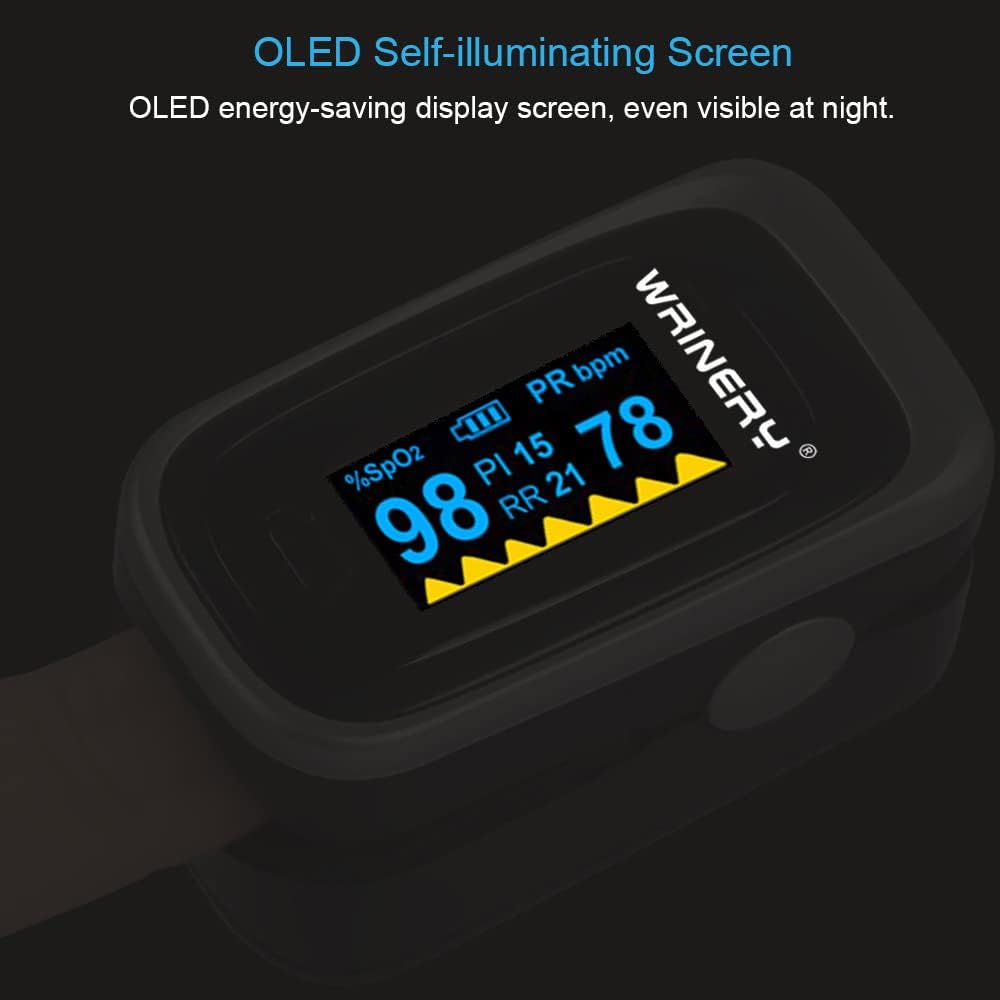
Image: The WRINERY Pulse Oximeter's OLED display, clearly visible in low light conditions, showing SpO2 and pulse rate readings.
8. Tips for Accurate Readings
- Keep Still: Any movement during measurement can cause inaccurate readings.
- Warm Hands: If your blood perfusion level is low (e.g., cold hands), the oximeter may have difficulty registering an accurate reading. Warm your hands by rubbing them together before use.
- Avoid Nail Polish/False Nails: Nail polish and artificial nails can interfere with the light sensor and lead to false readings.
- Proper Finger Placement: Ensure your finger is fully inserted into the chamber.
- Appropriate Finger Size: The device accommodates a wide range of finger sizes, generally suitable for ages 12 and above.
9. Maintenance
- Cleaning: Wipe the finger chamber with a soft cloth dampened with alcohol. Do not immerse the device in liquid.
- Storage: Store the oximeter in a cool, dry place, away from direct sunlight and extreme temperatures.
- Battery Replacement: Replace batteries when the low battery indicator appears on the display. Remove batteries if the device will not be used for an extended period.
10. Troubleshooting
| Problem | Possible Cause | Solution |
|---|---|---|
| Inaccurate or no reading |
|
|
| Battery cover not staying closed | Original design for easy opening; may feel loose without batteries. | Ensure batteries are correctly inserted. The presence of batteries helps the cover stay more securely closed. If the issue persists, contact WRINERY customer support. |
| Device does not turn on |
|
|
11. Specifications
| Brand | WRINERY |
| Model | B07Y7Z7RS9 |
| Measuring Range (SpO2) | 70% to 100% |
| Power Source | 2 x AAA batteries (included) |
| Display Type | OLED |
| Package Dimensions | 3.86 x 3.03 x 1.93 inches |
| Weight | 2.89 ounces |
12. Warranty and Support
For warranty information or technical support, please refer to the contact details provided with your purchase or visit the official WRINERY website. Keep your purchase receipt for warranty claims.
13. Intended Use and Disclaimer
This WRINERY Pulse Oximeter is intended for non-medical use, specifically for monitoring blood oxygen saturation levels in home, sports, or aviation environments. It is suitable for athletes, seniors, mountain climbers, skiers, and bikers. This device is not intended to diagnose, treat, cure, or prevent any disease or health condition. Always consult with a healthcare professional for medical advice.
Ask a question about this manual
Ask about setup, troubleshooting, compatibility, parts, safety, or missing instructions. Manuals+ will review the question and use this page’s manual context to help answer it.