
1. Product Overview
The WILLED Under Bed Light is a 5ft (1.524 meter) RGB LED strip designed for various indoor lighting applications. It features a motion-activated sensor, an RF remote controller, and a timer function, allowing for customizable lighting experiences. The LED strip offers 12 static colors and 4 dynamic modes, with dimmable and memory functions.

Image: The WILLED Under Bed Light RGB LED Strip, showcasing its components and features.
2. Package Contents
Verify that all items are present in the package:
- 1 x RGB LED Strip (5ft / 1.524 meter)
- 1 x Motion Activated Sensor
- 1 x RF Remote Controller
- 1 x Power Adapter (UK Plug)
- 3M Adhesive Tape (pre-applied or included for sensor)
- Mounting clips and screws (may be included)

Image: All components included in the WILLED Under Bed Light package, including the LED strip, motion sensor, remote, and power adapter.
3. Specifications
| Brand | WILLED |
| Model Number | 653472834972 |
| Light Type | LED Strip |
| Light Color | RGB (12 static colors, 4 dynamic modes) |
| Length | 5ft (1.524 meters) |
| Power Source | Corded Electric (110 Volts) |
| Wattage | 10 watts |
| Control Method | RF Remote Control, Motion Sensor |
| Special Features | Color Changing, Dimmable, Memory Function, Motion Activated, Timer |
| Indoor/Outdoor Usage | Indoor |
| Water Resistance Level | Water Resistant (Note: Not fully waterproof for outdoor submersion) |
4. Safety Information
- Read all instructions before installation and use.
- Indoor Use Only: While water resistant, this product is designed for indoor use. Avoid direct exposure to heavy rain or submersion in water.
- Power Supply: Use only the provided power adapter. Using an incompatible power supply may damage the product and void the warranty.
- Installation Surface: Ensure the installation surface is clean, dry, and smooth for optimal adhesion.
- Avoid Obstruction: Do not cover the LED strip or power adapter with materials that could impede heat dissipation.
- Children and Pets: Keep the product and its components out of reach of children and pets.
- Maintenance: Disconnect power before cleaning or performing any maintenance.
- Damage: Do not operate the product if any part is damaged. Contact customer support for assistance.
5. Installation Guide
The LED strip and motion sensor are equipped with 3M adhesive tape for easy installation.
- Prepare the Surface: Clean the desired installation surface thoroughly. Ensure it is dry and free of dust, oil, or debris.
- Plan Placement: Determine the optimal placement for the LED strip and the motion sensor. The motion sensor should be positioned to detect movement in the desired area (e.g., facing outwards from under a bed).
- Attach LED Strip: Peel off the protective backing from the 3M adhesive on the back of the LED strip. Carefully press the strip onto the cleaned surface, applying firm pressure along its entire length to ensure good adhesion.
- Attach Motion Sensor: Peel off the protective backing from the 3M adhesive on the motion sensor. Attach the sensor to a suitable location, ensuring its detection range covers the intended area.
- Connect Components: Connect the LED strip to the motion sensor, and then connect the motion sensor to the power adapter.
- Power On: Plug the power adapter into a standard electrical outlet.
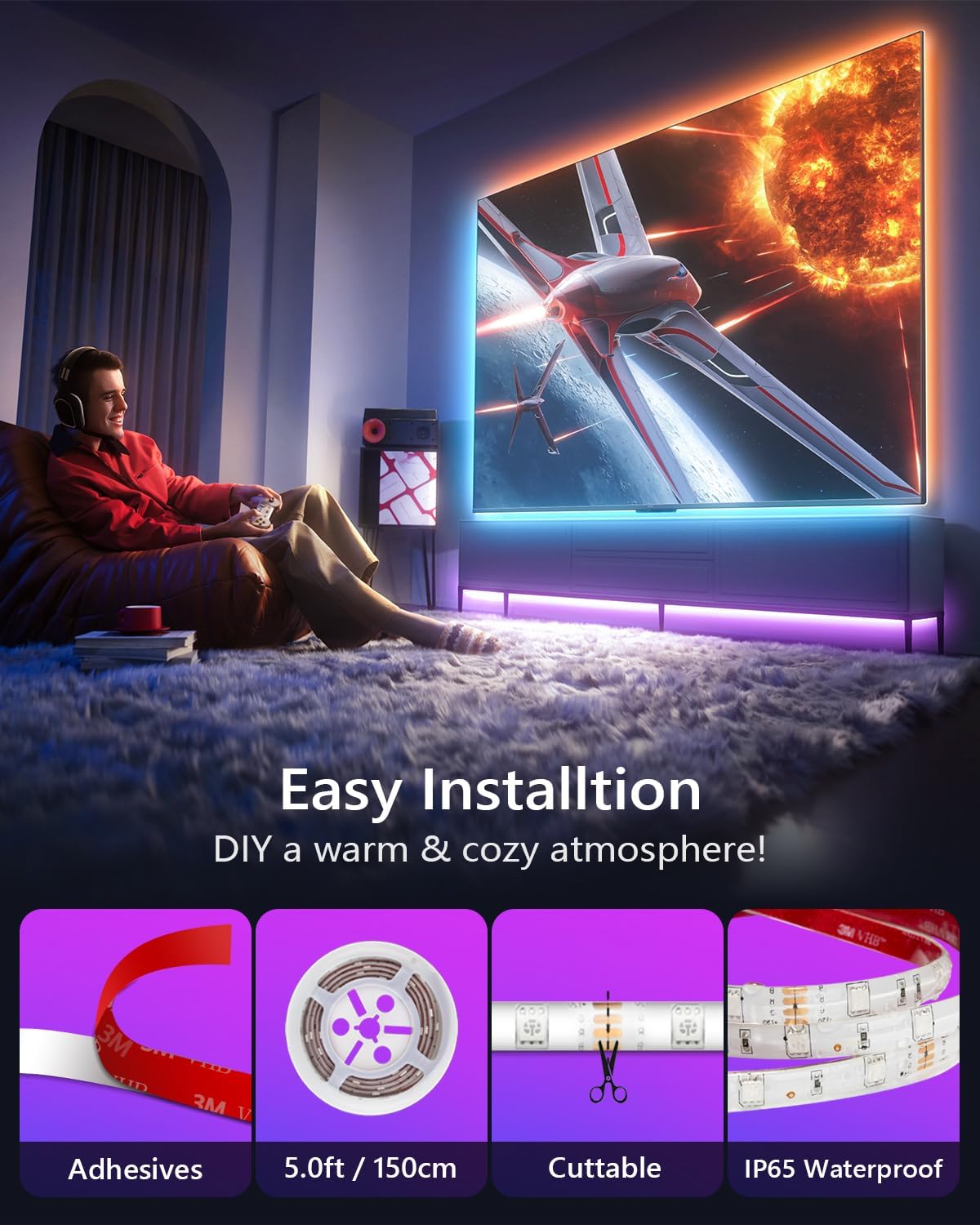
Image: Visual guide demonstrating the easy installation process using 3M adhesive for the LED strip and motion sensor.
Note: The LED strip can be cut at designated marks if a shorter length is required. Ensure to cut only at the marked points to avoid damaging the circuit.
6. Operating Instructions
6.1 Remote Control Functions
The RF remote controller allows for full control over the LED strip's functions.

Image: The RF remote controller with buttons for color selection, dimming, timing, and mode changes.
- Power ON/OFF: Press the ON button to turn on the lights, and OFF to turn them off.
- Color Selection: Choose from 12 static colors by pressing the corresponding color buttons.
- Brightness Adjustment: Use the Brightness Up and Brightness Down buttons to adjust the light intensity.
- Dynamic Modes: Select from 4 dynamic modes (e.g., flash, strobe, fade, smooth) using the MODE button.
- Memory Function: The light will remember the last selected color/mode and brightness setting when turned off and on again.
6.2 Motion Sensor Mode
The motion sensor allows the lights to activate automatically when movement is detected in the dark.
- Activation: The motion sensor is built-in. When set to motion-activated mode, the lights will turn on when motion is detected within approximately 4 meters in a dark environment.
- Timer Settings: Use the remote control to set the duration the lights stay on after motion detection. Available timer options are 15 seconds, 30 seconds, 60 seconds, and 300 seconds.
- Two Using Modes: You can either control the strip light manually using the remote or switch to automatic motion-activated mode.
7. Applications
The WILLED Under Bed Light is versatile and can be used in various indoor settings:
- Under beds for ambient or night lighting.
- Along stairs for safety and aesthetic appeal.
- Inside cabinets or cupboards for illumination.
- Behind TVs or monitors for bias lighting.
- Under sofas, bookshelves, or other furniture.
- As night lights for baby beds or children's rooms.

Image: Examples of LED strip lights illuminating kitchen cabinets and stairs.

Image: LED strip lights providing soft illumination for a baby bed.
8. Troubleshooting
| Problem | Possible Cause | Solution |
|---|---|---|
| Lights do not turn on. |
|
|
| Motion sensor not activating lights. |
|
|
| Remote control not working. |
|
|
| LED strip not adhering properly. |
|
|
9. Warranty and Customer Support
WILLED provides a 12-month warranty for this Under Bed Light product. If you encounter any issues or have questions regarding the product, please contact WILLED customer support for assistance.
For support, please refer to the contact information provided with your purchase or visit the official WILLED website.