
1. Introduction
This manual provides detailed instructions for the safe and efficient operation of your Yostyle LED Desk Lamp, Model SPMKJ-07. This versatile lamp combines adjustable LED lighting with a convenient power strip and USB charging station, designed for various environments such as home, office, dorms, and hotels. Please read this manual thoroughly before use and retain it for future reference.

Figure 1: Yostyle LED Desk Lamp with its integrated USB charging ports and AC outlets.
2. Setup
Follow these steps to set up your Yostyle LED Desk Lamp:
- Unpack: Carefully remove all components from the packaging. Ensure all parts are present: lamp base with integrated power strip, lamp arm, and power cord.
- Assemble Lamp Arm: Insert the lamp arm into the designated slot on the lamp base. Ensure it is securely seated to establish electrical connection.
- Connect Power: Plug the 5ft (1.5m) extension cord into a standard AC wall outlet.
- Adjust Angle: The lamp features a 180° flexible arm and 90° base axis. Adjust the lamp head and arm to your desired position.
For a visual guide on assembly, please refer to the video below:
Video 1: Overview and assembly of the Yostyle Black Table Lamp, demonstrating its features and setup process.
3. Operating Instructions
3.1. Light Control
The LED desk lamp features a touch-sensitive panel for controlling the light. Simply touch the designated area on the base to cycle through brightness levels:
- First Touch: Low Brightness
- Second Touch: Medium Brightness
- Third Touch: High Brightness
- Fourth Touch: Turn Off

Figure 2: Demonstrating the three adjustable brightness levels of the lamp.
3.2. Charging Ports & AC Outlets
The lamp base integrates a power strip for convenient charging:
- USB Charging Ports: The lamp is equipped with 4 USB charging ports (2 USB-A and 2 USB-C). These ports utilize smart charging technology to detect your device and deliver the fastest possible charge speed, up to 2.4 amps per port or 3.4 amps overall.
- AC Outlets: Two standard AC outlets are provided for powering other devices. These outlets include surge protection (1700J) and offer overload, short-circuit, over-current, and overheating protection for safety.

Figure 3: The lamp's base with multiple devices connected for charging.
The lamp also features a 5ft (1.5m) thick power cord for extended reach and convenience.

Figure 4: The 5ft long extension cord for convenient use.
4. Features
- Adjustable Brightness: 3 levels (low, medium, high) for various needs, providing flicker-free lighting.
- Integrated Charging: 4 USB charging ports (2 USB-A, 2 USB-C) and 2 AC power outlets.
- Smart Charging: Detects devices automatically for optimal charging speed (up to 2.4A per port, 3.4A total).
- Safety Protection: Built-in Surge Protector (1700J), Overload, Short-circuit, Over-current, and Overheating protection.
- Flexible Design: 180° flexible arm and 90° base axis for multi-angle adjustment and space-saving storage.
- Long Power Cord: 5ft (1.5m) 18 AWG thick power cord.
- Material: PC+ABS Fireproof Plastics, Plastic.
- Light Source: LED (48 light sources, 6W wattage).
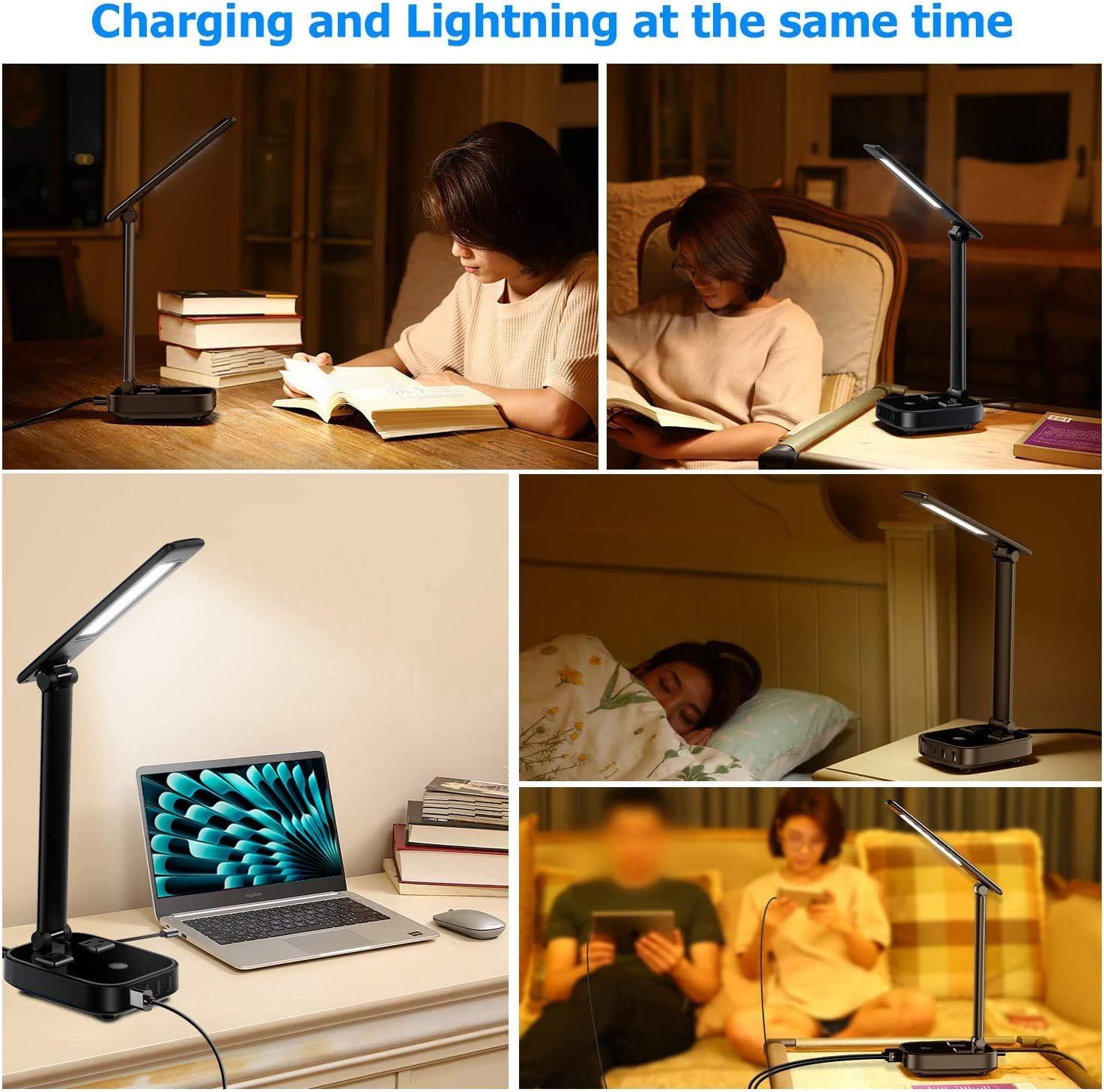
Figure 5: Multi-angle adjustment for optimized lighting.

Figure 6: Compact size for space-saving storage.
5. Maintenance
To ensure the longevity and optimal performance of your Yostyle LED Desk Lamp, follow these maintenance guidelines:
- Cleaning: Disconnect the lamp from the power source before cleaning. Use a soft, dry cloth to wipe the lamp's surfaces. Avoid abrasive cleaners, solvents, or harsh chemicals, as these can damage the finish.
- Dust Removal: Regularly dust the LED panel and base to prevent accumulation that could affect light output or heat dissipation.
- Cord Care: Inspect the power cord periodically for any signs of damage, fraying, or kinks. If damage is found, discontinue use and contact customer support.
- Storage: When not in use for extended periods, store the lamp in a cool, dry place. The foldable design allows for compact storage.
6. Troubleshooting
If you encounter any issues with your Yostyle LED Desk Lamp, refer to the following troubleshooting tips:
- Lamp Not Turning On:
- Ensure the power cord is securely plugged into both the lamp base and a working wall outlet.
- Verify that the wall outlet is receiving power by testing it with another device.
- Check the touch control area for any obstructions or debris.
- USB Ports or AC Outlets Not Working:
- Confirm the lamp is powered on.
- Ensure devices are properly connected to the ports/outlets.
- If multiple devices are connected, temporarily disconnect some to check if an overload protection has been triggered.
- Check the device's charging cable for damage.
- Light Flickering or Dimming Unexpectedly:
- Ensure the power connection is stable.
- Avoid placing the lamp in areas with extreme temperature fluctuations.
If the issue persists after attempting these steps, please contact Yostyle customer support for further assistance.
7. Specifications
| Feature | Detail |
|---|---|
| Model Name | SPMKJ-07 |
| Brand | Yostyle |
| Product Dimensions | 4.76"D x 11.45"W x 11.9"H |
| Item Weight | 1.5 Pounds |
| Light Source Type | LED |
| Number of Light Sources | 48 |
| Wattage | 6W |
| Control Method | Touch |
| Brightness Levels | 3 (Low, Medium, High) |
| USB Charging Ports | 4 (2 USB-A, 2 USB-C) |
| USB Output | Up to 2.4A per port, 3.4A total |
| AC Outlets | 2 |
| AC Output | 100-240V, 10A Max, 1000-2400W |
| Surge Protector | 1700J |
| Power Cord Length | 5ft (1.5m) |
| Material | PC+ABS Fireproof Plastics, Plastic |
| Certification | UL |
8. Warranty and Support
Yostyle products are designed and manufactured to the highest quality standards. For warranty information, technical support, or any questions regarding your LED Desk Lamp, please contact Yostyle customer service through their official channels. Keep your purchase receipt as proof of purchase.