
Introduction
Thank you for choosing the BN-LINK Mini Wireless Wall-Mounting Remote Control Outlet Switch. This manual provides essential information for the safe and efficient operation of your new device. Please read it thoroughly before use and retain it for future reference.
Product Overview
The BN-LINK wireless remote control outlet kit is designed to provide convenient control over your household appliances. It includes multiple wall-mounted outlets and a remote control for easy operation.

Figure 1: Components of the BN-LINK Wireless Remote Control Outlet Kit. This image displays the three wall-mounted remote control outlets, each numbered 1, 2, and 3, along with the corresponding wall-mountable remote control unit. The outlets are compact and designed to plug directly into standard wall sockets, while the remote features individual ON/OFF buttons for each outlet and a master ON/OFF button.

Figure 2: Dimensions of the BN-LINK Remote Control Outlet and Remote Controller. This image provides precise measurements for both the wall-mounted outlet (approximately 3.1 inches high by 2.05 inches wide) and the remote controller (approximately 5.04 inches high by 3.3 inches wide). The ON/OFF button on the side of the outlet is also highlighted.

Figure 3: Wireless Range Capability. This diagram illustrates the 100-foot wireless range of the BN-LINK system, showing how the RF receivers and transmitters can operate through doors and walls without interference. Multiple outlets are depicted in different rooms, all controllable from a central remote.
Features
- Ready-to-Go: Each kit includes everything needed to start, including remote batteries. Simply plug and play, or sync outlets as required.
- Strong Signal: RF receivers and transmitters work through doors and walls without interfering with other electronics. Signal range up to 100 ft in line of sight.
- Flexibility: Option to pair multiple BN-Link remote outlets together, allowing expansion of your system for convenient appliance control.
- Simple Convenience: Control appliances on and off using either the remote or the outlets themselves. Compatible with various electronic devices, including lights, air conditioners, heaters, audio systems, holiday decorations, and charging devices. Ratings: 125V, 10A, 1250W.
- Wall-Mount Remote: Includes an XL wall-mounting remote control for easy access and storage.
Setup Instructions
- Unpack Components: Carefully remove all items from the packaging. Ensure you have the remote control and the three wall-mounted outlets.
- Install Remote Battery: The remote control requires 1 A battery (included). Open the battery compartment on the back of the remote and insert the battery, observing polarity.

Figure 4: Remote Control Battery Installation and Wall Mounting. This image demonstrates how to install the 12V A23 battery into the remote control. It also shows the steps for optionally mounting the remote control to a wall using the included screws and anchors, providing a convenient and fixed location for the remote.
- Plug in Outlets: Plug each BN-LINK wall-mounted outlet into a standard 125V wall socket. The outlets are pre-paired with the remote control for immediate use.
- Connect Appliances: Plug your desired household appliances (lights, fans, etc.) into the BN-LINK outlets. Ensure the appliance's power switch is in the "ON" position if it has one, so it can be controlled by the remote.
Operating Instructions
The BN-LINK remote control system offers simple and intuitive operation.
- Individual Control: Use the numbered "ON" and "OFF" buttons (1, 2, 3) on the remote control to individually switch the corresponding outlets on or off.
- Master Control: The remote also features a master "ON" and "OFF" button, typically labeled "ALL ON" and "ALL OFF", to control all paired outlets simultaneously.
- Manual Control: Each wall-mounted outlet has a manual ON/OFF button on its side, allowing you to control the connected appliance directly at the outlet.
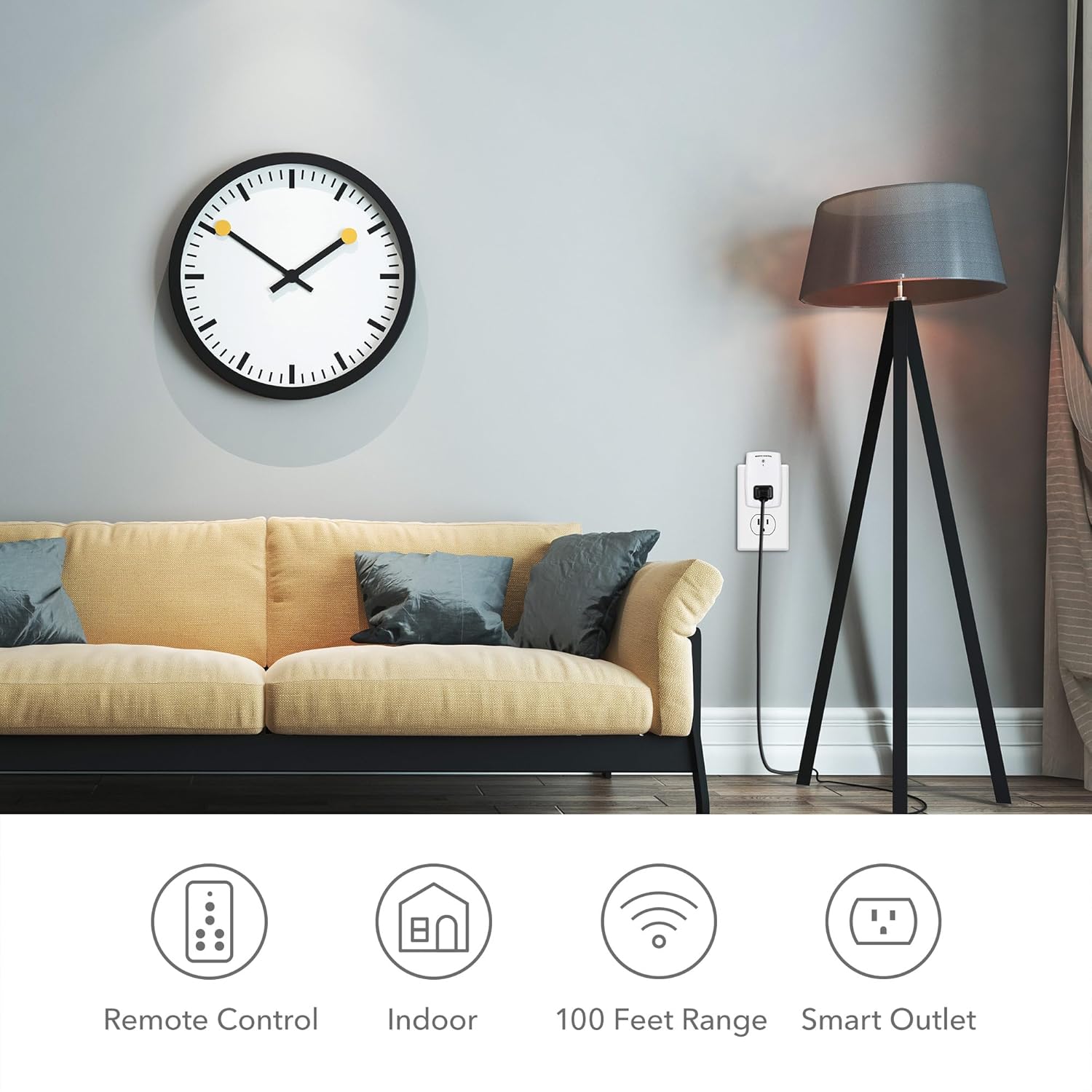
Figure 5: Remote Control in Use with Various Appliances. This image illustrates how the remote control can be used to operate different appliances connected to the outlets. It shows the remote controlling a light (1), a speaker (2), and a fan (3), demonstrating the versatility of the system in a home environment.

Figure 6: Convenient Control for Holiday Decorations. This image shows the remote control being used to easily turn Christmas tree lights on and off, highlighting a practical application for hard-to-reach plugs or seasonal decorations.
Maintenance
- Cleaning: Wipe the outlets and remote control with a soft, dry cloth. Do not use abrasive cleaners or immerse in water.
- Battery Replacement: If the remote control's indicator light does not illuminate or its range decreases, replace the 12V A23 battery.
- Storage: Store the device in a cool, dry place when not in use for extended periods.
Troubleshooting
| Problem | Possible Cause | Solution |
|---|---|---|
| Outlet not responding to remote. | Remote battery is low or dead. Outlets are out of range. Interference from other devices. Outlets are not paired correctly. | Replace remote battery. Move closer to the outlet. Reduce interference by moving other electronic devices. Re-pair the outlets with the remote (refer to the full user manual PDF for pairing instructions if needed). |
| Appliance does not turn on/off. | Appliance's own power switch is off. Appliance is faulty. Outlet is not receiving power. | Ensure the appliance's power switch is in the "ON" position. Test the appliance directly in a working wall socket. Check the wall socket for power. |
| Reduced wireless range. | Low remote battery. Obstructions (thick walls, metal objects). | Replace remote battery. Try to minimize obstructions between the remote and the outlets. |
For more detailed troubleshooting steps or specific pairing instructions, please refer to the official BN-LINK User Manual (PDF).
Specifications
| Attribute | Value |
|---|---|
| Package Dimensions | 5.47 x 3.54 x 3.11 inches; 13 ounces |
| Item Model Number | U149Y |
| Batteries | 1 A batteries required. |
| Date First Available | September 18, 2019 |
| Manufacturer | BN-LINK |
| ASIN | B07Y2B3677 |
| Country of Origin | China |
| Brand | BN-LINK |
| Color | White |
| Voltage | 125 Volts |
| Material | Plastic |
| Connector Type | Plug In |
Warranty and Support
BN-LINK is committed to providing high-quality products and excellent after-sales service. While specific warranty details are not provided in this document, please retain your proof of purchase for any warranty claims.
For further assistance, technical support, or warranty inquiries, please visit the official BN-LINK Store on Amazon or refer to the comprehensive User Manual (PDF) for detailed information.