
1. Introduction
Thank you for choosing the WholeFire XHP50 LED Flashlight. This powerful and versatile flashlight is designed for various applications, offering high brightness, multiple lighting modes, and convenient USB recharging. Please read this manual carefully before use to ensure proper operation and maintenance.
Package Contents:
- 2 x WholeFire XHP50 LED Flashlights
- 2 x Rechargeable Batteries
- 2 x USB Charging Cables
- 1 x User Manual
2. Safety Information
- Eye Safety: Do not point the flashlight directly into eyes, as the high brightness (4000 lumens) can cause temporary vision impairment or discomfort.
- Water Resistance: The flashlight is water-resistant (IP67 rated) and can withstand rain and splashes. It is not suitable for diving or prolonged submersion in water. Ensure the charging port cover is securely closed when not charging to maintain water resistance.
- Battery Safety: Use only the specified rechargeable batteries. Do not attempt to disassemble, short-circuit, or expose batteries to extreme heat or fire. Dispose of batteries according to local regulations.
- Charging: Use the provided USB cable for charging. Do not use damaged cables or chargers.
- Heat: The flashlight may become warm during prolonged use, especially on high mode. This is normal. Avoid touching the head of the flashlight directly after extended use.
- Children: Keep out of reach of children.
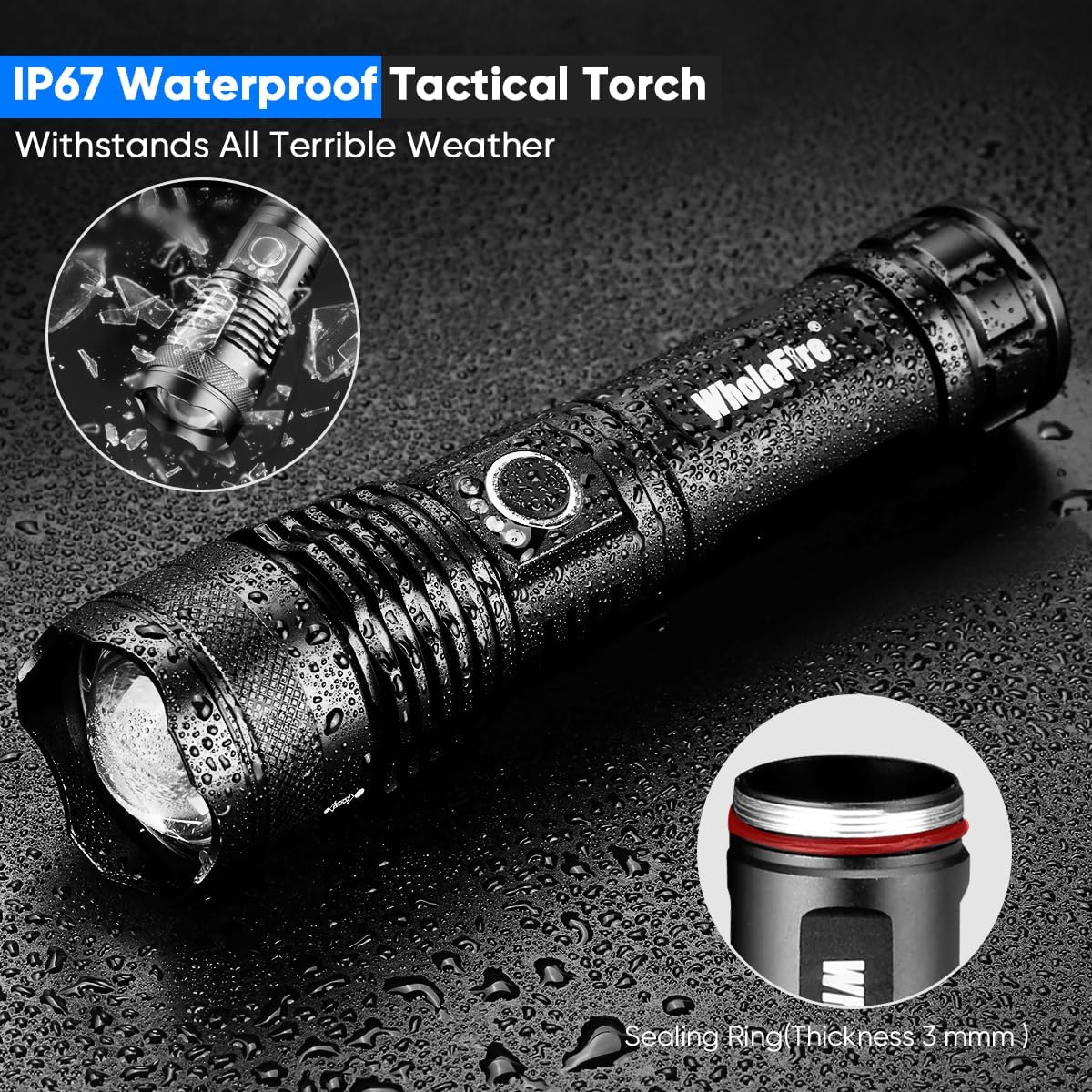
Image: The flashlight demonstrating its water-resistant design, suitable for use in wet conditions but not for submersion.
3. Setup
3.1 Battery Installation
- Unscrew the tail cap of the flashlight by turning it counter-clockwise.
- Insert the rechargeable battery with the positive (+) end facing towards the head of the flashlight.
- Screw the tail cap back on clockwise until it is securely tightened.
3.2 Initial Charging
- Locate the Micro USB charging port on the side of the flashlight. Open the protective rubber cover.
- Connect one end of the provided USB charging cable to the flashlight's Micro USB port.
- Connect the other end of the USB cable to a USB power source (e.g., wall adapter, computer, power bank).
- The power indicator lights (4 blue LEDs) will flash during charging and turn solid blue when fully charged.
- Once charging is complete, disconnect the USB cable and securely close the rubber cover to maintain water resistance.

Image: Flashlight showing the Micro USB input port and the 4-segment blue LED power display during charging.

Image: An exploded diagram illustrating the flashlight's components, including battery compartment, power switch, indicator light, and lens.
4. Operating Instructions
4.1 Power On/Off
- Press the power button once to turn the flashlight ON.
- Press and hold the power button for approximately 2 seconds to turn the flashlight OFF.
4.2 Mode Switching
With the flashlight ON, press the power button repeatedly to cycle through the 5 lighting modes:
- High Brightness (4000 Lumens)
- Medium Brightness
- Low Brightness
- Strobe (Flash)
- SOS Signal
4.3 Adjustable Focus (Zoom Function)
The flashlight features an adjustable focus mechanism to switch between a wide floodlight and a focused spotlight beam.
- To zoom in (narrow beam/spotlight), push the head of the flashlight forward.
- To zoom out (wide beam/floodlight), pull the head of the flashlight backward.
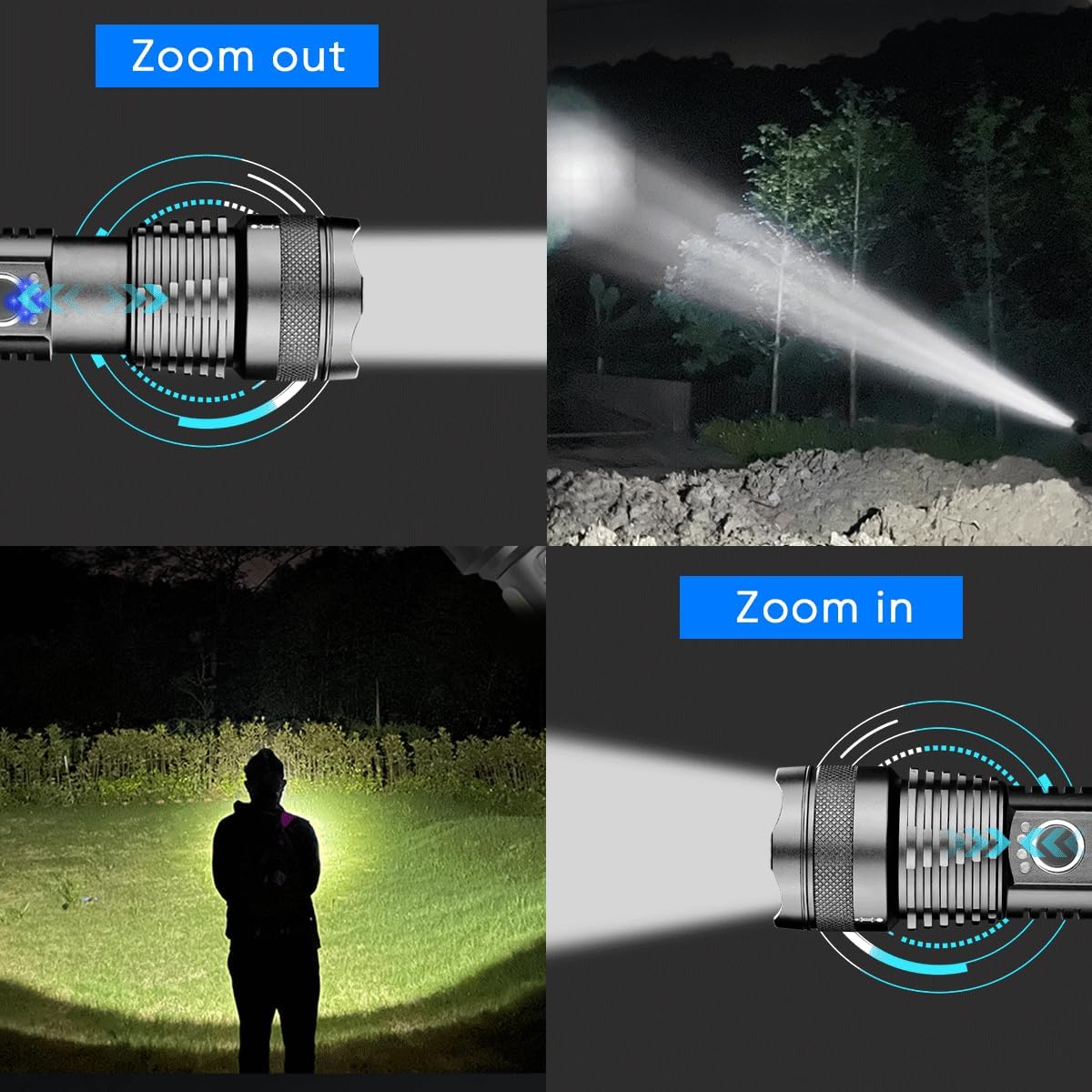
Image: Visual representation of the flashlight's adjustable focus, showing how to zoom in for a concentrated beam and zoom out for a wider illumination area.
4.4 Power Indicator
The 4 blue LED lights above the power button indicate the remaining battery charge:
- 4 lights: 75-100% charge
- 3 lights: 50-75% charge
- 2 lights: 25-50% charge
- 1 light: Below 25% charge (recharge soon)
5. Maintenance
5.1 Cleaning
- Wipe the flashlight body with a soft, damp cloth.
- Do not use abrasive cleaners or solvents.
- Clean the lens gently with a lens cleaning cloth to maintain optimal light output.
5.2 Storage
- Store the flashlight in a cool, dry place away from direct sunlight and extreme temperatures.
- If storing for an extended period, remove the battery to prevent leakage and charge it periodically (every 3-6 months) to prolong battery life.
5.3 Battery Care
- Avoid fully discharging the battery frequently.
- Charge the battery before it is completely depleted.
- If the flashlight will not be used for a long time, charge the battery to about 50% before storage.
6. Troubleshooting
| Problem | Possible Cause | Solution |
|---|---|---|
| Flashlight does not turn on. | Battery is depleted or incorrectly installed. | Charge the battery. Ensure the battery is inserted with the correct polarity (+ towards the head) and the tail cap is tightened. |
| Light is dim or flickers. | Low battery charge. Loose connections. | Recharge the battery. Ensure the tail cap and head are securely tightened. |
| Flashlight not charging. | USB cable or power source issue. Charging port dirty. | Try a different USB cable or power source. Clean the charging port gently. Ensure the cable is fully inserted. |
| Zoom function is stiff. | Dirt or debris in the mechanism. | Clean the exterior of the flashlight. Avoid forcing the zoom mechanism. |
7. Specifications
| Feature | Detail |
|---|---|
| Model Number | WF1161 |
| Light Source Type | XHP50 LED |
| Luminosity | 4000 Lumens (Max) |
| Beam Distance | Up to 300 Meters |
| Lighting Modes | High, Medium, Low, Strobe, SOS |
| Power Source | Battery Powered (Rechargeable Li-ion) |
| Battery Type | Li-ion (2 required, included) |
| Run Time (High Mode) | Approx. 3 hours |
| Run Time (Low Mode) | More than 8 hours |
| Charging Port | Micro USB |
| Water Resistance Level | Water-resistant (IP67) |
| Material | Aluminum |
| Color | Black |
| Dimensions (LxWxH) | 166mm x 40mm x 33mm |
| Recommended Uses | Camping, Hiking, Emergency Use |
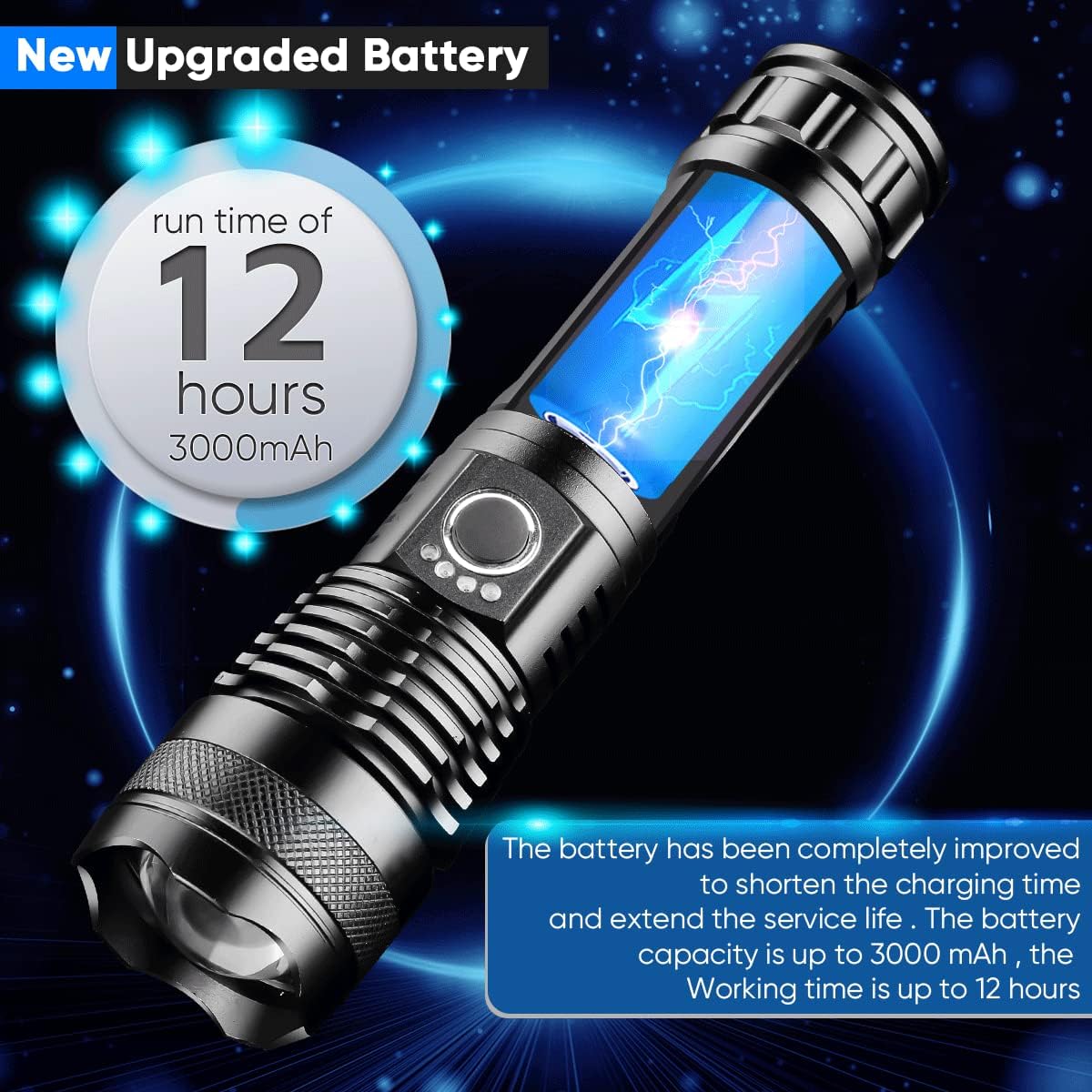
Image: The flashlight showcasing its battery life, indicating up to 12 hours of run time with a 3000mAh battery.
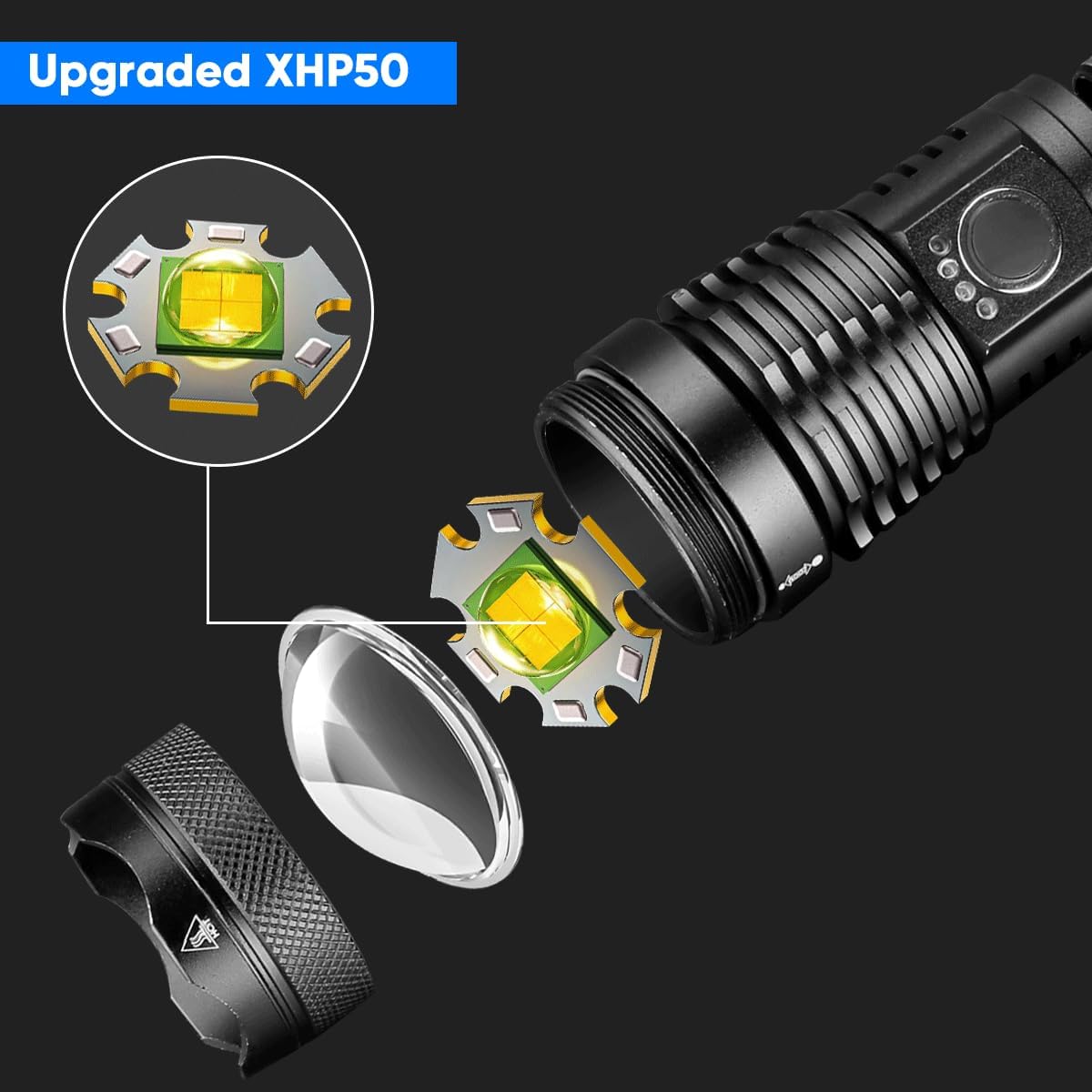
Image: A detailed view of the upgraded XHP50 LED chip and its placement within the flashlight head, emphasizing its high-performance design.
8. Warranty and Support
WholeFire products are manufactured with quality and reliability in mind. For any questions, concerns, or technical support regarding your XHP50 LED Flashlight, please contact the seller or WholeFire customer service through the platform where you purchased the product.
Please retain your proof of purchase for any warranty claims.