
Pyle PSBT125A
Contents
Pyle PSBT125A Portable Bluetooth PA Speaker System User Manual
Model: PSBT125A
Brand: Pyle
1. Introduction
Thank you for purchasing the Pyle PSBT125A Portable Bluetooth PA Speaker System. This versatile and powerful audio system is designed to provide high-quality sound for various applications, including outdoor events, karaoke, public speaking, and musical performances. Featuring a 12-inch subwoofer, 3-inch tweeter, built-in rechargeable battery, Bluetooth connectivity, and multiple input options, the PSBT125A offers convenience and impressive audio performance. Please read this manual thoroughly before operating the unit to ensure proper use and to maximize its lifespan.

Image: Front view of the Pyle PSBT125A Portable Bluetooth PA Speaker System with included wireless microphone and remote control.
2. Safety Instructions
To reduce the risk of electric shock, fire, or injury, always follow basic safety precautions when using this electronic device. These include:
- Power Source: Ensure the power adapter voltage matches the local power supply. Use only the provided power adapter.
- Ventilation: Do not block ventilation openings. Maintain adequate space around the unit for proper airflow.
- Water and Moisture: Do not expose the unit to rain, moisture, or excessive humidity. Keep liquids away from the speaker.
- Heat: Keep the unit away from heat sources such as radiators, heat registers, stoves, or other apparatus that produce heat.
- Cleaning: Unplug the unit from the power outlet before cleaning. Use a soft, dry cloth. Do not use liquid cleaners or aerosol cleaners.
- Servicing: Do not attempt to service this product yourself. Refer all servicing to qualified service personnel.
- Battery Safety: The unit contains a rechargeable battery. Do not expose the battery to excessive heat or direct sunlight. Do not short-circuit the battery terminals. Dispose of batteries properly according to local regulations.
- Placement: Place the speaker on a stable, flat surface. If using a stand, ensure it is properly secured and can support the speaker's weight.
3. Package Contents
Verify that all items are present in the box:
- Portable PA Speaker
- Wireless Microphone (requires 2 x 'AA' batteries, not included)
- Remote Control (requires 1 x 'CR-2025' battery, included)
- Power Adapter (120/240V to 9V)

Image: Contents of the Pyle PSBT125A product box, including the speaker, wireless microphone, remote control, and power adapter.
4. Product Features
- High Power Output: 1200 Watts peak power for robust sound projection.
- Full-Range Sound: Equipped with a 12-inch subwoofer and 3-inch tweeter for clear audio across frequencies.
- Wireless Bluetooth Streaming: Connects wirelessly to devices up to 33+ feet away (Bluetooth Version 4.2).
- Built-in Rechargeable Battery: Provides portability and extended use (3.7V Li-ion, 2200mAh x2).
- Digital Audio Recording: Record audio streamed through the speaker or via the external microphone.
- Audio Configuration Controls: Adjustable Echo, Bass, and Treble for customized sound.
- Multiple Media Inputs: USB Flash Drive, SD Card Reader (up to 32GB), and 3.5mm AUX input. Supports MP3, WMA, WAV digital audio files.
- UHF Wireless Microphone: Included for karaoke, public address, or vocal performances.
- Portability: Features a retractable handle and rolling wheels for easy transport.
- Stand Mount: Integrated 3.5mm stand mount for elevated placement.
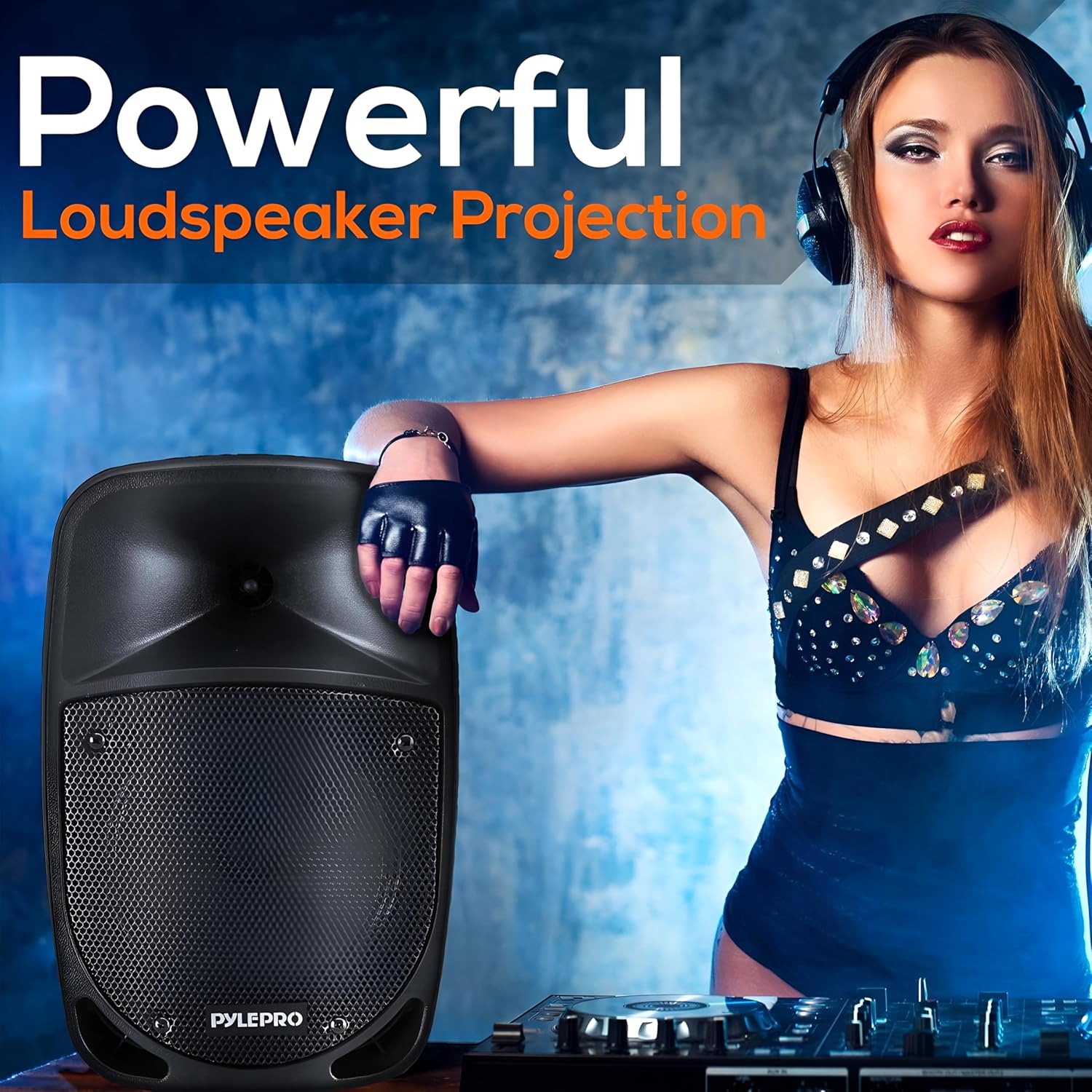
Image: Speaker demonstrating powerful loudspeaker projection.
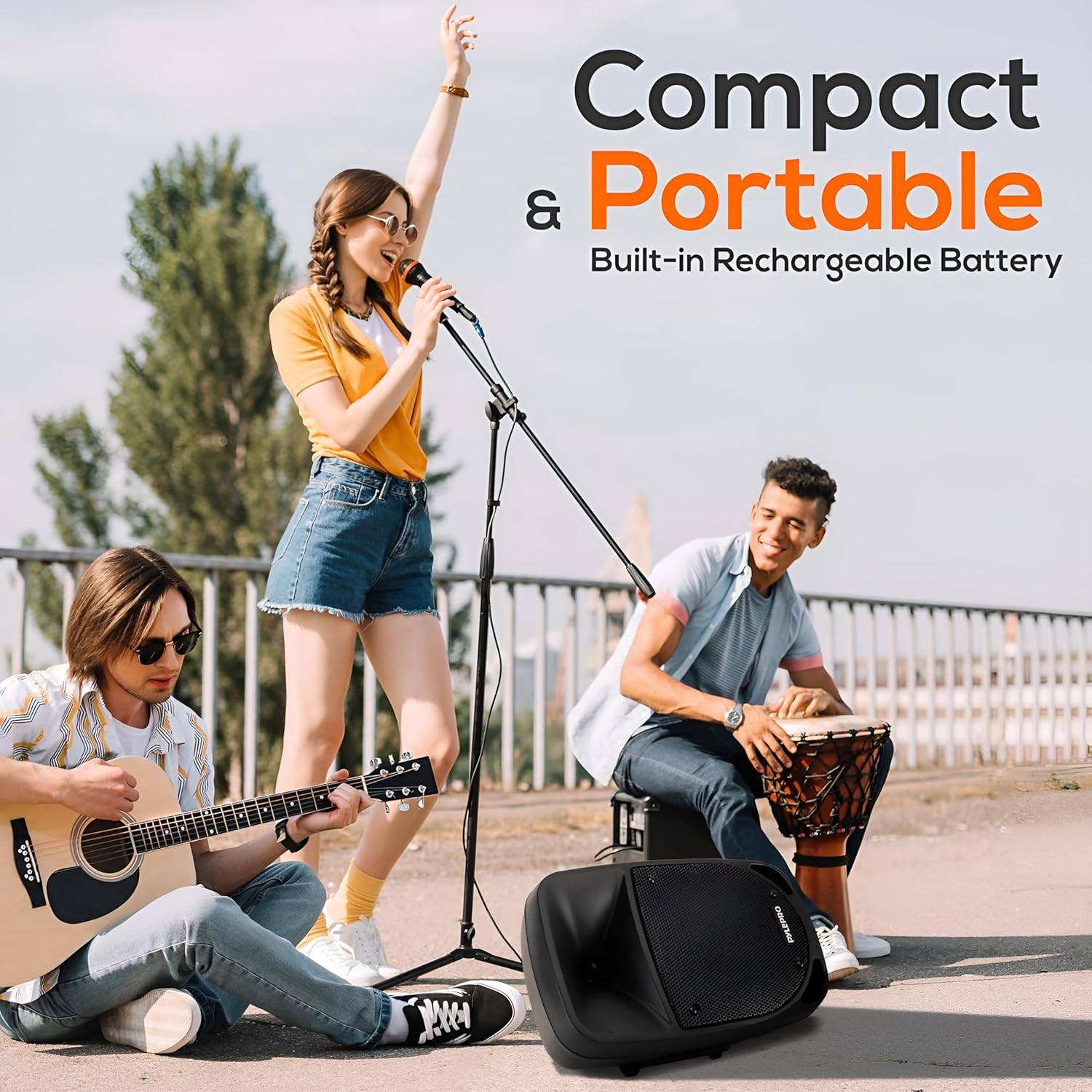
Image: Speaker highlighting its compact and portable design with a retractable handle.
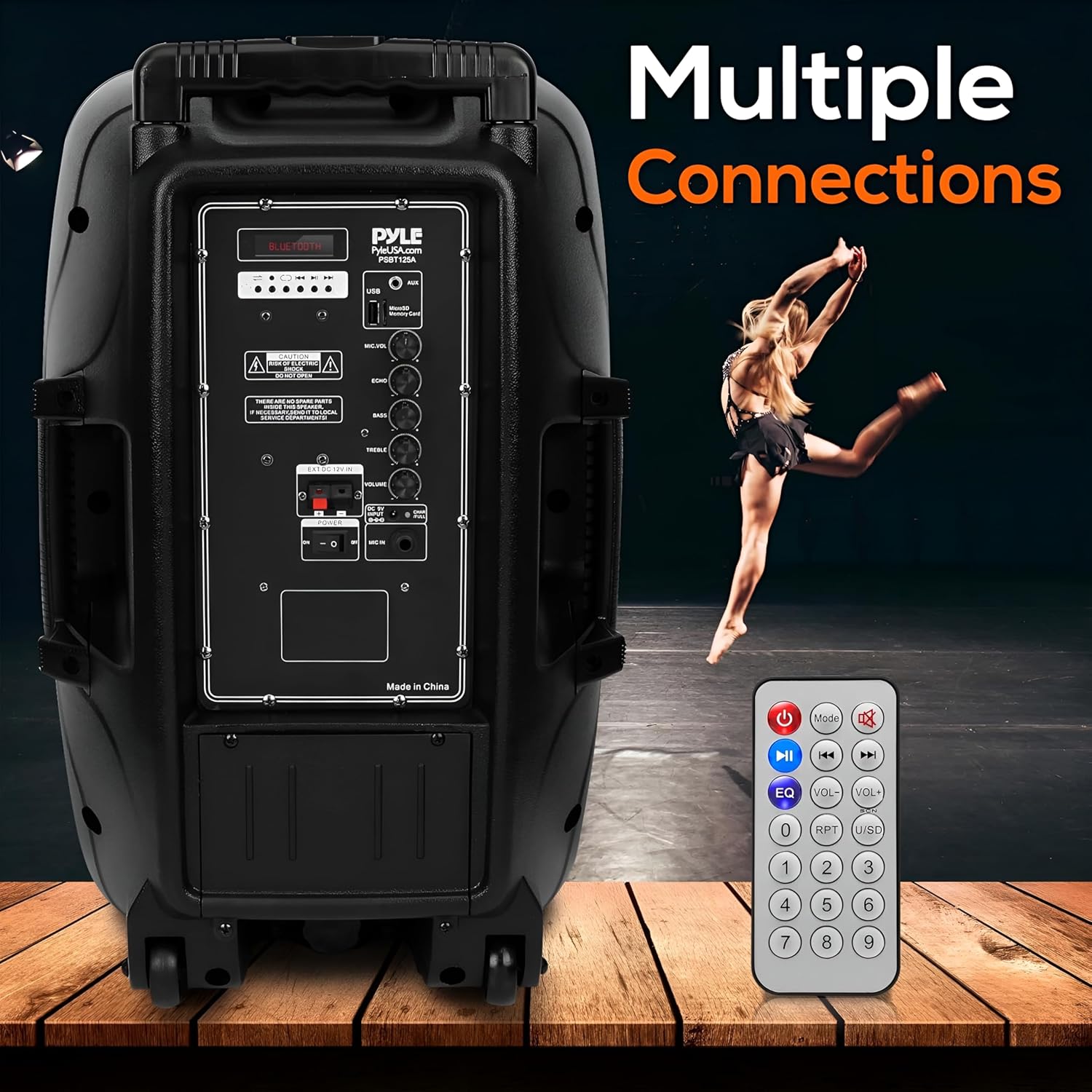
Image: Rear panel of the speaker showing various input and output connections.

Image: Speaker delivering quality sound in an outdoor setting.
5. Setup
5.1 Initial Charging
Before first use, fully charge the speaker's built-in battery. Connect the provided power adapter to the "CHARGE/PULL" port on the rear panel and plug it into a wall outlet. The LED indicator will show charging status. A full charge typically takes several hours.
5.2 Powering On/Off
Locate the "POWER" switch on the rear panel. Flip the switch to the "ON" position to power on the speaker. Flip it to "OFF" to power down.
5.3 Microphone Setup
Insert two 'AA' batteries into the wireless microphone (batteries not included). Turn on the microphone. The microphone will automatically pair with the speaker. Adjust the "MIC.VOL" knob on the speaker's rear panel to control the microphone volume.
5.4 Optional Stand Mounting
The speaker features a 3.5mm stand mount on its base. If using a compatible speaker stand (not included), carefully place the speaker onto the stand, ensuring it is stable and securely seated.
6. Operating Instructions
6.1 Bluetooth Pairing
- Power on the speaker. The display will show "BLUE" or "BLUETOOTH". If not, press the "MODE" button on the speaker or remote until Bluetooth mode is selected.
- Enable Bluetooth on your smart device (smartphone, tablet, etc.).
- Search for Bluetooth devices and select "PYLEUSA" from the list.
- Once connected, the speaker will emit a confirmation tone. You can now stream audio wirelessly.

Image: Person enjoying music streamed via Bluetooth to the Pyle speaker.
6.2 USB/SD Card Playback
Insert a USB flash drive or SD memory card (up to 32GB) containing MP3, WMA, or WAV audio files into the respective slot on the rear panel. The speaker will automatically switch to USB/SD mode and begin playback. Use the control buttons on the speaker or remote to play/pause, skip tracks, or adjust volume.
6.3 AUX Input
Connect an external audio device (e.g., MP3 player, laptop) to the "AUX" 3.5mm input jack on the rear panel using a compatible audio cable (not included). Press the "MODE" button until "AUX" mode is selected. Audio will play through the speaker.
6.4 Microphone Usage
With the wireless microphone powered on and connected, speak into the microphone. Adjust the "MIC.VOL" knob for microphone volume. The "ECHO" knob controls the echo effect on the microphone. The "VOLUME" knob controls the overall master volume of the speaker, including music and microphone.

Image: People enjoying karaoke with the Pyle speaker and wireless microphone.
6.5 Audio Controls (Bass, Treble, Echo, Volume)
Use the dedicated knobs on the rear panel to fine-tune your audio:
- BASS: Adjusts the low-frequency output.
- TREBLE: Adjusts the high-frequency output.
- ECHO: Controls the echo effect for the microphone.
- VOLUME: Master volume control for all audio sources.
7. Maintenance
- Cleaning: Wipe the speaker's exterior with a soft, dry cloth. Do not use abrasive cleaners or solvents.
- Storage: When not in use for extended periods, store the speaker in a cool, dry place, away from direct sunlight and extreme temperatures.
- Battery Care: To prolong battery life, avoid fully discharging the battery frequently. Recharge the battery regularly, even if the speaker is not in active use. If storing for a long time, charge the battery to about 50% every few months.
- Handle and Wheels: Periodically check the retractable handle and wheels for any debris or damage to ensure smooth transport.
8. Troubleshooting
| Problem | Possible Cause | Solution |
|---|---|---|
| No power/Speaker does not turn on. | Battery is depleted; Power adapter not connected or faulty; Power switch is off. | Charge the battery; Ensure power adapter is securely connected and working; Flip power switch to ON. |
| No sound output. | Volume is too low; Incorrect input mode selected; Audio cable faulty (for AUX); Bluetooth not paired. | Increase master volume; Press MODE button to select correct input; Check/replace audio cable; Re-pair Bluetooth device. |
| Bluetooth connection issues. | Device too far; Interference; Speaker not in pairing mode; Device already connected to another speaker. | Move device closer to speaker; Avoid obstacles; Ensure speaker is in Bluetooth mode; Disconnect from other devices. |
| Microphone not working. | Microphone batteries depleted; Microphone not turned on; MIC.VOL knob too low. | Replace 'AA' batteries in microphone; Turn on microphone; Increase MIC.VOL knob. |
| "Power On" voice notification. | Default setting. | Some users report that holding the Bluetooth button while powering on may disable voice prompts. This functionality may vary. |
| USB/SD card not recognized. | Incorrect file format; Card/drive corrupted; Card/drive capacity too large. | Ensure files are MP3, WMA, or WAV; Try a different card/drive; Ensure capacity is 32GB or less. |
9. Specifications
| Feature | Specification |
|---|---|
| Output Power | 1200 Watts |
| Sound System | 12-inch Subwoofer, 3-inch Tweeter |
| Frequency Response | 55Hz-20kHz |
| Sensitivity | 92dB (+/-2dB) |
| Impedance | 4 Ohm |
| S/N Ratio | >80dB |
| T.H.D. | <1% |
| Digital Audio File Support | MP3, WMA, WAV |
| USB/SD Memory Support | Up to 32GB |
| Construction Material | Engineered ABS Molded Speaker Cabinet |
| Bluetooth Version | 4.2 |
| PA Speaker Battery | 3.7V Li-ion, 2200mAh (x2) |
| Power Supply | 120/240V (9V Power Adapter) |
| Dimensions (L x W x H) | 15.0'' x 12.0'' x 23.0'' -inch |
| Item Weight | 19.82 pounds |
| Model Number | PSBT125A |
| UPC | 842893118185 |
10. Warranty and Support
Pyle products are designed and manufactured to the highest standards. For information regarding warranty coverage and customer support, please refer to the warranty card included with your product or visit the official PyleUSA website. You can also find the official User Manual in PDF format for download here.
Ask a question about this manual
Ask about setup, troubleshooting, compatibility, parts, safety, or missing instructions. Manuals+ will review the question and use this page’s manual context to help answer it.