
1. Introduction and Safety Guidelines
Thank you for choosing the Potensic A30W Mini Drone. This manual provides essential information for safe operation, setup, and maintenance of your drone. Please read it thoroughly before use to ensure proper functionality and to prevent damage or injury.
Key Features:
- 720P HD Camera: Capture high-quality photos and videos with real-time FPV transmission.
- Easy Operation: Features like One-Button Takeoff/Landing, Altitude Hold, and Emergency Stop simplify control.
- Multiple Speed Modes: Three adjustable speed settings (low/medium/high) to suit different skill levels.
- Gravity Induction Mode: Control the drone's flight direction by tilting your smartphone.
- Route Setting: Draw a flight path on your smartphone screen, and the drone will follow it.
- Dual Battery System: Extended flight time with two included rechargeable batteries.
Safety Precautions:
- Always operate the drone in open, clear areas, away from people, animals, and obstacles.
- Do not fly near airports, power lines, or restricted airspace.
- Ensure all batteries are fully charged before each flight.
- Keep fingers and hair away from rotating propellers.
- Supervise children during drone operation.
- Perform pre-flight checks, including propeller integrity and battery security.

Image: The Potensic A30W Mini Drone, showcasing its compact design and included remote control with a smartphone holder.
Video: An official demonstration of the Potensic A30W Drone with Camera for Kids, highlighting its features and ease of use.
2. What's in the Box
Carefully unpack the contents and ensure all items are present and in good condition.
- Potensic A30W Mini Drone
- Remote Control
- Rechargeable Drone Batteries (x2)
- Micro USB Charging Cable
- Replacement Propellers (full set)
- Propeller Changing Tool
- Smartphone Holder for Remote Control
- Screwdriver
- Screws for Remote Battery Compartment

Image: The Potensic A30W drone and its complete set of accessories, including the remote control, batteries, and tools.
3. Setup Guide
3.1 Charging Batteries
- Connect the drone battery to the micro USB charging cable.
- Plug the USB cable into a suitable USB power adapter (not included).
- Allow approximately 8 hours for a full charge. The indicator light will change when charging is complete.
- For the remote control, install 4 AA batteries (not included) into the battery compartment. Secure the compartment with the provided screw and screwdriver.
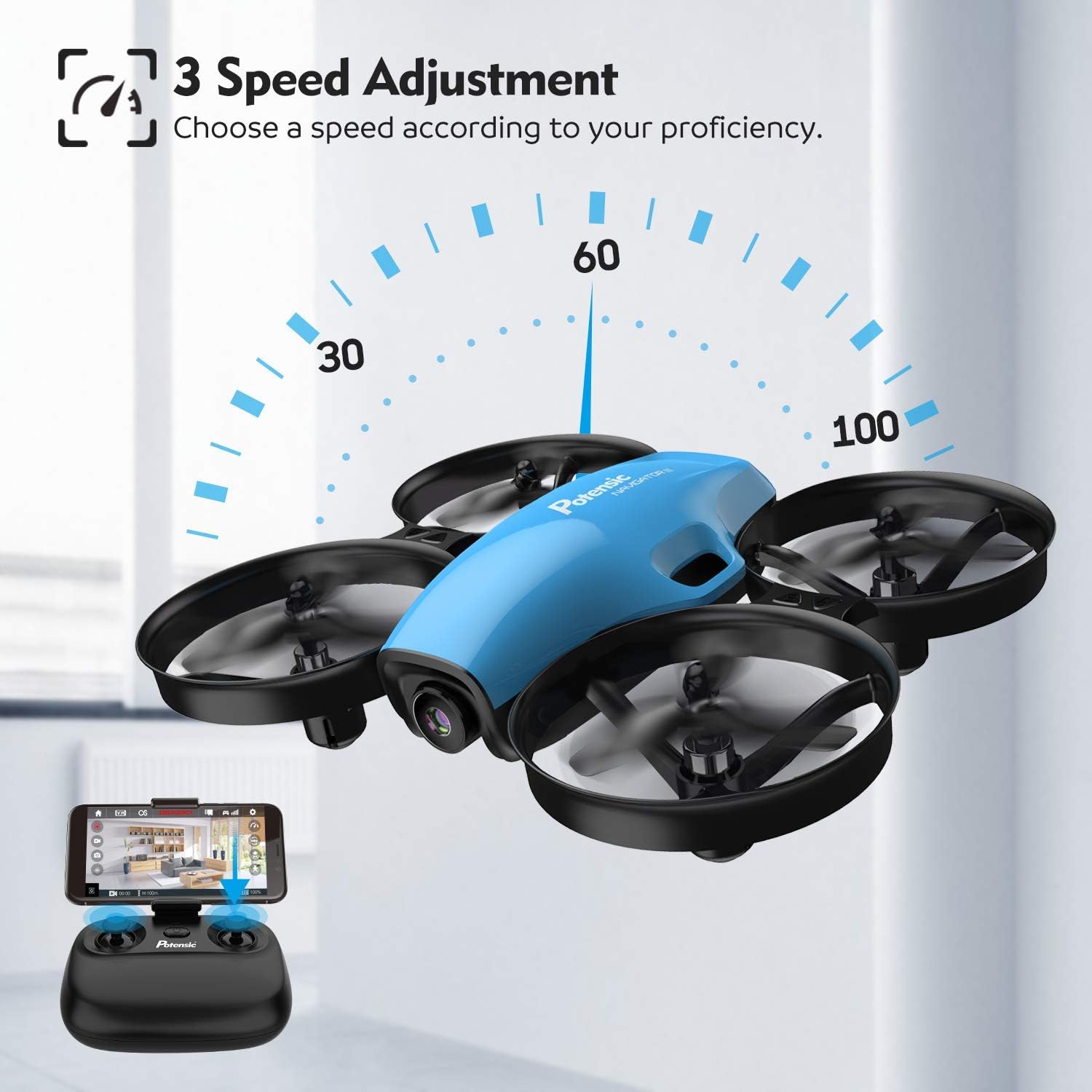
Image: Illustrates the process of inserting the detachable battery into the drone.
Video: An official video demonstrating the dual battery feature of the Potensic A30W, showing how to extend flight time.
3.2 App Download and Connection
- Scan the QR code in the included manual or search for the official Potensic A30W app on the iOS App Store or Android Google Play Store.
- Install the app on your smartphone.
- Power on the drone and the remote control.
- On your smartphone, go to Wi-Fi settings and connect to the drone's Wi-Fi network (usually named 'Potensic_XXXXXX').
- Open the Potensic app to establish a connection and view the live feed.
3.3 Synchronization and Calibration
- Place the drone on a flat, level surface.
- Turn on the drone, then turn on the remote control.
- Push the left joystick up then down to pair the remote with the drone. The drone's lights will stop flashing and become solid once paired.
- Perform gyroscope calibration by pushing both joysticks to the bottom-left or bottom-right corners simultaneously until the drone lights flash rapidly and then become solid.
4. Operating Instructions
4.1 Basic Flight Controls
- One-Button Takeoff/Landing: Press the dedicated button on the remote for automatic takeoff or landing.
- Altitude Hold Mode: The drone will maintain its current altitude, allowing for stable hovering.
- Speed Adjustment: Cycle through 3 speed modes (low, medium, high) using the speed button on the remote. Start with low speed for beginners.

Image: The drone in flight, illustrating the three-speed adjustment feature for varying proficiency levels.
4.2 Advanced Flight Modes
- Headless Mode: In this mode, the drone's orientation is relative to the pilot, making it easier to control without needing to know the drone's front direction.
- Gravity Induction Mode: Use your smartphone's gyroscope to control the drone's movement by tilting the phone.
- Route Setting (Trajectory Flight): In the app, draw a desired flight path on the screen, and the drone will automatically follow it.

Image: A visual representation of Headless Mode, showing how the drone's direction is simplified for easier operation.

Image: A smartphone screen showing a custom flight route being drawn, which the drone will then follow.
4.3 Camera Operation
- The built-in 720P HD camera provides real-time FPV (First Person View) to your connected smartphone.
- Use the app interface to capture photos and record videos directly to your smartphone.
- The camera angle is 90° adjustable for varied perspectives.

Image: A detailed view of the drone's 90-degree adjustable 720P HD camera, emphasizing its imaging capabilities.
4.4 Emergency Stop
In case of an emergency or loss of control, press the Emergency Stop button on the remote control to immediately cut power to the motors and land the drone.
5. Maintenance
5.1 Propeller Replacement
If a propeller is damaged, replace it immediately using the provided propeller changing tool and a new propeller from the spare set. Ensure the correct propeller (A or B) is installed in the corresponding motor position.
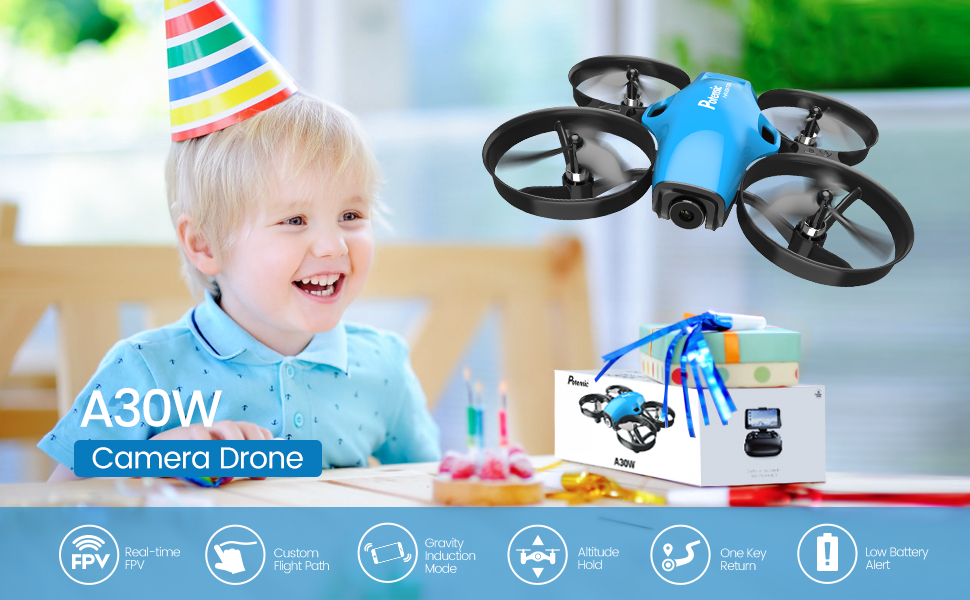
Image: A size comparison between the A30W and A20W models, showing the A30W's larger frame for enhanced stability.
5.2 Cleaning and Storage
- Clean the drone with a soft, dry cloth. Do not use solvents or harsh chemicals.
- Store the drone and its components in a cool, dry place, away from direct sunlight and extreme temperatures.
- Remove batteries from the remote control if storing for extended periods.
6. Troubleshooting
| Problem | Possible Cause | Solution |
|---|---|---|
| Drone does not respond to remote. | Not paired or low remote battery. | Ensure drone and remote are powered on and paired correctly. Replace remote batteries. |
| Drone drifts during flight. | Needs calibration or trimming. | Perform gyroscope calibration. Use the trimming buttons on the remote to correct drift. |
| Short flight time. | Battery not fully charged or old battery. | Ensure drone battery is fully charged (approx. 8 hours). Consider replacing old batteries. |
| No FPV feed on smartphone. | Not connected to drone Wi-Fi or app issue. | Verify smartphone is connected to the drone's Wi-Fi network. Restart the app and drone. |
| Drone crashes frequently. | Lack of experience or environmental factors. | Practice in low-speed mode in open areas. Avoid windy conditions. Ensure propellers are undamaged. |
7. Specifications
| Feature | Detail |
|---|---|
| Brand | Potensic |
| Model | A30W |
| Camera Resolution | HD 720p |
| Connectivity Technology | Wi-Fi |
| Control Type | Remote Control (RC) |
| Battery Type | Lithium Ion |
| Special Features | One-button takeoff/landing, Gravity Induction, Emergency Stop, Route Setting, 3 Speed Adjustment |
| Age Range (Description) | Kid |
8. Warranty and Support
Warranty Information:
Potensic products are manufactured to high-quality standards. For specific warranty terms and conditions, please refer to the warranty card included with your product or visit the official Potensic website. Keep your purchase receipt as proof of purchase for warranty claims.
Customer Support:
If you encounter any issues or have questions regarding your Potensic A30W Mini Drone, please contact Potensic customer support. Contact details can typically be found on the official Potensic website or in the product packaging.
You can also refer to the official PDF user manual for additional details: Potensic A30W User Manual (PDF)