
Tomshine LT092G
LED Vanity Lights Instruction Manual
Model: LT092G | Brand: Tomshine
1. Introduction
Thank you for purchasing the Tomshine LED Vanity Lights. This product is designed to provide optimal lighting for makeup application, dressing, and general illumination in bathrooms and dressing rooms. Featuring adjustable brightness and multiple color modes, these lights enhance your visual clarity and comfort.
2. Package Contents
Please verify that all items listed below are included in your package:
- 1 x LED Vanity Mirror Light (5 bulbs)
- 1 Set x Mounting Accessories (suction cups, adhesive pads)
- 1 x User Manual

Image: The LED vanity light strip with its USB cable and control switch, alongside a small bag containing mounting accessories (suction cups) and the user manual.
3. Product Features
- 5pcs PC Bulb: Frosted PC cover for comfortable, glare-free illumination.
- 3 Color Modes: Choose between daylight white (6500K), natural light (4500K), and warm white (3000K) to suit different needs.
- Brightness Adjustable: Dimmable with 10 brightness levels to provide ample light in various conditions.
- USB Charging Cable: 2.3m / 7.55ft long USB cable, powered by adapter, laptop, or power bank for portability.
- Quick & Convenient Installation: No assembly or additional wires required; easily attaches to a wall, mirror, or mirror frame.
4. Setup and Installation
Follow these steps for quick and convenient installation:
- Prepare the Surface: Ensure the mirror or wall surface is clean and dry for optimal adhesion.
- Attach Suction Cups/Adhesive Pads: The lights come with suction cups for temporary placement or adhesive pads for a more permanent fixture. Attach the chosen mounting accessory to the back of each bulb unit.
- Mount the Lights: Firmly press the light strip onto your desired surface (mirror, wall, or mirror frame).
- Connect Power: Plug the USB charging cable into a compatible DC 5V 2A USB power source, such as an adapter, laptop, or power bank.

Image: Close-up of hands attaching a clear suction cup to the base of one of the light bulbs on the strip.

Image: Hands holding the light strip horizontally against a mirror, showing how it is positioned for installation.

Image: A hand plugging the USB connector of the light strip into a multi-port USB power strip, with text indicating "Input: DC 5V 2A".
Installation Video Guide
Video: Official Tomshine Dimmable LED Vanity Mirror Lights installation and feature demonstration. This video shows the product components, how to attach the suction cups, mount the lights, and demonstrates the brightness and color modes.
5. Operating Instructions
The LED Vanity Lights are controlled via an inline switch on the USB cable.

Image: A detailed view of the control switch, highlighting buttons for brightness adjustment (+/-), color mode changing, and power on/off.
- Power On/Off: Press the Power Button (labeled with a circle and vertical line) to turn the lights on or off.
- Adjust Brightness: Use the Brightness + and Brightness - buttons to cycle through 10 dimmable brightness levels.
- Change Color Mode: Press the Color Mode Changing Button (labeled with a sun icon) to switch between the three color modes: daylight white, natural light, and warm white.
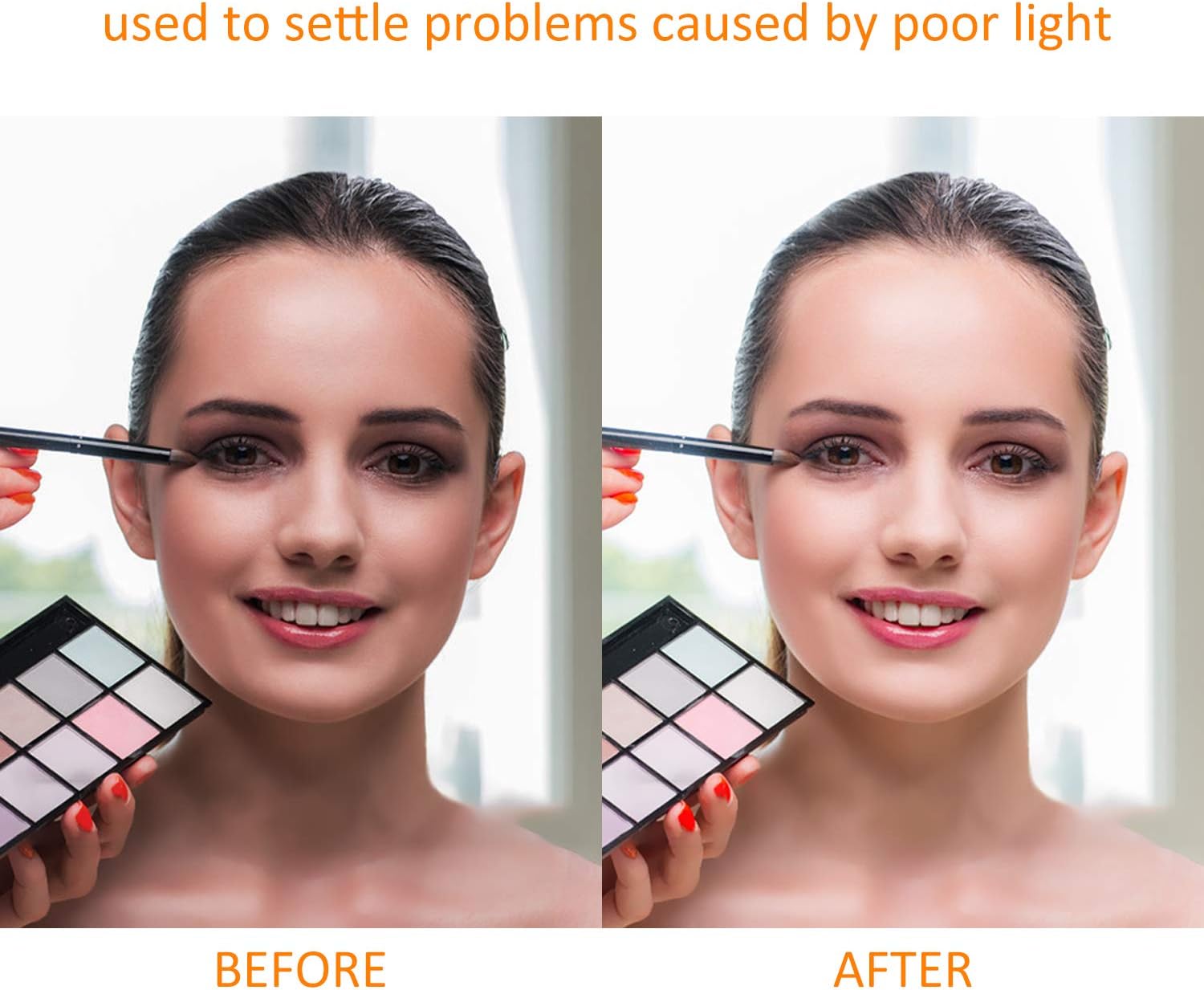
Image: Visual representation of the LED vanity lights at various brightness levels, from 25% to 100% illumination.

Image: The LED vanity lights shown in three distinct color temperatures: daylight white (cool), natural light (neutral), and warm white (warm).
6. Maintenance
- Cleaning: Wipe the bulbs and strip with a soft, dry cloth. Do not use abrasive cleaners or immerse the unit in water.
- Storage: If storing for an extended period, ensure the lights are clean and dry, and store them in a cool, dry place away from direct sunlight.
- Cable Care: Avoid bending or kinking the USB cable excessively to prevent damage.
7. Troubleshooting
| Problem | Possible Cause | Solution |
|---|---|---|
| Lights do not turn on. | No power supply or loose connection. | Ensure the USB cable is securely plugged into a working 5V 2A power source. Try a different USB port or adapter. |
| Lights are dim or flickering. | Insufficient power or incorrect brightness setting. | Verify the power source provides 5V 2A. Increase brightness using the '+' button on the controller. |
| Lights fall off the mirror/wall. | Surface is not clean, or suction cups/adhesive are worn. | Clean the surface thoroughly before re-attaching. If using suction cups, moisten them slightly. If using adhesive pads, replace them if they lose stickiness. |
8. Specifications
- Brand: Tomshine
- Model: LT092G
- Light Source: LED
- Number of Bulbs: 5
- Power: 4 Watts
- Voltage: 5 Volts (DC)
- Brightness: 800 Lumens
- Color Temperature: Daylight White (6500K), Natural Light (4500K), Warm White (3000K)
- Control Method: Inline Touch Control
- Cable Length: 2.3m / 7.55ft (USB)
- Material: Plastic (Frosted PC cover)
- Product Dimensions: 13.39"L x 2.24"W x 2.17"H
- Item Weight: 7.8 ounces
- Installation Type: Wall Mount / Freestanding (with suction cups/adhesive)
- UPC: 791337780030
9. Warranty and Support
For warranty information and customer support, please refer to the product packaging or contact Tomshine customer service directly. Keep your purchase receipt for warranty claims.
For further assistance, visit the official Tomshine Store: Tomshine Store on Amazon
Related documentsLT092G


Ask a question about this manual
Ask about setup, troubleshooting, compatibility, parts, safety, or missing instructions. Manuals+ will review the question and use this page’s manual context to help answer it.