
1. Introduction
This manual provides essential instructions for the proper setup, operation, and maintenance of your ASHATA Mini Microphone. Please read this guide thoroughly before using the product to ensure optimal performance and longevity. This compact stereo microphone is designed for use with mobile phones, PCs, and recorders equipped with a 3.5mm jack.
2. Product Overview
The ASHATA Mini Microphone is a portable, professional-grade external microphone featuring a 3.5mm jack for wide compatibility. Its design allows for angle adjustment and ensures minimal transmission loss with a gold-plated plug.
Key Features:
- Highly affordable and compact stereo microphone.
- Designed for digital media devices such as mobile phones, PCs, and recorders.
- Battery-free operation; directly connects to compatible devices.
- Adjustable microphone angle (0 to 90 degrees).
- Gold-plated plug for minimal signal transmission loss.
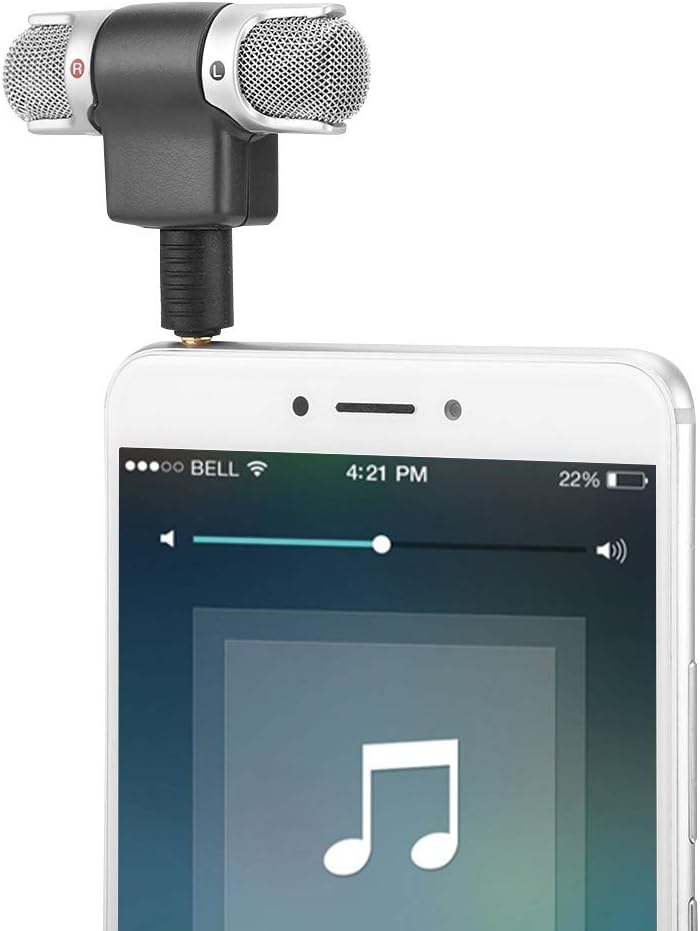
Figure 2.1: The ASHATA Mini Microphone connected to a smartphone, demonstrating its compact size and direct plug-in design.

Figure 2.2: A detailed view of the microphone's gold-plated 3.5mm jack, highlighting its quality construction for optimal signal transfer.
3. Setup
Setting up your ASHATA Mini Microphone is straightforward due to its plug-and-play design.
Connection Steps:
- Identify the Audio Jack: Locate the 3.5mm audio jack on your mobile phone, PC, or recorder. This is typically a circular port.
- Insert the Microphone: Gently insert the 3.5mm plug of the ASHATA Mini Microphone into the audio jack of your device. Ensure it is fully seated for a secure connection.
- Verify Connection: Your device should recognize the external microphone automatically. Some devices may display a notification.
No batteries are required for the microphone's operation as it draws power directly from the connected device.

Figure 3.1: The microphone correctly plugged into a smartphone's 3.5mm audio jack, ready for use.
4. Operating Instructions
Once connected, the ASHATA Mini Microphone is ready for use with your device's recording applications.
Usage Steps:
- Open Recording Application: Launch your preferred audio or video recording application on your mobile phone, PC, or recorder.
- Select Microphone Input (if applicable): In some applications, you may need to manually select the external microphone as the audio input source in the settings. Refer to your application's documentation if you encounter issues.
- Adjust Microphone Angle: The microphone heads can be adjusted between 0 and 90 degrees. Position them to best capture the desired sound source. For stereo recording, ensure both 'R' (Right) and 'L' (Left) microphones are oriented correctly towards the sound.
- Start Recording: Begin your recording session. Monitor audio levels within your application to ensure clear sound capture.
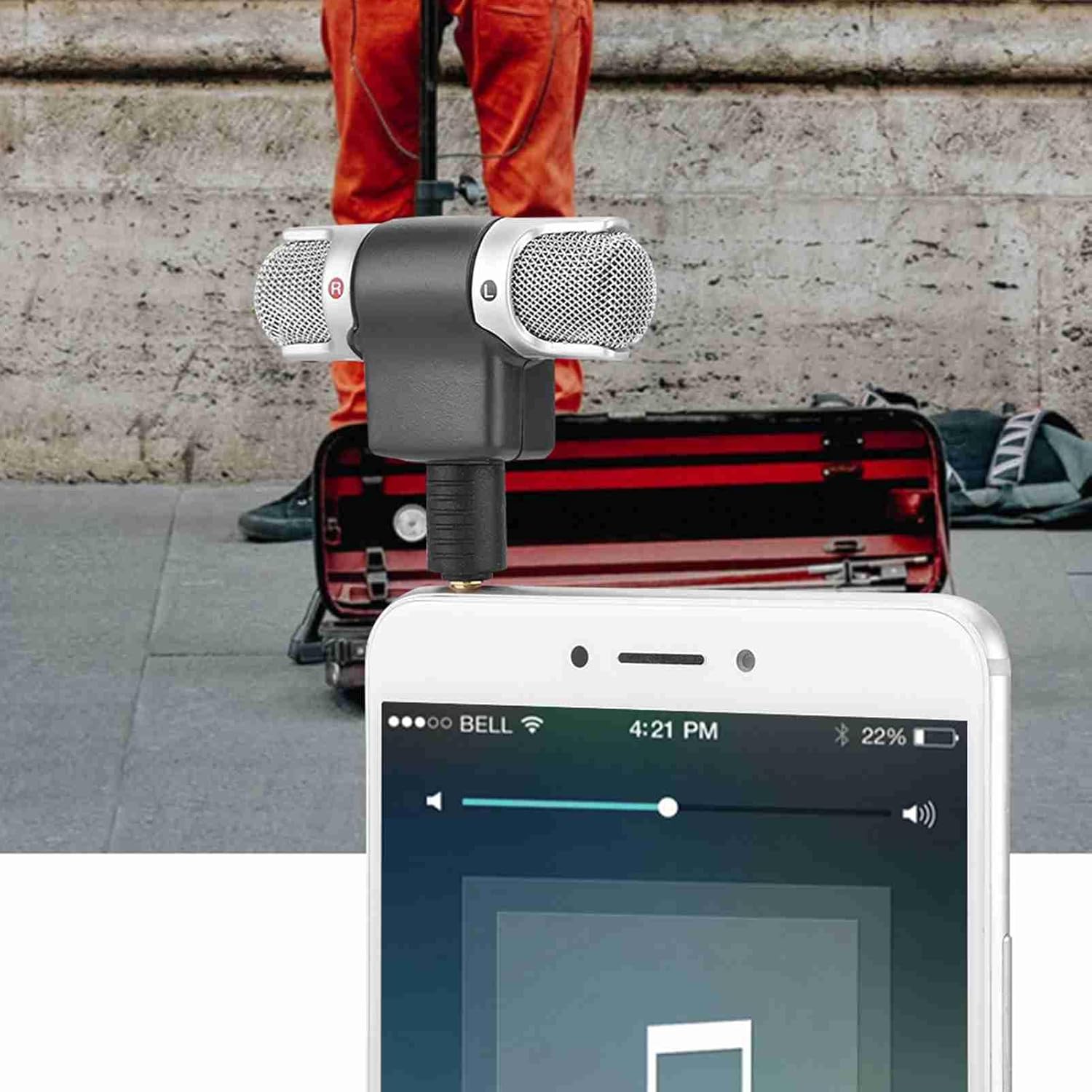
Figure 4.1: The ASHATA Mini Microphone being used with a smartphone to capture audio in an outdoor environment.
5. Maintenance
To ensure the longevity and optimal performance of your ASHATA Mini Microphone, follow these simple maintenance guidelines:
- Cleaning: Use a soft, dry cloth to gently wipe the microphone's exterior. Avoid using liquid cleaners or abrasive materials.
- Storage: Store the microphone in a cool, dry place away from direct sunlight and extreme temperatures.
- Handling: Avoid dropping the microphone or subjecting it to strong impacts, as this can damage internal components.
- Connector Care: Keep the 3.5mm jack clean and free of dust or debris to maintain good connectivity.
6. Troubleshooting
If you encounter issues with your ASHATA Mini Microphone, refer to the following troubleshooting tips:
- No Sound/Microphone Not Detected:
- Ensure the microphone's 3.5mm jack is fully inserted into your device's audio port.
- Check your device's audio settings to confirm the external microphone is selected as the input source.
- Test the microphone with another compatible device to rule out a device-specific issue.
- Ensure the recording application has permission to access the microphone.
- Poor Audio Quality:
- Adjust the microphone angle to optimize sound capture.
- Ensure the microphone is positioned appropriately relative to the sound source.
- Check for environmental noise that might be affecting recording quality.
- Clean the microphone grilles gently if they appear obstructed.
7. Specifications
Detailed technical specifications for the ASHATA Mini Microphone:

Figure 7.1: Dimensions of the ASHATA Mini Microphone, measuring approximately 5.7 cm in length and 5.5 cm in width.
| Specification | Value |
|---|---|
| Model | ASHATAfve9rxu3wm |
| Frequency Response | 100-15,000 Hz |
| Noise Level | 34dB SPL |
| Front Sensitivity (0dB = 1V / Pa) | -38dB ± 3.5dB |
| Maximum Input Level | 110dB SPL (1% at 1kHz) |
| Plug Specification | 3.5mm Jack |
| Dimensions (L x W x H) | 5.7 x 5.5 x 1.3 cm (approx. 2.24 x 2.17 x 0.51 inches) |
| Weight | 10 g (0.01 Kilograms) |
| Material | Acrylonitrile Butadiene Styrene (ABS) |
| Power Source | Device Powered (No Battery Required) |
| Impedance | 110 Ohms |
| Signal to Noise Ratio | 110 dB |
| Polar Pattern | Unidirectional |
8. Warranty and Support
For warranty information or technical support regarding your ASHATA Mini Microphone, please refer to the product packaging or contact ASHATA customer service through the retailer where the product was purchased. Keep your proof of purchase for any warranty claims.