
1. Overview
The Retevis RT68 is a robust and user-friendly FRS (Family Radio Service) two-way radio designed for reliable communication in various environments. It features clear audio, durable construction, and a compact design, making it suitable for business, school, manufacturing, and healthcare settings.

Figure 1: Retevis RT68 Two-Way Radios and accessories.
2. Key Features
- Clear and Loud Audio: Equipped with 0-9 level squelch for clear communication in noisy environments.
- Durable Shell: Hardened construction designed to reduce damage from impacts and bumps.
- 16 Channels: Provides 16 channel combinations for versatile communication.
- Long Range Capability: Designed for effective communication over distances, including penetration through buildings and steel.
- Easy Operation: Features simple knob and button controls for volume and channel selection.
- Rechargeable Battery: Includes a 1200 mAh Li-ion battery for extended use.
- Compact Size: Palm-sized design for comfortable handling and portability.
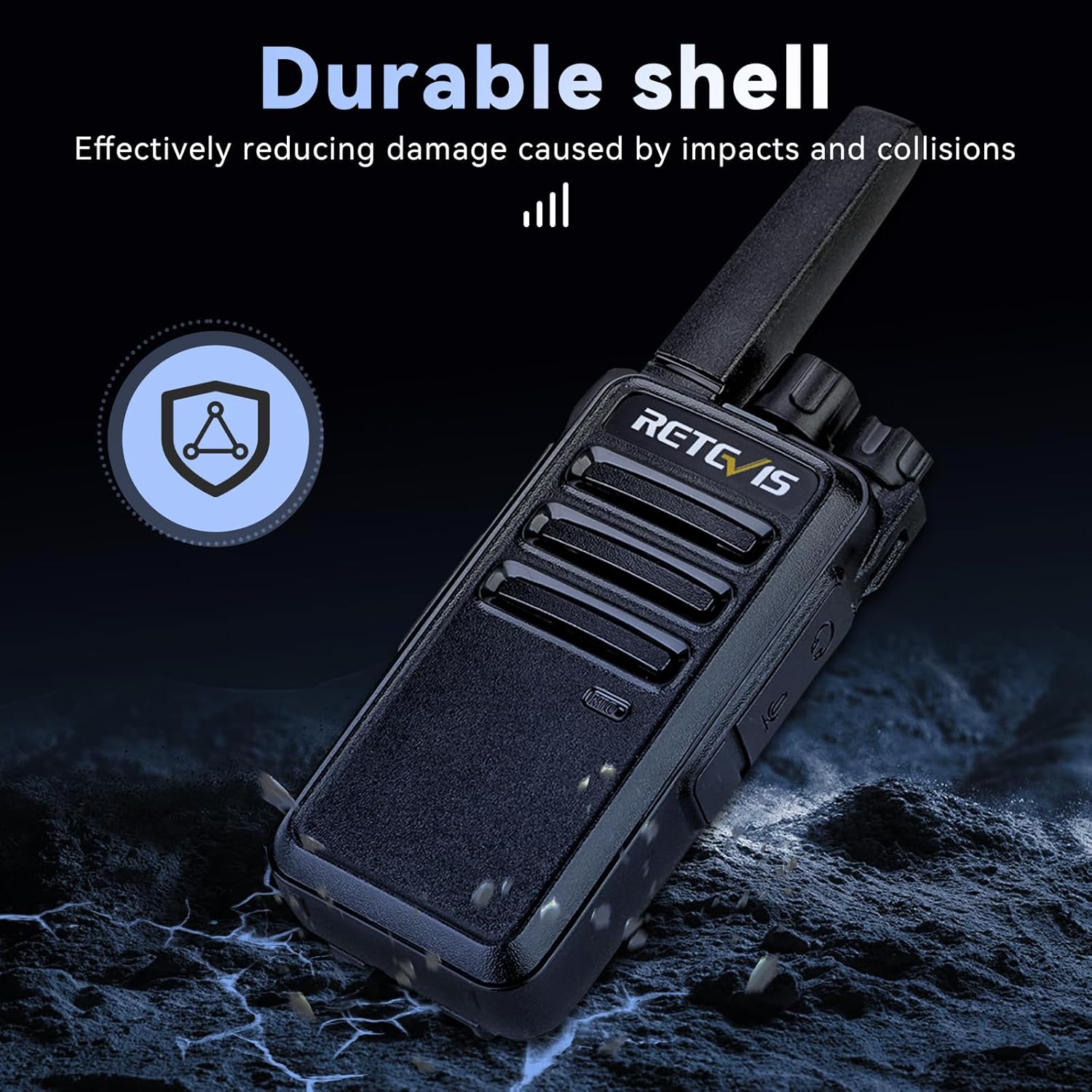
Figure 2: Durable shell construction of the RT68 radio.
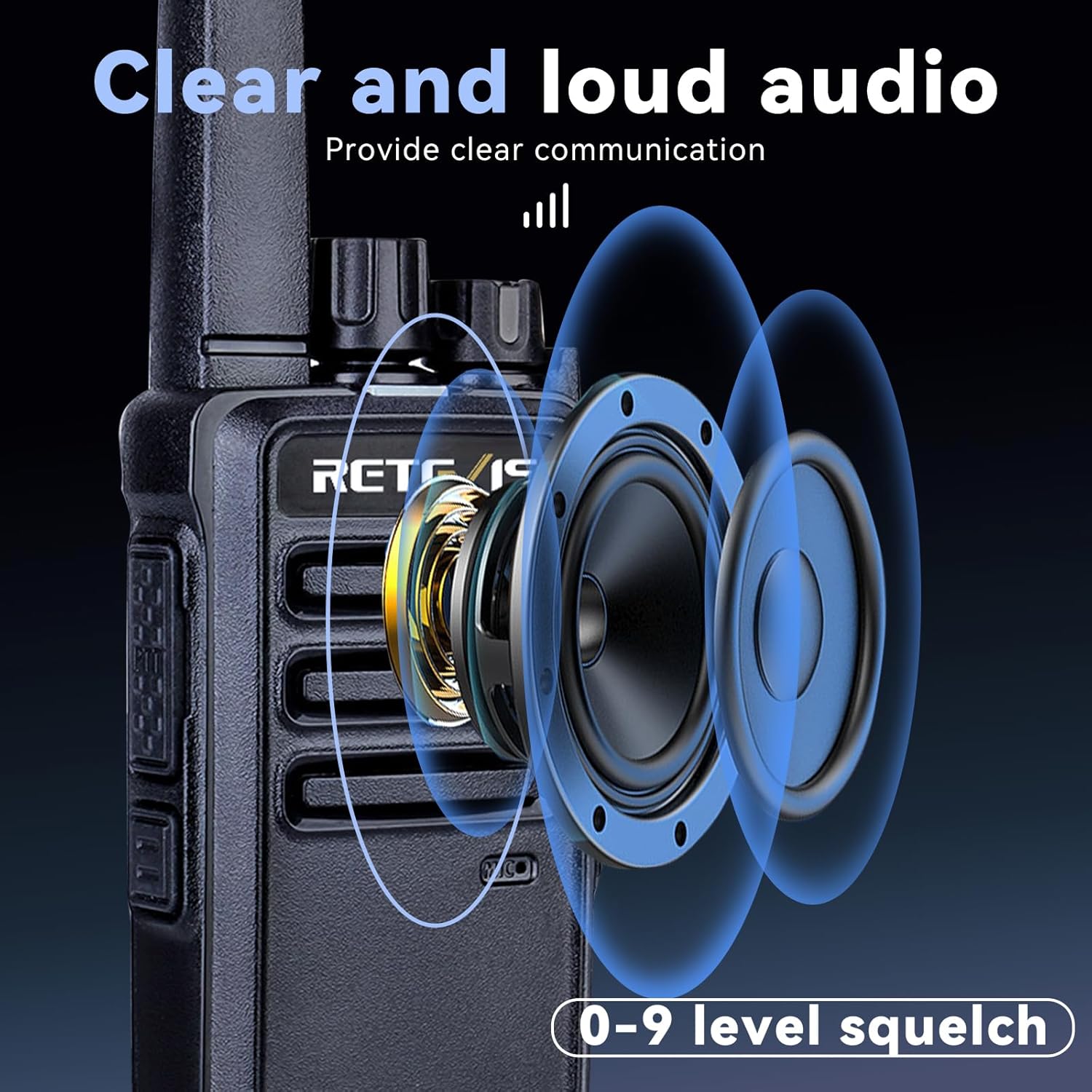
Figure 3: Illustration of clear and loud audio output with squelch levels.
3. Package Contents
- 20 x Retevis RT68 Walkie Talkies
- 20 x 1200 mAh Li-ion Battery
- 20 x Adapter & Separate Charging Base
- 20 x Earpiece
- 20 x Belt Clip & String
4. Safety Information
Please note that the Retevis RT68 walkie talkies FCC ID is: 2ASNSRT68. These walkie talkies meet FCC part 95 rule. Always operate the device in accordance with local regulations and guidelines.
5. Setup
5.1 Battery Installation
To install the battery, align the battery pack with the compartment on the back of the radio and slide it into place until it clicks securely. Ensure the battery is fully seated to maintain proper contact.

Figure 4: Battery compartment and separate battery pack.
5.2 Charging the Battery
The RT68 radio can be charged by placing the entire unit into the charging base, or by removing the battery and charging it separately in the base. The charger indicator light turns red when the radio is charging and green when fully charged. Ensure the radio is turned off when charging.
Video 1: Demonstrates how the indicator light appears when charging the Retevis RT68 radio.
5.3 Attaching/Removing the Belt Clip
To remove the back clip, first remove the battery from the walkie-talkie. Then, press the upper part of the back clip with your left hand, press the lower part of the back clip with your right hand, and push the back clip upwards. The back clip will then be successfully removed. When installing, align the back clip with the corresponding hole and press down until it clicks into place.
Video 2: Instructions on how to remove and install the back clip on the Retevis RT68 radio.
6. Operating Instructions
6.1 Power On/Off and Volume Control
To power on the radio, rotate the Power/Volume knob clockwise. To power off, rotate it counter-clockwise. Adjust the volume by rotating the same knob.
6.2 Channel Selection
The RT68 features a channel selector knob. Rotate this knob to select one of the 16 available channels. Ensure all radios intended for communication are set to the same channel.
Video 3: Guide on how to communicate with other FRS 16-channel walkie talkies by tuning to the same channel.
6.3 Transmitting and Receiving
To transmit, press and hold the Push-To-Talk (PTT) button located on the side of the radio. Speak clearly into the microphone. Release the PTT button to receive. The indicator light will be red during transmission and green during reception.
6.4 Squelch Function
The 0-9 level squelch function helps to filter out weak signals and background noise, improving audio clarity. A higher squelch level requires a stronger signal to open the receiver, reducing static in quiet environments. A lower level allows weaker signals to be heard.
7. Range and Communication
The effective communication range of two-way radios is influenced by several factors, including radio power, signal type, atmospheric conditions, antenna quality, and terrain/obstacles. The Retevis RT68 is designed for a maximum talking range of 2 miles in ideal conditions.

Figure 5: Depiction of signal penetration in urban environments.
Video 4: Explains factors affecting two-way radio range, including terrain and obstacles.
Video 5: A range test demonstration of the Retevis RT68 radio.
8. Maintenance
- Cleaning: Use a soft, damp cloth to clean the radio's exterior. Avoid harsh chemicals or abrasive cleaners.
- Battery Care: Store batteries in a cool, dry place. Avoid overcharging or completely draining the battery to prolong its lifespan.
- Storage: When not in use for extended periods, remove the battery and store the radio in a dry, dust-free environment.
9. Troubleshooting
| Problem | Possible Cause | Solution |
|---|---|---|
| No power | Battery low or not installed correctly | Charge battery; Reinstall battery |
| Cannot transmit or receive | Incorrect channel; Out of range; Obstructions | Verify channel settings; Move closer; Change location |
| Poor audio quality | Low battery; High squelch level; Interference | Charge battery; Adjust squelch level; Move away from interference sources |
10. Specifications
| Feature | Detail |
|---|---|
| Item Weight | 10.8 pounds (for 20-pack) |
| Product Dimensions | 1.37 x 1.96 x 4.56 inches |
| Item Model Number | FA9175AX10-C9034AX20-J9118AX20 |
| Batteries | 20 Lithium Ion batteries required (included) |
| Brand | Retevis |
| Color | Black |
| Number of Channels | 16 |
| Special Feature | Compact size, work out of the box |
| Frequency Range | FRS |
| Talking Range Maximum | 2 Mile |
| Voltage | 3.7 Volts |
| Water Resistance Level | Water Resistant |
| Battery Life | 12 Hours (10% transmission, 90% transmission standby) |
11. Warranty and Support
Retevis provides a 3-year warranty for the radio body and a 1-year warranty for accessories. We offer a 30-day no-reason return policy. Beyond the warranty period, maintenance services are available, with buyers responsible for associated costs. For support, please contact us on Amazon; we will reply within 12 hours.


