
1. Introduction
Thank you for choosing the MICTUNING 2025 Upgraded RGB Rock Lights Kit. This kit provides vibrant, multi-color underglow lighting for a variety of vehicles, including cars, trucks, ATVs, UTVs, RZRs, SUVs, boats, and golf carts. Featuring RF wireless remote control and app connectivity, these IP68 waterproof lights are designed for durability and ease of use in diverse environments.
This manual provides essential information for the proper installation, operation, maintenance, and troubleshooting of your new rock lights. Please read it thoroughly before installation and retain it for future reference.
2. Safety Information
- Always disconnect the vehicle's battery before beginning any electrical installation.
- Ensure all wiring connections are secure and properly insulated to prevent short circuits.
- Mount the control box in a dry location, away from excessive heat or moisture, such as the engine compartment.
- Route all cables away from moving parts, sharp edges, and high-temperature areas.
- Verify the input voltage (12V DC) matches your vehicle's electrical system.
- Do not modify the product in any way, as this may void the warranty and create safety hazards.
3. Package Contents
Please verify that all items listed below are included in your package:
- 8 x RGB Rock Light Pods
- 1 x Control Box/Module
- 1 x RF Wireless Remote Control (24-key)
- 1 x Main Wiring Harness (with short and long wire leads for pods)
- 8 x Rubber Mounting Pads (4 flat, 4 curved)
- 1 set x Mounting Hardware (screws, nuts, washers)
- 1 x User Manual

4. Specifications
| Feature | Specification |
|---|---|
| Brand | MICTUNING |
| Model Number | MIC-RRL-367 |
| Color | RGB, Multicolor, White |
| Form Factor | Pod |
| Recommended Uses | Vehicle Exterior |
| Auto Part Position | Bottom |
| Special Feature | RF Remote Control, Multicolors |
| Material | Aluminum |
| Water Resistance Level | IP68 Waterproof |
| Remote Control Included | Yes |
| Number of Pieces | 8 |
| Input Voltage | DC9-32V |
| Output Power | 5A (max) |
| Operating Temperature | -20°C to 50°C |
5. Installation
5.1. Pre-Installation Checklist
- Ensure the vehicle is turned off and the battery is disconnected.
- Gather necessary tools: drill, drill bits, screwdriver, wire cutters/strippers, zip ties (optional, for cable management).
- Plan the placement of each rock light pod and the control box.
5.2. Mounting the Light Pods
- Select desired mounting locations for each rock light pod. Common areas include wheel wells, under the chassis, or along the frame.
- Use the provided rubber mounting pads. Choose between flat pads for flat surfaces or curved pads for rounded surfaces (e.g., roll bars). The pads also help with vibration dampening.
- Position the light pod with its rubber pad and mark the screw holes.
- Drill pilot holes if necessary, then secure the light pod using the provided screws and nuts.
- Route the wiring from each pod towards the central location where the control box will be mounted. Ensure wires are secured and protected from heat, sharp edges, and moving parts.

5.3. Wiring the System
- Mount the control box in a secure, dry location, preferably in the engine bay or another protected area.
- Connect the main power input harness to the vehicle's 12V DC battery. Connect the red wire to the positive (+) terminal and the black wire to the negative (-) terminal.
- Connect the individual rock light pods to the main wiring harness. The kit includes both short and long wire leads to accommodate different vehicle sizes and light placements. For longer vehicles, additional extension wires may be purchased separately.
- Connect the RF remote control receiver (if separate) to the control box according to the wiring diagram.

5.4. Installation Video Reference
6. Operating Instructions
6.1. RF Remote Control
The included 24-key RF remote control allows for easy adjustment of your rock lights:
- ON/OFF: Power the lights on or off.
- Color Selection: Choose from a wide range of static colors.
- Brightness Control: Adjust the intensity of the lights.
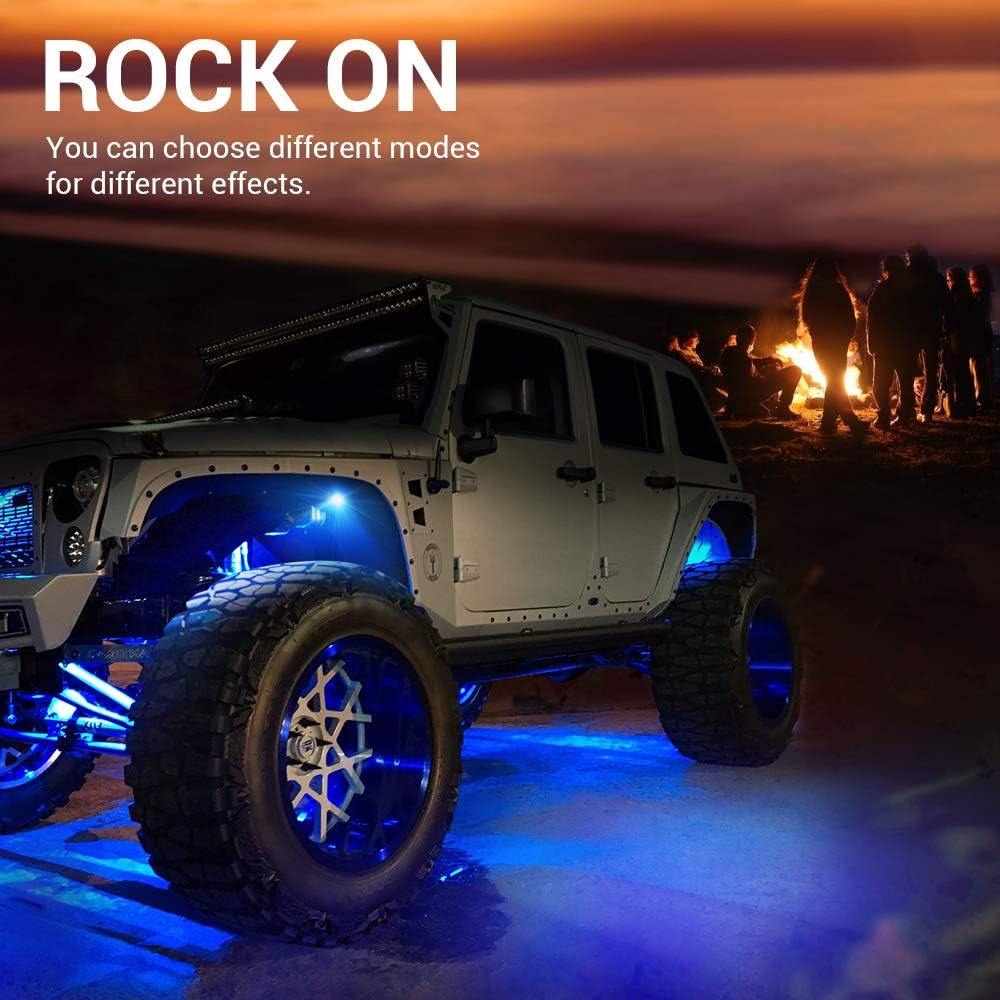
- Dynamic Modes: Select various lighting effects such as Flash, Strobe, Fade, and Smooth.
- Speed Control: Adjust the speed of dynamic modes.
6.2. App Control
For enhanced control and customization, download the


