
Introduction
The Humantechnik Earis Premium Wireless TV Headset (Model A-4100-0) is designed to enhance your television listening experience with superior sound quality and comfort. Featuring advanced 'Dynamic Sound HS' technology, this system optimizes vocal clarity and dynamically adjusts sound levels in real-time. It also functions as a portable hearing amplifier for ambient sounds, allowing you to switch between TV audio and conversations seamlessly. This manual provides essential information for setting up, operating, maintaining, and troubleshooting your device.

Image: A woman comfortably watching television while wearing the Earis Premium Wireless TV Headset, illustrating the product's primary use for clear TV audio.
Setup
Follow these steps to set up your Earis Premium Wireless TV Headset:
- Unpack Components: Carefully remove the headset, transmitter/charging station, power adapter, and audio cables from the packaging.
- Connect Power: Connect the power adapter to the transmitter/charging station (5V DC 1.5A port) and plug it into a wall outlet.
- Charge Headset: Place the headset onto the charging station. Ensure the headset is correctly seated for charging. The battery requires approximately 2 hours for a full charge, providing up to 9 hours of operation.
- Connect to TV/Audio Source: The transmitter supports both analog and optical-digital audio inputs. Choose the appropriate connection for your TV or audio source:
- Analog Input: Use the provided 3.5mm jack cable to connect your TV's headphone output or audio out ports to the 'Analog In' port on the transmitter.
- Digital Input: Use an optical cable (not always included, check package contents) to connect your TV's optical audio output (TOSLINK) to the 'Digital In' port on the transmitter.
- Microphone Input (Optional): If you wish to use an external microphone, connect it to the 'Mic In' port on the transmitter.
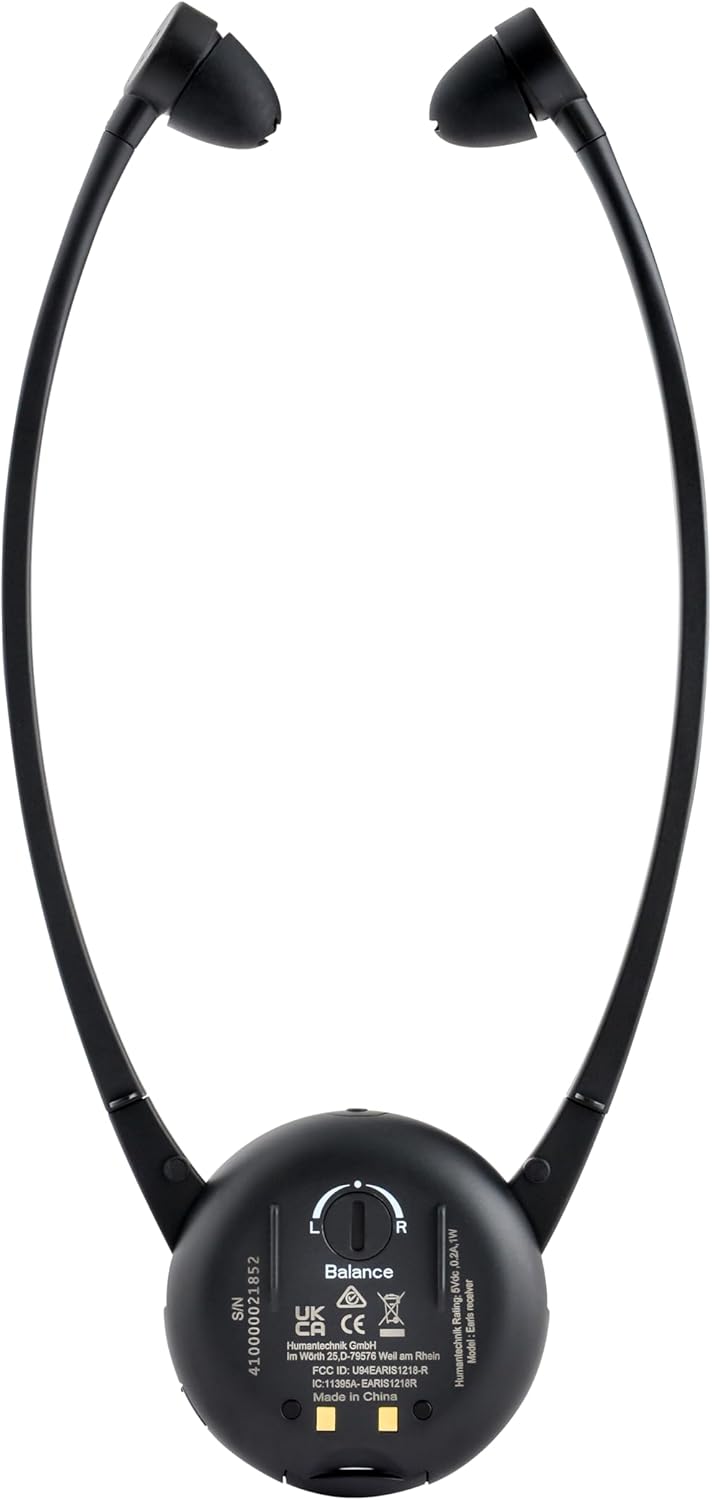
Image: Rear view of the Earis Premium transmitter/charging station, highlighting the power input, digital audio input, analog audio input, and microphone input ports for connecting to various audio sources.

Image: A detailed diagram illustrating the Earis Premium system, including the all-in-one transmitter and charging station, digital radio transmission, up to 9 hours of battery life, and a convenient compartment for a spare battery.
Operating Instructions
The Earis Premium headset is designed for intuitive operation:
- Automatic On/Off: The headset automatically turns on when worn and turns off when removed, conserving battery life.
- Volume Control: Adjust the listening volume directly on the headset using the large rotary wheel. Rotate clockwise to increase volume, counter-clockwise to decrease. An LED display indicates the current volume level.
- Sound Profiles: The system offers 5 different sound profiles. You can select your preferred profile on both the transmitter and the receiver to optimize your listening experience.
- Audio Balance: Use the rotary balance knob on the back of the headset to compensate for unilateral hearing loss, adjusting the sound balance between the left and right ears.
- Ambient Sound Amplification (Communication Function): Press the dedicated button on the headset to switch between TV audio and ambient sound amplification. This allows you to hear conversations around you without removing the headset. This function can also be used independently of the transmitter, making it a portable hearing aid.

Image: A close-up view of the Earis Premium headset's front, highlighting the prominent rotary volume control for easy adjustment and the 'earis premium' branding.

Image: A diagram detailing the simple controls located directly on the headset, including the large rotary knob for volume, an LED display for indication, and a function to quickly change listening profiles.
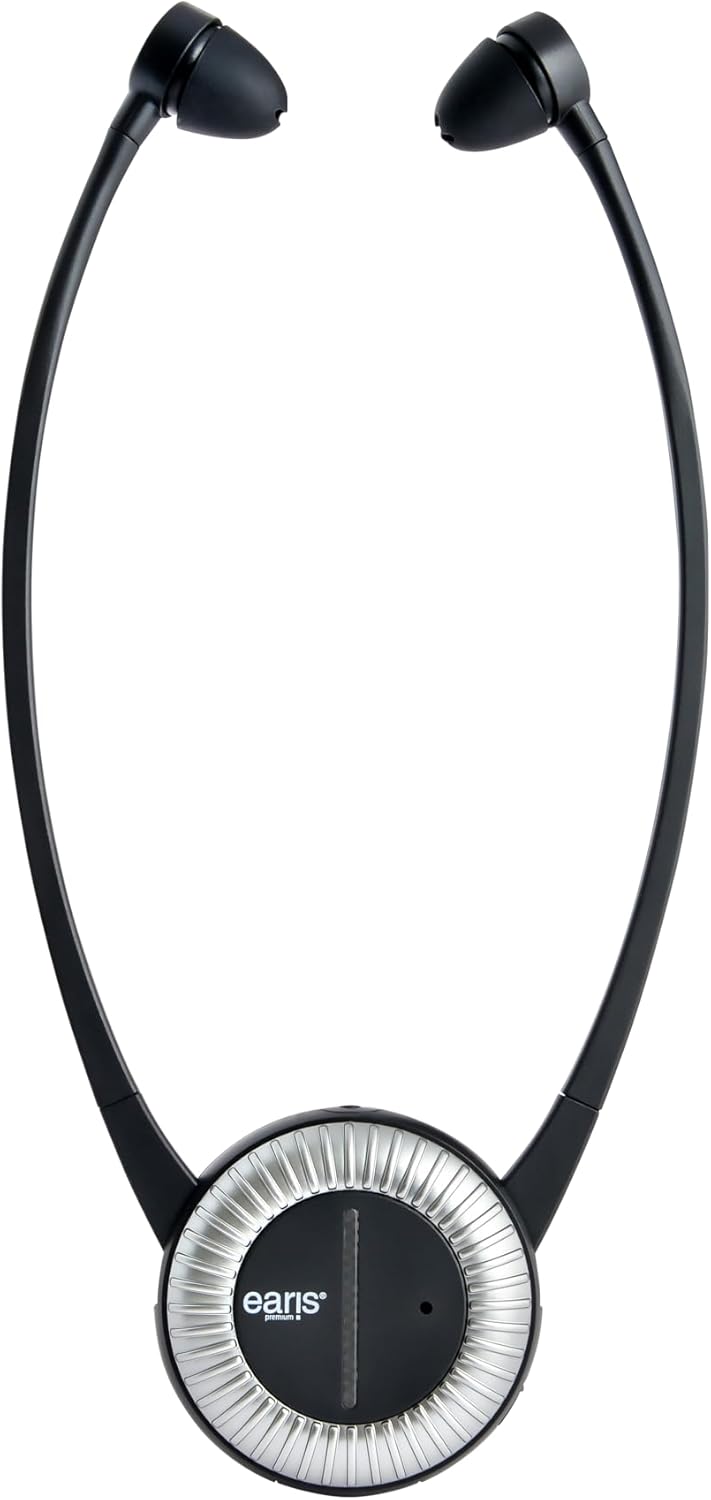
Image: The back of the Earis Premium headset, featuring the balance control knob that allows users to adjust audio levels between the left and right ears.

Image: A split image demonstrating the headset's versatility: on one side, a person watches TV; on the other, a person engages in conversation, highlighting the ability to switch between TV audio and ambient sound amplification.
Maintenance
Proper maintenance ensures the longevity and optimal performance of your Earis Premium headset:
- Cleaning: Use a soft, dry cloth to clean the headset and transmitter. For ear tips, gently wipe with a slightly damp cloth and mild soap if necessary, then dry thoroughly before reattaching. Avoid using abrasive cleaners or solvents.
- Battery Care: Always return the headset to the charging station when not in use to ensure it is ready for your next session. While the battery offers up to 9 hours of use, its capacity may gradually decrease over time. A spare battery is available as an accessory for extended use.
- Storage: Store the device in a cool, dry place away from direct sunlight and extreme temperatures.
- Ear Tips: The headset features soft, skin-friendly ear tips. Inspect them periodically for wear and tear and replace if damaged to maintain comfort and sound quality.
Troubleshooting
If you encounter issues with your Earis Premium headset, refer to the following common problems and solutions:
| Problem | Possible Cause | Solution |
|---|---|---|
| No sound or low volume |
|
|
| Intermittent sound or signal drops |
|
|
| Battery life is shorter than expected |
|
|
| Communication function (ambient sound) not working | Microphone disabled or faulty | Ensure the communication function is activated by pressing its button. If the issue persists, contact support. |
Specifications
| Feature | Detail |
|---|---|
| Brand | Humantechnik |
| Model Number | A-4100-0 |
| Color | Black/Metallic Silver |
| Headset Type | Supra-Aural (Neckband) |
| Connectivity | Wireless (2.4 GHz) |
| Audio Inputs | 3.5 mm Jack (Analog), Optical (Digital) |
| Special Features | Microphone Function (Communication Amplification), Dynamic Sound HS, 5 Sound Profiles, Audio Balance Control, Automatic On/Off |
| Rechargeable Battery | Yes, Lithium-polymer |
| Battery Life | Up to 9 hours |
| Charging Time | Approx. 2 hours |
| Spare Parts Availability | 2 Years |
Warranty and Support
Humantechnik provides support for its products. For technical assistance, warranty claims, or to inquire about spare parts and accessories, please contact Humantechnik directly.
- Manufacturer: Humantechnik GmbH
- Spare Parts Availability: 2 Years
- Phone: +49 (0) 76 21 9 56 89-0
- Email: info@humantechnik.com
Please retain your proof of purchase for warranty purposes.


