
Introduction
Thank you for purchasing the WOCKODER R608 Vintage Record Player. This manual provides detailed instructions for the proper setup, operation, and maintenance of your new turntable. Please read this manual thoroughly before use to ensure optimal performance and longevity of your device. Keep this manual for future reference.
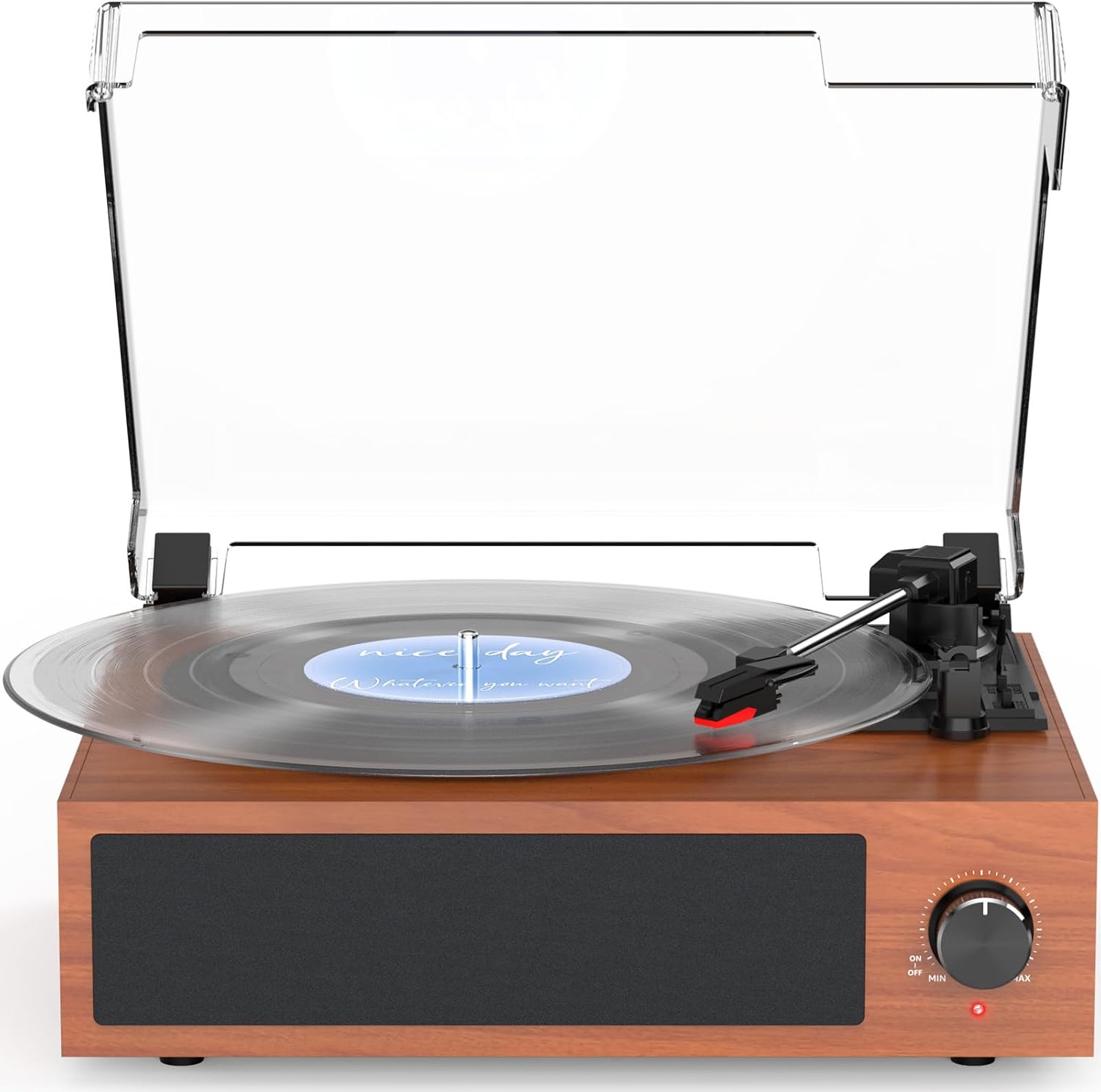
Image: The WOCKODER R608 Vintage Record Player, showcasing its classic wooden design and clear dust cover.
Safety Instructions
To ensure safe operation and prevent damage, please observe the following safety precautions:
- Do not expose the unit to rain, moisture, or direct sunlight.
- Do not place the unit near heat sources such as radiators, stoves, or other heat-producing appliances.
- Use only the power adapter supplied with the unit.
- Do not block any ventilation openings. Ensure proper airflow around the unit.
- Protect the power cord from being walked on or pinched.
- Unplug the unit during lightning storms or when unused for long periods.
- Refer all servicing to qualified service personnel.
Package Contents
Please check that all items listed below are included in your package:
- WOCKODER R608 Turntable Unit
- Power Adapter (DC 5V 1A)
- 45 RPM Adapter
- Instruction Manual (this document)
- RCA Cable (for external audio connection)
Product Overview
Familiarize yourself with the components of your WOCKODER R608 record player.

Image: Key components of the record player, including the stylus, belt drive mechanism, auto stop switch, and RCA line out ports.
- Turntable Platter: Where the vinyl record rests.
- Tonearm: Holds the stylus and tracks the record grooves.
- Stylus (Needle): The part that reads the grooves of the record.
- Speed Selector: Allows selection of 33 1/3, 45, or 78 RPM.
- Power/Volume Knob: Turns the unit on/off and adjusts speaker volume.
- Built-in Stereo Speakers: Integrated speakers for direct audio playback.
- Dust Cover: Protects the turntable from dust and debris.
- Auto Stop Switch: Enables or disables the automatic stop function at the end of a record.
- RCA Line Out Ports: For connecting to external amplifiers or powered speakers.
- Bluetooth Indicator: Lights up when Bluetooth is active.

Image: An internal view highlighting the components of the built-in stereo speakers, designed for clear sound reproduction.
Setup
- Unpacking: Carefully remove the record player and all accessories from the packaging. Retain the packaging for future transport or storage.
- Placement: Place the unit on a stable, level surface away from direct sunlight, heat sources, and excessive dust or vibrations.
- Power Connection: Connect the supplied power adapter to the DC 5V 1A input port on the back of the unit, then plug the adapter into a wall outlet.
- Dust Cover: The clear dust cover can be placed on top of the unit to protect it when not in use.
- External Audio (Optional): If you wish to connect to external speakers or an amplifier, use the RCA cable (included) to connect the RCA Line Out ports on the back of the record player to the audio input of your external device.
Operating
Playing Vinyl Records
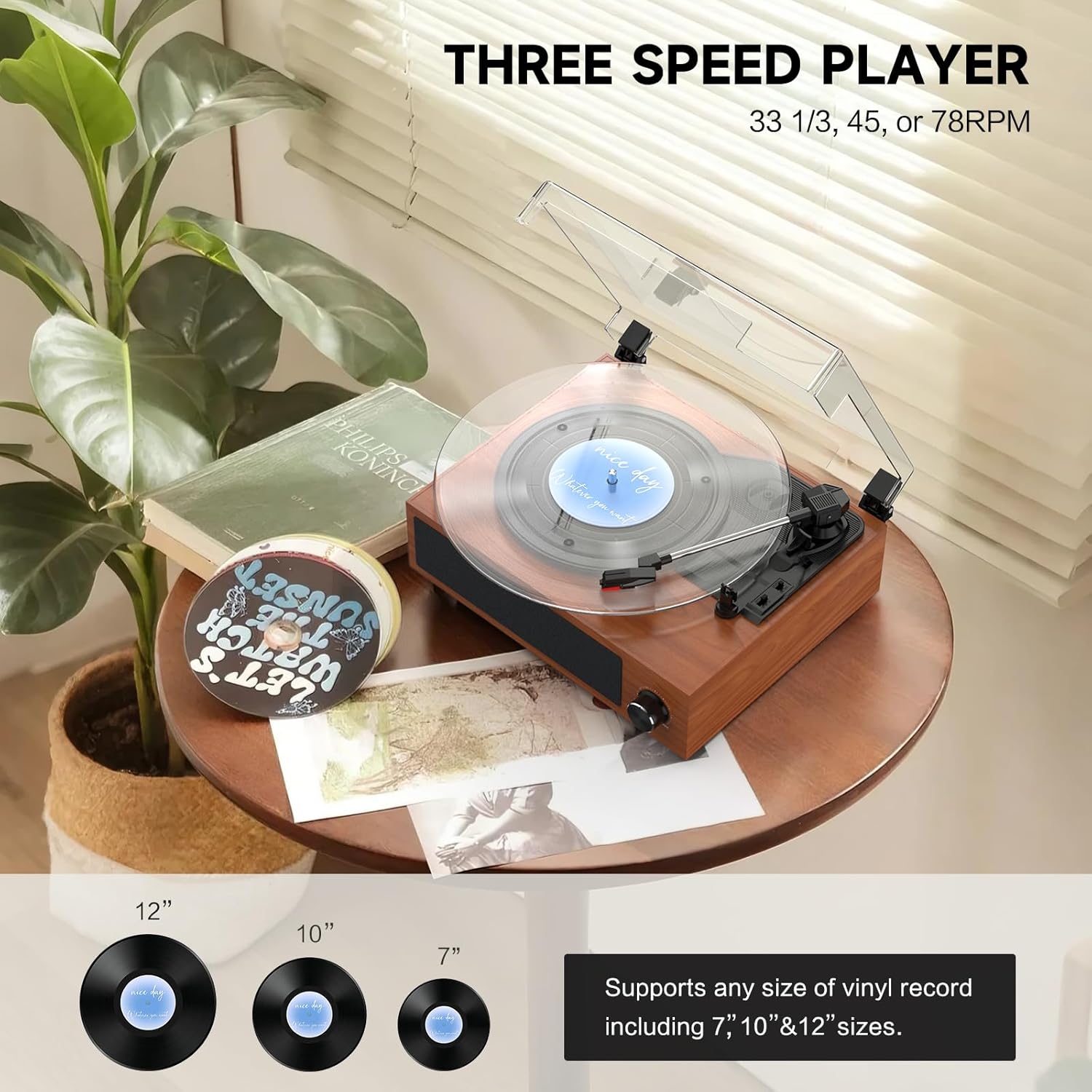
Image: The record player supports 7", 10", and 12" vinyl records, with selectable speeds of 33 1/3, 45, and 78 RPM.
- Power On: Turn the Power/Volume knob clockwise to turn on the unit.
- Select Speed: Choose the appropriate speed (33 1/3, 45, or 78 RPM) using the speed selector switch, matching it to your vinyl record. Use the 45 RPM adapter for 7-inch singles with large center holes.
- Place Record: Carefully place a vinyl record on the turntable platter.
- Auto Stop: Ensure the Auto Stop switch is set to "ON" if you want the platter to stop spinning automatically at the end of the record. Set to "OFF" for continuous play or for some records that may trigger auto-stop prematurely.
- Position Tonearm: Gently lift the tonearm using the cueing lever and move it over the desired starting groove of the record.
- Lower Tonearm: Slowly lower the tonearm onto the record using the cueing lever. The music will begin to play.
- Adjust Volume: Adjust the volume using the Power/Volume knob.
- End of Playback: At the end of the record, if Auto Stop is ON, the platter will stop. If OFF, manually lift the tonearm and return it to the tonearm rest.
Bluetooth Wireless Input
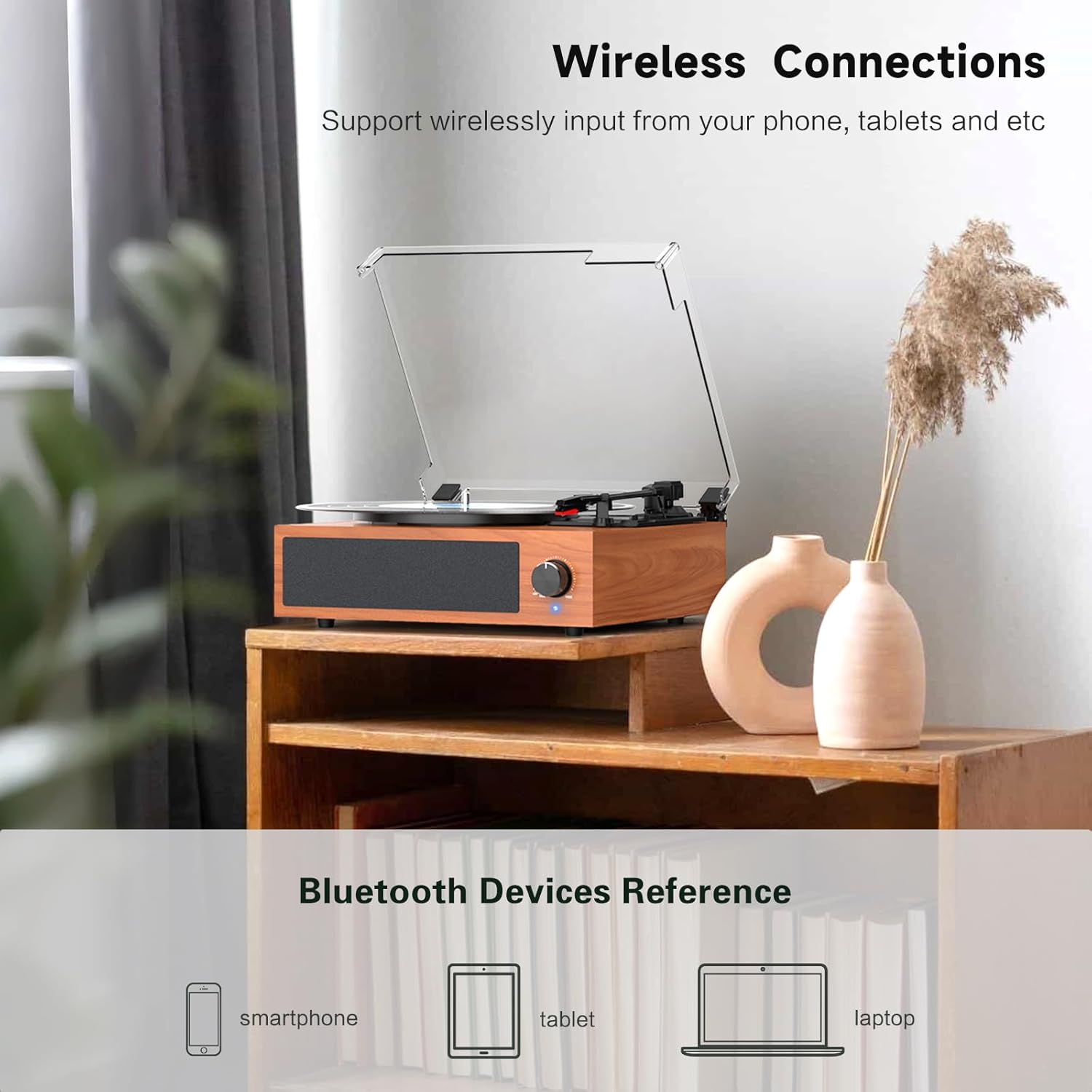
Image: The record player supports wireless input from various Bluetooth-enabled devices such as smartphones, tablets, and laptops.
- Power On: Turn the Power/Volume knob clockwise to turn on the unit.
- Bluetooth Mode: The unit will automatically enter Bluetooth pairing mode. The Bluetooth indicator light will flash.
- Pairing: On your Bluetooth-enabled device (smartphone, tablet, etc.), search for "WOCKODER R608" in the Bluetooth settings and select it to pair.
- Connected: Once successfully paired, the Bluetooth indicator light will remain solid.
- Play Music: You can now play music from your device through the record player's built-in speakers. Adjust volume using the knob on the record player or your connected device.
Maintenance
- Cleaning the Unit: Use a soft, dry cloth to wipe the surface of the unit. Do not use abrasive cleaners or solvents.
- Cleaning the Stylus: Gently brush the stylus from back to front with a soft brush designed for stylus cleaning. Do not touch the stylus with your fingers.
- Cleaning Records: Use a dedicated record cleaning brush or cloth to remove dust and debris from your vinyl records before playing.
- Dust Cover: Keep the dust cover closed when the unit is not in use to prevent dust accumulation.
Troubleshooting
| Problem | Possible Cause | Solution |
|---|---|---|
| No power | Power adapter not connected; outlet not active. | Ensure power adapter is securely connected and plugged into a working outlet. |
| No sound from speakers | Volume too low; external speakers connected; Bluetooth active. | Increase volume. Disconnect external speakers if using built-in. Ensure Bluetooth is not actively streaming from another device if playing vinyl. |
| Record skips or sound distortion | Record dirty or scratched; stylus dirty or worn; unit not level; excessive vibration. | Clean record. Clean stylus. Place unit on a stable, level surface. Avoid placing near vibrating objects. |
| Auto Stop not working correctly | Auto Stop switch is OFF; specific record type. | Ensure Auto Stop switch is ON. Some records, especially older or non-standard ones, may not trigger auto-stop correctly; set to OFF for these. |
| Bluetooth not connecting | Device not in pairing mode; "WOCKODER R608" not selected. | Ensure record player is in Bluetooth mode (flashing indicator). Refresh Bluetooth devices list on your phone/tablet and select "WOCKODER R608". |
Specifications
| Feature | Detail |
|---|---|
| Model Name | R608 |
| Brand | WOCKODER |
| Connectivity Technology | Bluetooth |
| Maximum Rotational Speed | 78 RPM (supports 33 1/3, 45, 78 RPM) |
| Included Components | Turntable Unit, Power Adapter (DC 5V 1A), 45 RPM Adapter, Instruction Manual, RCA Cable |
| Special Features | Auto Stop, Dust Cover, Vintage Walnut Looking, Built-in Bluetooth Receiver, RCA Line Out, Anti-vibration Turntable Belt-driven System, Two built-in Speakers |
| Material | Plastic, MDF Wood |
| Color | Walnut Red |
| Item Weight | 5.44 pounds |
| Package Dimensions | 14.41 x 13.19 x 7.01 inches |
Warranty and Support
WOCKODER products are designed and manufactured to the highest quality standards. For warranty information or technical support, please refer to the contact details provided on the product packaging or visit the official WOCKODER website. Please have your model number (R608) and purchase date ready when contacting support.

Image: A customer service representative ready to assist with product inquiries and support.