
Introduction
This manual provides detailed instructions for the proper use and maintenance of your Hytera PNC550 Dual-SIM Rugged IP68 Push-to-Talk Smartphone. Please read this manual thoroughly before operating the device to ensure optimal performance and longevity. The Hytera PNC550 is designed for robust communication in challenging environments, featuring IP68 water and dust resistance and MIL-STD-810G durability.

Setup
1. Package Contents
Before proceeding, ensure all items are present in the package:
- Hytera PNC550 Smartphone
- Battery
- USB Cable
- Power Adapter
- Quick Start Guide

2. SIM Card and Battery Installation
The Hytera PNC550 supports Dual SIM cards. To install the SIM cards and battery:
- Locate the SIM card and battery compartment on the device. This is typically on the back, under a protective cover.
- Carefully open the protective cover.
- Insert your GSM SIM cards into the designated slots. Ensure the gold contacts face downwards and the notched corner aligns correctly.
- Insert the battery into its compartment, ensuring the contacts align with those on the phone.
- Close the protective cover securely to maintain the device's IP68 rating.
Note: This smartphone is compatible with GSM networks only. It will not work with CDMA networks (e.g., Verizon, Sprint, US Cellular).

3. Initial Charging and Power On
Before first use, fully charge the device. Connect the USB cable to the phone and the power adapter, then plug it into a power outlet.
To power on the device, press and hold the Power button (usually on the side) until the Hytera logo appears on the screen.
Operating Instructions
1. Basic Navigation
The PNC550 runs on Android 8.1. Navigate using the touchscreen and the standard Android navigation buttons (Back, Home, Recent Apps) located at the bottom of the screen.

2. Push-to-Talk (PTT) Functionality
The PNC550 is designed for Push-to-Talk (PTT) communication. The dedicated PTT button is typically located on the side of the device. Consult your network provider or PTT application guide for specific usage instructions related to your service.

3. Camera Usage
The device features a 13MP main camera and an 8MP front camera. Open the Camera application from the home screen or app drawer. Tap to focus, and press the shutter button to capture photos or videos.
4. Connectivity
The PNC550 supports Wi-Fi and Bluetooth connectivity. Access these settings via the Quick Settings panel (swipe down from the top of the screen) or through the main Settings app.
- Wi-Fi: Connect to available Wi-Fi networks for internet access.
- Bluetooth: Pair with Bluetooth headsets, speakers, or other compatible devices.
5. Rugged Features
The Hytera PNC550 is built to withstand harsh conditions:
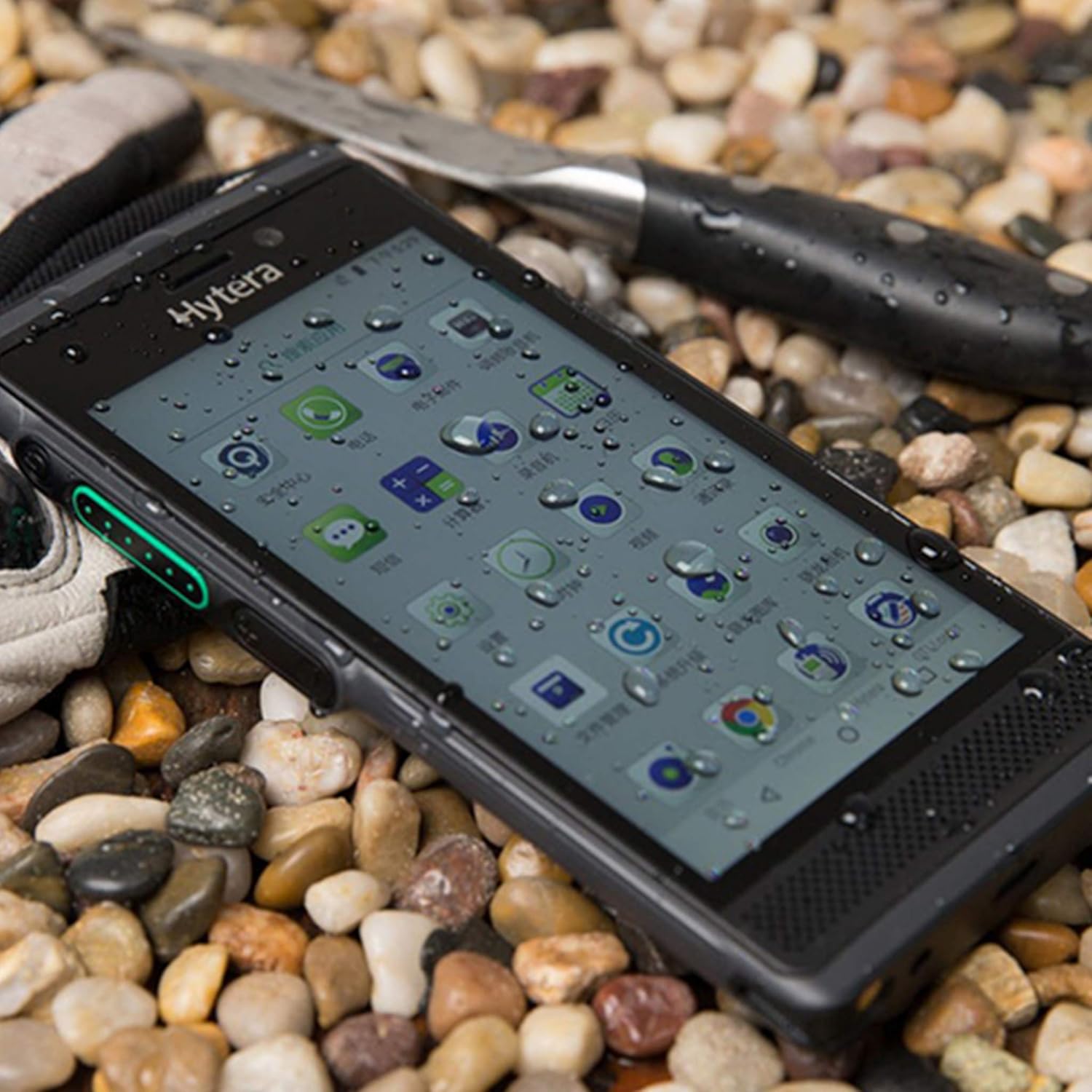
- IP68 Rating: Provides protection against dust ingress and immersion in water up to 1.5 meters for 30 minutes.
- MIL-STD-810G: Complies with military standard for durability, including resistance to drops from 1.2 meters.
Maintenance
1. Cleaning the Device
Use a soft, lint-free cloth to clean the screen and body of the device. For stubborn dirt, slightly dampen the cloth with water. Avoid using harsh chemicals or abrasive materials.
2. Battery Care
To prolong battery life:
- Avoid extreme temperatures.
- Do not let the battery fully discharge frequently.
- Use only the original charger and cable.
3. Software Updates
Regularly check for and install software updates to ensure optimal performance, security, and access to new features. Go to Settings > System > System update to check for updates.
Troubleshooting
1. Device Not Powering On
- Ensure the battery is properly installed and charged.
- Connect the device to the charger and wait a few minutes before attempting to power on again.
- If the issue persists, perform a forced restart by holding the Power button for 10-15 seconds.
2. Network Connectivity Issues
- Check if your SIM card is correctly inserted.
- Verify that you are within a GSM network coverage area.
- Restart the device.
- Go to Settings > Network & internet > Mobile network and ensure mobile data is enabled.
3. Apps Crashing or Freezing
- Close and reopen the app.
- Clear the app's cache and data (Settings > Apps & notifications > [App Name] > Storage & cache).
- Ensure the app is updated to its latest version.
- If the problem persists, consider uninstalling and reinstalling the app.
4. Charging Problems
- Ensure the charging cable and adapter are securely connected.
- Try using a different power outlet.
- Inspect the charging port for any debris or damage.
- Use only the original Hytera charger and cable.
Specifications
| Feature | Detail |
|---|---|
| Model | Hytera PNC550 |
| Operating System | Android 8.1 |
| Processor | 1.8 GHz Qualcomm |
| RAM | 3 GB |
| Internal Storage | 32 GB |
| Expandable Storage | MicroSD up to 64GB |
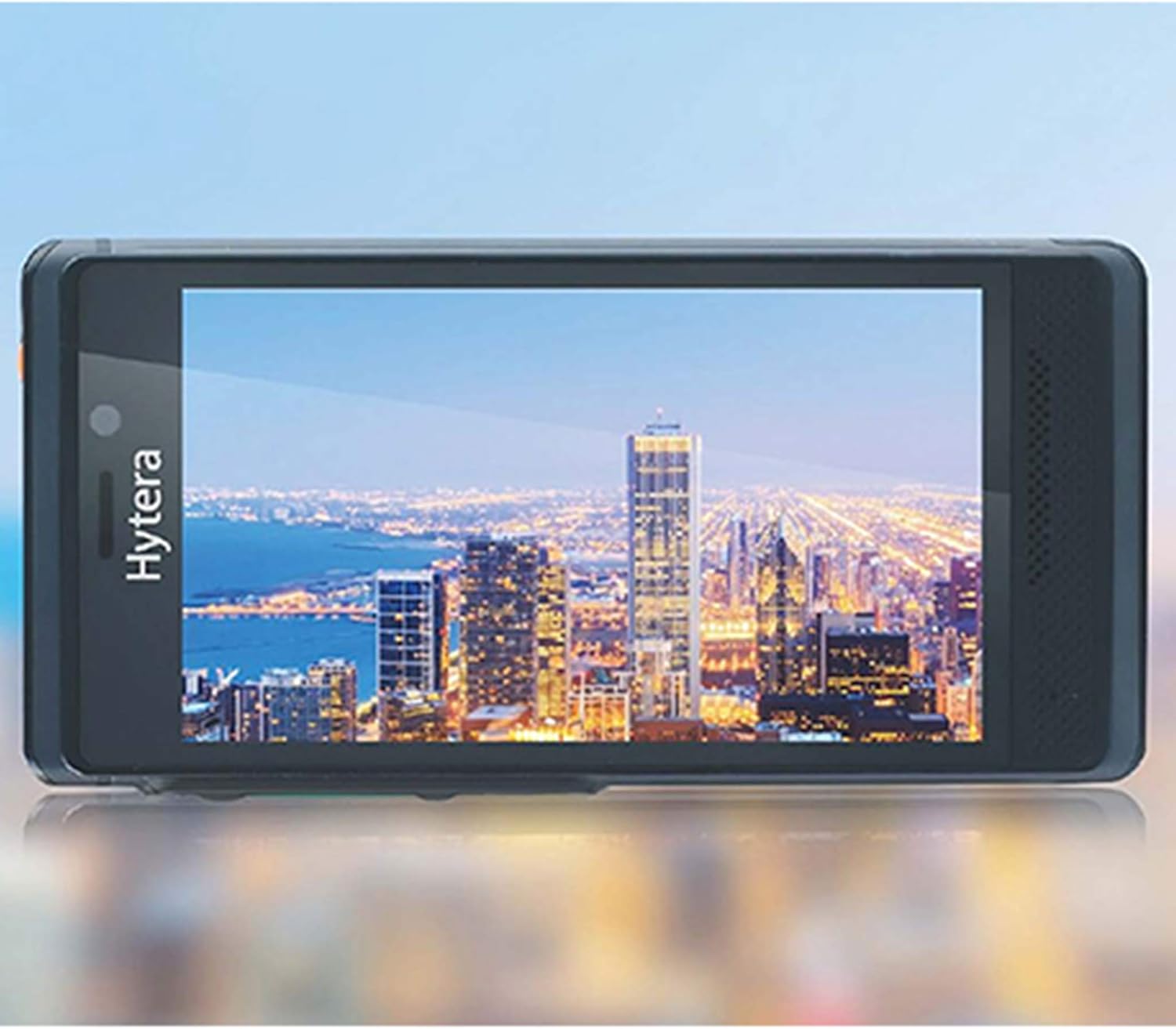
| Display | 5-inch (13 cm) Multi-capacitive touch, 1080 x 720 pixels, Gorilla Glass |
| Main Camera | 13 MP |
| Front Camera | 8 MP |
| Battery Capacity | 4000 mAh |
| SIM Support | Dual SIM (GSM Only) |
| Network Compatibility | 2G GSM, 3G WCDMA, 4G FDD-LTE, 4G TD-LTE |
| Durability | IP68, MIL-STD-810G, 1.2m drop resistance |
| Connectivity | Bluetooth, Wi-Fi |
| Item Weight | 249.48 g |
Warranty and Support
The Hytera PNC550 comes with a standard manufacturer's warranty. Please refer to the warranty card included in your product packaging or visit the official Hytera website for detailed warranty terms and conditions specific to your region.
For technical support, troubleshooting assistance beyond this manual, or warranty claims, please contact your authorized Hytera dealer or Hytera customer service. Contact information can typically be found on the Hytera official website or in your product documentation.
For general inquiries, you may visit the Hytera official website.


