
Introduction
The SE ELECTRONICS V7 MC2 is a professional dynamic microphone capsule designed for use with Sennheiser handheld wireless transmitters. It delivers clear, natural vocal sound with excellent feedback rejection and robust durability, making it suitable for live performances, speech, and studio recording environments.
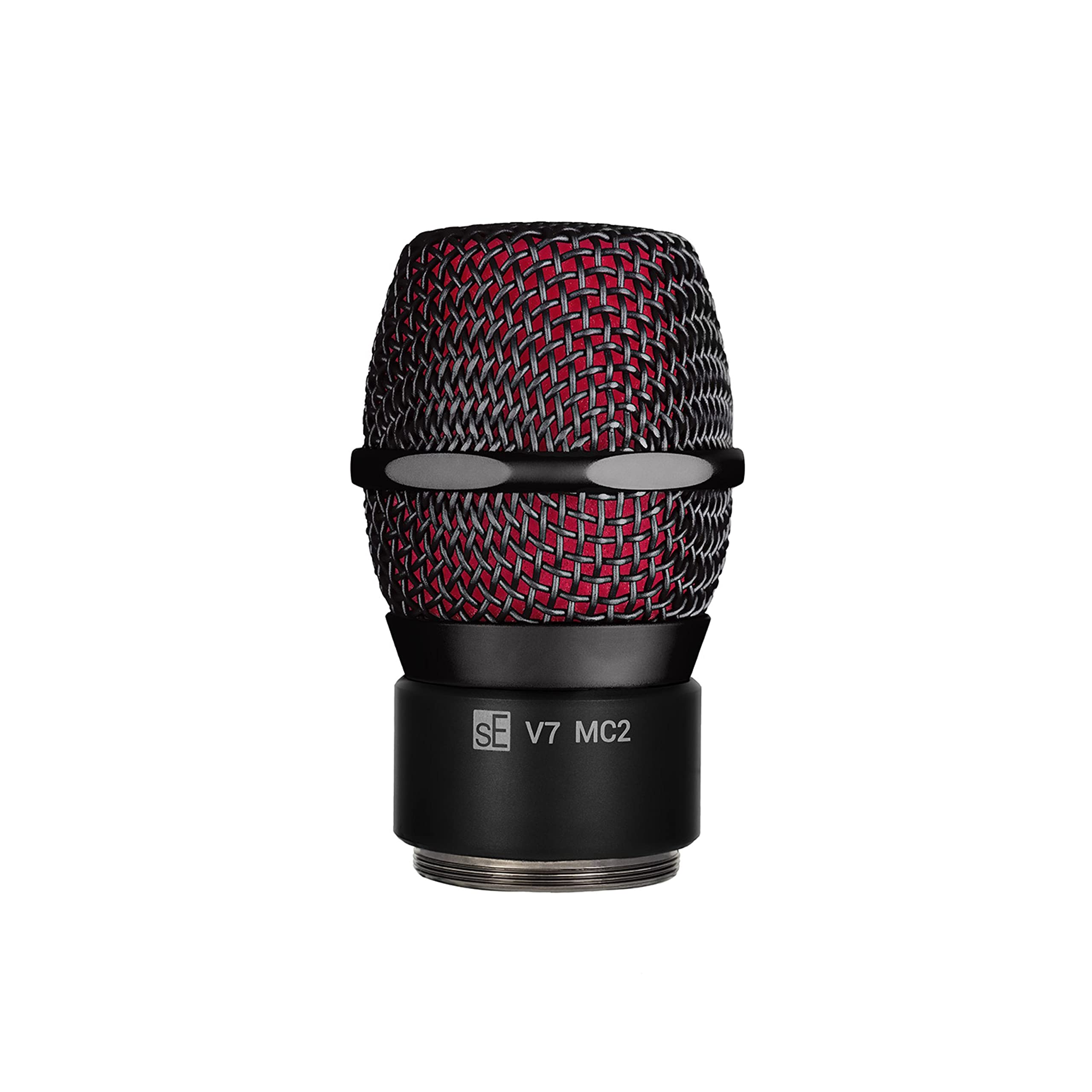
Image: The SE ELECTRONICS V7 MC2 Wireless Microphone Capsule.
Safety Information
- Do not expose the microphone capsule to extreme temperatures or humidity.
- Avoid dropping or subjecting the capsule to severe impacts.
- Keep out of reach of children.
- Use only with compatible Sennheiser handheld wireless transmitters as specified.
Package Contents
The package for your SE ELECTRONICS V7 MC2 Wireless Microphone Capsule typically includes:
- V7 MC2 Microphone Capsule
- Internal Windscreen (Black)
- Internal Windscreen (Red)
Setup
The V7 MC2 capsule is designed for easy integration with compatible Sennheiser handheld wireless transmitters. Follow these steps to attach the capsule:
- Ensure your Sennheiser handheld wireless transmitter is powered off.
- Carefully unscrew the existing microphone capsule from the transmitter body by turning it counter-clockwise.
- Align the threads of the V7 MC2 capsule with the transmitter body.
- Gently screw the V7 MC2 capsule onto the transmitter body by turning it clockwise until it is securely fastened. Do not overtighten.
- You may choose to install one of the included internal windscreens (black or red) inside the grille for additional plosive protection and visual customization.

Image: The V7 MC2 capsule highlighting its compatibility and features.
Operating Instructions
Once the V7 MC2 capsule is securely attached to your Sennheiser wireless transmitter, you can begin operation:
- Power On: Turn on your Sennheiser wireless transmitter according to its specific instructions.
- Positioning: Hold the microphone capsule approximately 1-6 inches (2.5-15 cm) from your mouth for optimal vocal capture. The supercardioid polar pattern provides excellent off-axis rejection, minimizing pickup from other sound sources.
- Gain Adjustment: Adjust the gain on your wireless receiver and/or mixing console to achieve a strong signal without clipping. The V7 MC2 is designed for high gain before feedback.
- Sound Quality: The custom aluminum voice coil ensures crisp and natural vocal clarity. Experiment with microphone distance and angle to find the best sound for your voice or instrument.

Image: A performer using a microphone, demonstrating the V7 MC2's application for clear vocal capture.
Maintenance
Proper maintenance ensures the longevity and optimal performance of your V7 MC2 capsule:
- Cleaning: Use a soft, dry cloth to wipe down the exterior of the capsule. For the grille, a soft brush can be used to remove dust or debris. Do not use liquid cleaners directly on the capsule or grille.
- Storage: Store the capsule in a protective case when not in use to prevent physical damage and exposure to dust or moisture.
- Internal Windscreen: The internal windscreens can be gently removed and cleaned with mild soap and water if necessary. Ensure they are completely dry before reinserting.
- Gold-Plated Contacts: The gold-plated contacts are designed for reliability. Avoid touching them directly and ensure they remain clean and free of corrosion.

Image: Detail of the V7 MC2's gold-plated contacts, emphasizing their importance for signal integrity.
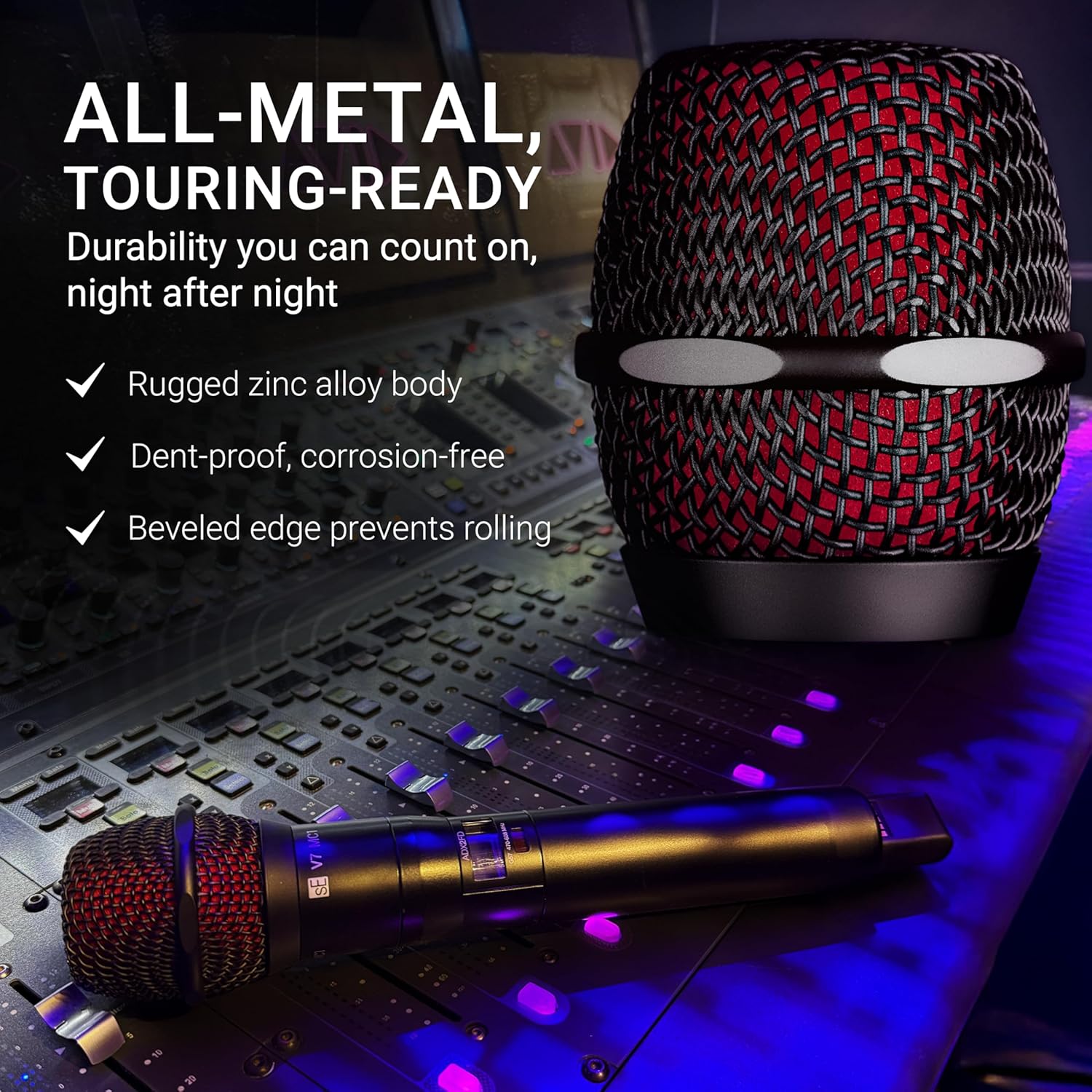
Image: The V7 MC2 capsule on a mixing console, showcasing its robust all-metal construction.
Troubleshooting
If you encounter issues with your V7 MC2 microphone capsule, consider the following:
- No Sound:
- Ensure the wireless transmitter is powered on and has fresh batteries.
- Verify the capsule is securely screwed onto the transmitter.
- Check the connection between the wireless receiver and your audio system.
- Confirm the wireless system is properly synced and on the correct frequency.
- Poor Sound Quality / Distortion:
- Adjust the gain levels on your transmitter, receiver, and mixing console to prevent clipping.
- Ensure the internal windscreen is clean and properly seated.
- Check for environmental interference if using a wireless system.
- Excessive Handling Noise:
- The V7 MC2 features an integrated shockmount system to minimize handling noise. If excessive noise persists, ensure the capsule is fully tightened and inspect for any damage.

Image: The V7 MC2 grille, demonstrating its design for reducing unwanted noise and plosives.
Specifications
| Model Name | V7 MC2 |
| Brand | SE ELECTRONICS |
| Compatible Devices | Sennheiser handheld transmitters |
| Polar Pattern | Unidirectional (Supercardioid) |
| Microphone Form Factor | Handheld Capsule |
| Frequency Response | 19 KHz |
| Signal-to-Noise Ratio | 87 dB |
| Audible Noise | 20 Decibels |
| Item Weight | 0.31 Pounds |
| Item Dimensions | 6.1 x 3.35 x 3.35 inches |
| Enclosure Material | Alloy Steel, Aluminum, Zinc |
| UPC | 819032011645 |
Warranty and Support
The SE ELECTRONICS V7 MC2 Wireless Microphone Capsule comes with a 2-year warranty. This warranty can be extended to 3 years if registered online. For detailed warranty terms and conditions, please refer to the official SE ELECTRONICS website or contact their customer support.
For technical support, troubleshooting assistance, or service inquiries, please visit the SE ELECTRONICS Store on Amazon or their official website.


