
1. Introduction
The AC Infinity CLOUDLINE H4 is a quiet 4-inch inline duct fan designed for efficient ventilation and climate control in various environments, including grow tents and mushroom fruiting chambers. Its IP65 rating ensures durability and performance in high-humidity conditions, resisting dust, debris, and moisture. Featuring an EC motor with PWM control, it offers quiet and energy-efficient operation for consistent fresh air exchange. The included speed controller provides precise 10-level control for optimal airflow management.
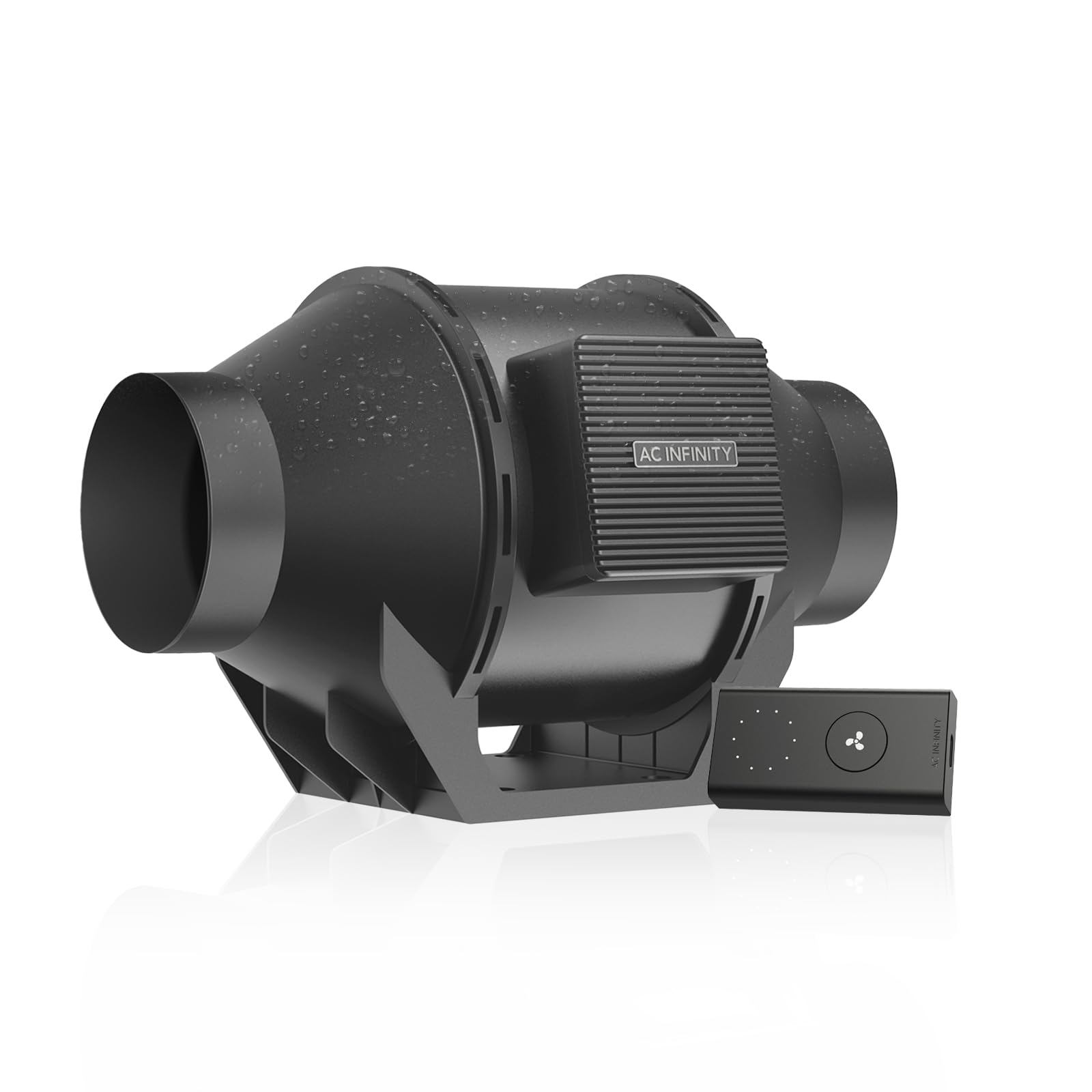
Figure 1: AC Infinity CLOUDLINE H4 Inline Duct Fan with included speed controller.
2. Safety Information
Please read and understand all safety instructions before installing or operating this product. Failure to follow these instructions may result in electric shock, fire, or serious injury.
- Always disconnect power before servicing or cleaning the unit.
- Do not operate the fan with a damaged cord or plug.
- Ensure the fan is securely mounted to prevent accidental falls.
- Do not immerse the fan or controller in water. The IP65 rating protects against water jets, not submersion.
- Keep fingers and other objects away from moving fan blades.
- This product is intended for indoor use as specified.
3. Package Contents
Verify that all components are present and in good condition upon unpacking.
- CLOUDLINE H4 Inline Duct Fan
- 10-Level Speed Controller
- Power Cord
- Mounting Hardware (screws, zip ties)
- Instruction Manual

Figure 2: Typical package contents for the CLOUDLINE H4 series.
4. Setup and Installation
4.1 Mounting the Fan
The CLOUDLINE H4 fan can be mounted in various positions depending on your ventilation needs. Ensure the mounting surface is sturdy enough to support the fan's weight.
- Identify the desired location for the fan. Consider airflow direction (indicated by an arrow on the fan housing) and proximity to power.
- Use the provided mounting brackets and screws to secure the fan to a wall, ceiling, or grow tent frame.
- Connect appropriate ducting (not included) to both ends of the fan using duct clamps or heavy-duty zip ties to ensure an airtight seal.
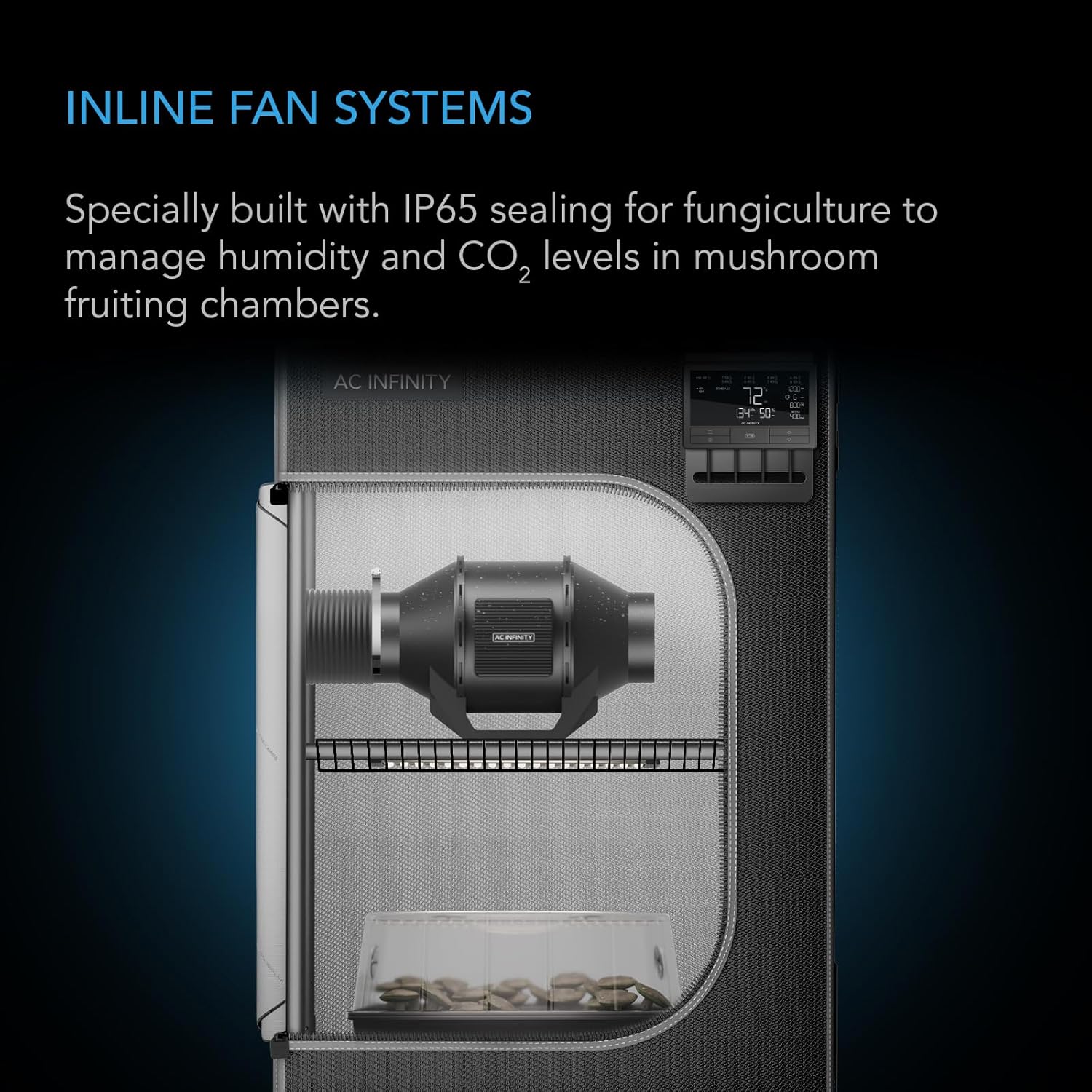
Figure 3: Example installation of the inline duct fan within a grow tent environment.
4.2 Connecting the Speed Controller
The speed controller allows for manual adjustment of the fan's airflow.
- Plug the fan's power cord into the speed controller.
- Plug the speed controller's power cord into a standard electrical outlet.
- Mount the speed controller in a convenient location using the provided machine and wood mounting screws.

Figure 4: The inline fan connected to its dedicated speed controller.
5. Operating Instructions
5.1 Basic Operation
The included speed controller provides simple and effective control over your fan.
- Power On/Off: Press the main button on the controller to turn the fan on or off.
- Adjusting Speed: Use the up/down arrows or rotate the dial (depending on controller model) to select one of the 10 available fan speeds. The current speed setting is typically indicated by LED lights.
- Memory Function: The controller features backup memory, retaining your last speed setting even after power cycles.

Figure 5: The CLOUDLINE H series fan and controller are designed for managing environmental factors like humidity and CO2.
5.2 Humidity and CO2 Control
The CLOUDLINE H4 is specifically designed for environments requiring precise humidity and CO2 management, such as mushroom fruiting chambers. The 10-level speed control allows you to fine-tune airflow to maintain desired climate levels, preventing CO2 buildup and ensuring optimal conditions for propagation and fungiculture.
6. Maintenance
Regular maintenance ensures optimal performance and longevity of your fan.
- Cleaning: Periodically inspect the fan blades and housing for dust and debris buildup. Disconnect power before cleaning. Use a soft, dry cloth or a vacuum cleaner with a brush attachment to gently remove any accumulation.
- Ducting Inspection: Check ducting for any tears, leaks, or obstructions that could impede airflow.
- Motor: The EC motor is maintenance-free and does not require lubrication.
7. Troubleshooting
If you encounter issues with your CLOUDLINE H4 fan, refer to the following common problems and solutions:
- Fan Not Turning On:
- Ensure the power cord is securely plugged into both the fan and a working electrical outlet.
- Check if the speed controller is powered on.
- Verify the electrical outlet is functional by plugging in another device.
- Reduced Airflow:
- Check for obstructions in the ducting or fan blades.
- Ensure the fan speed is set to an appropriate level.
- Inspect ducting for any leaks or disconnections.
- Unusual Noise:
- Check for loose mounting hardware.
- Inspect fan blades for any foreign objects or damage.
- Ensure ducting is not vibrating against other surfaces.
8. Specifications
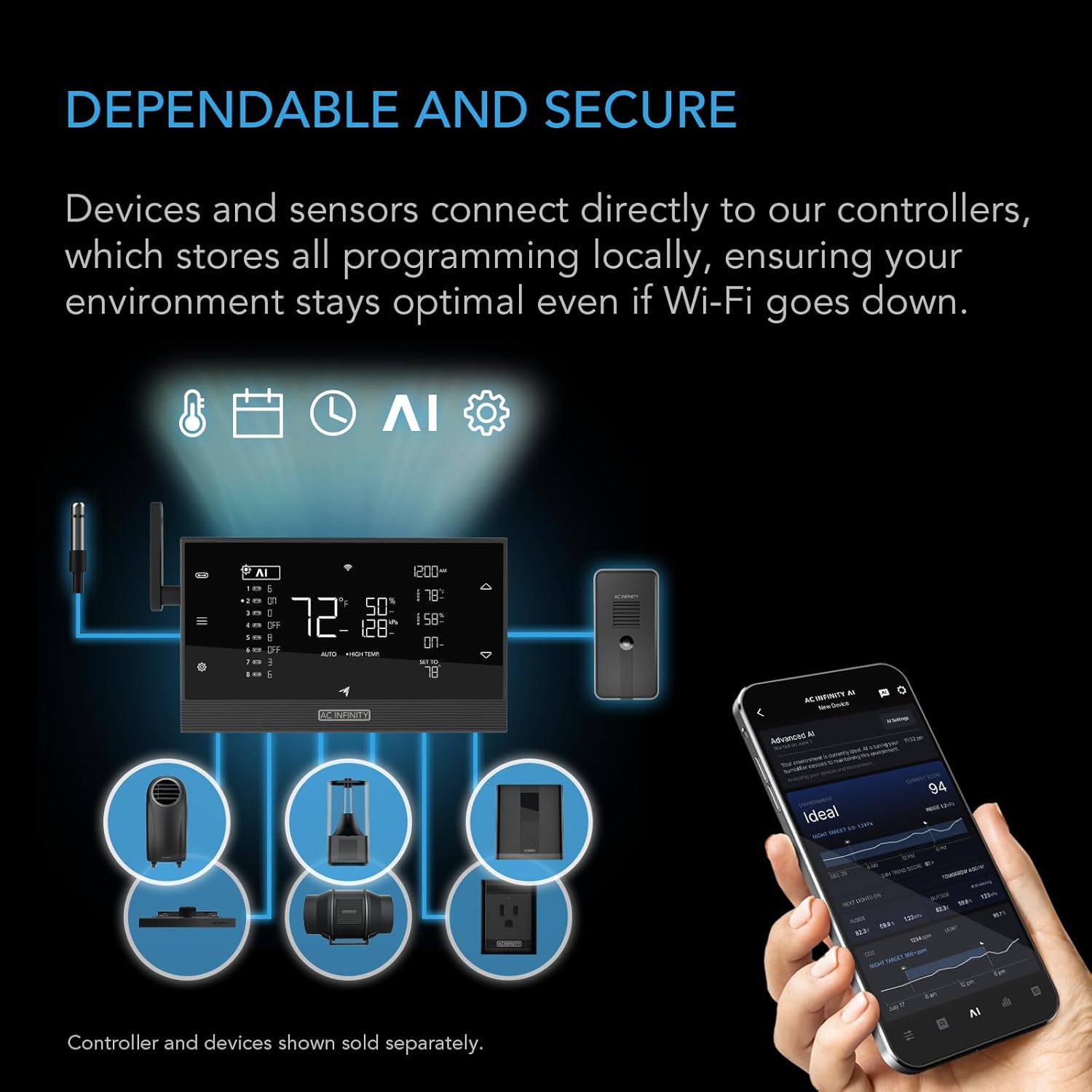
Figure 6: Visual representation of CLOUDLINE H4 dimensions and key specifications.
| Feature | Specification |
|---|---|
| Model Name | CLOUDLINE H4 |
| Model Number | AI-CLH4 |
| Duct Size | 4-Inch |
| Airflow Capacity | 212 CFM |
| Noise Level | 27 dBA |
| Number of Speeds | 10 |
| Waterproof Rating | IP65 |
| Power Source | DC |
| Voltage | 100 Volts |
| Wattage | 18 watts |
| Speed | 3000 RPM |
| Product Dimensions | 6.9"D x 7.4"W x 11.9"H |
| Item Weight | 2.09 Kilograms |
| Material | Plastic |
| Included Components | Cord |
9. Warranty and Support
AC Infinity products are designed for reliability and performance. For specific warranty details and to register your product, please visit the official AC Infinity website. If you require technical assistance or have questions about your product, please contact AC Infinity customer support.
You can find more information and support resources at the AC Infinity Store on Amazon.


