
1. Introduction
The Washinglee ELS27 Diagnostic Cable is a versatile interface designed for advanced vehicle diagnostics and programming. It is compatible with Ford, Mazda, Lincoln, and Mercury vehicles manufactured since 1996. This cable enables users to access vehicle modules to read sensor data, retrieve and clear Diagnostic Trouble Codes (DTCs), and perform various diagnostic tests and service procedures.
The ELS27 cable is compatible with popular diagnostic software applications such as FORScan, ELMconfig, FF2, Foccus, ScanMaster ELM v2.1, and Scantool.net.
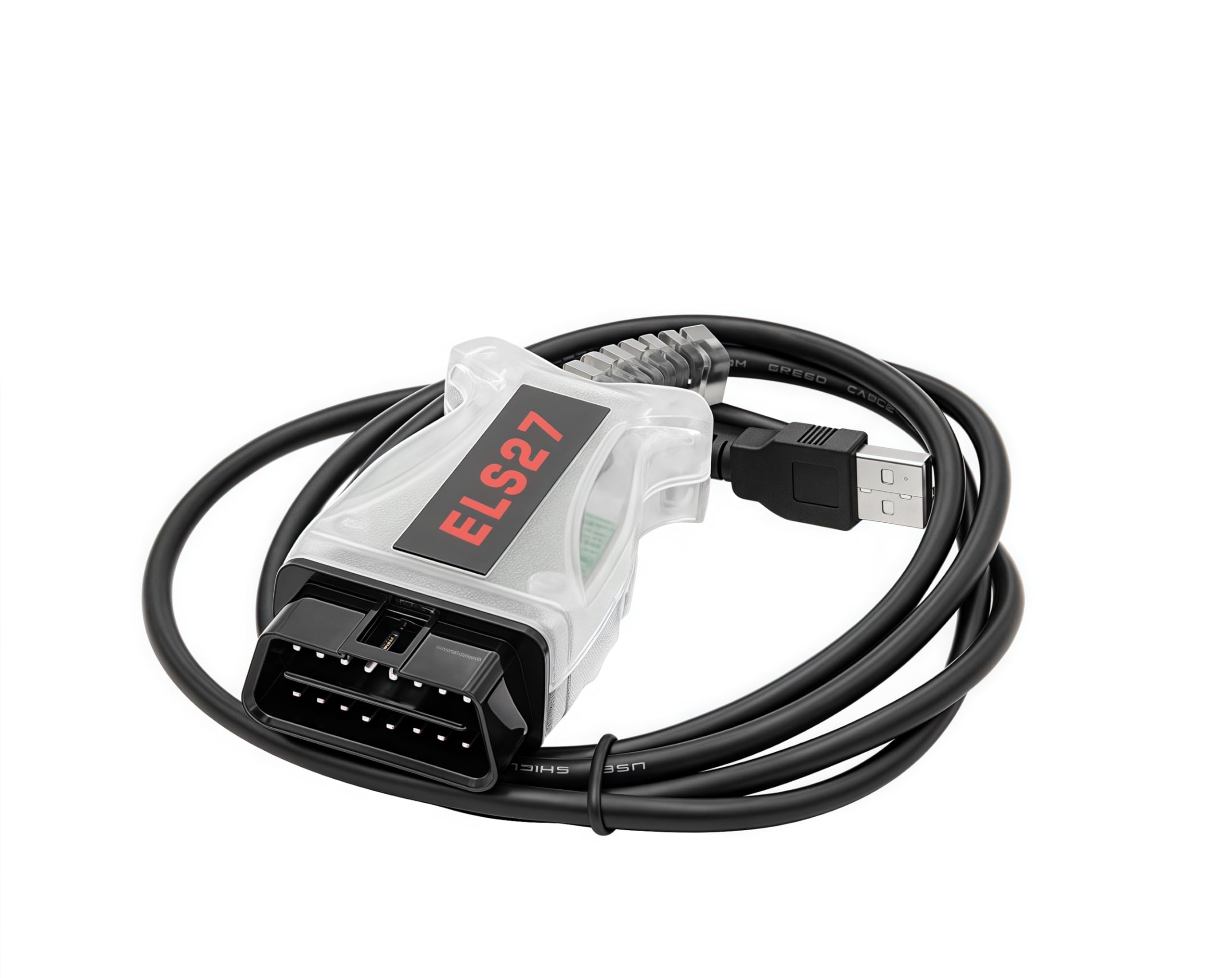
This image displays the Washinglee ELS27 Diagnostic Cable, featuring its clear casing, USB connector, and OBD2 interface, positioned against a background of Ford vehicles, indicating its primary application.
2. Setup
2.1 Driver and Software Installation
Before using the ELS27 Diagnostic Cable, it is essential to install the necessary drivers and diagnostic software on your computer. The cable requires specific drivers to communicate with your operating system.
- Driver Download: Drivers for the ELS27 cable can be obtained by scanning the QR code printed on the product packaging label. Alternatively, the user manual and drivers will be sent to you via email after purchase.
- Software Acquisition: Diagnostic software such as FORScan can be downloaded from its official website. Ensure you download the version compatible with your operating system.
- Operating System Compatibility: The ELS27 cable and its drivers are compatible with Windows 2000, XP, Vista, 7, 8, 10, and 11 (both 32-bit and 64-bit versions).
2.2 Physical Connection
- Locate the OBD2 port in your vehicle, typically found under the dashboard on the driver's side.
- Connect the OBD2 end of the ELS27 cable securely into your vehicle's OBD2 port.
- Connect the USB end of the ELS27 cable to an available USB port on your computer.

The Washinglee ELS27 Diagnostic Cable is shown coiled, presenting its OBD2 connector on one end and the USB plug on the other, ready for connection to a vehicle and computer.
3. Operating Instructions
Once the ELS27 cable is connected to both your vehicle and computer, and the drivers are installed, you can begin using your diagnostic software.
- Launch Software: Open your chosen diagnostic application (e.g., FORScan) on your computer.
- Connect to Vehicle: Within the software, initiate the connection process to the vehicle. The software should automatically detect the ELS27 interface.
- Perform Diagnostics: Follow the software's on-screen instructions to perform desired functions. Common operations include:
- Reading and clearing Diagnostic Trouble Codes (DTCs) from all vehicle modules.
- Monitoring live sensor data.
- Running diagnostic tests.
- Executing service procedures such as:
- Central configuration.
- RCM Module reset/configuration.
- ABS Module reset/configuration.
- PATS Programming (for specific models like Focus Mk1, F-150, Escape, Mazda Tribute, Mercury Mariner, Lincoln Navigator).
- DPF Static Regeneration, Reset Diesel Particulate Filter Learned Values, Reset Differential Pressure Sensor Learned Values (for specific models like F-Series Super Duty, Transit).
- Calibrating Steering Angle Sensor, Lateral Acceleration Sensor, Longitudinal Sensor, and Reset Straight Ahead Angle Learned Value (for specific models like Transit, C-Max, Expedition, Explorer, Lincoln).
- Disconnect: After completing your tasks, safely disconnect from the vehicle within the software before physically removing the cable.
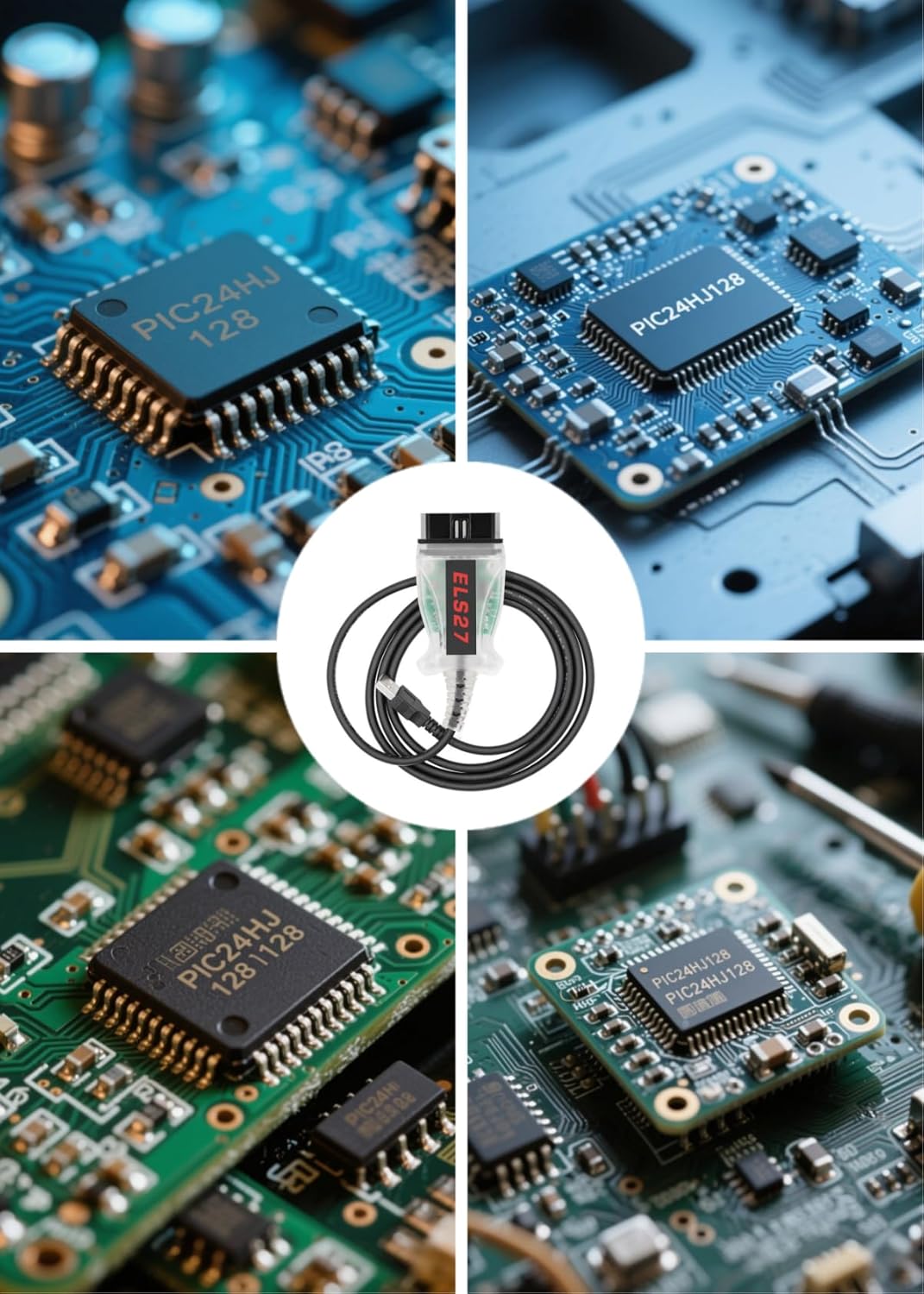
A detailed view of the ELS27 cable's internal circuitry, highlighting the FTDI chip (FT232RQ) and PIC24HJ128GP microcontroller, which are essential for its diagnostic capabilities.
4. Maintenance
To ensure the longevity and reliable performance of your ELS27 Diagnostic Cable, follow these maintenance guidelines:
- Cleaning: Keep the cable and connectors clean and free from dust, dirt, and moisture. Use a soft, dry cloth for cleaning.
- Storage: Store the cable in a cool, dry place, away from direct sunlight and extreme temperatures. Avoid tightly coiling the cable to prevent damage to the internal wiring.
- Handling: Always grasp the connectors when plugging or unplugging the cable, rather than pulling on the cable itself, to prevent strain on the connections.
5. Troubleshooting
If you encounter issues while using your ELS27 Diagnostic Cable, consider the following troubleshooting steps:
- Cable Not Recognized:
- Ensure that the drivers for the ELS27 cable are correctly installed. You may need to reinstall them.
- Try connecting the cable to a different USB port on your computer.
- Verify that your computer's operating system is compatible (Windows 2000/XP/Vista/7/8/10/11).
- Software Connection Issues:
- Confirm that your diagnostic software (e.g., FORScan) is updated to the latest version.
- Check the software's settings to ensure the correct communication interface (ELS27 or ELM327 compatible) is selected.
- Ensure the vehicle's ignition is in the ON position (engine off or running, as required by the diagnostic procedure).
- No Data or Incorrect Readings:
- Verify that the OBD2 connector is fully seated in the vehicle's port.
- Ensure the vehicle's battery has sufficient charge.
- Consult the specific diagnostic software's documentation for further troubleshooting steps related to data acquisition.
If problems persist after attempting these steps, please contact Washinglee technical support for assistance.
6. Specifications
| Feature | Description |
|---|---|
| Model Number | ELS27 |
| Chipset | PIC24HJ128, FTDI (FT232RQ) |
| Vehicle Compatibility | Ford, Mazda, Lincoln, Mercury (since 1996) |
| Software Compatibility | FORScan, ELMconfig, FF2, Foccus, ScanMaster ELM v2.1, Scantool.net |
| Supported Protocols | FORD HS CAN, FORD MS CAN, FORD SCP, FORD 9141 |
| Operating System | Windows 2000, XP, Vista, 7, 8, 10, 11 (32 & 64 bit) |
| Interface | USB to OBD2 |
| Power Source | Corded Electric (via OBD2 port and USB) |
| UPC | 713440300196 |
| ASIN | B07X2W1WSY |
7. Warranty and Support
Washinglee provides comprehensive support for your ELS27 Diagnostic Cable:
- Warranty: The ELS27 Diagnostic Cable comes with a 1-year warranty from the date of purchase.
- Technical Support: Washinglee offers technical support to assist with any questions or issues you may encounter. This includes guidance on driver installation, software setup, and troubleshooting.
- Remote Installation: Remote installation assistance is available if necessary to help you get started with the cable and software.
- Contact: For technical support or warranty claims, please contact Washinglee engineers via the email provided with your purchase or through the Amazon platform.

This image visually represents the comprehensive support provided with the ELS27 Diagnostic Cable, including a 1-year warranty, technical assistance, and remote installation services, with visuals of a support agent and vehicles in a service bay.