
Introduction
This manual provides comprehensive instructions for the Mugast Electronic Sound Speaker and Alarm Siren Horn. This device features high-quality MP3 audio playback, IP65-rated protection against rain, dust, and shock, and multiple triggering modes for versatile use. It is designed for applications requiring a loud and clear alarm sound, such as industrial settings or emergency situations.
Product Overview
The Mugast Electronic Sound Speaker is a robust and versatile siren horn. Key features include:
- High MP3 Sound Quality: Supports MP3 audio format playback for clear and effective sound.
- IP65 Protection: Designed to be rainproof, dustproof, and shockproof, ensuring reliable operation in challenging environments.
- Loud 115dB Alarm: Equipped with a 10W amplifier, it produces a powerful 115dB alarm sound for continuous operation.
- Multi-Playback & Triggering Modes: Features 5 ports for various triggering modes, allowing flexible integration into different systems.
- Voice File Customization: Supports voice file replacement via an inserted SD card, utilizing FAT and FAT32 file systems.
What's in the Box:
- 1 x Siren Horn
- 1 x Remote Control
- Necessary Wiring (red for positive, black for negative)
Setup Instructions
- Prepare Wiring: The siren horn comes with bare wires. For secure connection, it is recommended to attach appropriate connectors (e.g., spade connectors) to the red (positive) and black (negative) wires.
- Power Connection: Connect the red wire to a 12V DC positive power source and the black wire to the negative/ground. Ensure a stable power supply for optimal performance.
- Mounting: Securely mount the siren horn using its integrated tabletop mount. Ensure it is placed in a location where sound can propagate effectively and is protected from direct impact.
- SD Card Insertion (Optional): If customizing voice files, insert a compatible SD card (FAT or FAT32 file system) into the designated slot. Refer to the "Operating Instructions" for details on changing voice files.

Figure 1: SD card insertion for voice file customization.
Operating Instructions
The siren horn can be operated using the provided remote control. The remote typically features buttons for different siren sounds and functions.
- Remote Control Activation: Ensure the siren horn is powered on. The remote control has an extendable antenna for improved range.
- Sound Modes:
- Button B: Activates a short burst sound.
- Buttons A, C, D: Activate continuous siren sounds. Pressing the button again or pressing button B may stop the sound (behavior may vary by model).
- Voice Function (if applicable): If your model includes a microphone, connect it to the designated port. Press and hold the microphone button to speak through the siren.
- Changing Voice Files (via SD Card):
- Prepare MP3 audio files on an SD card formatted to FAT or FAT32.
- Insert the SD card into the siren's micro SD card slot.
- The siren will automatically detect and play the custom voice files based on its internal programming and triggering modes. Consult specific model documentation for advanced configuration.

Figure 2: Key features of the electronic sound horn.
Maintenance
- Cleaning: Wipe the exterior with a soft, damp cloth. Avoid harsh chemicals or abrasive cleaners.
- Environmental Protection: While IP65 rated for rain and dust, avoid prolonged submersion or exposure to extreme conditions to maximize product lifespan.
- Wiring Inspection: Periodically check all wiring connections for corrosion or damage. Ensure connections are secure.
- Storage: If storing for extended periods, disconnect from power and store in a cool, dry place.
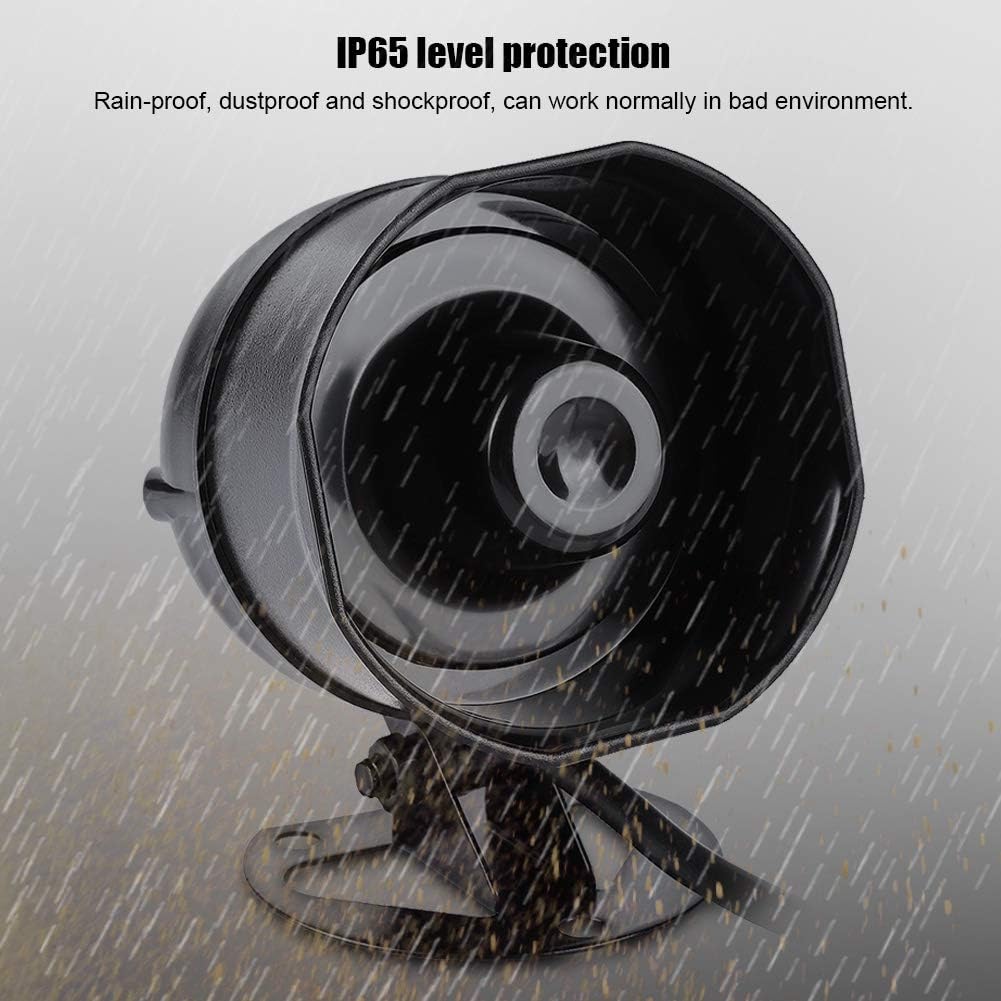
Figure 3: IP65 level protection ensures durability in various weather conditions.
Troubleshooting
| Problem | Possible Cause | Solution |
|---|---|---|
| No sound from siren. | No power, incorrect wiring, remote battery low, remote out of range. | Check 12V DC power connection. Ensure red wire is positive and black is negative. Replace remote battery. Move closer to the siren. |
| Siren sound is distorted or weak. | Low power supply, damaged speaker, incorrect audio file format. | Verify stable 12V DC power. Check speaker for physical damage. Ensure MP3 files are correctly formatted. |
| Remote control not responding. | Remote battery dead, interference, remote not paired (unlikely for this model). | Replace remote battery. Ensure no strong interference sources nearby. |
| Cannot change voice files. | SD card not inserted correctly, incorrect file system (not FAT/FAT32), corrupted MP3 files. | Reinsert SD card. Format SD card to FAT or FAT32. Ensure MP3 files are valid. |
Specifications
- Model: Electronic Sound Speaker
- Input Voltage: DC 12V
- Material: Acrylonitrile Butadiene Styrene (ABS)
- Volume: 115dB
- Working Current: 380mA
- Audio Format: MP3 Format
- Audio Power: 10W/8Ω
- Internal Memory: Built-in 4M bit SPI Flash Memory
- SD Card Support: FAT and FAT32 File System for voice replacement
- Protection Level: IP65 (Rainproof, Dustproof, Shockproof)
- Dimensions (L x W x H): 10.0 cm x 6.8 cm x 8.2 cm (3.9" x 2.7" x 3.2")
- Item Weight: 14.4 ounces (424g)
- Mounting Type: Tabletop Mount
- Speaker Type: Outdoor, Atmospheric
- Recommended Uses: Industrial Use, Emergency Situations, Security and Alarm Systems
- Compatible Devices: MP3 Player, Smartphone, Tablet (for audio file preparation)
- Connectivity Technology: Wired
- Audio Output Mode: Mono
- Control Method: Remote Control (and potentially external triggers via 5 circuits)
- Color: Black

Figure 4: Product dimensions.
Warranty and Support
The Mugast Electronic Sound Speaker comes with a limited warranty. For detailed warranty information, product support, or technical assistance, please refer to the product packaging or contact Mugast customer service directly. Keep your purchase receipt for warranty claims.
Product Media
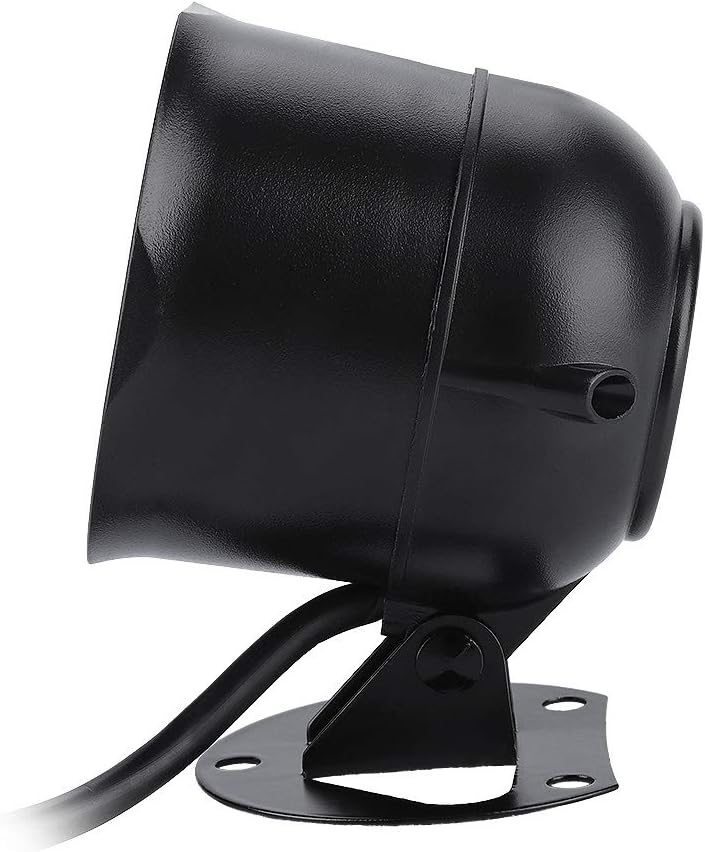
Product Images:



Official Product Videos:
Video demonstrating the Mugast Electronic Sound Speaker and Alarm Siren Horn, including a 360-degree view and a sound test with the remote control.