
1. Introduction
The KEiiD WiFi & Bluetooth (CSR 5.0) Wireless Stereo Receiver is designed to upgrade your home audio system with modern wireless capabilities. Featuring the latest Bluetooth 5.0 technology with a Qualcomm chip, it ensures stable and seamless audio transmission. This versatile receiver offers three receiving modes (WiFi, Bluetooth, AUX) and four output methods (Optical, S/PDIF, RCA, 3.5mm Subwoofer), providing wide compatibility with various home audio setups. It allows you to stream music, radio, and audiobooks from online sources or your mobile devices, delivering clear and rich sound quality for an enhanced home entertainment experience.
2. Safety Information
Please read all safety instructions carefully before using the device. Keep this manual for future reference.
- Do not expose the device to water or excessive moisture.
- Avoid placing the device near heat sources such as radiators, heat registers, stoves, or other apparatus (including amplifiers) that produce heat.
- Use only attachments/accessories specified by the manufacturer.
- Unplug the device during lightning storms or when unused for long periods.
- Refer all servicing to qualified service personnel.
3. Package Contents
Verify that all items listed below are included in your package:
- KEiiD Stereo Receiver
- User Manual
- Remote Control (2x AAA batteries required, not included)
- 5V 2A Power Adapter
- Power Cord
- 5 ft Audio Cord (RCA to 3.5mm)

Figure 3.1: Contents of the KEiiD Stereo Receiver package. This image displays the main unit, remote control, power adapter, power cord, 5 ft audio cord, and the user manual, illustrating all components included in the box.
4. Product Overview
4.1 Front Panel

Figure 4.1: Front Panel Controls and Indicators. This image highlights the Mode LED indicators for WiFi, Bluetooth, and AUX, along with the ON/OFF button, volume/previous/next controls, Play/Pause button, and Mode Shift button.
4.2 Rear Panel
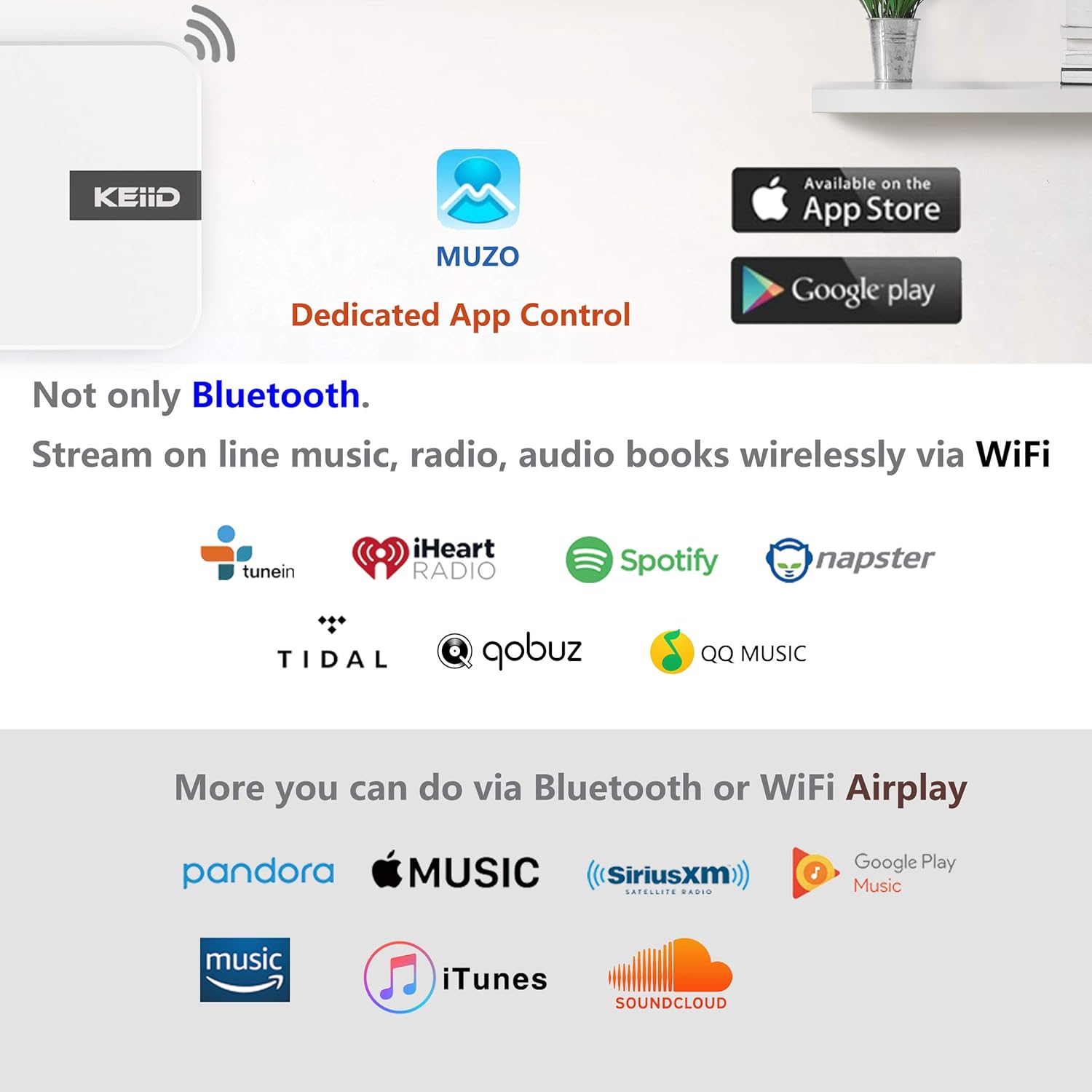
Figure 4.2: Rear Panel Connections. This image displays the various output ports including S/PDIF Output, Optical Output, RCA Line-Out (L/R), 3.5mm Subwoofer Output, AUX In, LAN port, and the DC 5V Power Input.
4.3 Remote Control

Figure 4.3: KEiiD Stereo Receiver with Remote Control. This image shows the compact white receiver alongside its remote control, which features buttons for power, WPS, mode selection, volume, track control, and preset numbers.
5. Setup
5.1 Connecting to Power
- Connect the power cord to the 5V 2A Power Adapter.
- Plug the power adapter into the DC 5V Input port on the rear of the receiver.
- Plug the power adapter into a standard wall outlet.
5.2 Audio Connections
The KD-W01 offers multiple output options to connect to your home audio system:
- Optical Output: For digital audio connection to a compatible amplifier or DAC.
- S/PDIF Output: For digital coaxial audio connection to a compatible amplifier or DAC.
- RCA Line-Out (L/R): For analog audio connection to an amplifier or powered speakers.
- 3.5mm Subwoofer Output: Connects to an external powered subwoofer to create a 2.1 channel audio system.
- AUX In: For connecting external audio devices via a 3.5mm audio cable.
Figure 5.1: Audio Connection Ports. This image provides a detailed view of the rear panel, illustrating where to connect your audio cables for optimal sound output to various home audio components.
5.3 Network Connection (WiFi)
- Download the "MUZO" app from your device's app store (available on iOS and Android).
- Ensure your KEiiD receiver is powered on and the WiFi indicator light is blinking.
- Open the MUZO app and follow the on-screen instructions to connect the receiver to your home WiFi network.
- Once connected, the WiFi indicator light will become solid.
5.4 Bluetooth Connection
- Press the "Mode" button on the receiver or remote control until the Bluetooth indicator light blinks.
- On your mobile device, go to Bluetooth settings and search for "KEiiD KD-W01".
- Select the device to pair. Once connected, the Bluetooth indicator light will become solid.
6. Operating Instructions
6.1 Modes of Operation
The receiver supports three primary modes:
- WiFi Mode: For streaming online music, radio, and audiobooks via the MUZO app or AirPlay. Offers multi-room functionality.
- Bluetooth Mode: For direct audio streaming from your Bluetooth-enabled devices.
- AUX Mode: For playing audio from devices connected via the 3.5mm AUX input.
6.2 Using the MUZO App
The dedicated MUZO app provides comprehensive control over your KEiiD receiver:
- Online Streaming: Access thousands of online music and radio resources like TuneIn, iHeartRadio, Spotify, Pandora, Amazon Music, Napster, and Tidal.
- Presets: Preset up to 10 music or radio contents via the app for quick access using the remote control.
- Multi-Room System: Control multiple KD-W01 receivers synchronously or separately within the same app for a multi-room audio experience.
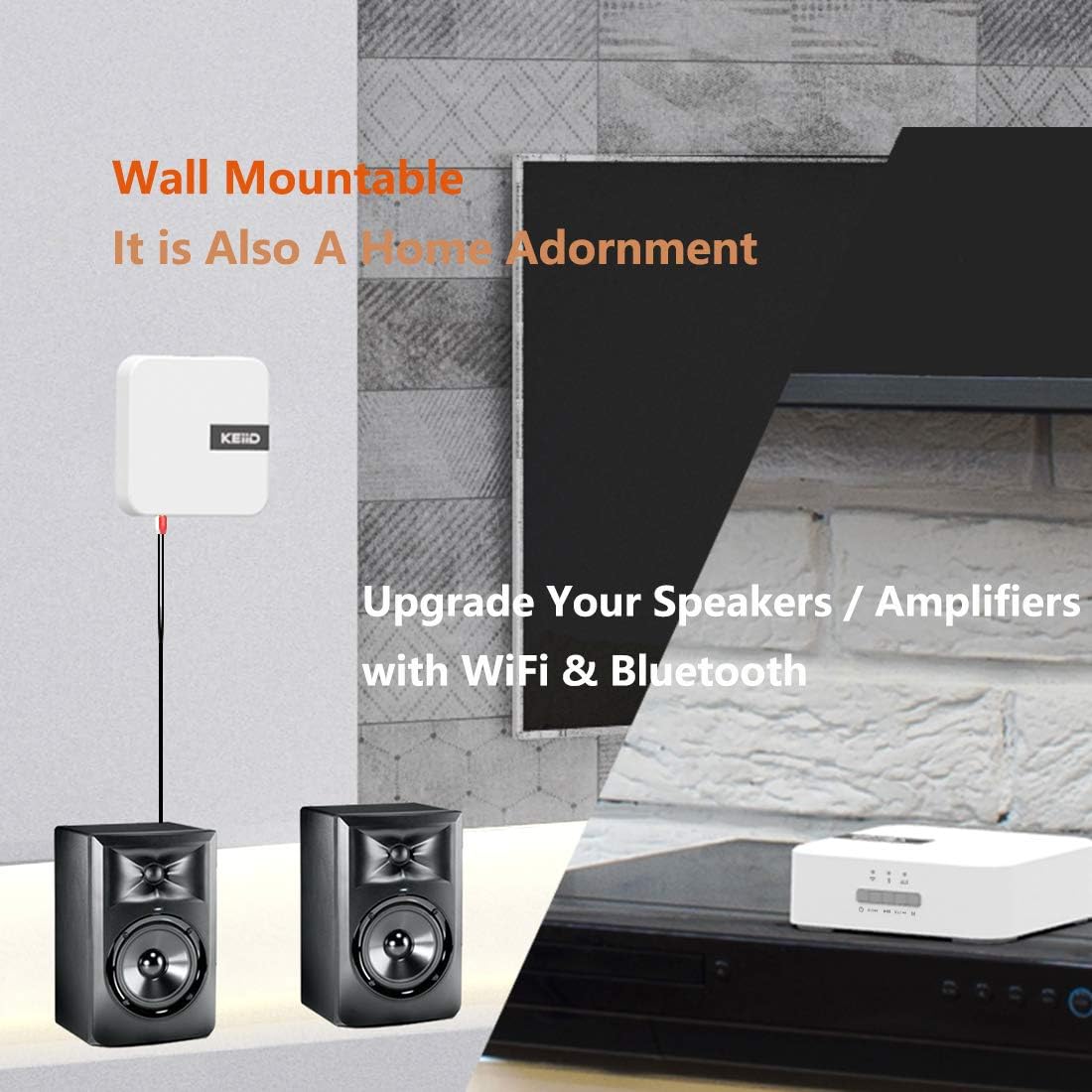
Figure 6.1: MUZO App and Supported Streaming Services. This image illustrates the dedicated MUZO app for control and lists various compatible streaming platforms such as TuneIn, iHeartRadio, Spotify, Napster, Tidal, Qobuz, and QQ Music, as well as Pandora, Apple Music, SiriusXM, Google Play Music, Amazon Music, and iTunes via Bluetooth or WiFi Airplay.
6.3 Alarm and Sleep Timer Functions
Enhance your daily routine with these convenient features:
- Clock Alarms: Set multiple clock alarms via the MUZO app. You can select your favorite songs or preset content as the alarm ringtone.
- Sleep Timer: A sleep timer can be set between 10-90 minutes, allowing you to fall asleep to music without it playing endlessly.
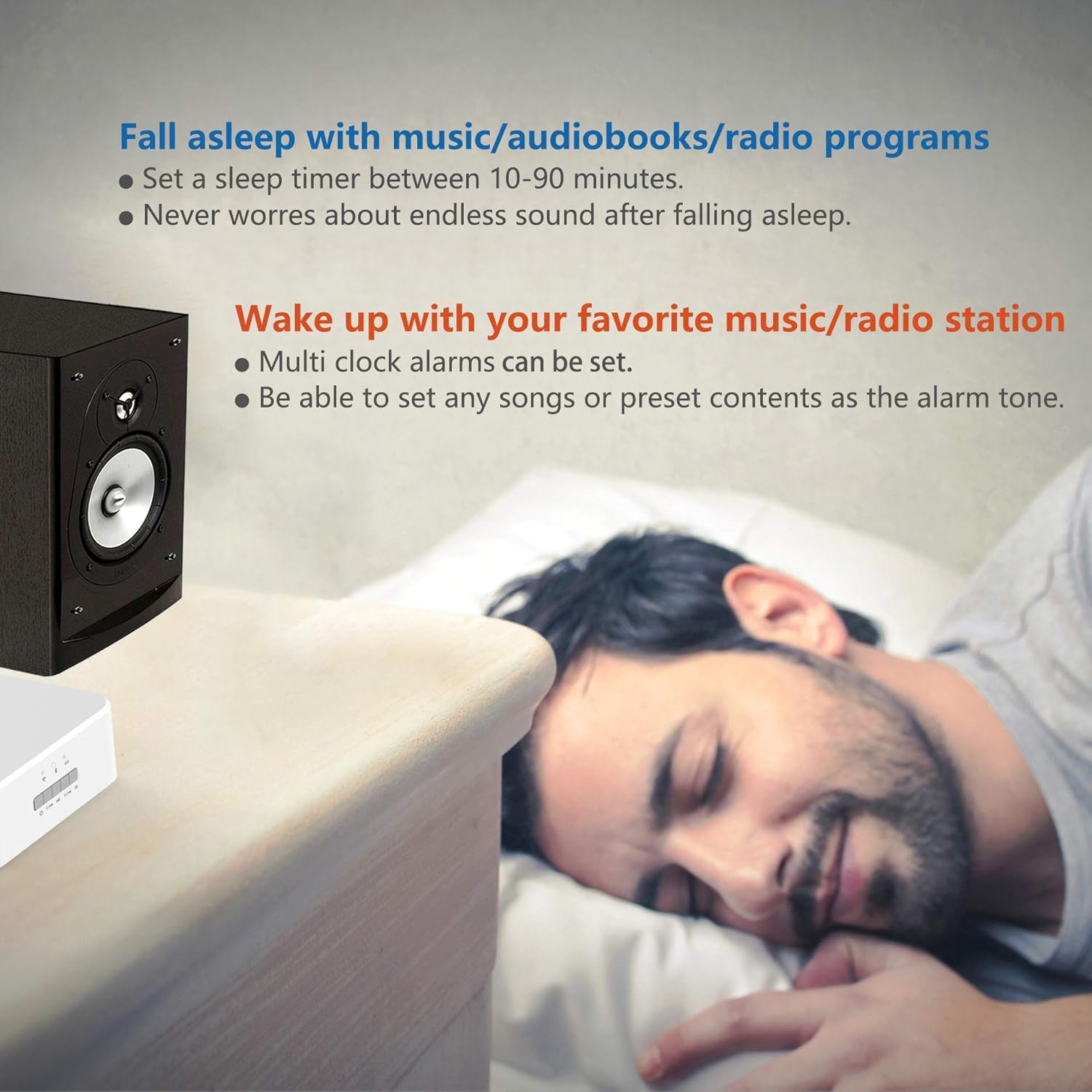
Figure 6.2: Sleep Timer and Alarm Functions. This image visually represents the ability to set a sleep timer (10-90 minutes) to avoid endless sound while falling asleep, and to set multiple clock alarms with favorite songs or radio stations as the alarm tone.
6.4 Remote Control Functions
The included remote control provides convenient access to key functions:
- Power Button: Turns the device on or off.
- WPS Button: For quick WiFi setup (if supported by your router).
- Volume +/-: Adjusts the output volume.
- Previous/Next Track: Skips to the previous or next track.
- Play/Pause: Controls media playback.
- Mode Button: Cycles through WiFi, Bluetooth, and AUX input modes.
- Preset Buttons (1, 2, 3): Accesses pre-configured favorite stations or playlists.
7. Maintenance
To ensure the longevity and optimal performance of your KEiiD Stereo Receiver, follow these maintenance guidelines:
- Cleaning: Use a soft, dry cloth to clean the exterior of the device. Do not use liquid cleaners or aerosol sprays.
- Ventilation: Ensure the device has adequate ventilation. Do not block any ventilation openings.
- Storage: If storing the device for an extended period, disconnect it from power and store it in a cool, dry place.
8. Troubleshooting
If you encounter issues with your KEiiD Stereo Receiver, refer to the table below for common problems and their solutions.
| Problem | Possible Cause | Solution |
|---|---|---|
| No power | Power adapter not connected; Power outlet not working. | Ensure power adapter is securely connected to the receiver and a working power outlet. |
| No sound output | Incorrect audio cable connection; Wrong input mode selected on receiver or amplifier; Volume too low. | Check all audio cable connections. Ensure the correct input mode is selected on both the receiver and your amplifier/speakers. Increase volume on both the receiver and connected audio system. |
| Cannot connect to WiFi | Incorrect WiFi password; Receiver too far from router; Router issue. | Double-check WiFi password in the MUZO app. Move receiver closer to the router. Restart your router and try connecting again. |
| Bluetooth pairing fails | Receiver not in pairing mode; Device already paired with another device. | Ensure the receiver is in Bluetooth pairing mode (blinking Bluetooth LED). Disconnect from other Bluetooth devices and try pairing again. |
| Remote control not working | Batteries are dead or inserted incorrectly; Obstruction between remote and receiver. | Replace batteries with new AAA batteries, ensuring correct polarity. Remove any obstructions and point the remote directly at the receiver. |
9. Specifications
| Feature | Detail |
|---|---|
| Model Number | KD-W01 |
| Product Dimensions | 5.5 x 5.5 x 1.7 inches (W x H x L) |
| Item Weight | 0.4 Kg (0.88 lb) / 12.8 ounces |
| Adapter Input | 100~240V, 50/60 Hz |
| Adapter Output | 5V |
| AUX Sensitivity | 350 mv |
| THD | 0.01 % |
| AUX Frequency Response | 20Hz-20KHz |
| Subwoofer Frequency Response | 20Hz-120Hz |
| Subwoofer Output | 1.2 V |
| S/N | 89 dB |
| Bluetooth Version | Qualcomm 5.0 |
| Sleep Timer | 10-90 minutes |
| Connectivity Technology | AirPlay, Bluetooth, Wi-Fi |
| Audio Output Mode | Stereo |
| Surround Sound Channel Configuration | 2.1 channel |
| Color | White |
10. Warranty and Support
This product is covered by a manufacturer's warranty. Please refer to the warranty card included in your package for specific terms and conditions. For technical support, troubleshooting assistance, or warranty claims, please contact KEiiD customer service through the contact information provided on the product packaging or the official KEiiD website. When contacting support, please have your product model number (KD-W01) and purchase details ready.