
Introduction
Thank you for choosing the Paul Neuhaus INIGO 8192-55 LED Ceiling Light. This manual provides essential information for the safe installation, operation, and maintenance of your new lighting fixture. Please read these instructions carefully before installation and retain them for future reference.
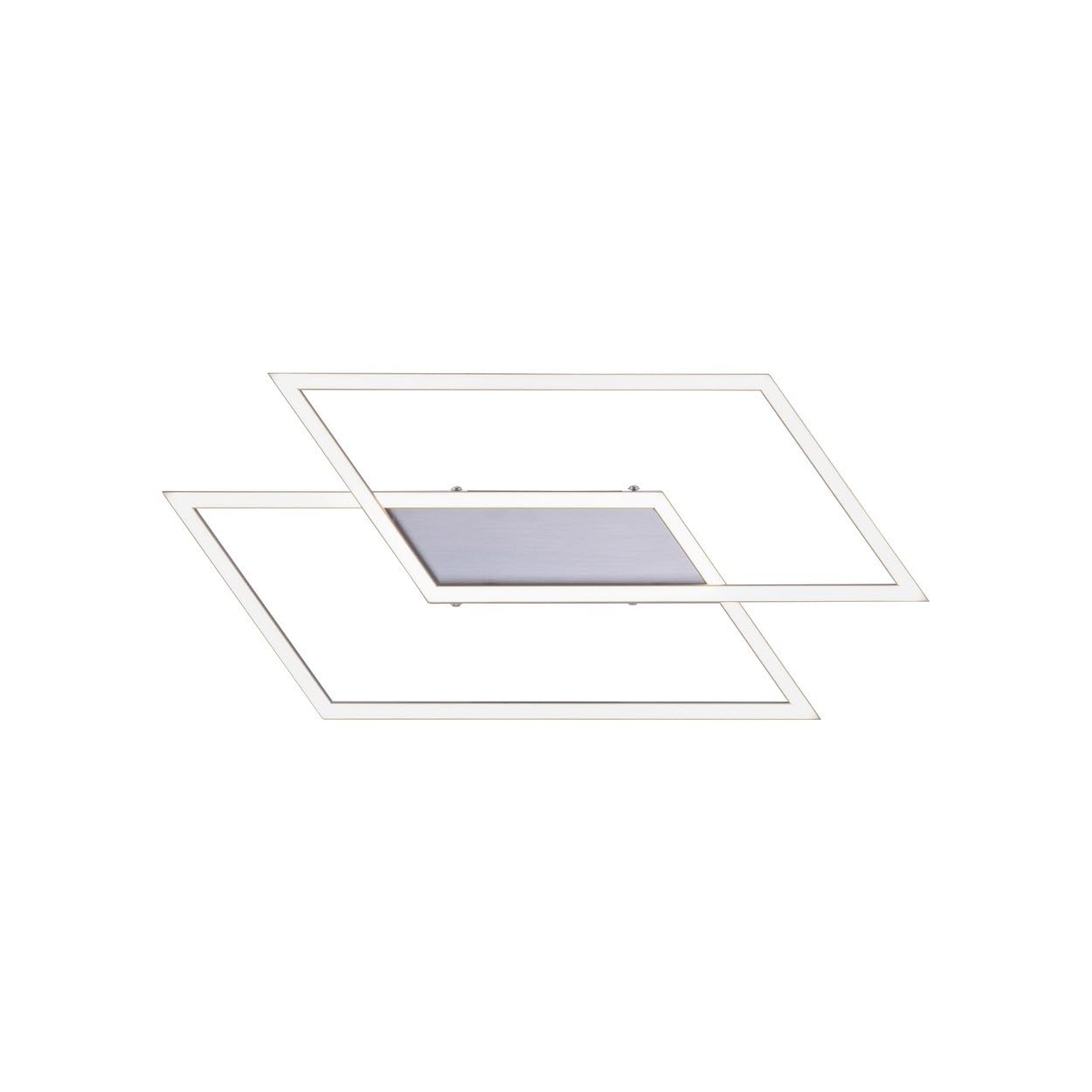
Image: Paul Neuhaus INIGO 8192-55 LED Ceiling Light, showcasing its modern design.
Safety Instructions
Always observe the following safety precautions to prevent injury or damage:
- Electrical Installation: Installation must be performed by a qualified electrician in accordance with national wiring regulations and local electrical codes.
- Power Disconnection: Before any installation, maintenance, or cleaning, ensure the main power supply to the fixture is switched off at the circuit breaker.
- Voltage: This fixture operates on 230 Volts. Verify your electrical supply matches this requirement.
- Indoor Use Only: The fixture has an IP20 rating, meaning it is protected against solid objects larger than 12.5mm but has no protection against water. It is suitable for indoor use only.
- Handling: Handle the fixture with care to avoid damage to the LED components or the housing.
- Cleaning: Use a soft, dry cloth for cleaning. Do not use abrasive cleaners or solvents.
Package Contents
Verify that all components are present and undamaged before proceeding with installation:
- 1 x Paul Neuhaus INIGO 8192-55 LED Ceiling Light
- Mounting hardware (screws, wall plugs)
- Instruction Manual
Setup and Installation
Follow these steps for proper installation. If you are unsure about any step, consult a qualified electrician.

Image: The INIGO 8192-55 LED Ceiling Light seamlessly integrated into a living room setting.
1. Preparation
- Turn off Power: Ensure the electricity supply is completely disconnected at the main circuit breaker before starting any work.
- Unpack: Carefully remove the fixture from its packaging and inspect for any damage.
- Location: Choose a suitable location on the ceiling, considering the fixture's dimensions (54 x 24 x 6.8 cm).

Image: Detailed dimensions of the ceiling light for accurate installation planning.
2. Mounting the Fixture
- Marking: Hold the mounting bracket against the ceiling at the desired position and mark the drilling points.
- Drilling: Drill holes at the marked points and insert appropriate wall plugs.
- Secure Bracket: Attach the mounting bracket to the ceiling using the provided screws.
3. Electrical Connection
- Wiring: Connect the household electrical wires to the terminal block on the fixture. Ensure correct polarity (Live, Neutral, Earth) as indicated.
- Secure Connections: Double-check all connections are secure and properly insulated.
4. Final Assembly
- Attach Fixture: Carefully attach the light fixture body to the mounting bracket, securing it with the provided screws.
- Restore Power: Once the installation is complete and secure, restore power at the main circuit breaker.
Operating Instructions
The Paul Neuhaus INIGO 8192-55 LED Ceiling Light is designed for ease of use.
Switching On/Off
The light can be switched on and off using a standard wall light switch.
Dimming Function (Simplydim Technology)
This fixture features 'Simplydim' technology, allowing stepless dimming via your existing wall switch. To dim the light:
- Turn the light on.
- Quickly switch the light off and on again. The dimming process will begin automatically.
- Switch the light off and on again at your desired brightness level to set it.
- The fixture also has a memory function, retaining the last brightness setting after being switched off from the mains.

Image: Visual explanation of the Simplydim technology, illustrating how a standard switch controls brightness.
Maintenance
The Paul Neuhaus INIGO 8192-55 LED Ceiling Light requires minimal maintenance.
- Cleaning: Ensure the power is off before cleaning. Wipe the fixture with a soft, dry, lint-free cloth. Do not use liquid or abrasive cleaners, as they may damage the finish or electrical components.
- LEDs: The integrated LED light source is not user-replaceable. Do not attempt to open or modify the LED module.
Troubleshooting
If you encounter issues with your ceiling light, refer to the following common problems and solutions:
- Light does not turn on:
- Check if the power supply is connected and the wall switch is in the 'ON' position.
- Verify the circuit breaker has not tripped.
- Ensure all electrical connections are secure (consult a qualified electrician if necessary).
- Light flickers or dims unexpectedly:
- Ensure the dimming function is not being accidentally activated.
- Check for stable power supply.
If the problem persists after attempting these solutions, please contact customer support.
Technical Specifications
| Feature | Specification |
|---|---|
| Brand | Paul Neuhaus |
| Model Number | 8192-55 |
| Product Dimensions (L x W x H) | 54 x 24 x 6.8 cm |
| Item Weight | 1.2 Kilograms |
| Material | Aluminium, Stainless Steel |
| Color | Stainless Steel |
| Style | Modern |
| Bulb Type | Integrated LED |
| Power | 24 W (1 KW listed in specs, but 24W is from title, 24W is more realistic for LED light) |
| Luminous Flux | 3240 Lumen |
| Color Temperature | 3000 Kelvin (Warm White) |
| Voltage | 230 Volts |
| IP Protection Rating | IP20 |
| Special Features | Dimmable via standard wall switch (Simplydim technology), Memory function |
| Installation Type | Ceiling Mount |
| Indoor/Outdoor Use | Indoor |
Warranty Information
The Paul Neuhaus INIGO 8192-55 LED Ceiling Light comes with a 5-year warranty from the date of purchase. This warranty covers manufacturing defects and material faults under normal use.
Please retain your proof of purchase for any warranty claims. The warranty does not cover damage caused by improper installation, misuse, accidents, or unauthorized modifications.

Image: Official warranty seal indicating a 5-year guarantee.
Customer Support
For further assistance, technical support, or warranty claims, please contact your retailer or the Paul Neuhaus customer service department. Refer to the contact information provided on the product packaging or the official Paul Neuhaus website.
When contacting support, please have your model number (8192-55) and proof of purchase readily available.