
SupplySource DYS650-240210W-1
SupplySource AC/DC Adapter User Manual
Model: DYS650-240210W-1 / P/N: DYS650-240210-15A27E
For Klipsch Audio/Video Apparatus
1. Introduction
This manual provides essential information for the safe and effective use of your SupplySource AC/DC Adapter. This switching mode power supply is designed to provide reliable power to compatible Klipsch audio/video apparatus.
Safety Information
Your AC/DC adapter is manufactured with high-quality materials and incorporates multiple smart features to ensure safety. These include safeguards against incorrect voltage (IV), short circuit (SC), and internal overheating (IO). The charger is certified with CE and FCC standards, ensuring compliance with safety regulations.
2. Product Components
The product package typically includes the following:
- SupplySource AC/DC Adapter Unit
- Detachable AC Input Power Cord
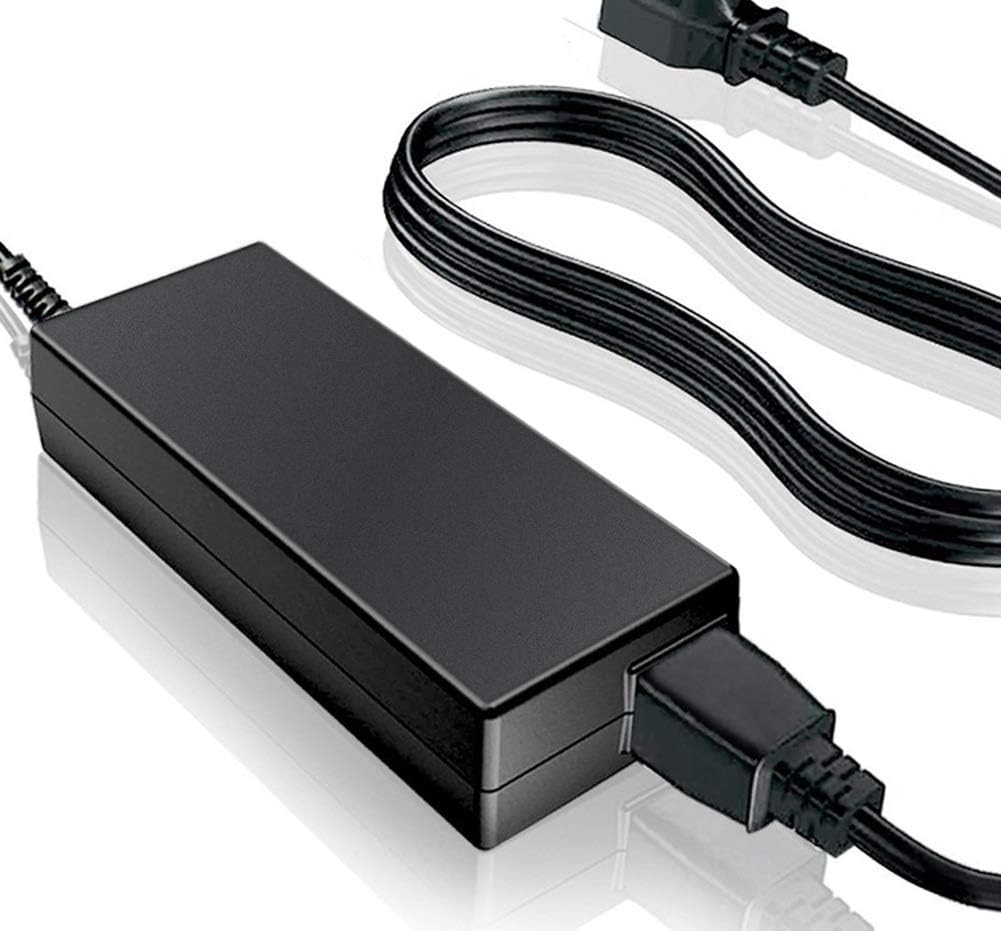
Image of the SupplySource AC/DC adapter, showing the main power brick unit and its attached output cable, along with the detachable AC input power cord.
3. Setup
Follow these steps to set up your AC/DC adapter:
- Connect the AC Input Power Cord: Insert the detachable AC input power cord firmly into the AC input port on the adapter unit.
- Connect to Device: Plug the output connector of the adapter into the designated power input port on your Klipsch audio/video apparatus. Ensure the connection is secure.
- Connect to Power Outlet: Plug the AC input power cord into a standard wall power outlet (100-240V AC).
- Verify Power: Confirm that your device powers on correctly.
4. Operation
The SupplySource AC/DC adapter operates as a switching mode power supply, automatically adjusting to the input voltage within its specified range (100-240V). Once connected, it provides a stable and consistent power output to your compatible device. No user intervention is required for its basic operation.
5. Maintenance
Proper maintenance ensures the longevity and safe operation of your adapter:
- Cleaning: Disconnect the adapter from the power outlet and the device before cleaning. Use a soft, dry cloth to wipe the surface. Do not use liquid cleaners or aerosols.
- Storage: Store the adapter in a cool, dry place when not in use. Avoid extreme temperatures and humidity.
- Handling: Do not drop, disassemble, or attempt to repair the adapter. Avoid bending or crimping the power cords excessively.
- Ventilation: Ensure the adapter has adequate ventilation during operation. Do not cover it or place it in an enclosed space that could lead to overheating.
6. Troubleshooting
If you encounter issues with your AC/DC adapter, consider the following common solutions:
- No Power to Device:
- Ensure the adapter is securely plugged into both the wall outlet and your device.
- Check if the wall outlet is functional by plugging in another device.
- Verify that the adapter's output connector is fully inserted into your device's power input.
- Adapter Overheating:
- Ensure the adapter is not covered and has proper ventilation.
- Disconnect the adapter and allow it to cool down. If overheating persists, discontinue use and contact support.
- Device Not Charging/Operating Correctly:
- Confirm that the adapter's specifications (voltage, amperage) match the requirements of your Klipsch device.
- The adapter is designed for Klipsch Model: DYS650-240210W-1 / P/N: DYS650-240210-15A27E. Using it with incompatible devices may lead to issues.
If problems persist after attempting these steps, please contact SupplySource customer support.
7. Specifications
| Feature | Description |
|---|---|
| Model | DYS650-240210W-1 / DYS650-240210-15A27E |
| Brand | SupplySource |
| Input Voltage Range | 100-240V AC |
| Compatible Devices | Klipsch Audio/Video Apparatus (specifically DYS650-240210W-1) |
| Connector Type | Barrel Connector |
| Material | Metal, Plastic (Flame-retardant ABS and PC synthetic materials for shell) |
| Power Source | Corded Electric |
| Certifications | CE, FCC |
| Safety Features | Incorrect Voltage (IV) protection, Short Circuit (SC) protection, Internal Overheating (IO) protection |

Diagram illustrating the internal components of the AC/DC adapter, highlighting stable output voltage, overload protection, and short circuit protection. It also shows the high-quality copper core power cord and the flame-retardant ABS and PC synthetic material shell.
8. Warranty and Support
For warranty information, technical support, or any inquiries regarding your SupplySource AC/DC Adapter, please contact the manufacturer directly. Refer to the product packaging or the seller's information for specific contact details.
Manufacturer: SupplySource
Date First Available: August 22, 2019
Ask a question about this manual
Ask about setup, troubleshooting, compatibility, parts, safety, or missing instructions. Manuals+ will review the question and use this page’s manual context to help answer it.