
UGREEN 70158
Contents
UGREEN CM144 Bluetooth 5.0 Audio Transmitter/Receiver User Manual
1. Introduction
The UGREEN CM144 Bluetooth 5.0 Audio Transmitter/Receiver is a versatile device designed to convert non-Bluetooth audio devices into wireless systems. It supports both transmitting (TX) and receiving (RX) audio, making it ideal for connecting TVs, home audio systems, headphones, and other audio equipment wirelessly. Featuring advanced Bluetooth 5.0 technology, it ensures stable, high-quality audio transmission with low latency and extended range. Its compact and elegant design, coupled with a long-lasting rechargeable battery, provides a convenient and efficient wireless audio solution for various applications.
2. Package Contents
Please check the package contents carefully. If any items are missing or damaged, please contact your retailer.
- UGREEN CM144 Bluetooth 5.0 Audio Transmitter/Receiver
- USB Charging Cable
- 3.5mm Audio Cable
- User Manual
3. Product Overview
Familiarize yourself with the components and ports of your UGREEN CM144 device.

Figure 3.1: Front view of the UGREEN CM144 Bluetooth 5.0 Audio Transmitter/Receiver, showing its compact black design and illuminated Bluetooth logo.

Figure 3.2: Side and top views of the UGREEN CM144, highlighting the TX/RX switch, SPDIF IN/OUT ports, AUX port, and Micro USB charging port, illustrating its versatile connectivity options.
Device Components:
- TX/RX Switch: Toggles between Transmitter (TX) and Receiver (RX) modes.
- SPDIF IN/OUT: Optical digital audio input/output ports.
- AUX IN/OUT: 3.5mm analog audio input/output port.
- Micro USB Port: For charging the device.
- Multi-function Button: Used for power on/off, play/pause, and pairing.
- LED Indicator: Displays device status (pairing, connected, charging).
4. Setup Guide
4.1. Charging the Device
Before first use, fully charge the UGREEN CM144. Connect the provided USB charging cable to the Micro USB port on the device and the other end to a USB power adapter (5V/1A recommended) or a computer's USB port.
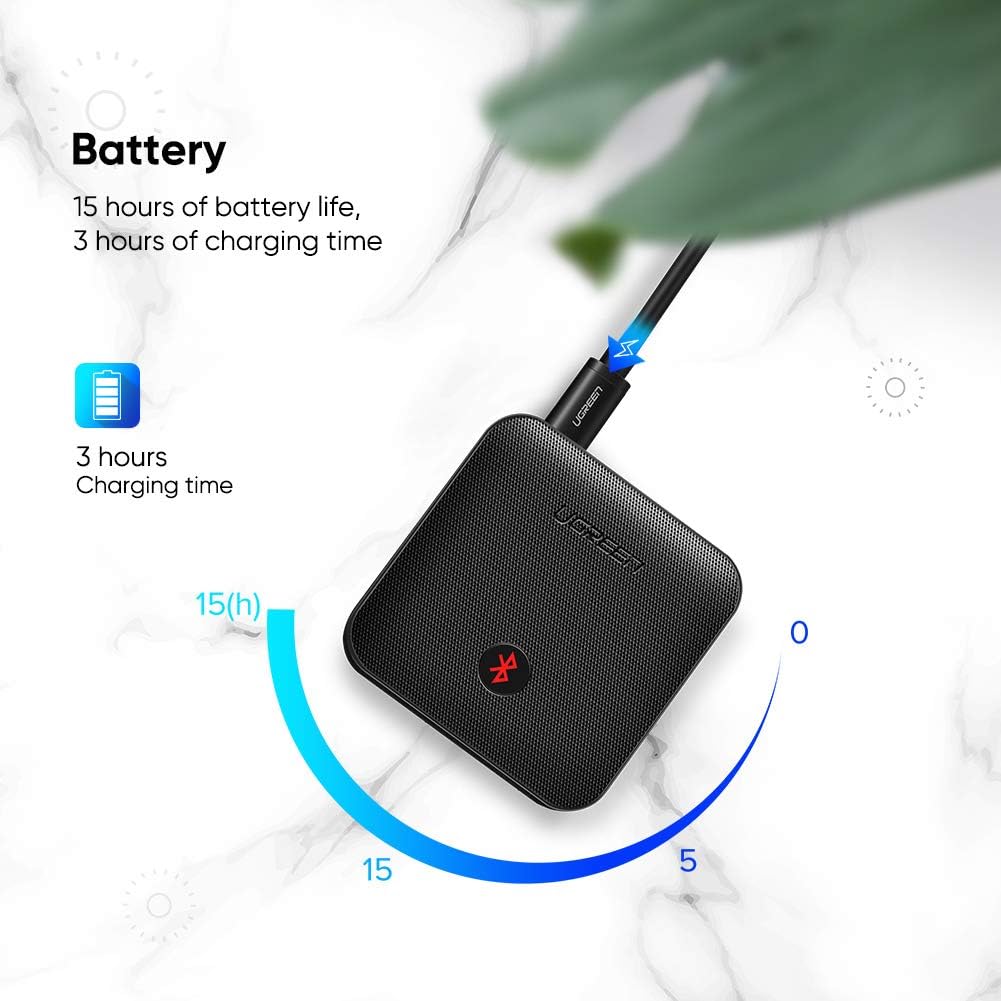
Figure 4.1: Illustration of the UGREEN CM144 being charged via its Micro USB port, indicating approximately 3 hours for a full charge and up to 15 hours of battery life.
- The LED indicator will show red during charging and turn off when fully charged.
- A full charge takes approximately 3 hours.
- The device offers up to 15 hours of continuous use on a single charge.
4.2. Powering On/Off
- Power On: Press and hold the Multi-function Button for 3 seconds until the LED indicator flashes blue.
- Power Off: Press and hold the Multi-function Button for 3 seconds until the LED indicator turns off.
4.3. Switching Between Transmitter (TX) and Receiver (RX) Modes
The UGREEN CM144 can operate in two distinct modes. Use the TX/RX switch on the side of the device to select the desired mode.

Figure 4.2: Visual representation of the UGREEN CM144 in Transmitter (TX) mode, streaming audio from a TV to Bluetooth headphones, and in Receiver (RX) mode, enabling a stereo system to play music from a mobile phone.
- TX Mode (Transmitter): Used to send audio wirelessly from a non-Bluetooth device (e.g., TV, PC) to Bluetooth headphones or speakers.
- RX Mode (Receiver): Used to receive audio wirelessly from a Bluetooth device (e.g., smartphone, tablet) and play it through a non-Bluetooth audio system (e.g., wired speakers, car stereo).
4.4. Connecting Audio Cables
The CM144 supports both 3.5mm AUX and SPDIF (Optical) audio connections. Choose the appropriate cable based on your audio source/destination.
- 3.5mm AUX Connection: Use the provided 3.5mm audio cable to connect the CM144's AUX port to your audio device's 3.5mm audio output (in TX mode) or input (in RX mode).
- SPDIF (Optical) Connection: Use an optical cable (not included) to connect the CM144's SPDIF IN/OUT port to your audio device's optical output (in TX mode) or input (in RX mode). Ensure the correct SPDIF port (IN or OUT) is used based on the device's mode.
5. Operating Instructions
5.1. Pairing in Transmitter (TX) Mode
- Set the CM144 to TX mode using the TX/RX switch.
- Connect the CM144 to your audio source (e.g., TV, PC, CD player) using either the 3.5mm AUX cable or an optical cable.
- Power on the CM144. It will automatically enter pairing mode, indicated by the LED flashing blue rapidly.
- Place your Bluetooth headphones or speaker into pairing mode. Refer to your audio device's manual for specific instructions.
- Keep the CM144 and your Bluetooth audio device close to each other. They should automatically pair within a few seconds.
- Once paired, the LED indicator on the CM144 will turn solid blue. You can now enjoy audio wirelessly.
5.2. Pairing in Receiver (RX) Mode
- Set the CM144 to RX mode using the TX/RX switch.
- Connect the CM144 to your non-Bluetooth audio system (e.g., wired speakers, car stereo, home theater receiver) using either the 3.5mm AUX cable or an optical cable.
- Power on the CM144. It will automatically enter pairing mode, indicated by the LED flashing blue rapidly.
- On your Bluetooth-enabled device (e.g., smartphone, tablet, laptop), search for Bluetooth devices and select "UGREEN CM144" from the list.
- Once paired, the LED indicator on the CM144 will turn solid blue. You can now stream audio from your Bluetooth device to your connected audio system.
5.3. Multi-device Pairing (TX Mode Only)
The UGREEN CM144 supports connecting to two Bluetooth headphones/speakers simultaneously in TX mode.

Figure 5.1: Diagram showing the UGREEN CM144 connected to a TV via SPDIF, simultaneously pairing with two headphones, illustrating the "One to Two Pairing" feature.
- First, pair the CM144 with the first Bluetooth headphone/speaker as described in Section 5.1.
- After the first device is successfully paired, put the second Bluetooth headphone/speaker into pairing mode.
- Briefly press the Multi-function Button on the CM144. It will search for the second device.
- Once the second device is paired, both devices will receive audio simultaneously.
6. Maintenance and Care
- Keep the device dry. Avoid exposure to moisture, rain, or liquids.
- Do not use harsh chemicals, cleaning solvents, or strong detergents to clean the device. Wipe it with a soft, slightly damp cloth.
- Store the device in a cool, dry place when not in use.
- Do not attempt to disassemble, repair, or modify the device yourself. This will void the warranty and may cause damage.
- Avoid extreme temperatures. Do not expose the device to direct sunlight or hot environments.
- For optimal battery life, charge the device regularly, even if not used frequently. Avoid fully discharging the battery for extended periods.
7. Troubleshooting
| Problem | Possible Cause | Solution |
|---|---|---|
| Device won't power on. | Low battery. | Charge the device fully. |
| Cannot pair with Bluetooth device. | Incorrect mode (TX/RX). Bluetooth device not in pairing mode. Too far apart. | Ensure CM144 is in correct mode. Put your Bluetooth device into pairing mode. Keep devices within 1 meter during pairing. |
| No audio output/input. | Incorrect cable connection. Volume too low. Incorrect audio source/output selected on connected device. | Check all audio cable connections. Increase volume on both CM144 and connected devices. Verify audio settings on your TV/PC/speaker. |
| Audio quality is poor or intermittent. | Interference from other wireless devices. Device too far from paired device. Low battery. | Move away from other wireless devices (Wi-Fi routers, microwaves). Reduce distance between CM144 and paired device. Charge the device. |
8. Specifications

Figure 8.1: Diagram illustrating the benefits of Bluetooth 5.0 technology in the UGREEN CM144, including faster transfer speed, lower power consumption, and longer transmission distance.

Figure 8.2: Image highlighting the aptX HD feature, indicating high-definition Bluetooth wireless audio that preserves sound data for a "better-than-CD" listening experience.
| Brand | UGREEN |
| Model Number | 70158 |
| Connectivity Technology | Bluetooth, Auxiliary |
| Bluetooth Version | 5.0 |
| Special Feature | Integrated Bluetooth |
| Compatible Devices | Speaker, Television |
| Connector Type | 3.5 mm Jack, Optical (SPDIF) |
| Audio Output Mode | Stereo |
| Number of Channels | 2 |
| Battery Life | Up to 15 hours (playback) |
| Charging Time | Approx. 3 hours |
| Power Output (from product specs, likely for connected devices) | 50 Watts |
| Surround Sound Channel Configuration (from product specs, likely for connected devices) | 5.1 |
9. Warranty and Support
9.1. Warranty Information
The UGREEN CM144 Bluetooth 5.0 Audio Transmitter/Receiver is covered by a standard manufacturer's warranty. Please refer to the warranty card included in your package or visit the official UGREEN website for detailed warranty terms and conditions. Keep your purchase receipt as proof of purchase for warranty claims.
9.2. Customer Support
For technical assistance, troubleshooting, or any inquiries regarding your UGREEN CM144, please contact UGREEN customer support through their official website or the contact information provided in your product packaging. You can also visit the UGREEN Brand Store on Amazon for more product information and support resources.
Ask a question about this manual
Ask about setup, troubleshooting, compatibility, parts, safety, or missing instructions. Manuals+ will review the question and use this page’s manual context to help answer it.