
Introduction
The Twinkly Strings 250 RGB LEDs are app-controlled smart multicolor LED lights designed for both indoor and outdoor decorative lighting. This manual provides essential information for setting up, operating, and maintaining your Twinkly Strings, ensuring you can fully utilize their advanced features and customization options.
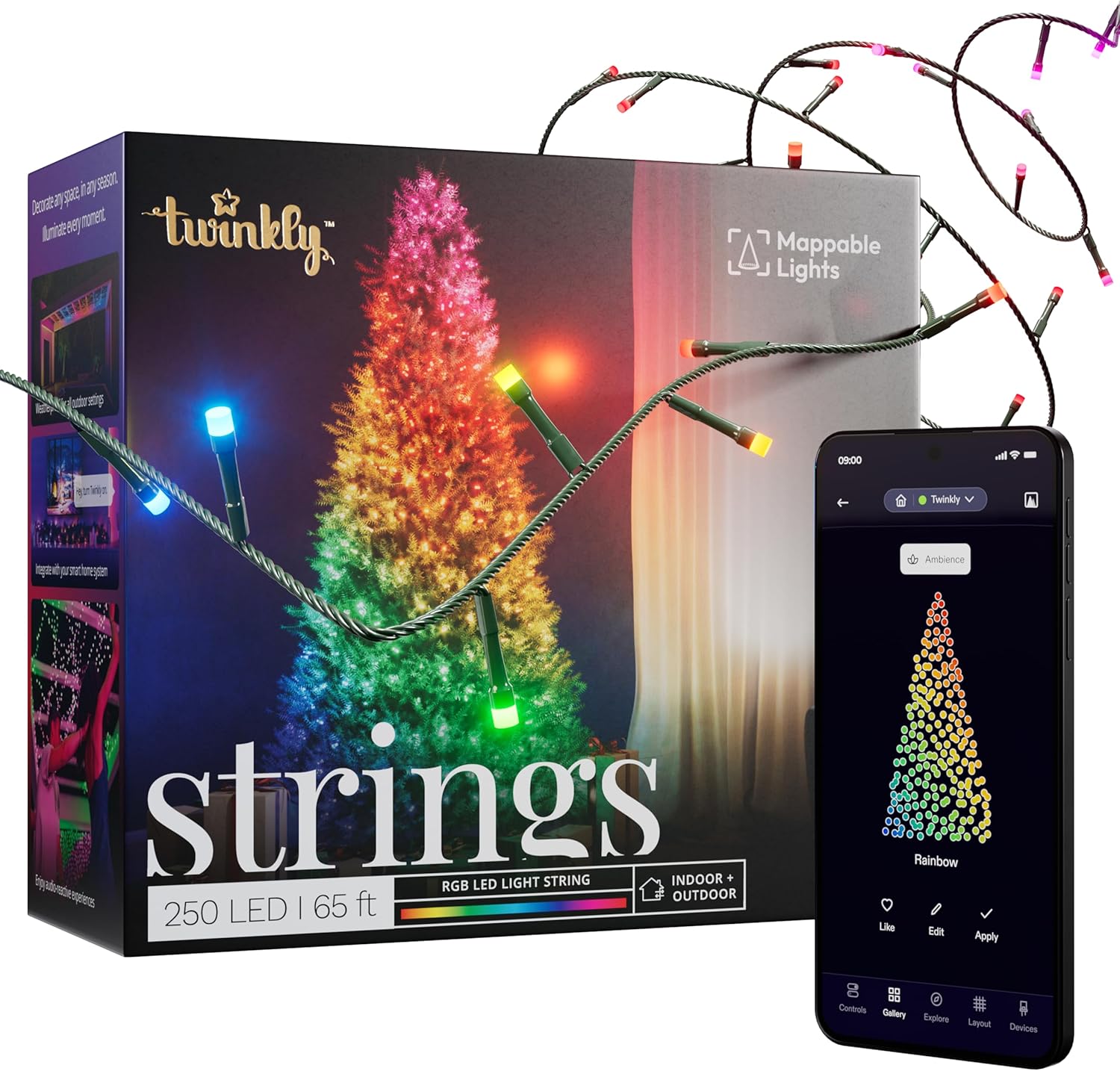
Figure 1: Twinkly Strings 250 RGB LEDs product overview.
Safety Information
Please read and follow all safety instructions to prevent injury or damage. This product is rated IP44 for outdoor use, meaning it is protected against solid objects larger than 1mm and against splashing water from any direction. Do not submerge the product in water. Ensure all connections are secure and protected from moisture. Use only the provided power adapter.
Package Contents
- 1 x Twinkly Strings 250 RGB LEDs (65.5 ft)
- 1 x Controller
- 1 x Power Adapter
- 1 x Instruction Manual

Figure 2: Contents of the Twinkly Strings package.
Setup
1. Installation
Position your Twinkly Strings as desired. They can be wrapped around plants, decorations, or architectural features, both indoors and out. Ensure the lights are securely placed before proceeding to the next step.
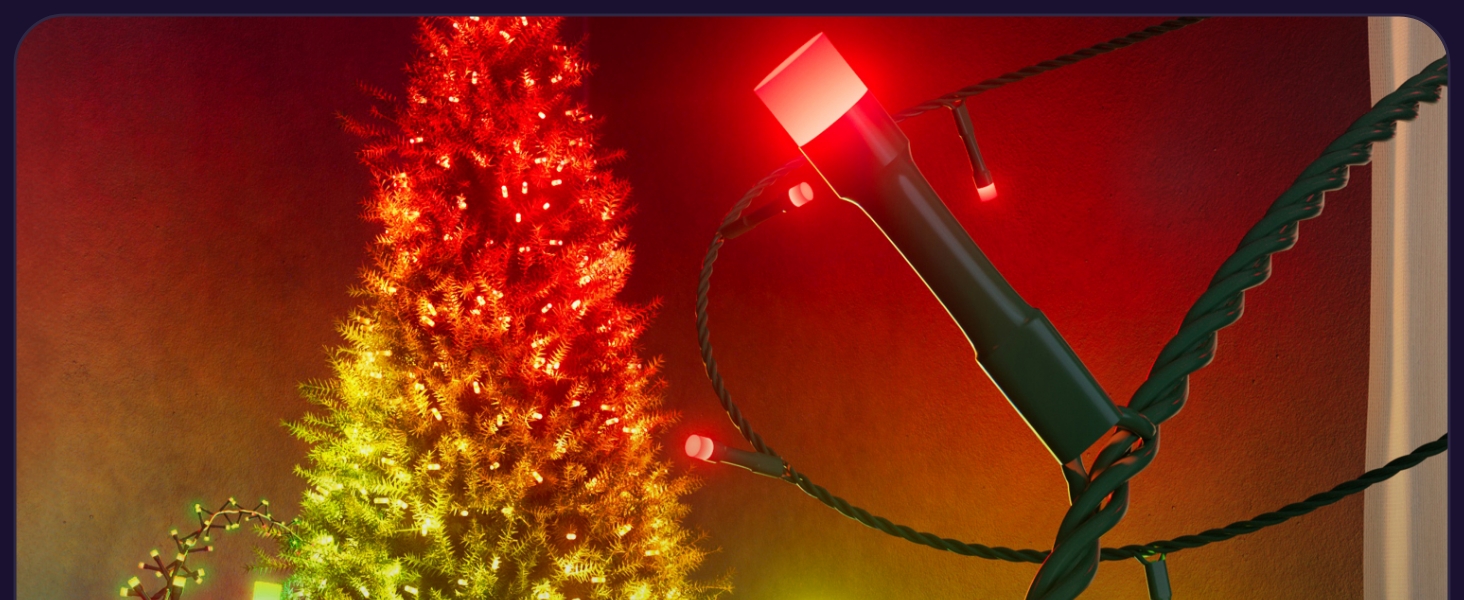
Figure 3: Installation of Twinkly Strings on a Christmas tree.
2. App Download and Connectivity
- Download the Twinkly mobile application from the iOS App Store or Google Play Store.
- Plug in your Twinkly Strings. The controller will indicate its status.
- Open the Twinkly app and follow the on-screen instructions to connect your lights via Bluetooth and Wi-Fi. This enables seamless control and integration with smart home systems.
3. Mapping Your Lights
The Twinkly app features a unique mapping function that allows you to create a virtual representation of your light setup. This ensures precise control over individual LEDs for advanced effects.
- In the Twinkly app, navigate to the 'Layout' section.
- Use your smartphone camera to scan your installed Twinkly Strings. The app will detect the position of each LED.
- Follow the app's guidance to ensure all lights are mapped accurately. This process may require scanning from different angles.

Figure 4: Twinkly app's light mapping feature.
Video 1: Demonstrating the Twinkly app's mapping process and various lighting effects on a Christmas tree.
Operating
1. App Control and Effects
Once mapped, you can explore a vast library of preset effects and animations within the Twinkly app. You can also create your own custom designs.
- Gallery: Browse and select from numerous pre-designed effects.
- FX Wizard: Create unique lighting effects using a palette of over 16 million colors.
- Drawing Tool: Draw directly on the mapped layout to create personalized patterns.

Figure 5: Customizing lighting effects with the Twinkly app.
Video 2: A quick demonstration of changing lighting effects on a Christmas tree using the Twinkly app.
2. Smart Home Integration
Twinkly Strings are compatible with popular smart home systems for convenient voice control.
- Google Assistant: Link your Twinkly account in the Google Home app to control your lights with voice commands.
- Amazon Alexa: Enable the Twinkly skill in the Alexa app and link your account for voice control.

Figure 6: Twinkly Strings with Amazon Alexa integration.
3. Music Synchronization (Optional Accessory)
For dynamic light shows synchronized with music, the Twinkly Music accessory (sold separately) can be integrated.
- Connect the Twinkly Music device to your Twinkly setup.
- In the Twinkly app, select music-reactive effects to watch your lights dance to the beat.

Figure 7: Twinkly Music accessory for light synchronization.
Maintenance
To ensure the longevity and optimal performance of your Twinkly Strings, follow these maintenance guidelines:
- Cleaning: Gently wipe the lights with a soft, dry cloth. Do not use harsh chemicals or abrasive cleaners.
- Storage: When not in use, carefully coil the string lights and store them in their original packaging or a protective container in a cool, dry place. Avoid tangling to prevent damage to the wires and LEDs.
- Inspection: Periodically inspect the wires and connections for any signs of wear, damage, or corrosion. Discontinue use if any damage is found.
Troubleshooting
If you encounter issues with your Twinkly Strings, try the following steps:
- Lights Not Turning On: Ensure the power adapter is securely plugged into both the controller and a working power outlet. Check if the controller's indicator light is on.
- App Connectivity Issues: Verify that your smartphone's Bluetooth is enabled and that your Twinkly device is within range. Ensure your Wi-Fi network is active and the device is connected to the correct network. Try restarting the app or the Twinkly device.
- Effects Not Displaying Correctly: Re-run the mapping process in the Twinkly app to ensure all LEDs are accurately recognized. Check for any physical obstructions or damage to the lights.
- Lights Flickering or Malfunctioning: Unplug the device for a few minutes and then plug it back in. If the issue persists, contact customer support.
Specifications
| Feature | Detail |
|---|---|
| Model Number | TWS250STP-GUS |
| Light Color | Multicolor (RGB LEDs) |
| Number of LEDs | 250 |
| Length | 65.5 ft (20 m) |
| Wire Color | Black |
| Indoor/Outdoor Use | Outdoor (IP44 certified) |
| Connectivity | Bluetooth, Wi-Fi |
| Control Method | App (iOS & Android), Voice (Alexa, Google Home) |
| Power Source | AC |
| Voltage | 24 Volts |
| Wattage | 24 watts |
| Item Weight | 1.87 pounds |
| Dimensions (L x W x H) | 7.3 x 3.5 x 7.3 inches |
Warranty & Support
This product comes with a 12-month warranty. For warranty claims, technical support, or further assistance, please refer to the contact information provided in your product packaging or visit the official Twinkly website.


