1. Introduction
This manual provides essential instructions for the safe and effective use of your MPKKE AC Adapter. This adapter is specifically designed to provide power to the Shomi 7A DPF GiiNii SP-704P-2 7 LED Digital Photo Picture Frame. Please read this manual thoroughly before use and retain it for future reference.
2. Safety Instructions
To ensure safe operation and prevent damage, please observe the following safety guidelines:
- Use the adapter only with compatible devices as specified.
- Ensure the wall outlet voltage matches the adapter's input specifications (100-240V).
- Do not expose the adapter to water, moisture, or extreme temperatures.
- Avoid dropping or subjecting the adapter to severe impact.
- Do not disassemble or attempt to repair the adapter. Refer servicing to qualified personnel.
- Unplug the adapter from the wall outlet when not in use for extended periods.
- The adapter features built-in protection against over-heating, over-current, and over-charging to ensure safe operation.
3. Setup
Follow these steps to set up your AC adapter:
- Identify the power input port on your Shomi 7A DPF GiiNii SP-704P-2 Digital Photo Picture Frame.
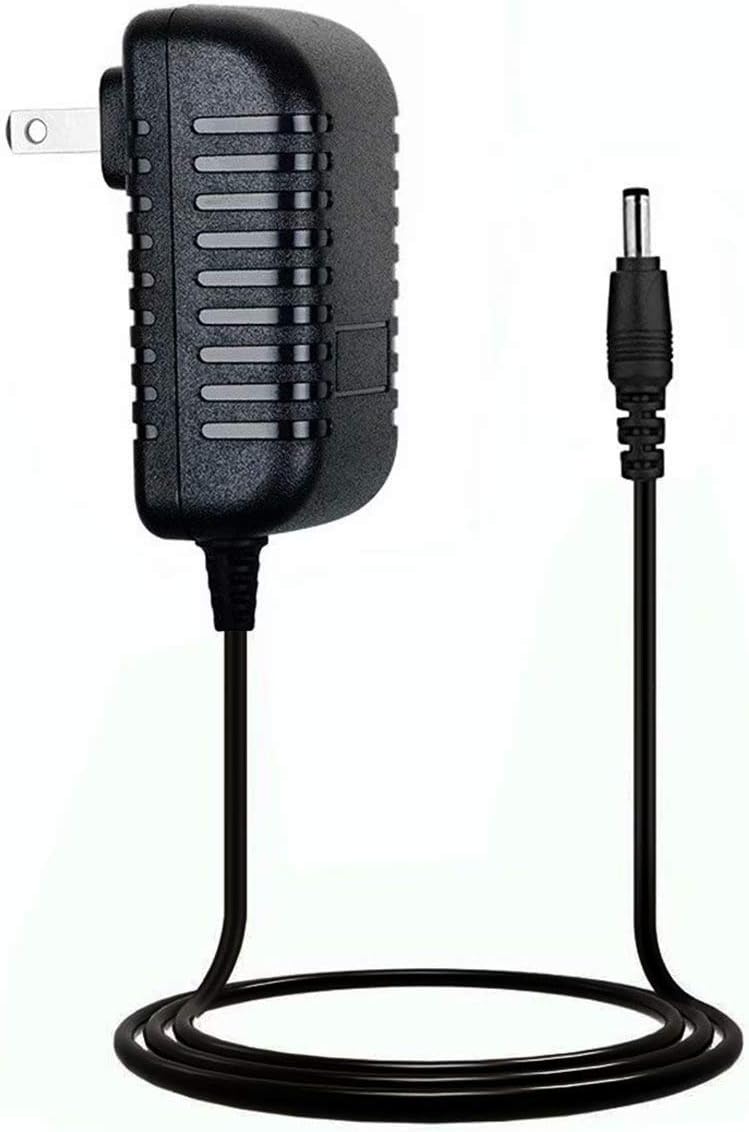
- Connect the DC barrel connector of the MPKKE AC Adapter firmly into the power input port of your digital photo frame.
- Plug the two-prong wall plug of the AC adapter into a standard electrical wall outlet.
- Ensure all connections are secure before powering on your digital photo frame.

A side view of the MPKKE AC Adapter, highlighting the two-prong US plug and the attached DC barrel connector cable.
4. Operating
Once properly connected, the MPKKE AC Adapter will supply continuous power to your digital photo frame. No further user interaction is typically required for its operation. The adapter is designed to provide stable and reliable power.
5. Maintenance
Proper maintenance ensures the longevity and performance of your AC adapter:
- Keep the adapter clean and dry. Use a soft, dry cloth to wipe off any dust or dirt.
- Avoid wrapping the cable too tightly around the adapter, as this can damage the internal wires.
- Regularly inspect the cable and connectors for any signs of wear, cuts, or damage. If damage is found, discontinue use immediately.
- Store the adapter in a cool, dry place when not in use.
6. Troubleshooting
If you encounter issues with your AC adapter, refer to the following common problems and solutions:
- Device Not Powering On:
- Ensure the adapter is securely plugged into both the wall outlet and the digital photo frame.
- Test the wall outlet with another device to confirm it is functional.
- Check the adapter's cable for any visible damage.
- Adapter Getting Warm:
- It is normal for power adapters to become slightly warm during operation.
- If the adapter becomes excessively hot to the touch, unplug it immediately and discontinue use. This may indicate an internal fault or an incompatible device.

This image shows the top view of the MPKKE AC Adapter, displaying the product label with electrical specifications and safety certifications.
7. Specifications
- Brand: MPKKE
- Input: 100-240V, 50-60Hz
- Compatibility: Shomi 7A DPF GiiNii SP-704P-2 7 LED Digital Photo Picture Frame
- Safety Certification: CE compliant
- Main Power Connector Type: 2 Pin (US Standard)
8. Warranty and Support
This MPKKE AC Adapter comes with a 30-day money-back guarantee. For any product inquiries, technical support, or warranty claims, please contact the manufacturer or your retailer directly. Please have your purchase information and product details available when contacting support.