
1. Product Overview
This SupplySource AC/DC Adapter is designed to provide reliable power to various iHOME devices, including the iD92, iD92-A-A, iD92AA, iD92BZ, iD99, iD99-A-A, and iD99AA Dual Alarm Clock Radio FM Stereo Speaker Systems, as well as iPad, iPhone, and iPod Docking Stations. It serves as a direct power supply cord replacement or spare.
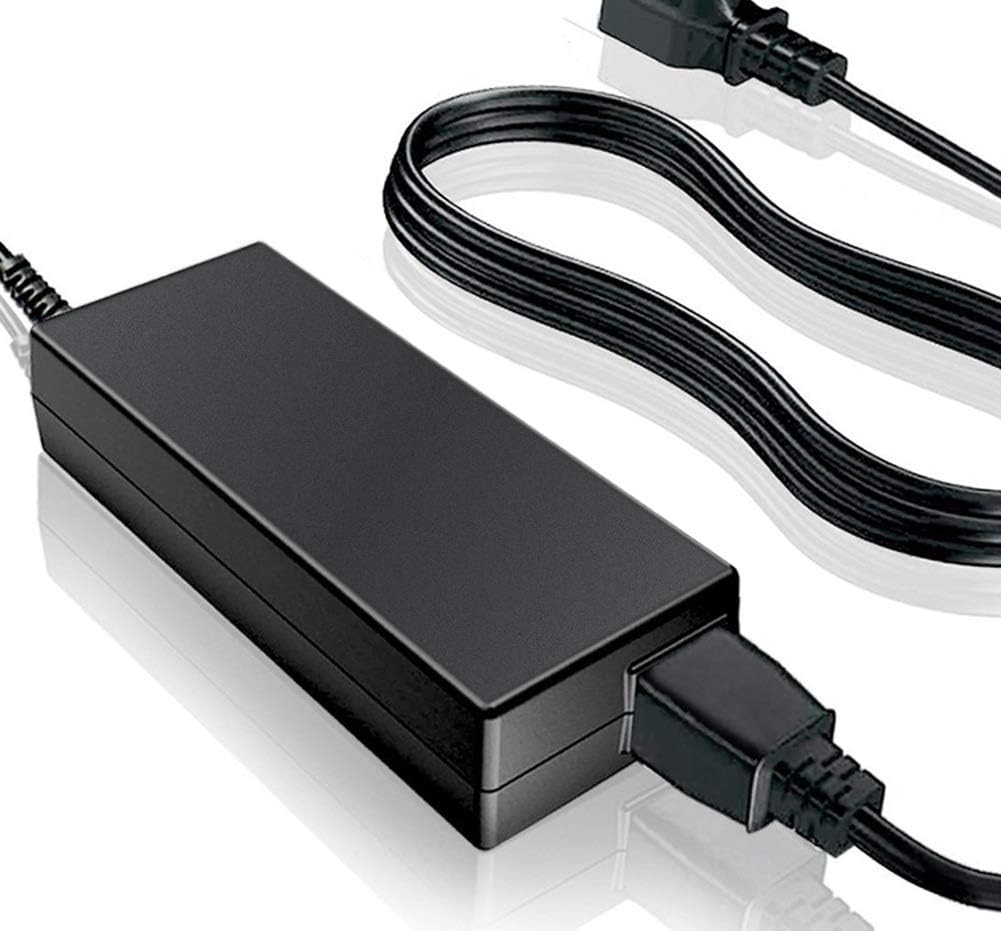
Figure 1: The SupplySource AC/DC Adapter, showing the main power brick and connected power cord with a standard US plug.
2. Safety Information and Important Notices
Please read the following safety guidelines carefully before using the adapter:
- Compatibility Check: Before ordering, ensure the DC output voltage and tip size of this AC adapter are compatible with your device. Incompatible adapters can damage your equipment.
- Ventilation: If the adapter is used for an extended period, ensure it is placed in a well-ventilated area with suitable humidity. Avoid covering the adapter or placing it in enclosed spaces.
- Surface Placement: Do not place the adapter directly on skin products or other materials that may trap heat or be sensitive to heat.
- Protection Features: This product is manufactured with multiple smart features safeguarding against incorrect voltage (IV), short circuit (SC), and internal overheating (IO).
- Certifications: The charger is certified with CE, FCC, and other relevant safety standards.
3. Product Features and Specifications

Figure 2: Detailed view of the adapter's construction, highlighting internal safety features, power cord quality, and durable shell material.
Key Features:
- Stable Output Voltage: Ensures consistent power delivery to your device.
- Automatic Overload Cut-off: Protects against excessive current draw.
- Over Voltage Cut-off: Prevents damage from voltage spikes.
- Automatic Thermal Cut-off: Shuts down if internal temperature becomes too high.
- Short Circuit Protection: Safeguards against electrical shorts.
- High-Quality Power Cord: Made of 3x0.5 mm copper core, providing antioxidant and corrosion resistance.
- Durable Shell: Constructed from flame-retardant and high-temperature resistant ABS and PC synthetic materials for strength and wear resistance.
Technical Specifications:
- Input Voltage Range: 100-240V AC
- Input Frequency: 50-60Hz
- Cable Length: Approximately 11 feet (3.35 meters)
- Connector Type: Barrel connector
- Compatible Devices: Speakers, Tablets, iPhone, iPad, iPod Docking Stations (specifically iHOME iD92, iD99 series)
- Material: Metal, Plastic (ABS, PC synthetic materials)
- Mounting Type: Wall Mount (implied by plug design)
- Certifications: CE, FCC
4. Setup and Installation
- Verify Compatibility: Before connecting, confirm that the voltage and connector type of this adapter match the requirements of your iHOME device. Refer to your device's original manual or specifications.
- Connect to Device: Insert the barrel connector end of the adapter firmly into the power input port of your iHOME alarm clock radio or docking station.
- Connect to Power Outlet: Plug the AC power cord into a standard 100-240V wall outlet. Ensure the outlet is easily accessible.
- Power On: Your device should now receive power. Turn on your iHOME device as per its own operating instructions.
5. Operating Instructions
Once properly connected, the SupplySource AC/DC Adapter operates automatically to provide continuous power to your compatible iHOME device. No user intervention is required for its operation. The adapter will convert the AC wall power to the necessary DC power for your device.
6. Maintenance and Care
- Cleaning: Disconnect the adapter from the power outlet and your device before cleaning. Use a dry, soft cloth to wipe the exterior. Do not use liquid cleaners or sprays.
- Storage: When not in use, store the adapter in a cool, dry place, away from direct sunlight and extreme temperatures. Avoid tightly winding the cable to prevent damage.
- Ventilation: Always ensure adequate ventilation around the adapter during operation to prevent overheating. Do not place it under carpets, blankets, or in poorly ventilated cabinets.
- Handling: Avoid dropping the adapter or subjecting it to strong impacts. Do not attempt to open or repair the adapter yourself, as this will void any potential warranty and poses a safety risk.
7. Troubleshooting
| Problem | Possible Cause | Solution |
|---|---|---|
| Device not powering on. |
|
|
| Adapter feels hot. |
|
|
| Intermittent power. |
|
|
8. Warranty and Support
This SupplySource product is designed for durability and reliability. For any questions, technical support, or warranty inquiries, please contact the seller directly through your purchase platform. Please have your order details ready when contacting support.
Manufacturer: SupplySource
Date First Available: August 14, 2019