
1. Introduction
Thank you for choosing the Adust Outdoor Dimmer for String Lights. This device is designed to provide convenient wireless control over your outdoor dimmable LED string lights and incandescent bulbs, offering adjustable brightness and timer functions. Its robust IP67 waterproof design ensures reliable performance in various outdoor conditions. Please read this manual thoroughly before installation and operation to ensure safe and optimal use.
2. Safety Information
- Maximum Power Capacity: Do not exceed the maximum power rating of 1500 Watts. Overloading will damage the dimmer and connected lights. Ensure the total wattage of your string lights is less than 1500W.
- Dimmable Bulbs Only: This dimmer is designed exclusively for dimmable LED bulbs or dimmable incandescent bulbs. Using non-dimmable bulbs may cause flickering, damage to the bulbs, or damage to the dimmer.
- Waterproof Rating: The dimmer unit has an IP67 waterproof rating, suitable for outdoor use. However, ensure all connections (plugging into the outlet and connecting string lights) are secure and protected from direct water exposure if not rated for outdoor use.
- Electrical Safety: Always unplug the dimmer from the power source before performing any installation, maintenance, or troubleshooting. Do not attempt to open or repair the dimmer unit. Refer all servicing to qualified personnel.
- Placement: Position the dimmer unit in a location where it is not submerged in water and has adequate ventilation.
3. Package Contents
Verify that all items are present in your package:
- Adust Outdoor Dimmer Unit (1)
- RF Remote Control (2)
4. Product Overview

Figure 4.1: Adust Outdoor Dimmer Unit and two RF Remote Controls. The dimmer unit features a robust metal casing, input and output cables, and an external antenna for extended range. Two remote controls are included for convenient operation.

Figure 4.2: Close-up view of the Adust Outdoor Dimmer Unit. This image highlights the 'Wave Shade Shell' design for improved heat dissipation, the professional 433MHz antenna for 150ft remote control, IP67 waterproof rating, and the durable all-aluminum alloy shell.
4.1 Dimmer Unit
- Input: AC 110V
- Output: DC 110V (for dimming control)
- Power: Max 1500W
- Waterproof Rating: IP67
- Construction: All aluminum alloy shell for durability and heat dissipation.
- Plug: 3-prong grounded plug for safety.
4.2 RF Remote Control
- Control Distance: Up to 150 feet (45 meters) with 433MHz antenna.
- Battery: Requires 2*AAA batteries (not included).
- Functions: On/Off, Brightness adjustment, Preset brightness levels, Dynamic modes, Timer settings.
5. Setup and Installation

Figure 5.1: The Adust dimmer can control up to 1500W of lighting, suitable for large installations of dimmable string lights. Ensure the total wattage of connected lights does not exceed this limit.

Figure 5.2: The IP67 waterproof design allows the dimmer to withstand outdoor elements like rain, making it ideal for year-round use in various weather conditions.
- Prepare Your Lights: Ensure your string lights are designed for dimming. Non-dimmable lights may not function correctly or could be damaged.
- Calculate Total Wattage: Add up the wattage of all bulbs in your string lights. Confirm that the total wattage does not exceed 1500W.
- Connect String Lights: Plug the male end of your dimmable string lights into the female 3-prong outlet of the Adust dimmer unit.
- Power On: Plug the 3-prong male plug of the Adust dimmer unit into a standard 110-120V outdoor power outlet.
- Insert Remote Batteries: Open the battery compartment on the back of the remote control and insert 2 AAA batteries, observing polarity.
6. Operating Instructions

Figure 6.1: Detailed layout of the Adust RF Remote Control, showing all buttons and their corresponding functions for easy operation.
6.1 Remote Control Functions
- ON / OFF Buttons: Press to turn the lights on or off.
- LIGHT BUTTON: Press to select a constant bright mode, overriding any dynamic effects.
- INCREASE/DECREASE BRIGHTNESS (▲ / ▼): Press these buttons to gradually increase or decrease the brightness level.
- PRESET BRIGHTNESS LEVELS (10% - 100%): Directly select a preset brightness level (10%, 20%, 30%, 40%, 50%, 60%, 70%, 80%, 90%, 100%) by pressing the corresponding button.
- MODE+ / MODE-: Press these buttons to cycle through the 8 available dynamic lighting modes (e.g., twinkle, fade, flash).
- DYNAMIC CHANGING SPEED (SPEED+ / SPEED-): When a dynamic mode is active, press these buttons to increase or decrease the speed of the dynamic effect.
- TIMER (1H, 2H, 4H, 8H): Press to set an automatic shutdown delay time. The lights will turn off after the selected duration (1, 2, 4, or 8 hours).
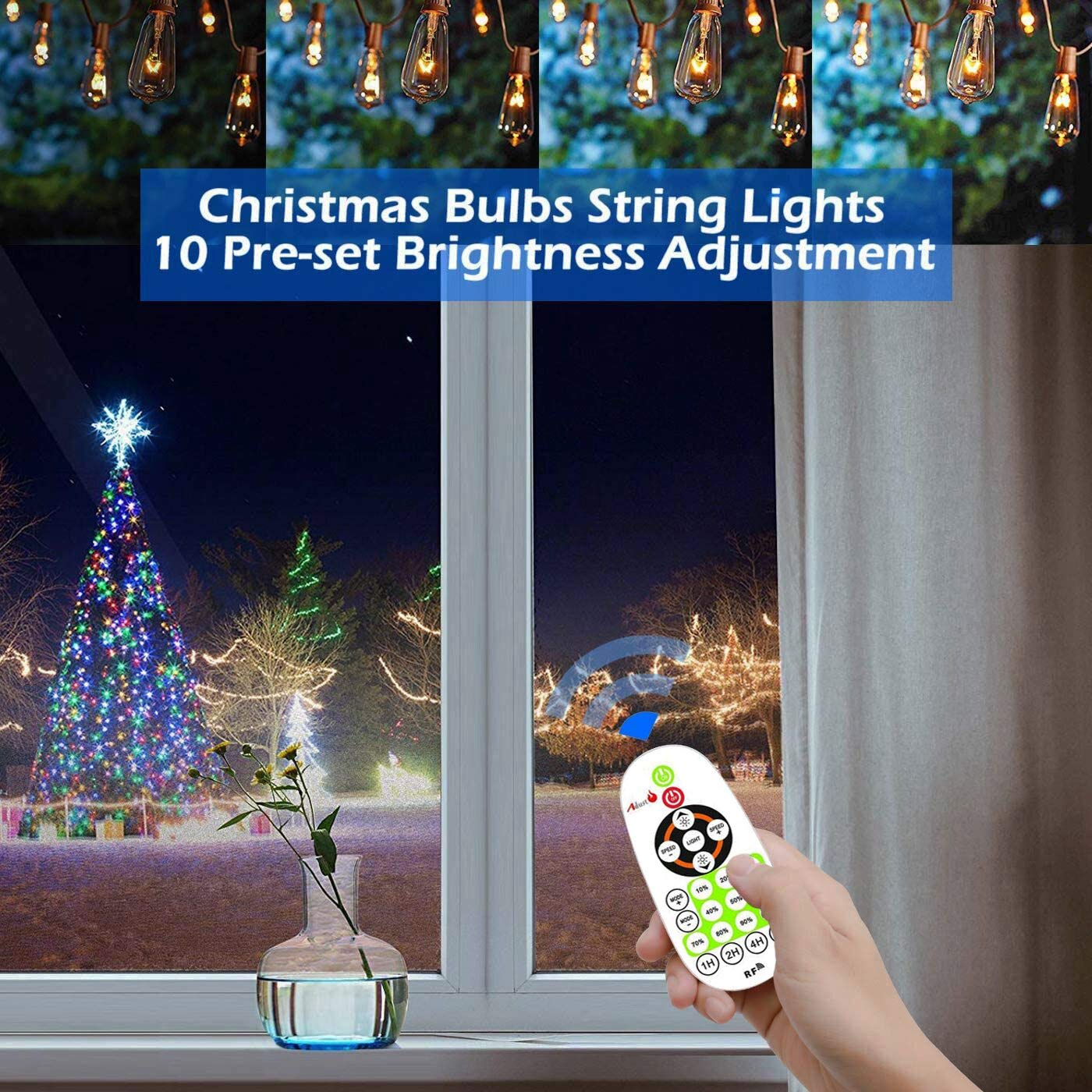
Figure 6.2: The remote allows for easy adjustment of brightness, including 10 preset levels, to create the perfect ambiance for any occasion, from subtle background lighting to full illumination.
6.2 General Operation Tips
- The remote control uses RF (Radio Frequency) technology, allowing control even if the dimmer unit is not in direct line of sight, within the 150ft range.
- Obstacles or low battery in the remote may affect the control distance.
- The dimmer supports stepless dimming, allowing fine-tuned brightness adjustments beyond the preset levels using the +/- buttons.
7. Maintenance
- Cleaning: Wipe the dimmer unit and remote control with a soft, dry cloth. Do not use abrasive cleaners or immerse the remote in water.
- Connections: Periodically check all electrical connections to ensure they are secure and free from corrosion or damage.
- Storage: If storing the dimmer for an extended period, remove batteries from the remote control to prevent leakage. Store in a cool, dry place.
8. Troubleshooting
| Problem | Possible Cause | Solution |
|---|---|---|
| Lights do not turn on or dim. | No power to the dimmer; String lights are not dimmable; Total wattage exceeds 1500W; Loose connection. | Check power outlet; Ensure string lights are dimmable; Reduce total wattage; Secure all connections. |
| Remote control is unresponsive. | Dead batteries; Remote out of range; Obstacles blocking signal; Interference. | Replace batteries (2*AAA); Move closer to the dimmer unit; Remove obstructions; Minimize other RF device usage. |
| Inconsistent dimming or remote function with low wattage loads. | Connected load is too low for optimal dimmer operation (e.g., below 100W). | This dimmer performs best with a sufficient load. If experiencing issues with very low wattage LED strings, consider adding more lights or a small incandescent bulb to increase the total load. |
| Lights turn on or change settings unexpectedly. | Remote controls are not uniquely paired to individual dimmer units; External RF interference. | Note that one remote may control multiple Adust dimmers in proximity. If unintended activation occurs, it may be due to other RF devices operating on similar frequencies. There is no pairing function to isolate individual units. |
9. Specifications
| Feature | Specification |
|---|---|
| Model Number | AUB07ZQ41LLX |
| Operating Voltage | 120 Volts |
| Max Power | 1500 Watts |
| International Protection Rating | IP67 |
| Remote Control Frequency | 433MHz |
| Remote Control Range | Up to 150 ft (45 meters) |
| Connector Type | Plug-in, Wireless |
| Material | Metal (Aluminum Alloy Shell) |
| Package Dimensions | 8.07 x 5.63 x 1.69 inches |
| Item Weight | 1.28 Pounds |
10. Warranty and Support
Adust products are manufactured to high-quality standards. For any questions, technical support, or warranty inquiries, please contact Adust customer service. Please retain your proof of purchase for warranty claims.
For more information, visit the Adust Store on Amazon.