
SupplySource ZF120A-1903420
AC/DC Adapter User Manual
Brand: SupplySource
Model: ZF120A-1903420
1. Introduction and Product Overview
This manual provides essential information for the safe and effective use of your SupplySource AC/DC Adapter, designed as a replacement power supply for various AAXA Pico Projector models, including P700, S1, and P6 series.
The adapter is engineered with high-quality materials and incorporates multiple safety features to protect against incorrect voltage, short circuits, and internal overheating, ensuring reliable power delivery to your compatible devices.
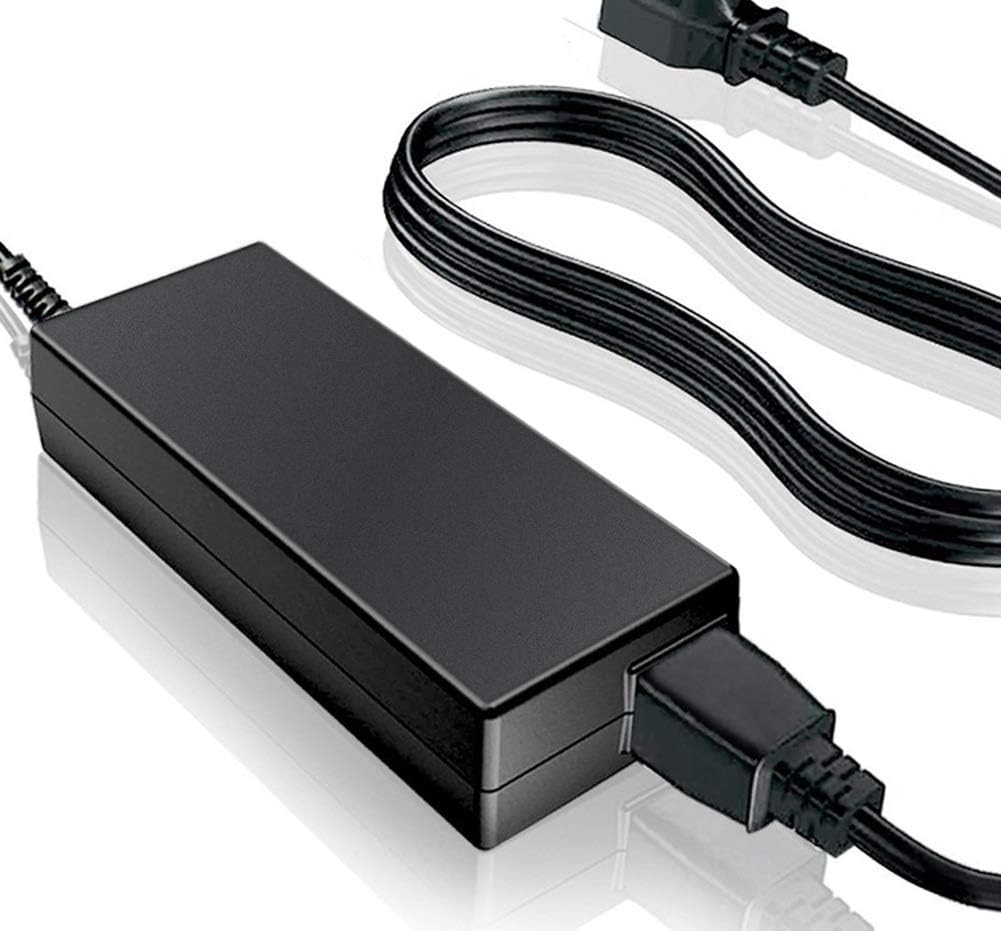
Figure 1: SupplySource AC/DC Adapter. This image shows the compact black power adapter unit with its attached power cord and connector.
2. Setup and Connection
Before connecting the adapter, please ensure that the DC output voltage and the tip size of this AC adapter are compatible with your device. Incompatible connections can cause damage.
- Identify the power input port on your AAXA Pico Projector.
- Connect the barrel connector of the AC/DC adapter firmly into the projector's power input port.
- Plug the 2-pin main power connector of the adapter into a standard electrical outlet (100-240V AC, 50-60Hz).
The adapter features an 11-foot cable length for flexible placement.
3. Operating Guidelines
Once properly connected, the adapter will supply power to your projector. No specific operational steps are required for the adapter itself beyond proper connection.
Important Safety Information:
- Do not expose the adapter to water or excessive moisture.
- Avoid placing the adapter in direct sunlight or near heat sources.
- Ensure adequate ventilation around the adapter during prolonged use to prevent overheating. Do not cover it with cloth or other materials.
- Do not attempt to open or modify the adapter. There are no user-serviceable parts inside.
- Keep out of reach of children.
4. Maintenance and Care
The SupplySource AC/DC Adapter is designed for durability and requires minimal maintenance.
- Cleaning: Disconnect the adapter from the power outlet and your device before cleaning. Use a soft, dry cloth to wipe the exterior. Do not use liquid cleaners or aerosols.
- Storage: When not in use for extended periods, store the adapter in a cool, dry place, away from direct sunlight and extreme temperatures.
- Ventilation: As mentioned, ensure suitable ventilating and humidity conditions, especially during long periods of use. Do not place it on soft surfaces like beds or carpets that can block ventilation openings.
5. Troubleshooting
If you encounter issues with your AC/DC adapter, please refer to the following common solutions:
| Problem | Possible Cause / Solution |
|---|---|
| No power to device |
|
| Adapter feels hot |
|
| Device not charging/powering on consistently |
|
If issues persist after following these steps, please contact SupplySource customer support for assistance.

Figure 2: Diagram illustrating the internal safety features and material composition of the adapter, including stable output voltage, overload protection, and flame-retardant casing.
6. Specifications
| Feature | Detail |
|---|---|
| Brand | SupplySource |
| Model | ZF120A-1903420 |
| Input Voltage Range | 100-240V AC |
| Input Frequency | 50-60Hz |
| Cable Length | 11 FT |
| Connector Type | Barrel Connector |
| Compatible Devices | AAXA P700, S1 GP-100-01, P6 KP-850-01 Projectors |
| Safety Certifications | CE, FCC |
| Material | Plastic, Metal (Flame retardant ABS and PC synthetic materials for shell) |
7. Warranty and Support
SupplySource stands behind the quality of its products. This AC/DC Adapter comes with the following warranty and support:
- Money Back Guarantee: 30 Days
- Free Exchange: 60 Days (with paid return label)
- Worry-Free Warranty: 720 Days (Anytime)
For any questions, concerns, or assistance, please do not hesitate to contact SupplySource customer support. We are committed to assisting you.
Note: This adapter is a brand new, high-quality replacement (non-OEM).
Ask a question about this manual
Ask about setup, troubleshooting, compatibility, parts, safety, or missing instructions. Manuals+ will review the question and use this page’s manual context to help answer it.