
1. Introduction
This manual provides instructions for the safe and efficient use of your Ultimaxx 4 Port Rapid Charger and the included 4 AA 1.2V 3150mAh Ni-MH rechargeable batteries. Please read this manual thoroughly before first use and retain it for future reference.
The Ultimaxx charger is designed to charge 2 or 4 AA/AAA Ni-MH/Ni-Cd rechargeable batteries and 1 or 2 9V NiMH/NiCd batteries. It features a rapid charging function and includes a fold-out plug for convenience, along with a European adapter plug for worldwide usage.
2. Safety Information
- Do not attempt to charge non-rechargeable batteries (e.g., alkaline or Lithium batteries). This can lead to leakage, rupture, or explosion.
- Do not disassemble, modify, or short-circuit the charger or batteries.
- Do not expose the charger or batteries to water, moisture, direct sunlight, or extreme temperatures.
- Use the charger only in a well-ventilated area.
- Keep the charger and batteries out of reach of children and pets.
- Unplug the charger from the power outlet when not in use or before cleaning.
- If the charger or batteries show signs of damage, discontinue use immediately.
- Dispose of batteries and charger according to local regulations.
3. Package Contents
Verify that all items are present in your package:
- 1 x Ultimaxx 4 Port Rapid Battery Charger
- 4 x Ultimaxx AA 1.2V 3150mAh Ni-MH Rechargeable Batteries
- 1 x Fold-out AC Power Plug (integrated)
- 1 x European Adapter Plug
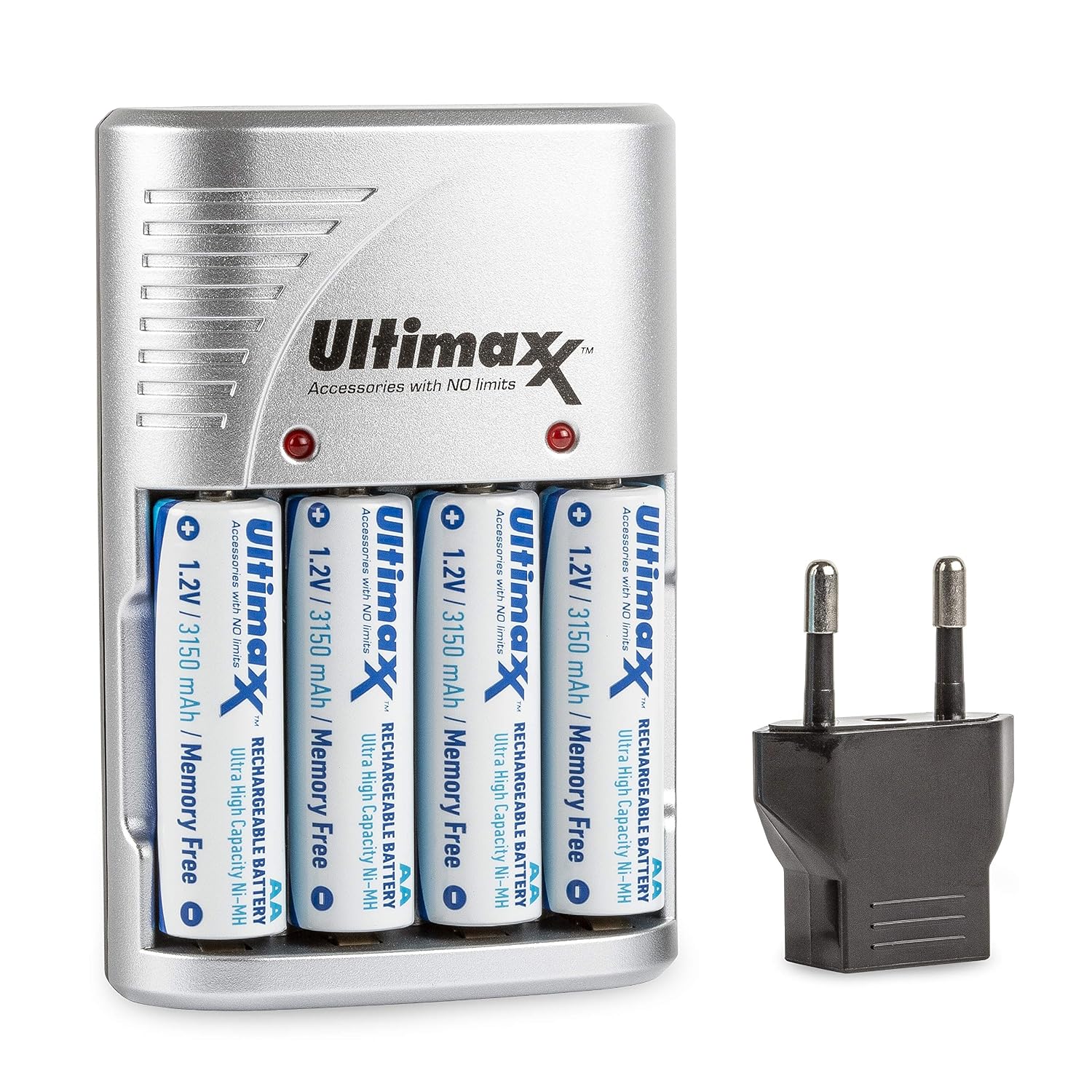
Image: The Ultimaxx 4 Port Rapid Charger shown with four AA batteries inserted and the European adapter plug.

Image: A 4-pack of Ultimaxx AA 3150mAh Ni-MH rechargeable batteries in their retail blister packaging.
4. Setup
4.1 Connecting the Charger
- Unfold the integrated AC power plug from the back of the charger.
- Insert the plug into a standard AC 110-240V 50/60Hz wall outlet. If using in Europe, attach the provided European adapter plug before inserting into the wall outlet.
- The charger is now ready for use.

Image: The Ultimaxx 4 Port Rapid Charger with its battery slots visible, ready for battery insertion.
4.2 Inserting Batteries
Ensure batteries are inserted with correct polarity (+ and - terminals). The charger has dedicated slots for AA/AAA batteries and 9V batteries.
- For AA/AAA Batteries: Insert 2 or 4 AA or AAA Ni-MH/Ni-Cd batteries into the corresponding slots. Ensure the positive (+) end of the battery aligns with the positive (+) terminal in the charger, and the negative (-) end aligns with the negative (-) terminal.
- For 9V Batteries: Insert 1 or 2 9V NiMH/NiCd batteries into the designated 9V slots.
5. Operating Instructions
5.1 Charging Process and LED Indicators
Once batteries are correctly inserted and the charger is plugged into a power outlet, the charging process begins automatically.
- Charging Indicator: The LED indicators on the charger will illuminate to show that charging is in progress.
- Full Charge Indicator: The LEDs will turn off when the batteries are fully charged.
- Error Detection: The charger is equipped with intelligent detection features. LEDs will turn off if improper input voltage is detected, or if defective, short-circuited, or non-rechargeable batteries are inserted.
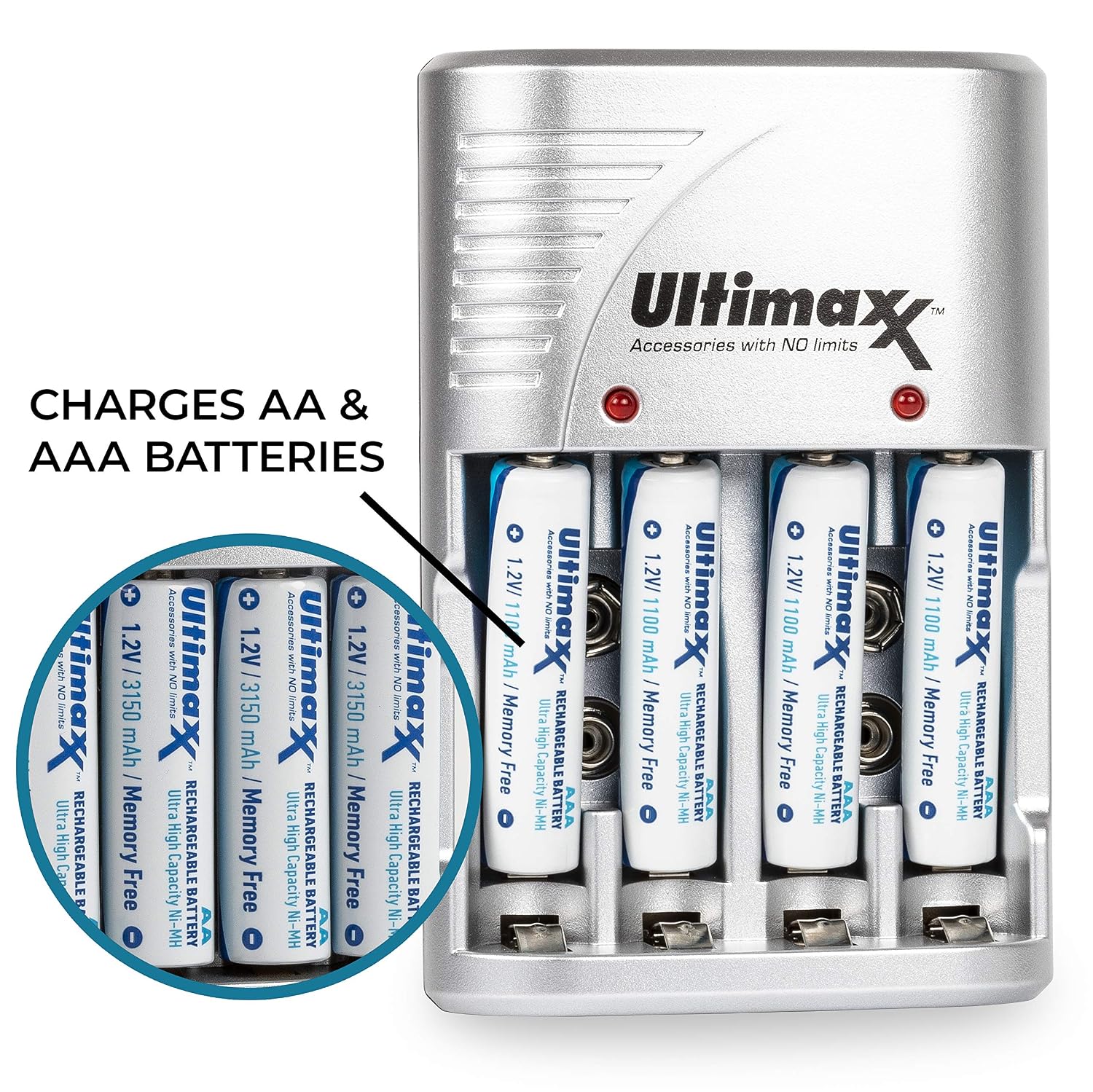
Image: The Ultimaxx charger illustrating its capability to charge both AA and AAA size batteries.
5.2 Charging AA/AAA Batteries
Insert 2 or 4 AA or AAA Ni-MH/Ni-Cd batteries into the corresponding slots. The charger will automatically detect the battery type and begin charging. The LEDs will indicate charging status and turn off upon completion.
5.3 Charging 9V Batteries
Insert 1 or 2 9V NiMH/NiCd batteries into the dedicated 9V slots. The charging process and LED indications are similar to AA/AAA batteries.
6. Maintenance
6.1 Cleaning
Ensure the charger is unplugged before cleaning. Use a soft, dry cloth to wipe the exterior of the charger. Do not use liquid cleaners or solvents.
6.2 Storage
Store the charger and batteries in a cool, dry place away from direct sunlight and extreme temperatures. For long-term storage, it is recommended to store Ni-MH batteries with a partial charge (around 50%).
7. Troubleshooting
| Problem | Possible Cause | Solution |
|---|---|---|
| Charger LEDs do not light up. | Charger not plugged in correctly; power outlet issue; defective charger. | Ensure the charger is securely plugged into a working outlet. Try a different outlet. If the issue persists, the charger may be defective. |
| Batteries are not charging (LEDs turn off immediately or do not light). | Incorrect battery type (non-rechargeable); incorrect polarity; defective battery; short-circuited battery. | Verify batteries are Ni-MH/Ni-Cd rechargeable type. Check battery polarity. Remove and reinsert batteries. Try charging a different battery. If a battery is defective, it will not charge. |
| Batteries do not hold a charge for long after charging. | Batteries are old or nearing end of life; high drain device usage. | Rechargeable batteries have a limited lifespan. Consider replacing old batteries. Ensure the device using the batteries is not excessively draining them. |
8. Specifications
- Model: UM-CH-4AA-3150
- Input Voltage: AC 110-240V, 50/60Hz
- Output Voltage: 240 Volts (Note: This value is provided in product data. Typical output for charging AA/AAA batteries is significantly lower.)
- Number of Ports: 4 (for AA/AAA), 2 (for 9V)
- Compatible Battery Types: Ni-MH / Ni-Cd (AA, AAA, 9V)
- AA Battery Capacity: 3150mAh (included batteries)
- Safety Standard: UL Compliant
- Connector Type: USB (Note: Product images and description indicate an integrated AC plug with European adapter, not USB.)
9. Warranty and Support
Ultimaxx products are manufactured to high-quality standards. For warranty information, technical support, or customer service inquiries, please refer to the contact information provided on the product packaging or visit the official Ultimaxx website. Please retain your proof of purchase for warranty claims.
You can visit the Ultimaxx store for more information: Ultimaxx Store