
1. Introduction
This manual provides detailed instructions for the assembly, operation, and maintenance of your Benro FH150M2N1 Filter Kit. This kit is specifically designed for use with the Nikon AF-S NIKKOR 14-24mm f/2.8G ED lens, offering a comprehensive solution for advanced photographic filtering. Please read this manual thoroughly before using the product to ensure proper function and longevity.
2. Product Components
The Benro FH150M2N1 Filter Kit includes the following items:
- Benro FH-150M2N1 Professional Filter Holder System
- Benro GND8 (0.9) Graduated Neutral Density Filter (150 x 170 mm)
- Benro ND3.0 (ND1000) Neutral Density Filter (150 x 150 mm)
- Benro 150mm Circular Polarizer (C-PL) Filter
- FB150 Filter Bag
- FH150R95 Adapter Ring (for 95mm lens thread)
- 95mm to 77mm Adapter Ring
- FT150 Lens Cover
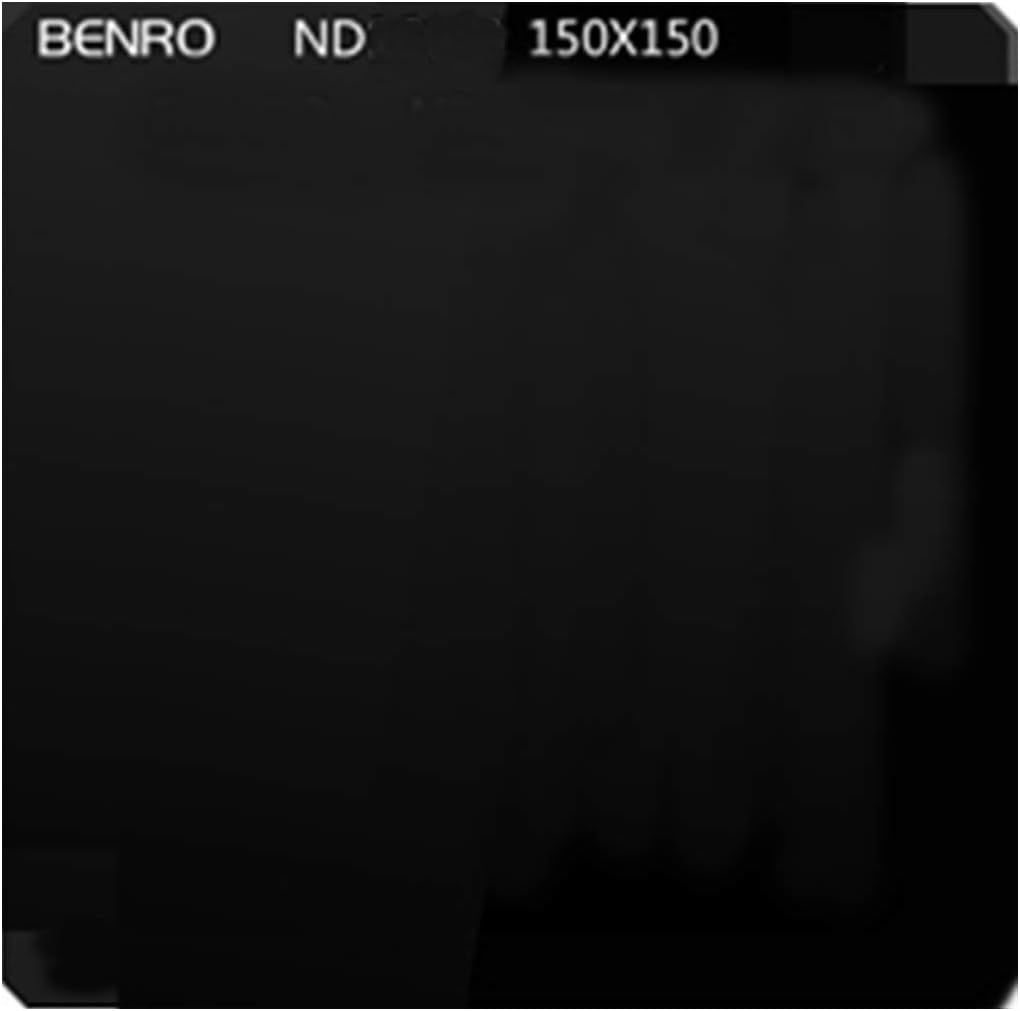
Figure 2.1: Overview of filter holder components, including the main holder, CPL frame, and standard filter frames.
3. Setup and Installation
Follow these steps to properly set up your Benro FH150M2N1 Filter Kit with your Nikon AF-S NIKKOR 14-24mm f/2.8G ED lens.
3.1 Attaching the Filter Holder to the Lens
- Ensure your Nikon AF-S NIKKOR 14-24mm f/2.8G ED lens is clean and free of dust.
- Identify the FH150R95 adapter ring. This ring is designed to fit directly onto the front of the Nikon 14-24mm lens.
- Carefully align the FH150R95 adapter ring with the front of your lens and secure it.
- Attach the Benro FH-150M2N1 filter holder system to the FH150R95 adapter ring. Ensure it clicks securely into place.
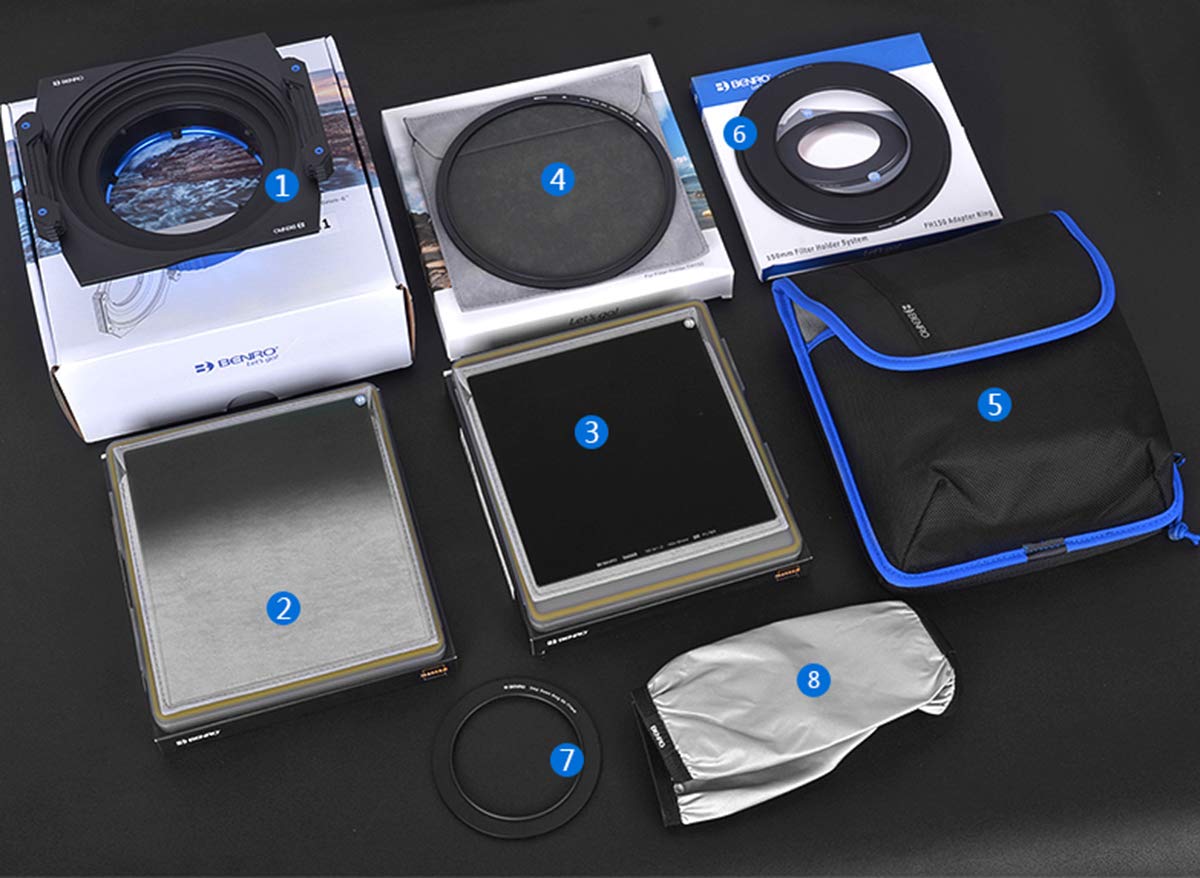
Figure 3.1: The Benro filter holder system correctly mounted on a Nikon lens.
3.2 Inserting Filters
The filter holder accommodates both square and circular filters.
- Square Filters (GND, ND): Slide the 150x170mm GND8 or 150x150mm ND3.0 filters into the available slots on the filter holder. The holder is designed to prevent accidental drops.
- Circular Polarizer (C-PL) Filter: The 150mm C-PL filter is designed to be used within a dedicated square frame for easier insertion and rotation. Insert the C-PL filter into its square frame, then slide the framed C-PL filter into a slot on the main filter holder.

Figure 3.2: The C-PL filter inserted into its square frame, ready for placement in the holder.
3.3 Securing Filters with the Gear Knob
The filter holder features a gear knob mechanism to accurately adjust and secure filters, preventing them from falling out during use.
- After inserting your desired filter(s), gently turn the gear knob located on the side of the filter holder.
- Adjust until the filter is held firmly in place, but avoid overtightening to prevent damage to the filter or holder.
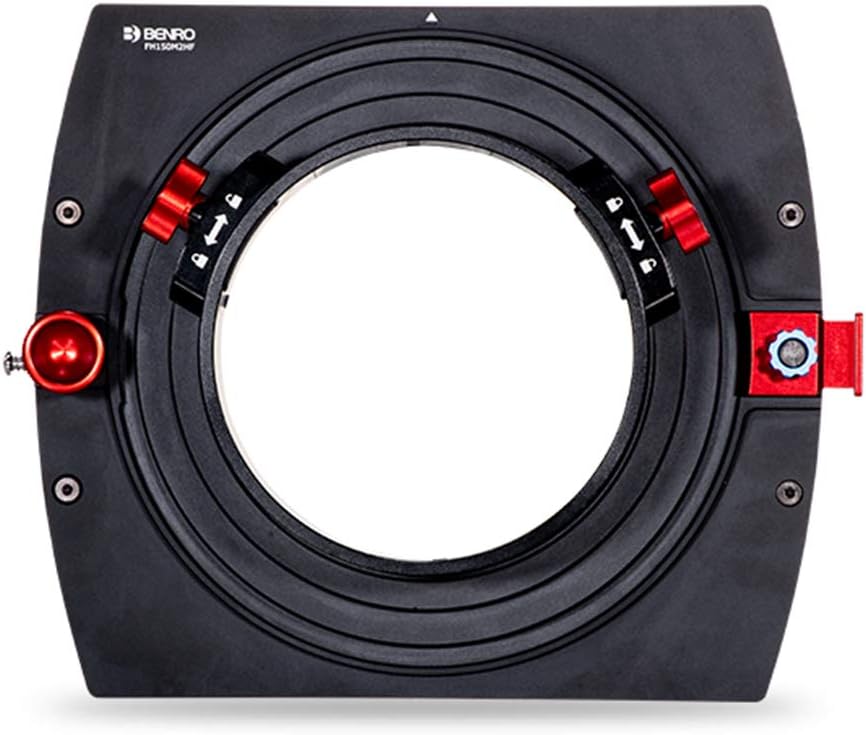
Figure 3.3: The gear knob mechanism ensures filters are securely held, preventing accidental drops.
4. Operating the Filters
Each filter in your kit serves a specific photographic purpose.
4.1 Graduated Neutral Density (GND) Filter (GND8 / 0.9)
The GND8 (0.9) filter reduces light by 3 stops in a graduated manner, balancing exposure between bright skies and darker foregrounds in landscape photography. Position the graduated transition line according to your scene's horizon.
4.2 Neutral Density (ND) Filter (ND3.0 / ND1000)
The ND3.0 (ND1000) filter reduces light by 10 stops uniformly across the entire filter. This allows for very long exposures in bright conditions, creating effects like silky water or blurred clouds. This filter is very dark, making composition difficult once applied; compose your shot before inserting the filter.
Figure 4.1: The Benro ND3.0 (ND1000) filter, designed for extreme light reduction.
4.3 Circular Polarizer (C-PL) Filter
The C-PL filter reduces glare from non-metallic surfaces (like water or foliage) and enhances color saturation and contrast, especially in skies. Once inserted into the holder, rotate the C-PL filter within its frame to achieve the desired polarizing effect. Observe the effect through your camera's viewfinder or live view.
5. Maintenance and Care
Proper maintenance ensures the longevity and optimal performance of your filter kit.
- Cleaning Filters: Use a soft, lint-free microfiber cloth and a specialized lens cleaning solution to gently wipe filters. Avoid harsh chemicals or abrasive materials.
- Handling: Always handle filters by their edges to avoid fingerprints on the optical surface. The included filter frames offer additional protection against fingerprints and accidental drops.
- Storage: Store filters in the provided FB150 filter bag when not in use to protect them from dust, scratches, and impacts.
- Filter Holder: Keep the filter holder clean by wiping it with a dry, soft cloth. Ensure no dust or debris accumulates in the filter slots.

Figure 5.1: The filter frame provides protection against drops and reduces fingerprint marks.
6. Troubleshooting
This section addresses common issues you might encounter.
- Problem: Filters are difficult to insert or remove.
Solution: Ensure the gear knob is fully loosened. Check for any debris in the filter slots. Do not force filters; they should slide in smoothly. - Problem: Uneven exposure with GND filter.
Solution: Adjust the position of the GND filter vertically within the holder to align its transition line with the horizon or desired point in your scene. - Problem: Vignetting (dark corners) in images.
Solution: While this kit is designed for wide-angle lenses, extreme wide-angle settings or stacking multiple thick filters can sometimes cause slight vignetting. Try removing unnecessary filters or adjusting your focal length if possible. - Problem: Filters appear dirty or smudged.
Solution: Refer to the cleaning instructions in Section 5.1. Use appropriate cleaning materials to avoid scratching the optical surfaces.
7. Specifications
| Feature | Specification |
|---|---|
| Brand | Benro |
| Model Number | FH150M2N1 (Kit: B150M2N1-kitN30) |
| Compatibility | Nikon AF-S NIKKOR 14-24mm f/2.8G ED Lens |
| Filter Holder System | Benro FH-150M2N1 |
| Square Filter Size | 150 x 170 mm (GND), 150 x 150 mm (ND) |
| Circular Filter Size | 150 mm (C-PL) |
| Material | Optical Glass |
| Water Resistance Level | Not water resistant |
| UPC | 608506807804 |
8. Warranty and Support
For warranty information and technical support, please refer to the official Benro website or contact your local Benro distributor. Keep your purchase receipt as proof of purchase for any warranty claims.
