1. Introduction
This manual provides essential information for the safe and efficient operation of your METZ M55S9A 55-inch 4K UHD Smart Android OLED TV. Please read this manual thoroughly before using the television and retain it for future reference.
The METZ M55S9A features a 55-inch 4K UHD OLED display, Google Certified Android 8.0 operating system, and integrated smart functionalities, offering a premium viewing experience.
2. Safety Information
Always adhere to the following safety precautions to prevent electric shock, fire, or damage to the television:
- Do not expose the TV to rain or moisture.
- Ensure proper ventilation; do not block ventilation openings.
- Avoid placing the TV near heat sources or in direct sunlight.
- Use only the power cord supplied with the TV.
- Do not open the TV casing; refer all servicing to qualified personnel.
- Keep batteries out of reach of children.
3. What's in the Box
Verify that all components are present upon unpacking:
- 1 x METZ M55S9A LED TV
- 1 x Table Top Stand
- 1 x Wall Mount Bracket
- 1 x User Manual (this document)
- 1 x Warranty Card
- 1 x Remote Control (2 AAA batteries included)
4. Setup
4.1. Physical Installation
Your METZ M55S9A TV can be installed using the included tabletop stand or a wall mount bracket.
Tabletop Stand Installation:
- Carefully place the TV face down on a soft, flat surface to prevent screen damage.
- Attach the tabletop stand to the designated mounting points on the TV's rear using the provided screws. Ensure it is securely fastened.
- Place the TV on a stable, level surface, ensuring adequate space for ventilation.
Wall Mount Installation:
If using a wall mount, follow the instructions provided with the wall mount bracket. It is recommended to have professional assistance for wall mounting to ensure safety and proper installation.
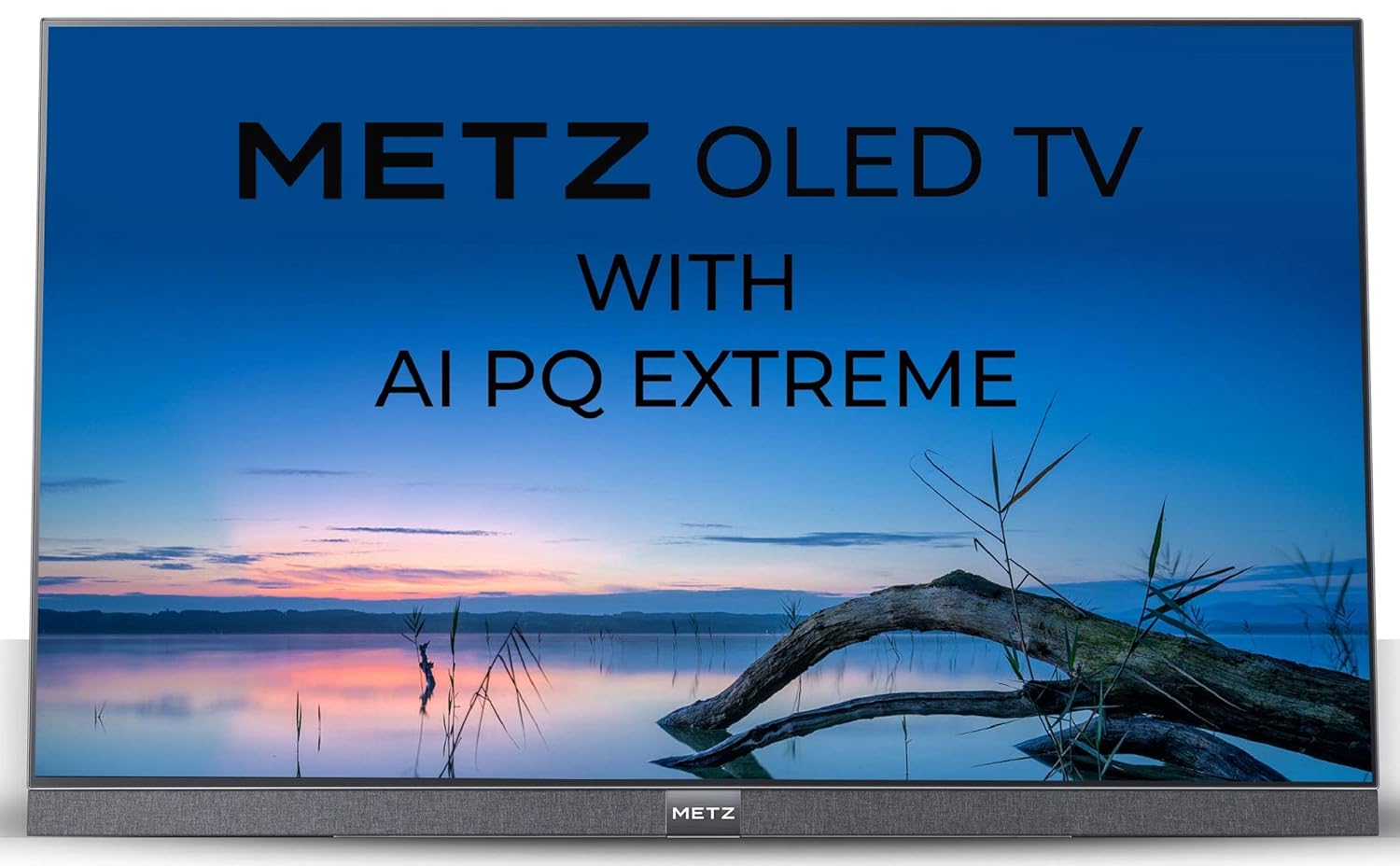
Image: Side view of the METZ M55S9A TV, illustrating its thin profile and the attached stand.
4.2. Connecting Power
Connect the power cord to the TV's power input and then to a suitable electrical outlet. The TV will enter standby mode.
4.3. Initial Setup Wizard
Upon first power-on, the TV will guide you through the initial setup process, including language selection, network connection, and Google account sign-in for Android TV features.
5. Operating Instructions
5.1. Remote Control Overview
The included remote control allows you to navigate the TV's features. It uses IR and Bluetooth technology and comes with navigation keys for various functions.
5.2. Basic TV Functions
- Power: Press the power button on the remote to turn the TV on or off.
- Volume: Use the Volume +/- buttons to adjust the sound level.
- Channels: Use the Channel +/- buttons to change TV channels.
- Input: Press the Input button to select different input sources (HDMI, USB, etc.).
5.3. Smart TV Features (Android TV)
Your METZ M55S9A is a Google Certified Android 8.0 Smart TV, providing access to a wide range of applications and services.

Image: The METZ M55S9A TV screen showing the Android TV interface with various streaming applications.
- Apps: Access pre-installed apps like Netflix, YouTube, Hotstar, Zee5, Sun NXT, Play Movies, and thousands more from the Google Play Store.
- Google Assistant: Use voice commands via the remote control to search for content, control smart home devices, and get information.
- Chromecast Built-in: Cast content from your compatible mobile devices directly to the TV.
6. Connectivity
The TV offers multiple connectivity options:
- HDMI Ports: 3 HDMI ports for connecting external devices such as Blu-ray players, gaming consoles, or set-top boxes.
- USB Ports: 3 USB ports for connecting USB storage devices to play media files.
- Wi-Fi: Built-in Wi-Fi for internet access and smart TV features.
- Bluetooth: Supports Bluetooth technology for connecting wireless accessories like headphones or game controllers.
7. Maintenance
To ensure the longevity and optimal performance of your TV:
- Cleaning the Screen: Gently wipe the screen with a soft, dry microfiber cloth. For stubborn marks, slightly dampen the cloth with water or a specialized screen cleaner. Do not spray liquid directly onto the screen.
- Cleaning the Casing: Use a soft, dry cloth to clean the TV casing.
- Ventilation: Ensure the ventilation openings on the back of the TV are not obstructed.
- Power Off: Unplug the TV from the power outlet during lightning storms or when it will be left unattended for long periods.
8. Troubleshooting
If you encounter issues with your TV, refer to the following common problems and solutions:
| Problem | Possible Solution |
|---|---|
| No power | Check if the power cord is securely connected to the TV and the power outlet. Ensure the outlet is functional. |
| No picture, but sound is present | Verify the correct input source is selected. Check cable connections (HDMI, AV). |
| Remote control not working | Ensure batteries are correctly inserted and not depleted. Point the remote directly at the TV's IR sensor. If using Bluetooth, ensure it is paired. |
| Wi-Fi connection issues | Restart your router and the TV. Check Wi-Fi settings on the TV to ensure the correct network is selected and the password is entered accurately. Ensure the TV is within range of your Wi-Fi router. |
| Apps not loading or freezing | Check your internet connection. Try clearing the cache for the problematic app (Settings > Apps > [App Name] > Clear Cache). Restart the TV. |
9. Specifications
Key technical specifications for the METZ M55S9A TV:

Image: Overview of METZ M55S9A TV features.
| Feature | Detail |
|---|---|
| Brand | Metz |
| Model | M55S9A |
| Screen Size | 55 Inches (138 cm) |
| Display Technology | OLED |
| Resolution | 4K UHD (3840 x 2160 pixels) |
| Refresh Rate | 120 Hz |
| Operating System | Android 8.0 (Google Certified) |
| Memory Storage Capacity | 16 GB |
| RAM Memory Installed Size | 2.5 GB |
| Connectivity | 3 HDMI, 3 USB, Wi-Fi, Bluetooth |
| Audio Output | 20 Watts, DTS X Pro Sound |
| Viewing Angle | 178 Degrees |
| Image Contrast Ratio | 150000:1 |
| Item Weight | 20.7 kg |
| Product Dimensions (LxWxH) | 123 x 0.5 x 70.5 cm |
10. Warranty and Support
Your METZ M55S9A TV comes with a 2-year warranty. Please refer to the included Warranty Card for detailed terms and conditions.
For technical support or service inquiries, please contact the manufacturer:
- Manufacturer: METZ
- Importer/Service Contact: Radiant Appliances & Electronics India Pvt Ltd
- Phone: +91-08414 667701
- Email: info@radiantappliances.com
Please have your TV model number (M55S9A) and purchase details ready when contacting support.


