
Garmin 010-02240-02
Contents
Garmin vivomove Style Smartwatch User Manual
Model: 010-02240-02
Brand: Garmin

Figure 1: The Garmin vivomove Style smartwatch, featuring a gold case and a pink woven nylon band.
Introduction
The Garmin vivomove Style is a hybrid smartwatch designed to combine the traditional look of an analog watch with essential smart features. It features real watch hands and a hidden color touchscreen display that becomes visible when needed. This manual provides instructions for setting up, operating, maintaining, and troubleshooting your vivomove Style smartwatch.
Getting Started: Setup
1. Initial Device Charge
Before first use, fully charge your vivomove Style device. Connect the charging/data cable (included in the box) to the charging port on the back of the watch and plug the USB end into a power source. A full charge typically takes approximately 2 hours.
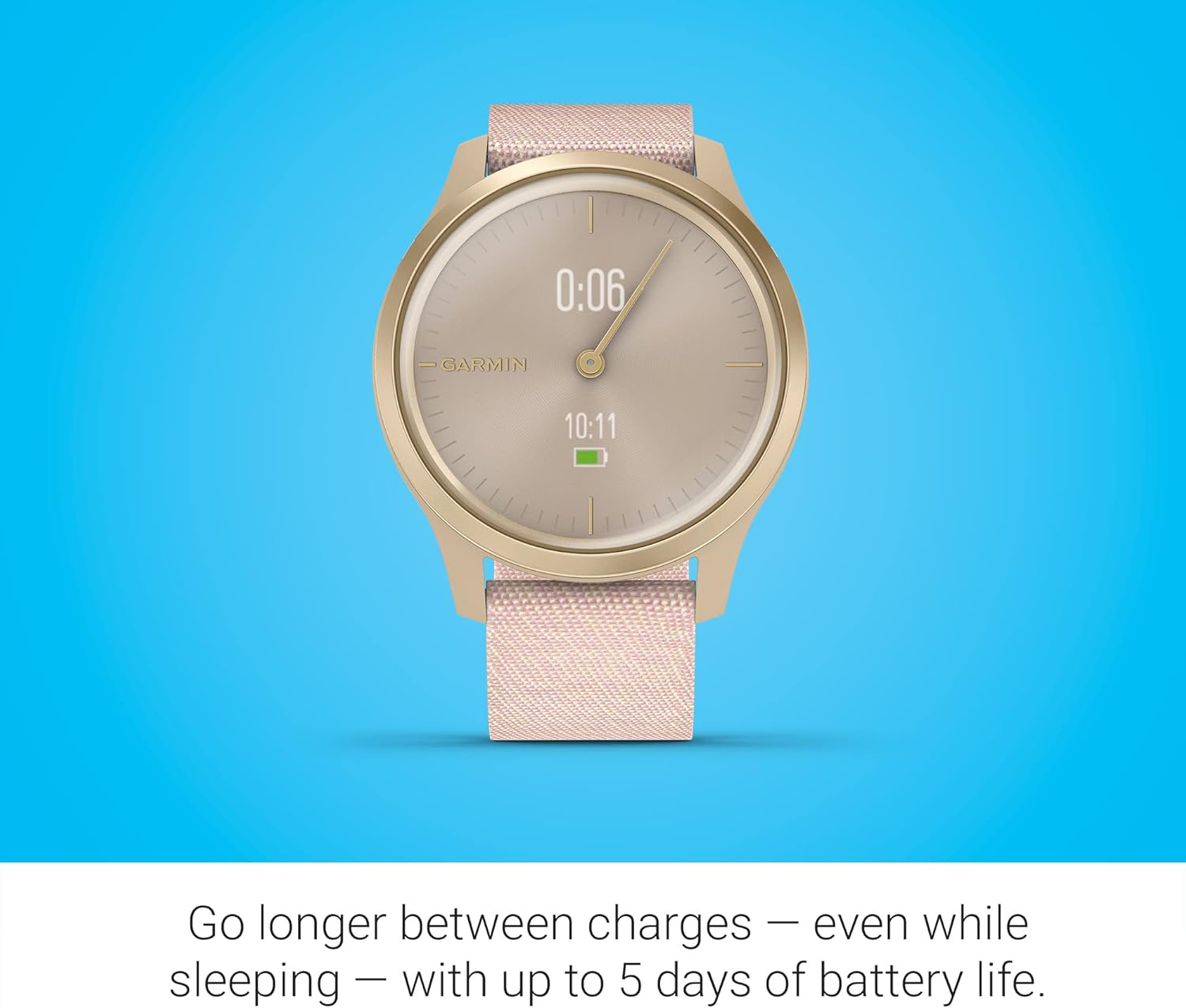
Figure 2: The vivomove Style displaying its battery charge level on the hidden screen.
2. Pairing with Your Smartphone
To access all smart features, the vivomove Style must be paired with a compatible smartphone using the Garmin Connect app.
- Download the Garmin Connect app from your smartphone's app store.
- Open the app and follow the on-screen instructions to create an account or sign in.
- Place your vivomove Style near your smartphone.
- In the Garmin Connect app, select Devices > Add Device and follow the prompts to pair your watch.
3. Basic Navigation
The vivomove Style features a hidden touchscreen display. Tap the screen to wake the device. Swipe left or right to scroll through widgets, and tap to select options or view more details. The physical watch hands will temporarily move out of the way to reveal the digital display.

Figure 3: The vivomove Style's hidden touchscreen display, visible behind the analog watch hands.
Operating Your Device
Activity Tracking
The vivomove Style automatically tracks various health and fitness metrics throughout the day.
- Steps: Monitors your daily step count.
- Heart Rate: Continuously monitors your heart rate.
- Sleep: Tracks your sleep stages and provides insights into your sleep quality.
- Stress: Measures your stress levels throughout the day.
- Pulse Ox: Estimates your blood oxygen saturation (Note: This is not a medical device).
- Body Battery: Monitors your body's energy levels based on activity and rest.
- Hydration: Allows manual logging of water intake.
- Menstrual Cycle Tracking: Available through the Garmin Connect app.

Figure 4: The vivomove Style showing health monitoring features like Body Battery and Pulse Ox.
Smart Notifications
Receive alerts for incoming calls, text messages, calendar reminders, and other notifications from your compatible smartphone directly on your wrist. The watch hands will move aside to reveal the notification on the hidden display.
Garmin Pay™ Contactless Payments
Make secure payments directly from your watch using Garmin Pay. Set up your cards in the Garmin Connect app, then access the Garmin Pay wallet from your watch to make purchases where contactless payments are accepted.
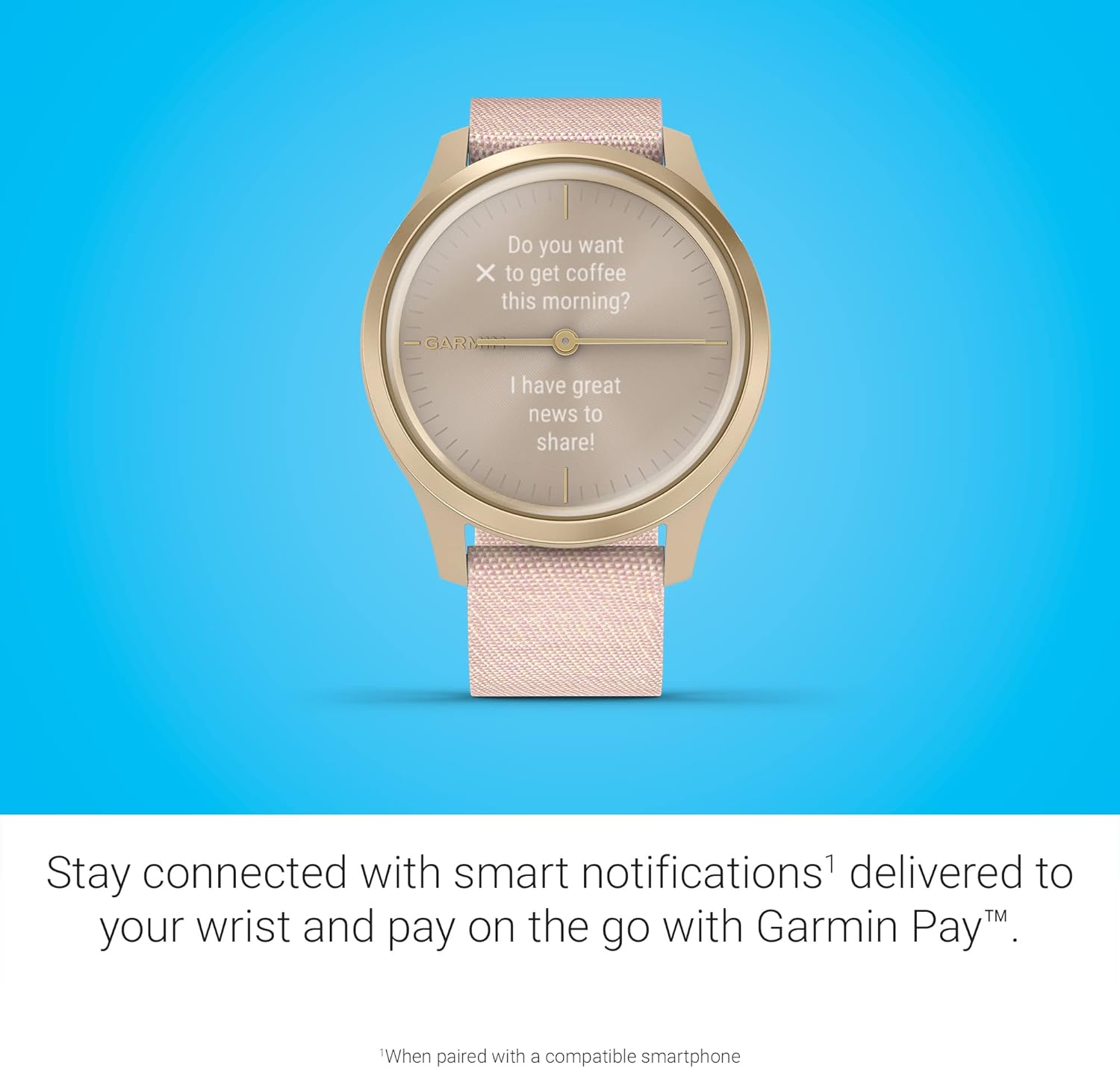
Figure 5: The vivomove Style showing a smart notification and the Garmin Pay contactless payment feature.
Connected GPS
For outdoor activities like walking or running, connect your vivomove Style to your smartphone's GPS to track your route, distance, and pace accurately. This feature requires your smartphone to be within Bluetooth range.
Changing Watch Bands
The vivomove Style uses industry-standard 20 mm quick-release watch bands, allowing for easy customization of your watch's appearance.
Maintenance
Cleaning Your Device
Regular cleaning helps maintain the device's appearance and performance. Use a soft, damp, lint-free cloth to wipe the watch and bands. Avoid harsh chemicals or abrasive materials. Rinse the device with fresh water after exposure to sweat, chlorine, or saltwater, then allow it to air dry completely.
Battery Life and Charging
The vivomove Style offers up to five days of battery life in smart mode and an additional week in watch mode (hands tell time only). To maximize battery life, consider adjusting screen brightness and notification frequency. Always use the provided charging cable.
Band Care
For optimal comfort and to prevent irritation, keep the watch band clean and dry. If you experience skin irritation, loosen the band or remove the device for a period to allow your skin to recover.
Troubleshooting
Device Not Turning On or Responding
Ensure the device is fully charged. If it remains unresponsive, connect it to the charger and hold the touchscreen for 15 seconds to perform a soft reset.
Syncing Issues
If your device is not syncing with the Garmin Connect app, ensure Bluetooth is enabled on your smartphone and the watch. Try restarting both your phone and the watch. Verify that the Garmin Connect app is up to date.
Inaccurate Data Readings
For accurate heart rate and Pulse Ox readings, ensure the watch is worn snugly but comfortably on your wrist, above the wrist bone. Clean the optical sensor regularly. Environmental factors and movement can affect accuracy.
Watch Hands Not Aligning
If the watch hands are not correctly aligned with the digital time, you can manually calibrate them through the device settings or the Garmin Connect app.
Specifications
| Feature | Detail |
|---|---|
| Product Dimensions | 1.65 x 1.65 x 0.47 inches |
| Item Weight | 1.23 ounces (35 Grams) |
| Display Technology | AMOLED hidden color touchscreen |
| Display Resolution | 240 x 240 pixels |
| Screen Size | 1.2 Inches |
| Battery Life | Up to 5 days (smart mode), additional week (watch mode) |
| Connectivity | Bluetooth, Connected GPS |
| Operating System | Proprietary Garmin Operating System |
| Included in Box | vivomove 3 Style device, Charging/data cable, Documentation |
Official Product Video
Video: An overview of the Garmin vivomove 3 series, highlighting its design, hidden display, smart features, and health monitoring capabilities.
Warranty and Support
For detailed warranty information, please refer to the official Garmin website or the warranty documentation included with your product. Garmin provides customer support for product assistance, technical issues, and service inquiries.
Additional resources:
Documents and downloads
Ask a question about this manual
Ask about setup, troubleshooting, compatibility, parts, safety, or missing instructions. Manuals+ will review the question and use this page’s manual context to help answer it.