
Introduction
This manual provides essential information for the safe and efficient use of your SupplySource Car Charger Power Cord. This charger is designed to power DBPower Portable DVD EVD Player models UMPU0311FFBA and NS-969B directly from your vehicle's 12V power outlet. Please read these instructions carefully before use to ensure proper operation and longevity of your device.
Safety Information
Your SupplySource car charger is built with multiple safety features to protect your devices and the charger itself. These include:
- Over Charge Protection: Prevents damage from excessive charging.
- Over Voltage Protection: Safeguards against voltage spikes.
- Short-circuit Protection: Protects against electrical shorts.
- Over Current Protection: Manages current flow to prevent overheating.
- Over Temp Protection: Prevents overheating of the charger.
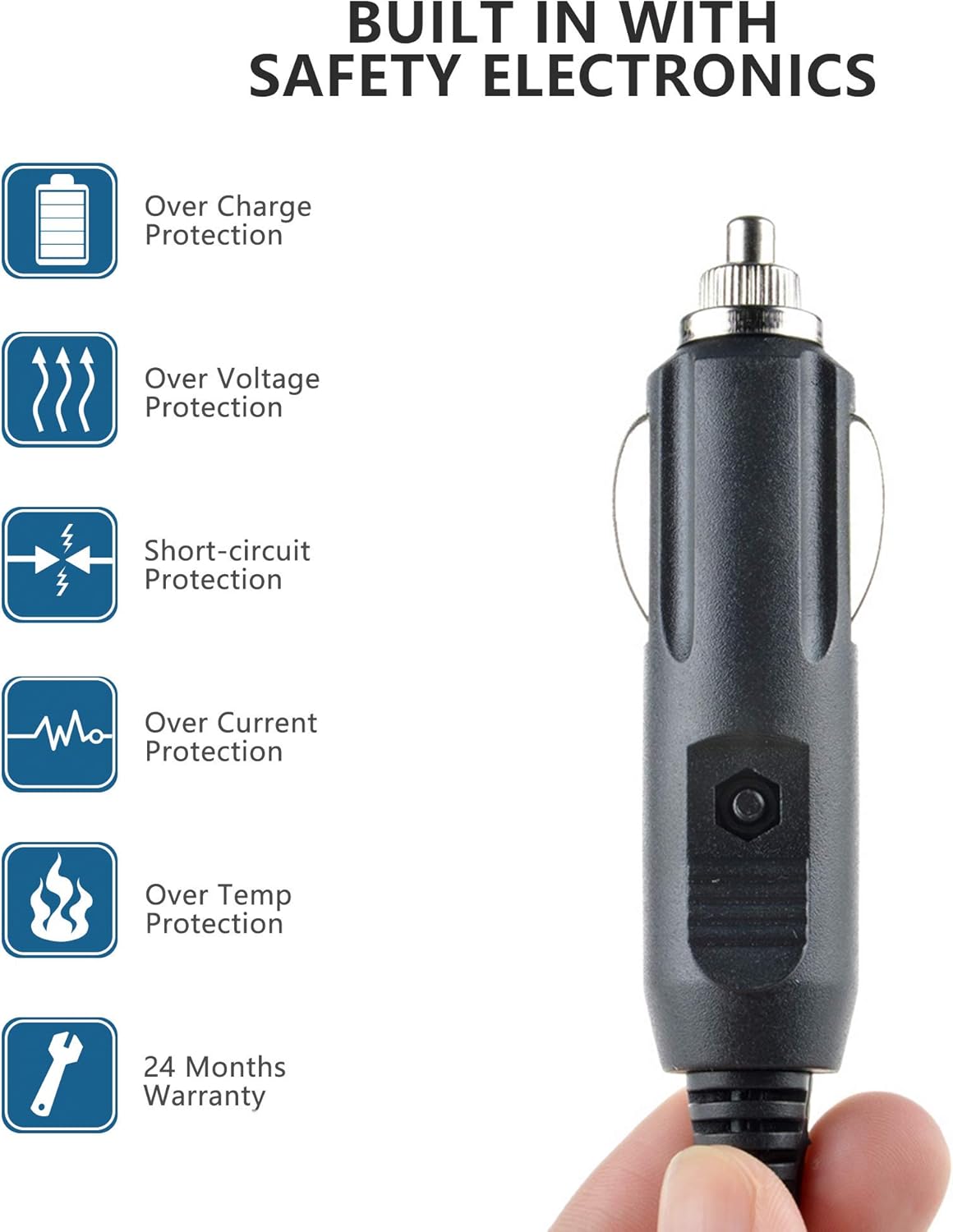
Figure 1: The SupplySource Car Charger highlighting its built-in safety electronics for device protection.
Important Notice: Before ordering, verify that the DC output and tip size of this car charger are compatible with your DBPower Portable DVD EVD Player. Using an incompatible charger may damage your device.
Setup
- Verify Compatibility: Ensure your DBPower Portable DVD EVD Player requires a 12V input and has a compatible power port. This charger is specifically designed for models UMPU0311FFBA and NS-969B.
- Locate Vehicle Power Outlet: Identify the 12V power outlet (cigarette lighter socket) in your vehicle.
- Connect to DVD Player: Insert the small DC plug of the car charger into the power input port of your DBPower Portable DVD EVD Player.
- Connect to Vehicle: Insert the larger car charger plug into your vehicle's 12V power outlet. Ensure it is firmly seated.

Figure 2: The car charger connected to a vehicle's power outlet, ready to power a portable device.
Operating Instructions
Once the car charger is properly connected to both your DBPower Portable DVD EVD Player and your vehicle's 12V power outlet, the DVD player should receive power. You can then operate your DVD player as usual. The charger provides a stable 12V DC input.
- Ensure your vehicle's ignition is on or in accessory mode for the 12V outlet to be active.
- The charger features a coiled cable with a length ranging from 50cm to 147cm, providing flexibility for placement within your vehicle.

Figure 3: The coiled cable of the car charger, demonstrating its flexible length from 50cm to 147cm.
Maintenance
To ensure the longevity and optimal performance of your car charger, follow these maintenance guidelines:
- Ventilation: When using the adapter for extended periods, ensure it is in a well-ventilated area. Avoid covering it or placing it in enclosed spaces.
- Humidity: Keep the charger away from high humidity environments. Do not expose it to water or other liquids.
- Storage: Store the charger in a cool, dry place when not in use. Avoid extreme temperatures.
- Cleaning: Disconnect the charger from all power sources before cleaning. Use a soft, dry cloth to wipe the exterior. Do not use harsh chemicals or abrasive cleaners.
- Handling: Avoid bending or twisting the cable excessively, especially near the connectors, to prevent internal wire damage.
Troubleshooting
| Problem | Possible Cause | Solution |
|---|---|---|
| DVD player does not power on. |
|
|
| Charger feels hot during use. |
|
|
| Intermittent power to DVD player. |
|
|
Specifications
| Brand | SupplySource |
| Compatible Devices | DBPower Portable DVD EVD Player (UMPU0311FFBA, NS-969B) |
| Input Voltage | DC 12V |
| Cable Length | 50cm - 147cm (coiled) |
| Material | Metal, Plastic |
| Safety Certifications | CE, FCC |
| Special Features | Portable, Short-circuit Protection, Over Voltage Protection, Over Current Protection, Over Temperature Protection, Over Charge Protection |
Warranty and Support
This SupplySource Car Charger Power Cord comes with a 24-month warranty from the date of purchase, covering manufacturing defects. Please retain your proof of purchase for warranty claims.
For technical support, warranty service, or inquiries, please contact your retailer or the manufacturer directly. Refer to the packaging or your purchase documentation for specific contact information.
Manufacturer: SupplySource