
Skullcandy S5CSW-M448
Contents
Skullcandy Cassette Wireless On-Ear Headphones
Model: S5CSW-M448
Product Overview
The Skullcandy Cassette Wireless On-Ear Headphones are inspired by classic designs from the '80s and '90s, offering a blend of style, comfort, durability, and sound quality. These headphones are designed for everyday use, providing a reliable audio experience with modern wireless convenience.

Figure 1: Skullcandy Cassette Wireless On-Ear Headphones
Setup Guide
What's in the Box
- Skullcandy Cassette Wireless On-Ear Headphones
- Backup 3.5mm AUX Cable
- USB Charging Cable

Figure 2: Included accessories with the headphones
Charging the Headphones
- Connect the provided USB Charging Cable to the charging port on the headphones.
- Connect the other end of the USB cable to a compatible USB power source (e.g., wall adapter, computer USB port).
- The headphones will fully charge in approximately 1.5 hours. A 10-minute quick charge provides an additional 2.5 hours of playtime.
Pairing with a Device
- Ensure the headphones are powered off.
- Press and hold the power button (usually located on one of the earcups) for a few seconds until the LED indicator flashes, indicating pairing mode.
- On your device (iPhone, Android, laptop, etc.), go to Bluetooth settings and select "Skullcandy Cassette" from the list of available devices.
- Once connected, the LED indicator will typically show a solid light.
Operating Instructions
Power On/Off
- To power on, press and hold the power button for 2-3 seconds.
- To power off, press and hold the power button for 2-3 seconds.
Volume Control
- Use the '+' button to increase volume.
- Use the '-' button to decrease volume.
Music Playback & Calls
- Press the multi-function button (often the power button) once to play/pause music or answer/end calls.
- Double-press for next track, triple-press for previous track (functionality may vary by device).
The headphones offer up to 22 hours of battery life on a single charge and have a Bluetooth range of 10 meters, allowing for flexible use.
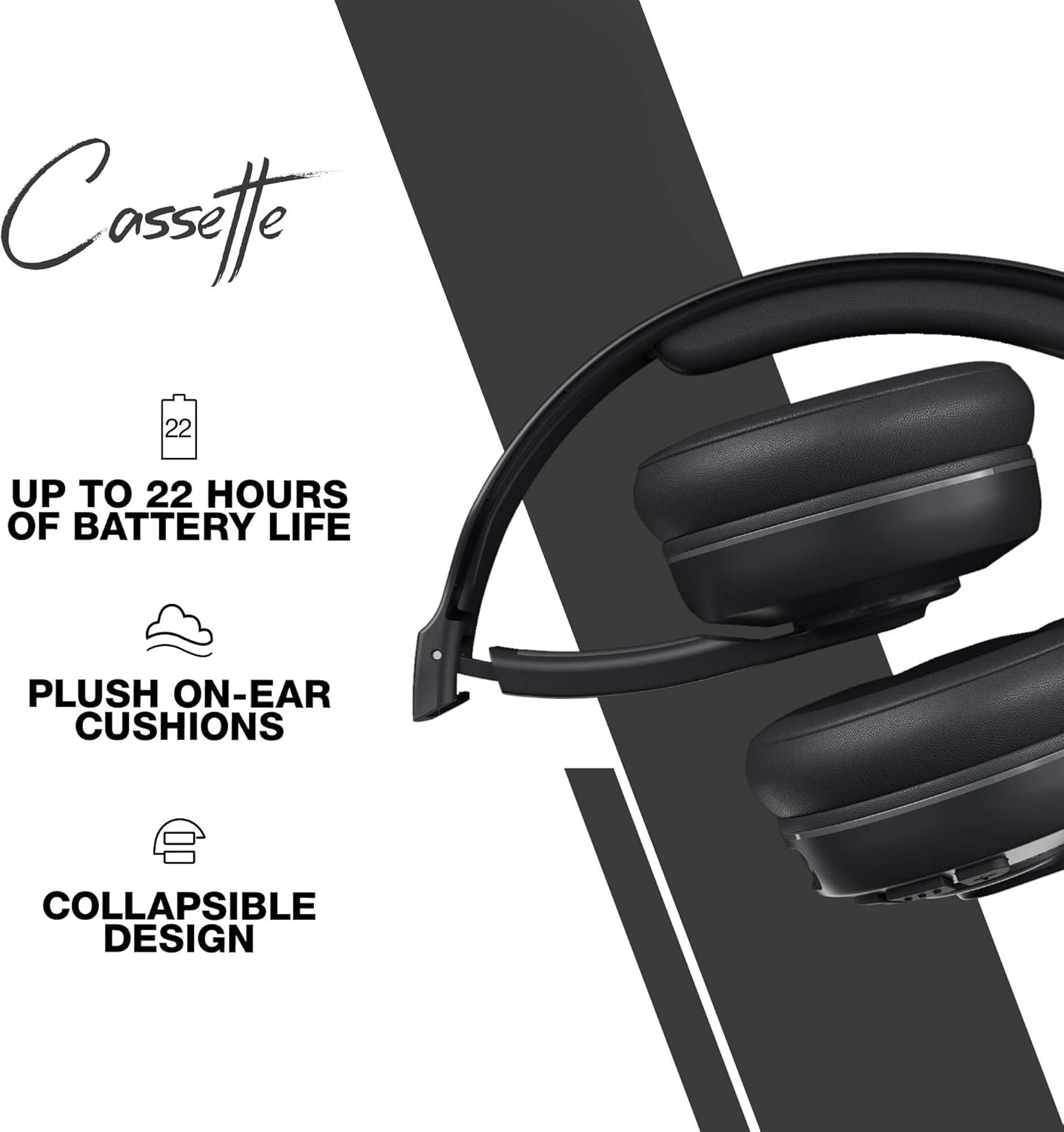
Figure 3: Key features including battery life and comfort
Maintenance
- Keep the headphones clean by wiping them with a soft, dry cloth.
- Avoid exposing the headphones to extreme temperatures, humidity, or liquids.
- Store in a cool, dry place when not in use. The collapsible design makes them easy to store and transport.

Figure 4: The durable and collapsible design for easy maintenance
Troubleshooting
- No Power: Ensure the headphones are fully charged using the provided USB cable.
- No Sound: Check the volume levels on both the headphones and your connected device. Ensure the headphones are properly paired. If using the AUX cable, ensure it is fully inserted into both the headphones and the device.
- Pairing Issues: Turn off Bluetooth on your device, then turn it back on. Forget the device from your Bluetooth list and attempt to re-pair. Ensure the headphones are in pairing mode.
- Poor Sound Quality: Ensure you are within the 10-meter Bluetooth range. Check for interference from other wireless devices.
Specifications
| Feature | Detail |
|---|---|
| Model Name | Cassette |
| Model Number | S5CSW-M448 |
| Connectivity Technology | Bluetooth 5.0 |
| Headphones Jack | 3.5 mm Jack |
| Battery Life | 22 Hours |
| Charging Time | 1.5 Hours |
| Bluetooth Range | 10 Meters |
| Audio Driver Size | 40 Millimeters |
| Frequency Range | 20 Hz - 20,000 Hz |
| Item Weight | 147 Grams (5.2 ounces) |
| Material | Plastic |
| Control Type | Volume Control |
| Compatible Devices | iPhone, Android, Bluetooth Devices, Telephones, Smartphones |
| UPC | 878615099401 |
Warranty and Support
The Skullcandy Cassette Wireless On-Ear Headphones come with a 1-year US warranty, ensuring peace of mind for your purchase.
For detailed warranty information, please refer to the official Warranty PDF document: Warranty (PDF).
For additional support, FAQs, or to explore other Skullcandy products, visit the official Skullcandy Store: Skullcandy Store.
Documents and downloads
Ask a question about this manual
Ask about setup, troubleshooting, compatibility, parts, safety, or missing instructions. Manuals+ will review the question and use this page’s manual context to help answer it.