
Introduction
The Nikon COOLPIX W150 is a durable and user-friendly compact digital camera designed for various environments, including underwater use. This manual provides essential information for setting up, operating, and maintaining your camera to capture high-quality photos and Full HD videos.
Product Overview
Camera Components

Direct front view of the white Nikon Coolpix W150 digital camera, showing the lens and flash.
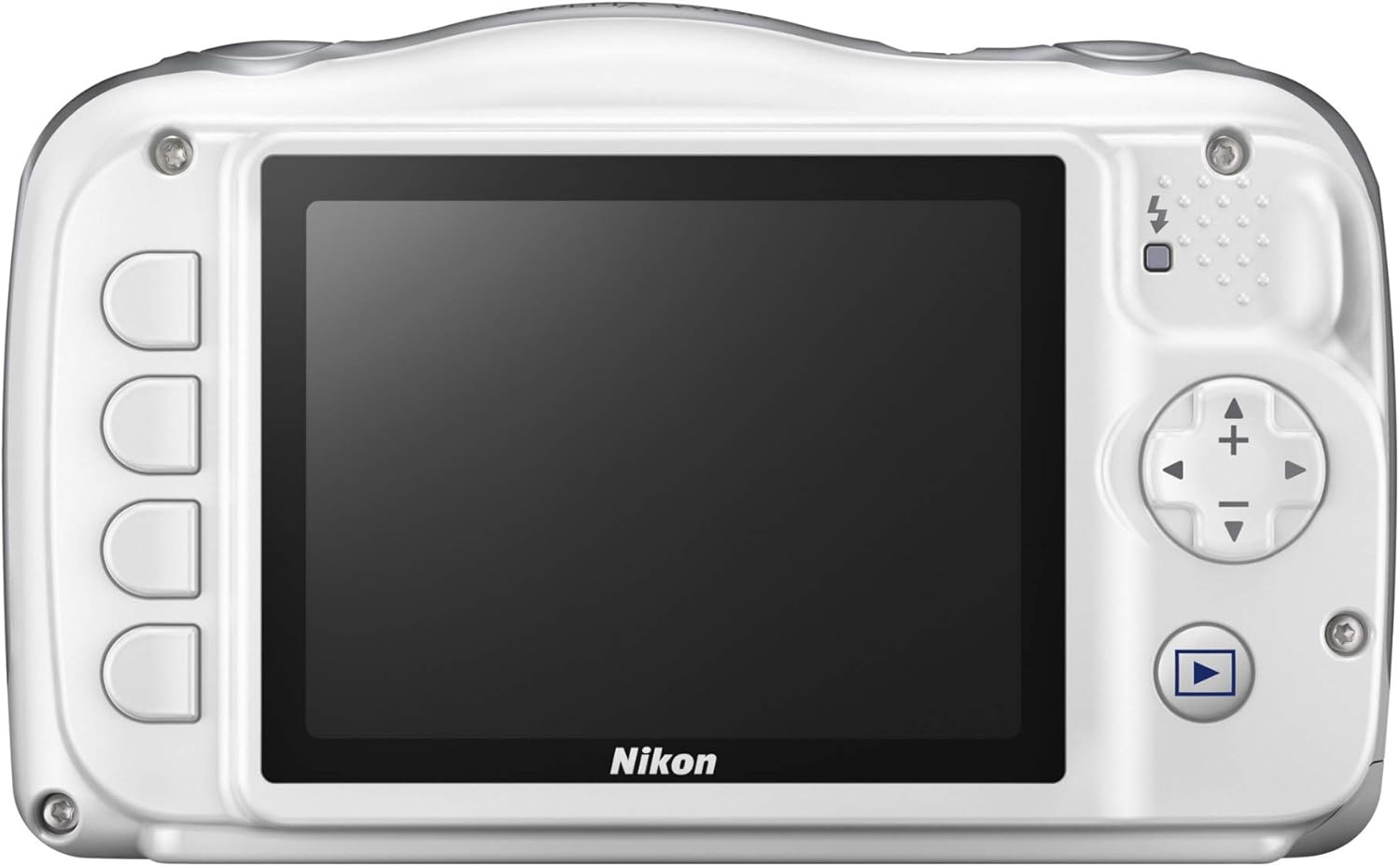
Rear view of the white Nikon Coolpix W150 digital camera, displaying the LCD screen and control buttons.
Key Features
- Waterproof down to 33 feet
- Full HD video with stereo sound—even underwater
- 18 convenient shooting modes
- Built-in Wi-Fi and Bluetooth for easy Snap Bridge sharing
- Viewfinder Type: Electronic Viewfinder
- Lens Type: Telephoto
What's in the Box

Nikon Coolpix W150 camera and various accessories, including a tripod, cleaning kit, memory card, and battery.
- Nikon Coolpix W150 Camera
- EN-EL19 Rechargeable Li-ion Battery
- EH-73P Charging AC Adapter
- UC-E21 USB Cable
- AN-CP19 Strap
- BU-1 O Ring Cleaning Brush
Setup
Inserting the Battery
Insert the EN-EL19 Rechargeable Li-ion Battery into the battery compartment. Ensure it clicks into place securely. Refer to the diagram inside the battery cover for correct orientation.

Vivitar VIV-NB-EL19 rechargeable battery pack, compatible with the Nikon Coolpix W150.
Charging the Battery
Connect the EH-73P Charging AC Adapter to the camera and a power outlet. The charging indicator will illuminate. Charging is complete when the indicator turns off. It is recommended to fully charge the battery before first use.
Inserting a Memory Card
Open the memory card slot cover. Insert a compatible SD, SDHC, or SDXC memory card with the contacts facing the correct direction until it clicks. Close the cover securely.

A SanDisk Ultra 32GB SDHC memory card, suitable for storing photos and videos on the Nikon Coolpix W150.
Initial Power On
Press the power button to turn on the camera. Follow any on-screen prompts to set the date, time, and language.
Operating Instructions
Taking Photos
- Turn on the camera.
- Frame your shot using the LCD screen.
- Press the shutter button halfway to focus, then fully to capture the image.
- Utilize the 3x optical zoom for closer subjects.
Recording Videos
- Press the dedicated movie-record button to start recording Full HD 1080p video.
- Press the button again to stop recording.
Using Shooting Modes
The camera offers 18 convenient shooting modes. Access these modes through the menu to select the best settings for different scenes, such as underwater, portrait, or night scenes.
Connecting to Smart Devices (SnapBridge)
The Nikon Coolpix W150 features built-in Wi-Fi and Bluetooth for seamless connection to compatible smartphones or tablets via the SnapBridge app. This allows for automatic image transfer and remote camera control.
Maintenance
Waterproof Care
To maintain the camera's waterproof integrity (down to 33 feet), ensure all covers (battery, memory card, USB port) are securely closed before exposing the camera to water. After use in saltwater, rinse the camera with fresh water and dry thoroughly. Use the provided BU-1 O Ring Cleaning Brush to keep the seals free of debris.
Cleaning the Camera
Wipe the camera body with a soft, dry cloth. For the lens and LCD screen, use a lens cleaning cloth and specialized cleaning solution if necessary. Avoid abrasive materials.
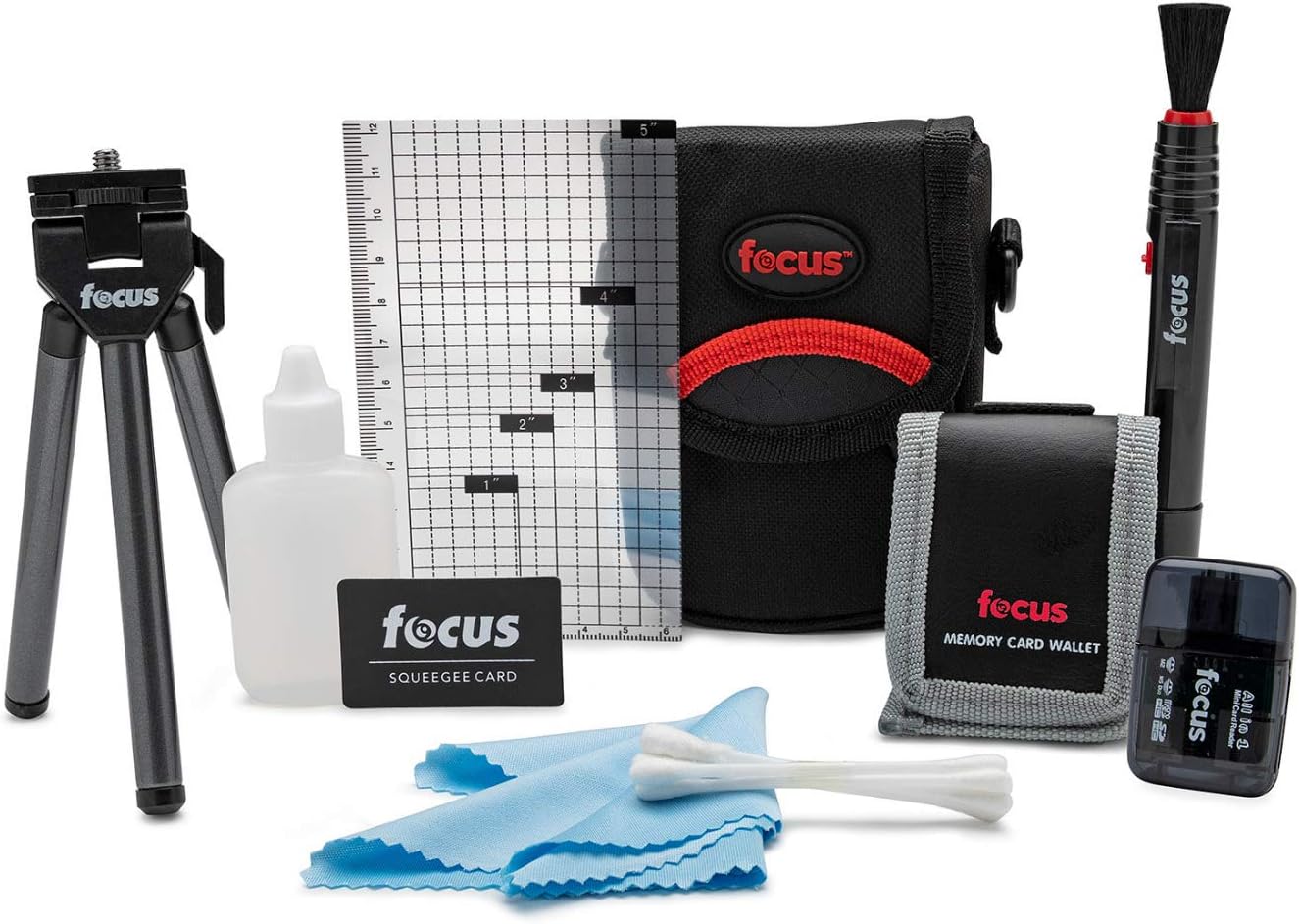
A camera cleaning kit, useful for maintaining the Nikon Coolpix W150.
Troubleshooting
- Camera does not turn on: Check if the battery is charged and correctly inserted.
- Cannot take pictures: Ensure a memory card is inserted and has sufficient free space. Check battery level.
- Images are blurry: Clean the lens. Ensure proper focus before pressing the shutter button fully.
- Water leakage: Immediately power off the camera. Ensure all compartment covers were properly sealed before water exposure. Contact customer support if leakage occurs.
Specifications
| Feature | Specification |
|---|---|
| Model Name | Coolpix W150 |
| Effective Still Resolution | 13.2 MP |
| Photo Sensor Size | 1/2.3-inch |
| Optical Zoom | 3x |
| Digital Zoom | 4x |
| Video Resolution | FHD 1080p |
| Water Resistance Level | Waterproof (down to 33 feet) |
| Screen Size | 2.7 Inches |
| Connectivity Technology | Bluetooth, Wi-Fi |
| Compatible Memory Cards | SD, SDHC, SDXC |
| Battery Type | 1 x EN-EL19 Rechargeable Lithium-Ion |
| Item Weight | 0.39 Ounces |
| Color | White |
Warranty and Support
The Nikon Coolpix W150 comes with a 1-year manufacturer's warranty. For technical support, service, or warranty claims, please refer to the official Nikon support website or contact their customer service department. Keep your proof of purchase for warranty validation.
For further assistance, visit the official Nikon website: www.nikonusa.com


