
Introduction
This manual provides essential information for the safe and effective use of your SupplySource AC Power Adapter, designed for compatibility with Kinter MA-120 and MA-700 Hi-Fi Stereo Amplifiers. Please read this manual thoroughly before use and retain it for future reference.
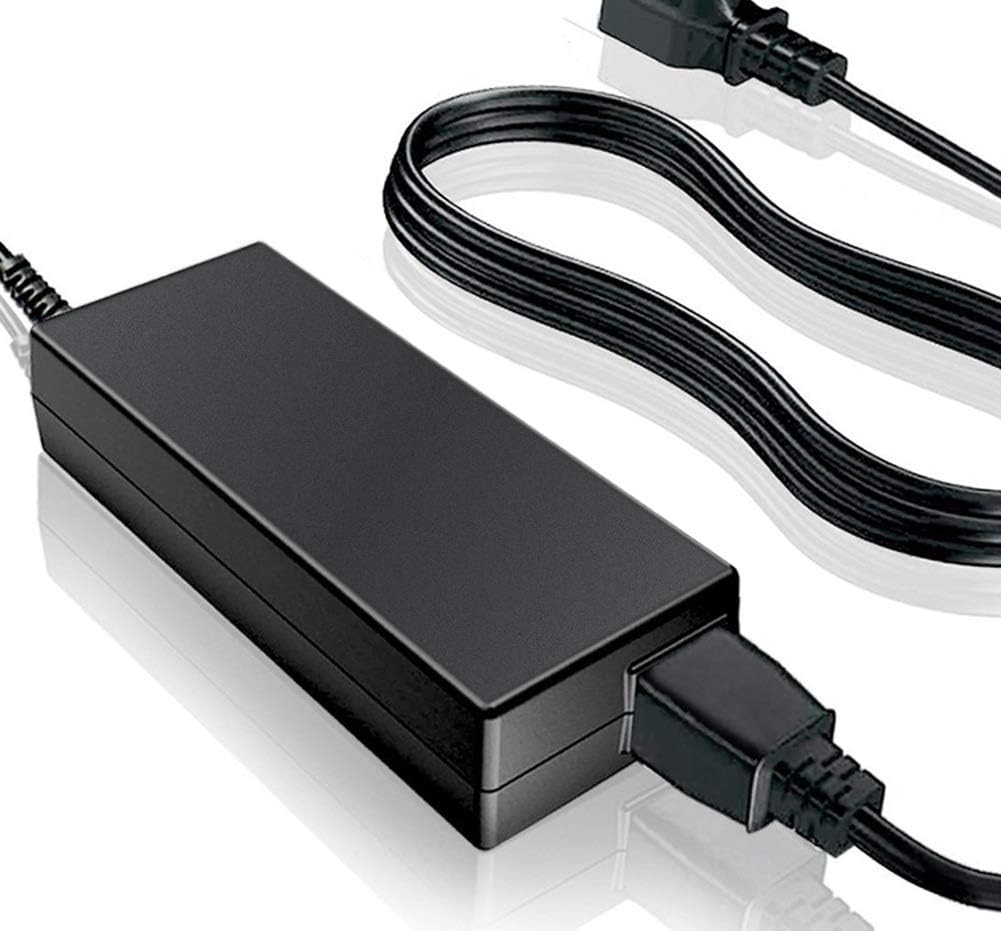
Image: The SupplySource AC Power Adapter, showing the main unit and power cord.
Safety Information
Your safety is paramount. Observe the following precautions to prevent injury or damage to the product:
- Voltage Compatibility: Always ensure the DC output and tip size of the AC adapter are accordant with your device's requirements before connecting.
- Overheating Prevention: If using the adapter for a long time, ensure it is kept in a suitable ventilating and humidity environment. Do not place it on heat-retaining surfaces or skin products.
- Circuit Protection: This product includes multiple smart features safeguarding against incorrect voltage (IV), short circuit (SC), and internal overheating (IO).
- Certifications: The charger is certified with CE, FCC, and other relevant safety standards.
- Cord Integrity: The power cord is made of high-quality 3x0.5 mm copper core, designed to be antioxidant and corrosion resistant. Avoid bending or crimping the cord excessively.
- Material Safety: The power supply's shell is made of flame retardant and high temperature resistant ABS and PC synthetic materials for durability and safety.
Setup
Follow these steps for initial setup:
- Verify Compatibility: Before connecting, confirm that the adapter's DC output voltage and tip size match the specifications of your Kinter MA-120 or MA-700 amplifier.
- Connect to Device: Insert the barrel connector of the AC power adapter firmly into the power input port of your Kinter amplifier.
- Connect to Power Outlet: Plug the AC power cord into a standard 100-240V wall outlet. Ensure the outlet is easily accessible.
- Positioning: Place the adapter in a location that allows for adequate ventilation and is free from excessive heat or moisture.

Image: Detailed diagram illustrating the components and safety features of the power adapter, including stable output voltage, overload protection, copper core cord, and flame-retardant shell.
Operating Instructions
Once properly set up, the adapter is ready for operation:
- The adapter provides stable output voltage and automatically cuts off in case of overload or overvoltage.
- It features automatic thermal cut-off and short circuit protection for safe operation.
- The power supply has undergone aging tests to ensure sufficient power and reliability.
Maintenance
To ensure the longevity and optimal performance of your AC power adapter, follow these maintenance guidelines:
- Cleaning: Disconnect the adapter from the power outlet before cleaning. Use a soft, dry cloth to wipe the exterior. Do not use liquid cleaners or aerosols.
- Ventilation: Always ensure the adapter has adequate ventilation during operation. Avoid covering it or placing it in enclosed spaces.
- Storage: When not in use for extended periods, store the adapter in a cool, dry place, away from direct sunlight and extreme temperatures.
- Cord Care: Regularly inspect the power cord for any signs of damage, fraying, or kinks. If damage is found, discontinue use immediately and replace the adapter.
- Environmental Conditions: Avoid exposing the adapter to excessive moisture or humidity.
Troubleshooting
If you encounter issues with your AC power adapter, refer to the following table for common problems and solutions:
| Problem | Possible Cause | Solution |
|---|---|---|
| Device not powering on | Incorrect voltage/tip size, loose connection, faulty power outlet. | Verify DC output and tip size match your device. Ensure all connections are secure. Test the power outlet with another known working device. |
| Adapter overheating | Poor ventilation, prolonged use in an enclosed space, excessive load. | Ensure adequate ventilation around the adapter. Disconnect and allow it to cool down. Avoid placing it on heat-retaining surfaces or in confined areas. |
| Intermittent power supply | Damaged power cord, loose connection, internal fault. | Inspect the power cord for any visible damage. Re-seat all connections. If the issue persists, the adapter may need replacement. |
Specifications
| Feature | Detail |
|---|---|
| Brand | SupplySource |
| Compatible Devices | Kinter MA-120 & MA-700 Hi-Fi Stereo Amp |
| Input Volt Range | 100-240V AC |
| Wattage | 24 watts |
| Connector Type | Barrel Connector |
| Material | Plastic, Metal (Flame retardant ABS and PC synthetic materials) |
| Safety Certifications | CE, FCC |
| Power Source | Corded Electric |
| Frequency Range | 60 hertz |
Warranty and Support
This SupplySource AC Power Adapter is manufactured with the highest quality materials and includes multiple smart features safeguarding against incorrect voltage, short circuit, and internal overheating. Chargers are certificated with CE, FCC, etc.
For support or warranty inquiries, please contact your retailer or the manufacturer, SupplySource. Please note that a return policy duration of 30 days for refund/replacement is typically offered by the seller.