1. Introduction
The TIDRADIO TD-M8s is a compact, lightweight, and license-free two-way radio designed for efficient communication in various environments. Featuring 22 preset channels, VOX voice control, and long-range capabilities, it is suitable for business, school, church, restaurant, and outdoor activities. This manual provides essential information for setup, operation, and maintenance of your TD-M8s radios.
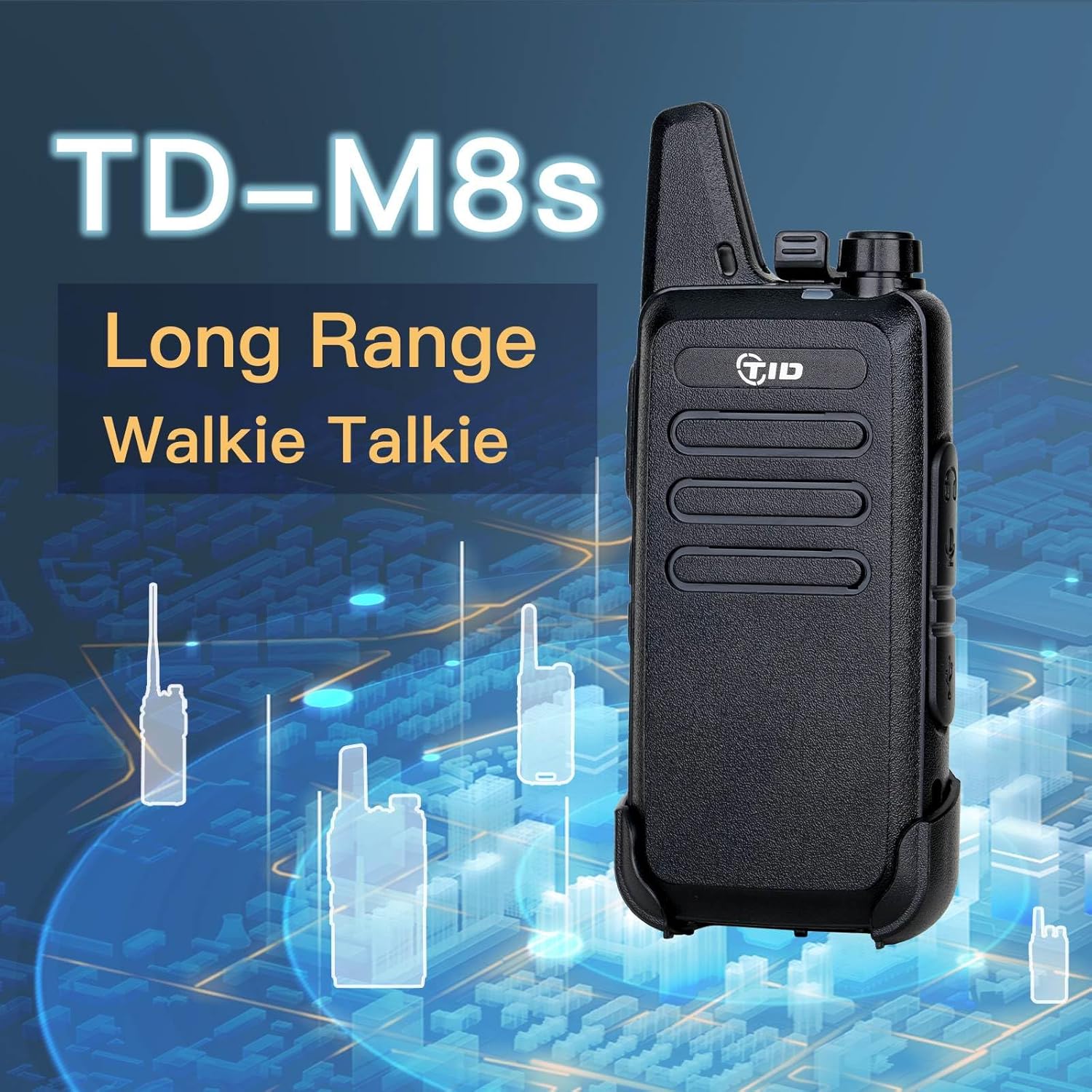
Image: The TIDRADIO TD-M8s walkie talkie, highlighting its compact design.
2. What's Included
Your TIDRADIO TD-M8s package includes the following items:
- 10 x TD-M8s 2 Way Radios (packed in pairs with 5 boxes)
- 10 x Air Acoustic Tube Walkie Talkies Earpieces
- 10 x Rechargeable 1500 mAh batteries
- 10 x USB Cables
- 10 x Unique Belt Clips
- 5 x USB Wall Chargers (dual line)
- 5 x User Manuals

Image: A complete set of 10 TIDRADIO TD-M8s walkie talkies with all included accessories.
3. Key Features
- Diverse Functions: The TD-M8s offers 22 preset channels and supports 38 CTCSS and 83 CDCSS codes for private conversations. Functions include VOX voice control, scanning, and more. This model is FCC certified (FCC ID: 2AWL3TD-M8).
- Long-Range Communication: Achieve communication up to 3 miles in open areas (rural, suburbs, seaside) and 0.6-1.2 miles in urban environments, depending on obstructions.
- High Capacity Battery: Equipped with a 1500mAh battery, providing 8-12 hours of continuous use and up to 72 hours of standby time on a full charge. Full charging takes approximately 3-4 hours.
- Clear Sound Quality: Built-in high-quality speakers deliver loud and crystal-clear audio for effective communication.
- Mini and Portable Design: Palm-sized and lightweight (0.2lb), making it easy to carry all day. Dimensions: 5.36 x 1.95 x 0.85 inches.
- Acoustic Earpiece: Included earpieces with microphones free your hands from the PTT button, offering comfortable wear, clear sound, and private conversations in noisy settings.
- Durable Build: Features a hard and durable, drop-proof, and rainproof shell, suitable for various demanding scenarios such as hotels, restaurants, warehouses, factories, construction sites, and security.

Image: Illustration of the radio's long-range capability and gain antenna for stronger signal penetration.

Image: Comparison showing the compact size of the TD-M8s walkie talkie next to a smartphone, emphasizing its portability.

Image: Graphic representation of the radio's speaker producing crystal clear sound waves.

Image: Visual examples of different professional settings where the 22 channels of the walkie talkies are suitable, such as restaurants, hotels, warehouses, factories, and schools.
4. Setup
4.1. Battery Installation and Charging
- Ensure the radio is powered off.
- Remove the battery cover on the back of the radio.
- Insert the 1500mAh Lithium Polymer battery into the compartment, ensuring proper alignment of contacts.
- Replace the battery cover.
- Connect the provided USB cable to the mini USB port on the side of the radio.
- Plug the other end of the USB cable into the dual-port USB wall charger, a computer USB port, a car charger, or a power bank.
- The LED indicator on the radio will show red during charging and turn off when fully charged.

Image: Various charging methods for the walkie talkie, including car, laptop, power bank, and wall charging via USB.
4.2. Attaching the Belt Clip
The unique belt clip can be easily attached or removed from the back of the radio for convenient carrying.

Image: Steps illustrating how to attach and remove the customized belt clip from the walkie talkie.
5. Operating Instructions
5.1. Power On/Off and Volume Adjustment
To power on the radio, rotate the top knob clockwise. You will hear a voice prompt indicating the current channel. Continue rotating the knob to adjust the volume. To power off, rotate the knob counter-clockwise until it clicks.
5.2. Channel Selection
The TD-M8s features 22 preset channels. Use the channel selection buttons (+/-) on the side of the radio to cycle through the available channels. A voice prompt will announce the selected channel number.
5.3. Push-to-Talk (PTT) Button
Press and hold the large PTT button on the side of the radio to transmit your voice. Release the button to listen. The red LED indicator will illuminate when transmitting.
5.4. VOX Voice Control
The VOX (Voice Operated Exchange) function allows for hands-free operation. To activate or deactivate VOX:
- Turn off the radio.
- Press and hold the PTT button and the '-' (minus) channel button simultaneously.
- While holding these buttons, turn on the radio.
- You will hear a voice prompt stating "VOX ON" or "VOX OFF".

Image: Instructions on how to activate the VOX function for hands-free communication.
5.5. Using the Acoustic Earpiece
Connect the acoustic tube earpiece to the dedicated port on the side of the radio. The earpiece allows for private listening and includes a microphone for discreet communication, ideal for noisy environments or when privacy is desired.

Image: Details of the acoustic earpiece, highlighting its features for private conversation, comfort, and clear sound.
5.6. Official Product Videos
TIDRADIO TD-M8s Walkie Talkies Overview
Video: A comprehensive overview of the TIDRADIO TD-M8s walkie talkies, demonstrating their features and functionality.
TD-M8 Walkie Talkies Introduction
Video: An introductory video to the TD-M8 walkie talkies, showcasing their ease of use and key benefits for adults.
6. Maintenance
- Cleaning: Use a soft, damp cloth to clean the radio's exterior. Do not use harsh chemicals or abrasive cleaners.
- Battery Care: To prolong battery life, avoid overcharging and fully discharging the battery regularly. Store radios and batteries in a cool, dry place when not in use.
- Storage: If storing the radios for an extended period, remove the batteries.
7. Troubleshooting
| Problem | Possible Cause | Solution |
|---|---|---|
| No Power | Battery is low or not installed correctly. | Charge the battery or ensure it is properly installed. |
| No Sound / Low Volume | Volume is too low; earpiece not connected properly; radio on wrong channel. | Increase volume; re-insert earpiece; verify channel matches other radios. |
| Short Communication Range | Obstructions (buildings, terrain); low battery. | Move to an open area; ensure battery is fully charged. |
| Static or Interference | Out of range; electrical interference; channel congestion. | Move closer to other radios; avoid strong electrical sources; try a different channel. |
8. Specifications
| Feature | Detail |
|---|---|
| Model Number | TD-M8s |
| Item Weight | 4 ounces |
| Product Dimensions | 5 x 2 x 1 inches |
| Batteries | 10 Lithium Polymer batteries required (included) |
| Number of Channels | 22 |
| Frequency Range | FRS Frequency |
| Talking Range Maximum | 3 Miles (open areas) |
| Voltage | 3.7 Volts |
| Water Resistance Level | Water Resistant |
9. Warranty and Support
TIDRADIO is committed to customer satisfaction. If you encounter any issues with your product, please contact our customer service team. We have a professional R&D division available to assist with any questions or concerns regarding your TD-M8s radios.
For further assistance, please refer to the contact information provided with your purchase or visit the official TIDRADIO website.