
Introduction and Overview
This manual provides instructions for the Eschenbach Mobile Optical Magnifier 4x, Model 171094. Designed for portability and ease of use, this magnifier features a robust construction and a clear 4x magnification lens. It is suitable for enlarging text and small objects, making it an ideal aid for various daily tasks. The included neck cord enhances convenience and prevents misplacement. This model features a 35mm lens diameter and weighs approximately 50g. Other magnification strengths may be available in different product variants.
Package Contents:
- 1x Eschenbach Mobile Optical Magnifier (4x magnification)
- 1x Neck Cord

Image: The Eschenbach Mobile Optical Magnifier in its open position, revealing the clear lens and the white protective casing.
Setup
- Unpack the Magnifier: Carefully remove the magnifier and neck cord from the packaging.
- Attach the Neck Cord (Optional): If desired, attach the provided neck cord to the designated loop on the magnifier's casing. Ensure it is securely fastened.
- Inspect the Lens: Before first use, check the lens for any dust or smudges. Clean if necessary according to the "Maintenance" section.
Operating Instructions
The Eschenbach Mobile Optical Magnifier is designed for straightforward operation.
- Open the Casing: Gently slide open the protective white casing to expose the lens.
- Position the Magnifier: Place the magnifier directly onto the object or text you wish to enlarge. For optimal clarity, ensure the lens is parallel to the surface of the object.
- View Through the Lens: Look through the lens to observe the magnified image. The 4x magnification will make small details more visible.
- Adjust Distance (if needed): For some users, slightly adjusting the distance between the eye and the lens, or the lens and the object, may improve focus.
- Close the Casing: After use, slide the protective casing back over the lens to protect it from dust and scratches.

Image: A person using the Eschenbach Mobile Optical Magnifier to examine fine details on a technical drawing or blueprint.
Maintenance
Proper care will ensure the longevity and performance of your magnifier.
- Lens Cleaning: To clean the lens, use a soft, lint-free cloth (e.g., a microfiber cloth) specifically designed for optical surfaces. If necessary, a small amount of lens cleaning solution can be applied to the cloth, not directly to the lens. Avoid abrasive materials or harsh chemicals, as these can scratch or damage the lens coating.
- Casing Cleaning: The plastic casing can be wiped clean with a damp cloth. Ensure the magnifier is dry before closing the casing.
- Storage: Always keep the magnifier's casing closed when not in use to protect the lens from dust, dirt, and scratches. Store in a clean, dry place.
- Avoid Extreme Temperatures: Do not expose the magnifier to extreme heat or cold, as this can affect the materials.
Troubleshooting
This section addresses common issues you might encounter.
| Problem | Possible Cause | Solution |
|---|---|---|
| Image appears blurry or unclear. |
|
|
| Magnifier is difficult to locate. | Not using the neck cord for portability. | Utilize the included neck cord to keep the magnifier accessible and prevent misplacement. |
Specifications
| Brand: | Eschenbach |
| Model Number: | 171094 |
| Color: | White |
| Magnification Power: | 4x |
| Lens Diameter: | 35 mm |
| Product Dimensions (L x W x H): | 5.5 x 5.5 x 5 cm |
| Item Weight: | 50 g |
| Lens Material: | Glass (PXM lightweight aspheric lens) |
| Handle/Casing Material: | Plastic |
| Batteries Required: | No |
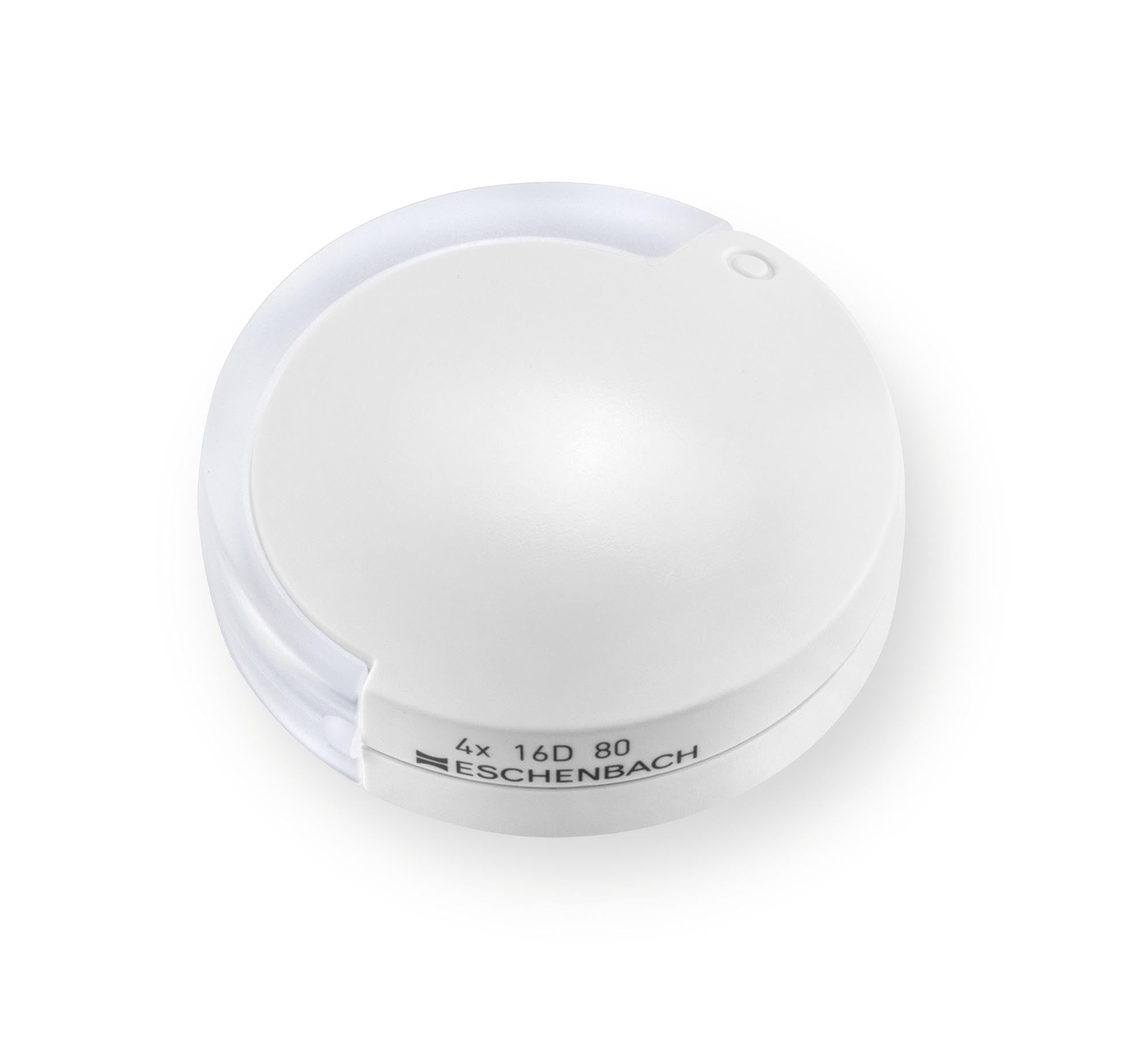
Image: The Eschenbach Mobile Optical Magnifier in its closed, compact state, highlighting its portable design.
Warranty and Support
For warranty information and customer support, please refer to the documentation provided with your purchase or visit the official Eschenbach website. Specific warranty terms may vary by region and retailer.