
1. Product Overview
The SIMPLI-MAGIC 13-Gallon Automatic Touchless Sensor Trash Can is designed for convenient and hygienic waste disposal in various environments such as homes, kitchens, bedrooms, offices, and commercial areas. Constructed from durable stainless steel, it features a modern design and advanced sensor technology for touch-free operation.
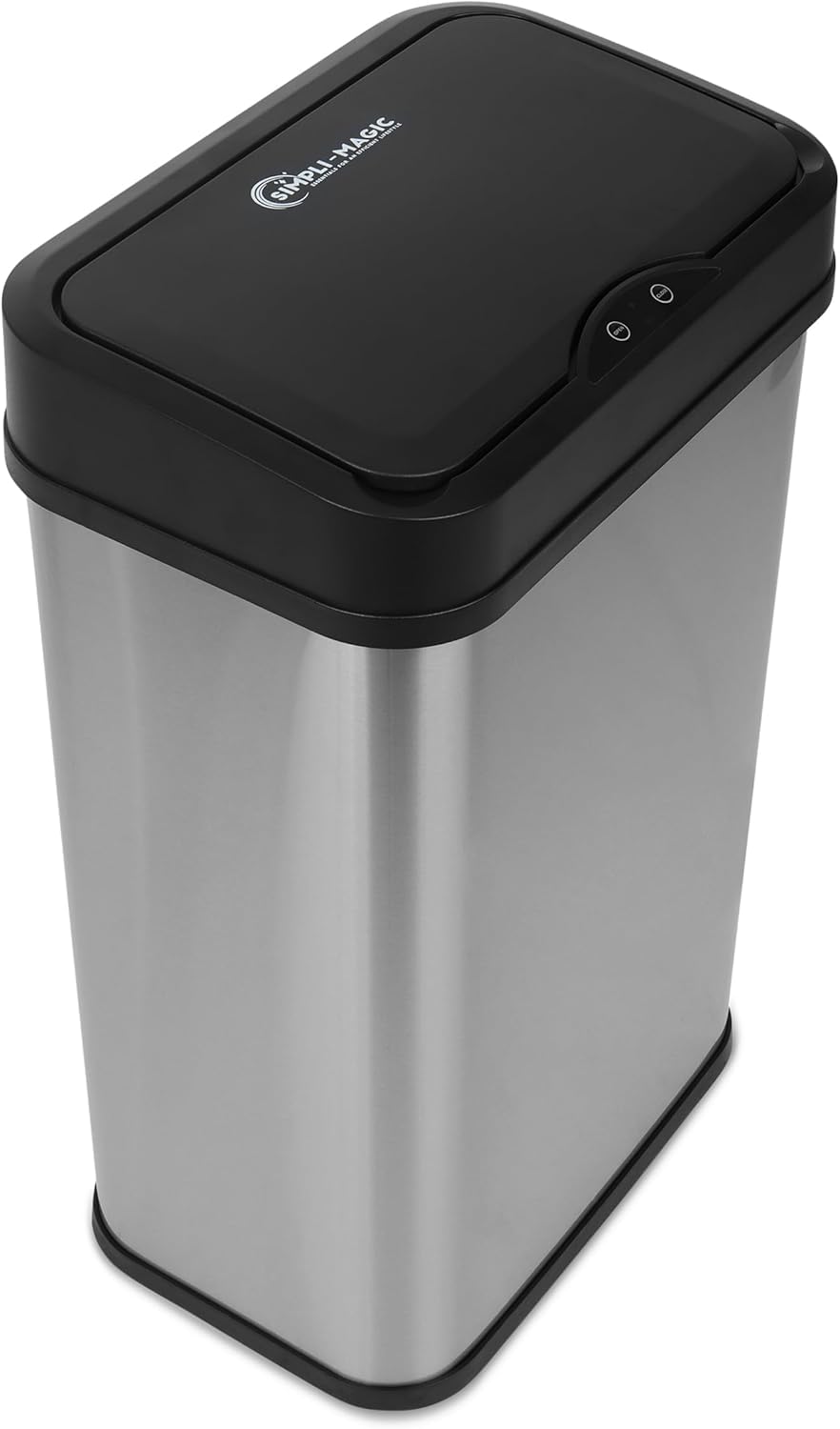
Figure 1: SIMPLI-MAGIC 13-Gallon Stainless Steel Automatic Touchless Sensor Trash Can
Key Features:
- Stainless Steel Construction: Durable and modern design suitable for various settings.
- Fingerprint-Proof Surface: Easy to clean and maintain a pristine appearance.
- Motion Sensor Technology: Automatic lid opening for touchless operation.
- Space-Saving Design: Efficiently fits in tight spaces and corners.
- User-Friendly Experience: Designed for ease of use and convenience.
- 13-Gallon Capacity: Accommodates common trash bag sizes.

Figure 2: Visual representation of key product features
2. Setup
2.1 Unboxing and Initial Inspection
Carefully remove all components from the packaging. Inspect the trash can for any signs of damage. Ensure all parts are present before proceeding with setup.
2.2 Battery Installation
The sensor lid requires 4 AA batteries (not included) for operation. Locate the battery compartment on the underside of the lid. Open the compartment, insert the batteries according to the polarity indicators, and securely close the cover.
2.3 Power On
After installing the batteries, locate the power switch on the back of the lid. Flip the switch to the 'ON' position. The sensor will activate, and the trash can is ready for use.
2.4 Placement
Place the trash can in your desired location. Its space-saving design allows it to fit efficiently in tight spaces and corners. Ensure the sensor area is clear of obstructions for optimal performance.
3. Operation
3.1 Automatic Sensor Operation
To open the lid automatically, pass your hand or debris within approximately ten inches from the sensor located on the front of the lid. The lid will open smoothly. It will remain open as long as your hand or debris is within the sensor's range. After a few seconds of no activity, the lid will automatically close.

Figure 3: Automatic lid opening via motion sensor
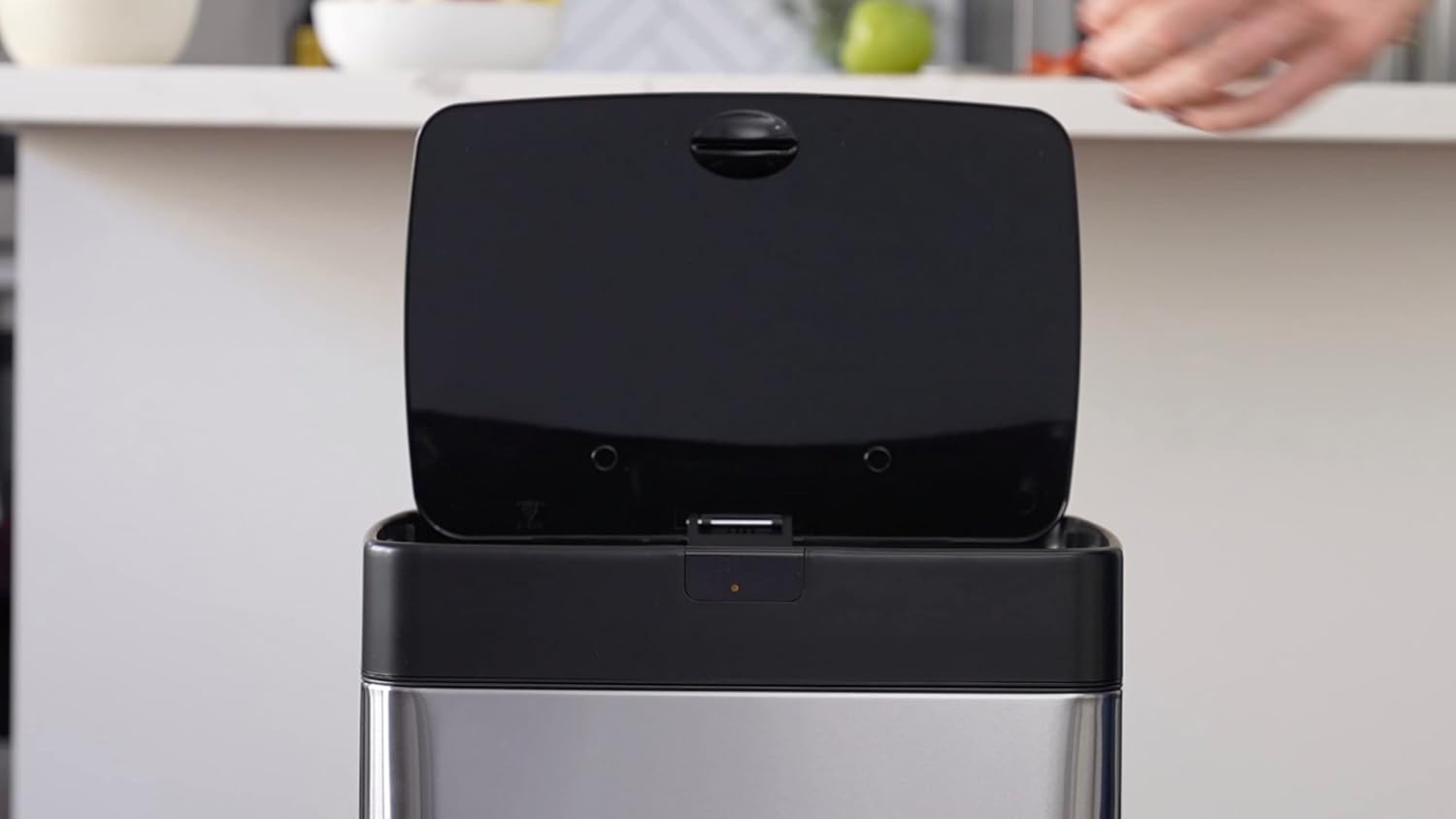
Figure 4: Automatic lid closing
3.2 Manual Operation
In case of low batteries or if you prefer manual control, the lid can be lifted manually. Simply lift the lid by hand to open it and push it down to close. This function is available even if the sensor is not active.
3.3 Trash Bag Installation and Replacement
To install or replace a trash bag:
- Remove the sensor lid from the trash can body.
- Place a standard 13-gallon trash bag into the can, ensuring the top edge of the bag is folded over the rim of the can.
- Carefully place the sensor lid back onto the trash can body, ensuring it is securely seated.
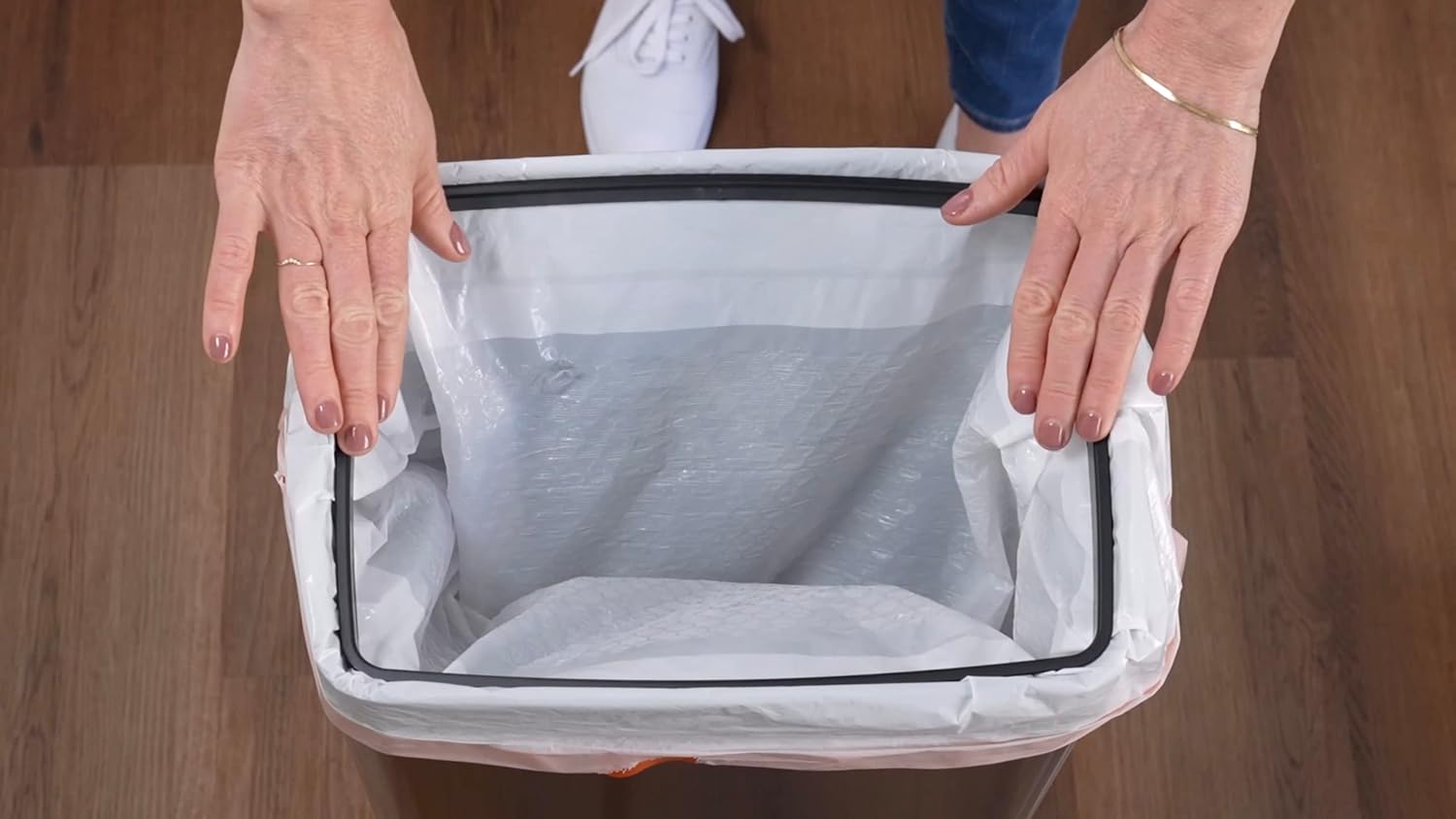
Figure 5: Proper trash bag installation
4. Maintenance
4.1 Cleaning
The stainless steel body features a fingerprint-proof surface, making it easy to clean. Use a soft, damp cloth to wipe down the exterior. For stubborn marks, a mild stainless steel cleaner can be used. Avoid abrasive cleaners or scouring pads that may scratch the surface.
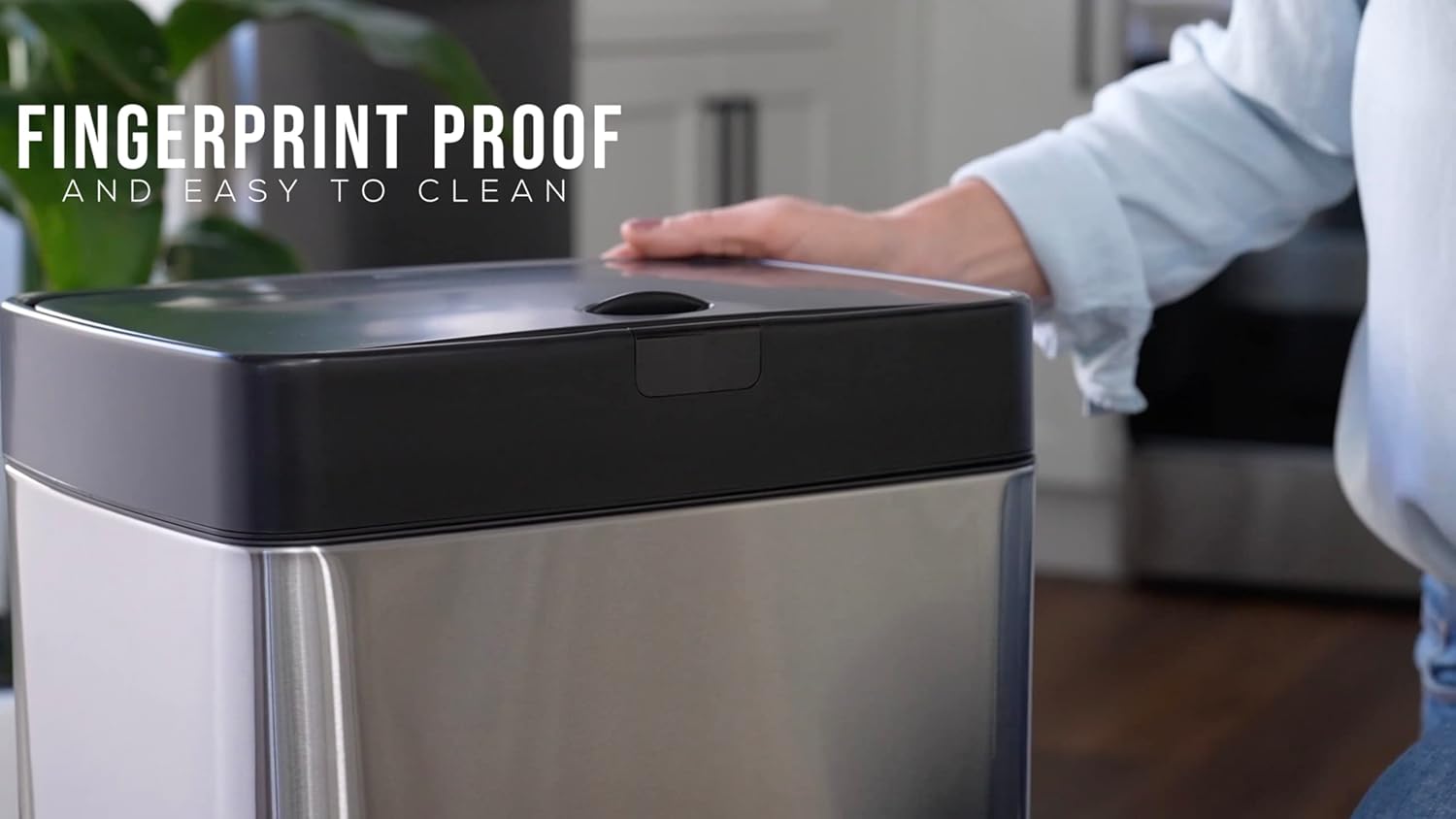
Figure 6: Fingerprint-proof surface for easy cleaning
For the sensor lid, wipe with a dry or slightly damp cloth. Do not submerge the lid in water or allow excessive moisture to enter the battery compartment or sensor area, as this can damage the electronic components.
5. Troubleshooting
- Lid does not open automatically:
- Check if the power switch on the back of the lid is in the 'ON' position.
- Ensure batteries are correctly installed and not depleted. Replace batteries if necessary.
- Verify there are no obstructions blocking the sensor.
- Lid does not close automatically:
- Ensure no objects are within the sensor's range, preventing it from detecting a clear path to close.
- Check for any physical obstructions preventing the lid from fully closing.
- Trash bag tears during removal:
- Ensure the trash bag is not overfilled.
- Use high-quality, durable trash bags designed for 13-gallon cans.
- When removing, gently lift the bag to avoid snagging on the rim.
6. Specifications
| Feature | Detail |
|---|---|
| Brand | SIMPLI-MAGIC |
| Model Number | 79207 |
| Capacity | 13 Gallons |
| Color | Stainless Steel |
| Opening Mechanism | Motion-Sensor |
| Material | Stainless Steel |
| Product Dimensions | 15.5"L x 12.2"W x 26.3"H |
| Item Weight | 9.48 Pounds |
| Batteries Required | 4 AA Batteries (Not Included) |
| Assembly Required | Yes (Minor, for lid placement) |

Figure 7: Product dimensions
7. Official Product Video

Video 1: Overview of the SIMPLI-MAGIC Sensor Trash Can (13 Gallon Capacity) by International Textile & Apparel, Inc.
8. Warranty and Support
8.1 Warranty Information
This SIMPLI-MAGIC product comes with a 1-year warranty from the date of purchase. This warranty covers manufacturing defects and malfunctions under normal use. Please retain your proof of purchase for warranty claims.
8.2 Customer Support
For any questions, parts, or support inquiries, please contact SIMPLI-MAGIC customer service. Refer to the product packaging or official website for the most current contact information.