Introduction
This manual provides essential instructions for the safe and effective use of your PK Power AC DC Adapter. This adapter is designed to provide reliable power to compatible devices, specifically the Anran 8 Channels DVR CCTV Security Network Mobile 960H system (P/N A-V1008). Please read this manual thoroughly before use and retain it for future reference.
Important Safety Instructions
To ensure safe operation and prevent damage, please observe the following precautions:
- Do not expose the adapter to rain or moisture.
- Do not disassemble the adapter. Refer all servicing to qualified personnel.
- Ensure the adapter is connected to a power outlet with the correct voltage (100-240V AC).
- Avoid placing the adapter in areas with poor ventilation or near heat sources.
- Keep the adapter out of reach of children.
- Disconnect the adapter from the power outlet when not in use for extended periods.
- Do not use the adapter if the cord or plug is damaged.
Package Contents
- 1 x PK Power AC DC Adapter (Model A-V1008)
Setup
Follow these steps to set up your AC DC adapter:
- Inspect the Adapter: Before connecting, visually inspect the adapter and its cables for any signs of damage.
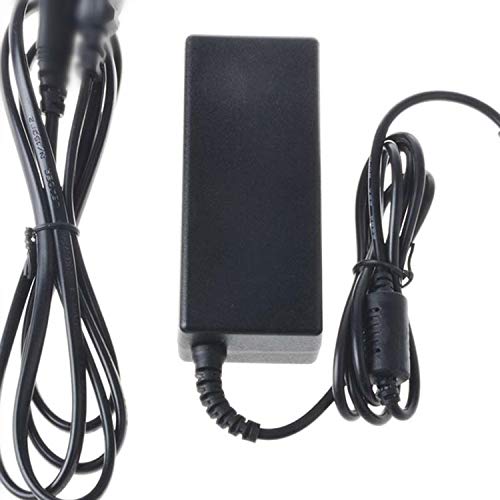
- Connect to Device: Plug the DC output connector of the adapter into the power input port of your Anran 8 Channels DVR CCTV Security Network Mobile 960H system. Ensure a secure connection.
- Connect to Power Outlet: Plug the AC input cable of the adapter into a standard 100-240V AC wall outlet.
- Verify Power: Once connected, your device should receive power. Check the device's power indicator (if available) to confirm.
Operating Instructions
The PK Power AC DC Adapter operates automatically once connected to a power source and a compatible device. It provides a stable power supply to your Anran DVR system.
- Ensure the adapter is always connected to a properly functioning power outlet.
- Avoid overloading the power outlet by connecting too many devices.
- For optimal performance, use the adapter within its specified operating temperature range.
Maintenance
Proper maintenance ensures the longevity and safe operation of your adapter:
- Cleaning: Disconnect the adapter from the power source and the device before cleaning. Use a soft, dry cloth to wipe the exterior. Do not use liquid cleaners or solvents.
- Storage: When not in use, store the adapter in a cool, dry place, away from direct sunlight and extreme temperatures. Avoid tightly coiling the cables to prevent damage.
- Cable Care: Regularly check the power cord and connectors for any fraying, cuts, or bends. Replace the adapter if any damage is observed.
Troubleshooting
If you encounter issues with your adapter, try the following steps:
- No Power to Device:
- Ensure the adapter is securely plugged into both the wall outlet and the device.
- Test the wall outlet with another device to confirm it is functioning.
- Check the adapter's cables for any visible damage.
- Device Malfunction:
- If the device is not functioning correctly, disconnect the adapter, wait a few seconds, and reconnect it.
- Ensure the adapter's specifications (voltage, amperage) match the requirements of your device.
- Overheating:
- Ensure the adapter is in a well-ventilated area.
- Disconnect the adapter if it feels excessively hot and allow it to cool down. If overheating persists, discontinue use.
If these steps do not resolve the issue, please contact customer support.
Specifications
| Brand | PKPOWER |
| Model | A-V1008 |
| Input Voltage | 100-240V AC, 50-60Hz |
| Connector Type | Auxiliary, 2 Pin Main Power Connector |
| Color | Black |
| Certifications | CE, FCC, RoHS |
| Protection Features | OVP (Over Voltage Output Protection), OCP (Over Current Output Protection), SCP (Short Circuit Output Protection) |
Compatibility
This PK Power AC DC Adapter is a replacement power supply specifically designed for the following device:
- Anran 8 Channels DVR CCTV Security Network Mobile 960H (P/N A-V1008)
Always verify the power requirements of your device against the adapter's specifications before use.
Warranty and Support
This PK Power AC DC Adapter comes with a 1-year manufacturer warranty from the date of purchase. This warranty covers defects in materials and workmanship under normal use.
For warranty claims, technical support, or any questions regarding the product, please contact PKPOWER customer service. Refer to your purchase documentation for specific contact details or visit the official PKPOWER website.


