
ASHATA ASHATAcx14mpvzg5-02
ASHATA Bluetooth Earbuds User Manual
Model: ASHATAcx14mpvzg5-02
Introduction
Welcome to the user manual for your new ASHATA Bluetooth Earbuds. This guide provides comprehensive instructions on how to set up, operate, and maintain your earbuds to ensure optimal performance and longevity. Please read this manual carefully before using the product.
Product Overview
The ASHATA Bluetooth Earbuds are designed for high-quality audio and comfortable wear, suitable for various activities including sports, fitness, and daily use. Key features include:
- Wireless Stereo Sound: Experience clear, high-quality audio.
- Comfortable In-Ear Design: Engineered to fit securely and comfortably, reducing the risk of falling out during activity.
- Smart Charging Case: A compact storage box that also functions as a portable charger for your earbuds.
- Voice Prompt: Provides audio cues for various functions.
- Versatile Use: Ideal for running, cycling, hiking, driving, and office environments.

Figure 1: Single ASHATA Bluetooth Earbud. This image shows the compact and ergonomic design of the earbud, highlighting its in-ear form factor.

Figure 2: Earbuds with charging indicators. This image illustrates the earbuds and their light indicators, which show charging status (red for earbud charging, blue for charging box).

Figure 3: Earbud being held, demonstrating its compact size and the smart storage box with charging function.

Figure 4: Earbud worn in ear. This image highlights the comfortable and secure in-ear fit, designed to prevent accidental dislodgement.

Figure 5: Earbud paired with a smartphone, illustrating its wireless stereo and high-quality audio capabilities for media playback.
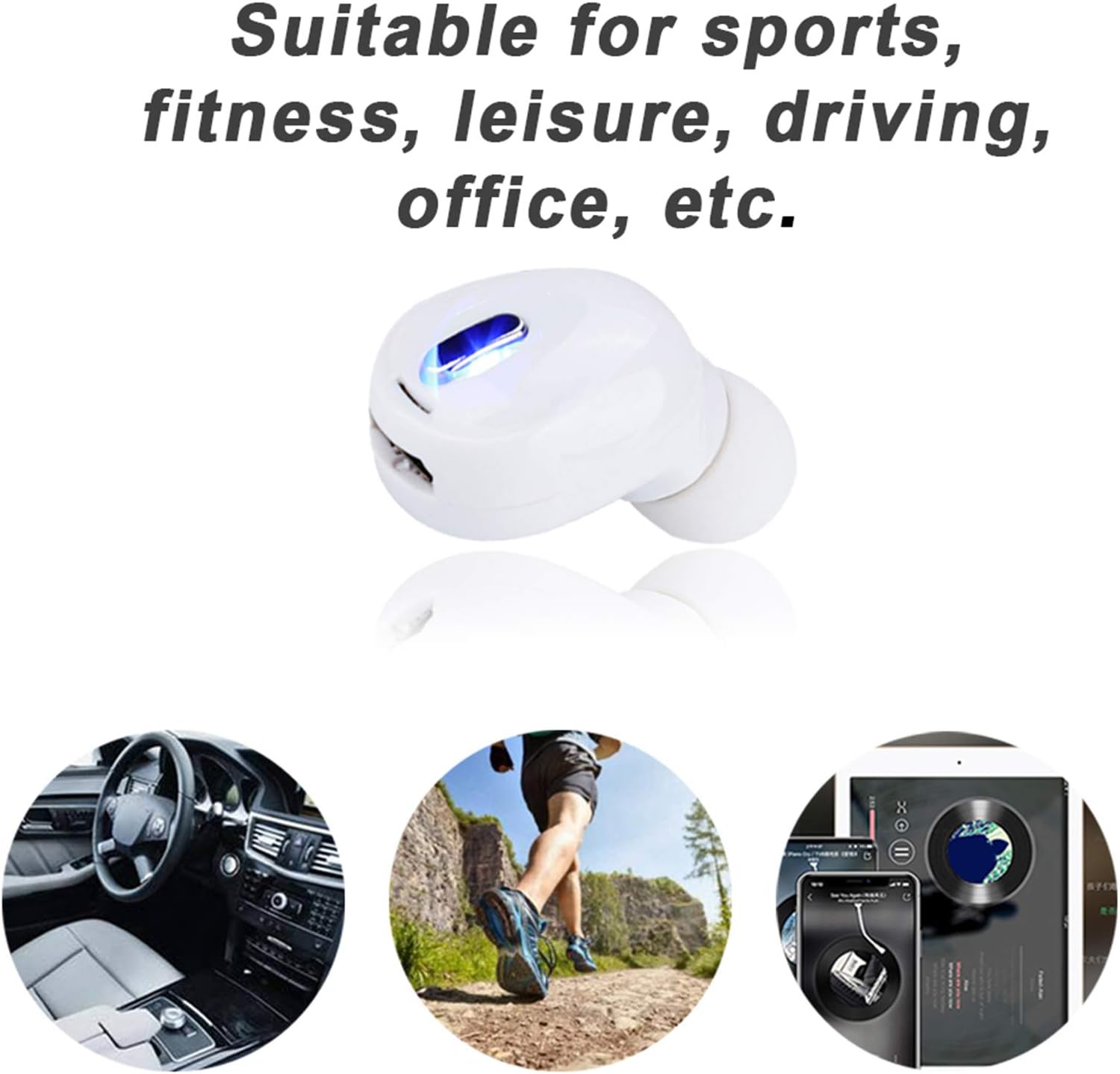
Figure 6: Depiction of various usage scenarios for the earbuds, including sports, fitness, leisure, driving, and office use.

Figure 7: The ASHATA earbud shown alongside its charging cable, indicating the included accessories.
Setup
Charging the Earbuds and Charging Box
- Initial Charge: Before first use, fully charge both the earbuds and the charging box.
- Charging Earbuds: Place the earbuds into the charging box. The earbud's indicator light will show red during charging and turn off when fully charged.
- Charging Box: Connect the charging box to a power source using the provided USB cable. The blue light on the charging box will flash slowly while charging and turn off when fully charged.
Pairing with a Device
- Power On: Take the earbuds out of the charging box. They will automatically power on. The earbud's red and white lights will turn on and flash, indicating pairing mode.
- Activate Bluetooth: On your device (smartphone, tablet, etc.), go to the Bluetooth settings and enable Bluetooth.
- Select Device: Look for "ASHATA Earbuds" or a similar name in the list of available Bluetooth devices and select it to pair.
- Confirmation: Once successfully paired, the earbud indicator lights will stop flashing, and you may hear a voice prompt confirming the connection.
Operating Instructions
Basic Functions
- Power On/Off: Earbuds automatically power on when removed from the charging case and power off when placed back into the case.
- Play/Pause: (Specific control method not detailed in provided data, common methods include single tap on earbud).
- Answer/End Call: (Specific control method not detailed in provided data, common methods include single tap on earbud).
- Voice Control: The earbuds support voice control. (Specific activation method not detailed in provided data, common methods include long press or specific tap pattern).
Note: For detailed control gestures (e.g., volume, track skipping), please refer to the specific instructions provided with your product packaging, as these can vary.
Maintenance
Proper maintenance ensures the longevity and optimal performance of your ASHATA Bluetooth Earbuds.
- Cleaning: Regularly clean the earbuds and charging case with a soft, dry, lint-free cloth. Do not use abrasive cleaners or solvents.
- Storage: When not in use, store the earbuds in their charging case to protect them and keep them charged.
- Avoid Extreme Conditions: Do not expose the earbuds to extreme temperatures, humidity, or direct sunlight.
- Water Resistance: The earbuds are listed as "Waterproof". While this indicates resistance to water, avoid submerging them or exposing them to high-pressure water jets. Dry thoroughly if they get wet.
- Charging Cable: Use only the provided charging cable or a certified equivalent. Inspect the cable regularly for damage.
Troubleshooting
If you encounter issues with your ASHATA Bluetooth Earbuds, refer to the following table for common problems and solutions.
| Problem | Possible Cause | Solution |
|---|---|---|
| Earbuds not powering on. | Low battery. | Place earbuds in the charging case and ensure the case is charged. |
| Cannot pair with device. | Bluetooth not enabled on device; earbuds not in pairing mode; too far from device. | Ensure Bluetooth is on. Take earbuds out of case to activate pairing mode. Move earbuds closer to the device (within 10 meters). |
| No sound or low volume. | Volume too low on device; earbuds not properly connected; dirty earbud mesh. | Increase volume on your device. Re-pair the earbuds. Gently clean any debris from the earbud mesh. |
| Charging cable smoking/melting. | Faulty cable or power source. | Immediately disconnect the cable from power. Do not use the cable again. Contact customer support for a replacement. |
Specifications
| Feature | Detail |
|---|---|
| Brand | ASHATA |
| Model Number | ASHATAcx14mpvzg5-02 |
| Connectivity Technology | Wireless |
| Wireless Communication Technology | Bluetooth |
| Bluetooth Version | 5.2 |
| Bluetooth Range | 10 Meters |
| Ear Placement | In Ear |
| Form Factor | In Ear |
| Control Type | Voice Control |
| Water Resistance Level | Waterproof |
| Item Weight | 1.06 ounces (0.03 Kilograms) |
| Product Dimensions | 6.3 x 2.76 x 1.18 inches |
| Material | ABS, Copper (Earbuds), Plastic (Carrying Case) |
| Color | White |
| UPC | 708223056223 |
Warranty and Support
For warranty information and customer support, please refer to the documentation included with your purchase or visit the official ASHATA website. If you experience any issues not covered in this manual, please contact ASHATA customer service for assistance.
Important Note: As per user reports, there have been instances of charging cable issues. If you observe any signs of overheating, smoke, or melting from the charging cable, immediately disconnect it from the power source and discontinue use. Contact customer support for a replacement cable.
Ask a question about this manual
Ask about setup, troubleshooting, compatibility, parts, safety, or missing instructions. Manuals+ will review the question and use this page’s manual context to help answer it.