
Introduction
The CLAYMORE Ultra Mini is a compact and lightweight rechargeable LED light designed for various outdoor and indoor applications. It features adjustable brightness, multiple color temperatures, and a durable, waterproof design.
Key Features:
- Compact and Lightweight: Weighing only 116g (4 oz) and measuring 66mm x 85mm, it is highly portable.
- High Brightness: Up to 500 lumens.
- Long Battery Life: Up to 24 hours on a single charge with its 3,500mAh Lithium-Ion battery.
- Adjustable Color Temperature: Three settings: Cool White (6,500K), Natural White (4,200K), and Warm White (3,000K).
- Stepless Dimming: Brightness can be fine-tuned by holding the power button.
- Durable and Waterproof: IP64 rated for dust and water resistance.
- Versatile Mounting: Features an adjustable handle, hook, and 1/4-inch tripod socket.
- Emergency SOS Function: Includes an SOS flash mode for emergencies.
- USB-C Charging: Convenient and fast charging.
Package Contents
The CLAYMORE Ultra Mini package includes:
- CLAYMORE Ultra Mini LED Light
- Instruction Manual
- Lantern Hook
- USB-C Charging Cable
- Pouch
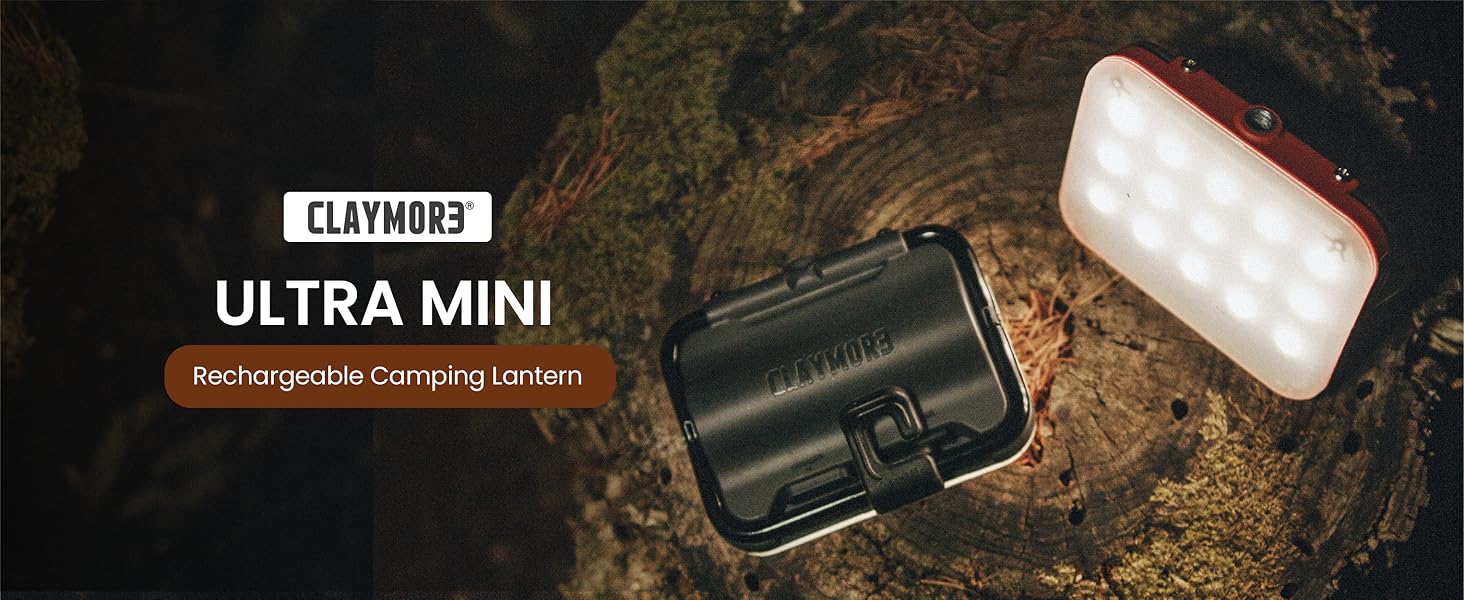
Image: CLAYMORE Ultra Mini package contents.
Setup
Charging the Device:
- Locate the USB-C charging port on the device.
- Connect the provided USB-C cable to the charging port and a compatible USB power source.
- The battery indicator lights will flicker in 4 steps during charging. All four lights will be solid when fully charged.
Video: Demonstrates the charging process of the CLAYMORE Ultra Mini LED Light. The video shows the USB-C cable being plugged into the device and the battery indicator lights illuminating.
Mounting Options:
- Adjustable Handle: Use the integrated adjustable handle to position the light on flat surfaces or hang it.
- Lantern Hook: Attach the included lantern hook to the handle for hanging the light in tents, on branches, or other suitable locations.
- Tripod Compatibility: The Ultra Mini features a 1/4-inch tripod socket, allowing it to be mounted on camera tripods or other compatible stands for flexible positioning.
- Magnetic Attachment (Accessory): With an optional CLAYMORE neodymium magnet accessory (sold separately), the light can be easily attached to vehicles or any metal surface.

Image: The CLAYMORE Ultra Mini light demonstrating its adjustable handle and tripod compatibility.
Operating Instructions
Power On/Off:
- Press the Power button once to turn the light on.
- Press the Power button again to turn the light off.
Brightness Control (Stepless Dimming):
- When the light is on, press and hold the Power button to activate stepless dimming. The brightness will gradually increase or decrease. Release the button at your desired brightness level.
LED Color Change:
- When the light is on, press the Power button twice to cycle through the three LED color temperatures: Warm (3,000K), Natural (4,200K), and Cool (6,500K).

Image: The CLAYMORE Ultra Mini displaying its three distinct light color temperatures: Cool White (6,500K), Natural White (4,200K), and Warm White (3,000K).
SOS Flash Function:
- When the light is OFF, hold the Power button for over 2 seconds to activate the SOS flash signal for emergencies.
Video: A demonstration of the CLAYMORE Ultra Mini's power on/off, brightness adjustment, color temperature cycling, and SOS flash function.
Maintenance
- Keep the device clean by wiping it with a soft, dry cloth.
- Avoid using harsh chemicals or abrasive cleaners.
- Store the light in a cool, dry place when not in use.
- Ensure the charging port cover is securely closed to maintain IP64 water resistance.
Troubleshooting
Light not turning on:
- Ensure the battery is charged. Connect to a power source and check the battery indicator.
- Press the Power button firmly.
Light not charging:
- Verify the USB-C cable is properly connected to both the light and the power source.
- Try a different USB-C cable or power adapter.
- Ensure the power source is active.
Brightness or color not changing:
- For brightness, ensure you are pressing and holding the Power button.
- For color, ensure you are double-pressing the Power button.
Specifications
| Feature | Detail |
|---|---|
| Product Dimensions | 2.6"L x 1.06"W x 3.35"H (85 x 66 x 27mm) |
| Item Weight | 7.8 ounces (116g) |
| Battery Type | Lithium-Ion (3,500mAh / 12.60Wh) |
| Light Output Maximum | 500 Lumens |
| Battery Life | 6 - 24 Hours (depending on brightness) |
| Charging Time | 6.5 hours |
| Water Resistance Level | IP64 (Dustproof, Waterproof) |
| Light Source Type | Light Emitting Diode (LED) |
| LED Color Temperature | Cool White (6,500K), Natural White (4,200K), Warm White (3,000K) |
| Inputs | USB-C 5V1A |
| Mounting Type | Tabletop Mount, 1/4-inch Tripod Socket |
| Material | Aluminum, Nylon |
| Model Number | CLC-401BK |
| Manufacturer | Prism Co., Ltd |
Warranty Information
This product is typically covered by a manufacturer's warranty. For specific details regarding warranty duration and terms, please refer to the warranty card included with your product or contact CLAYMORE customer support.
- Optional protection plans may be available for purchase, offering extended coverage.
Support
For further assistance, product inquiries, or technical support, please visit the official CLAYMORE website or contact their customer service department.
You can also visit the Claymore Store on Amazon for more information and related products.
