
1. Introduction
Thank you for purchasing the ipega PG-9136 Gamepad Mobile Joystick. This device is designed to enhance your gaming experience on the Nintendo Switch console, providing a classic arcade-style control with its single rocker and responsive buttons. It offers a plug-and-play solution, making it easy to set up and use for compatible games.
Please read this manual carefully before use to ensure proper operation and to maximize the lifespan of your device.
2. Safety Information
- Do not expose the device to extreme temperatures, humidity, or direct sunlight.
- Avoid dropping or subjecting the device to strong impacts.
- Do not attempt to disassemble or modify the device. This will void the warranty and may cause damage.
- Keep out of reach of small children.
- Use a soft, dry cloth for cleaning. Do not use harsh chemicals or abrasive materials.
3. Package Contents
- 1 x ipega PG-9136 Gamepad Mobile Joystick
- 1 x User Manual
Note: Nintendo Switch console is not included.
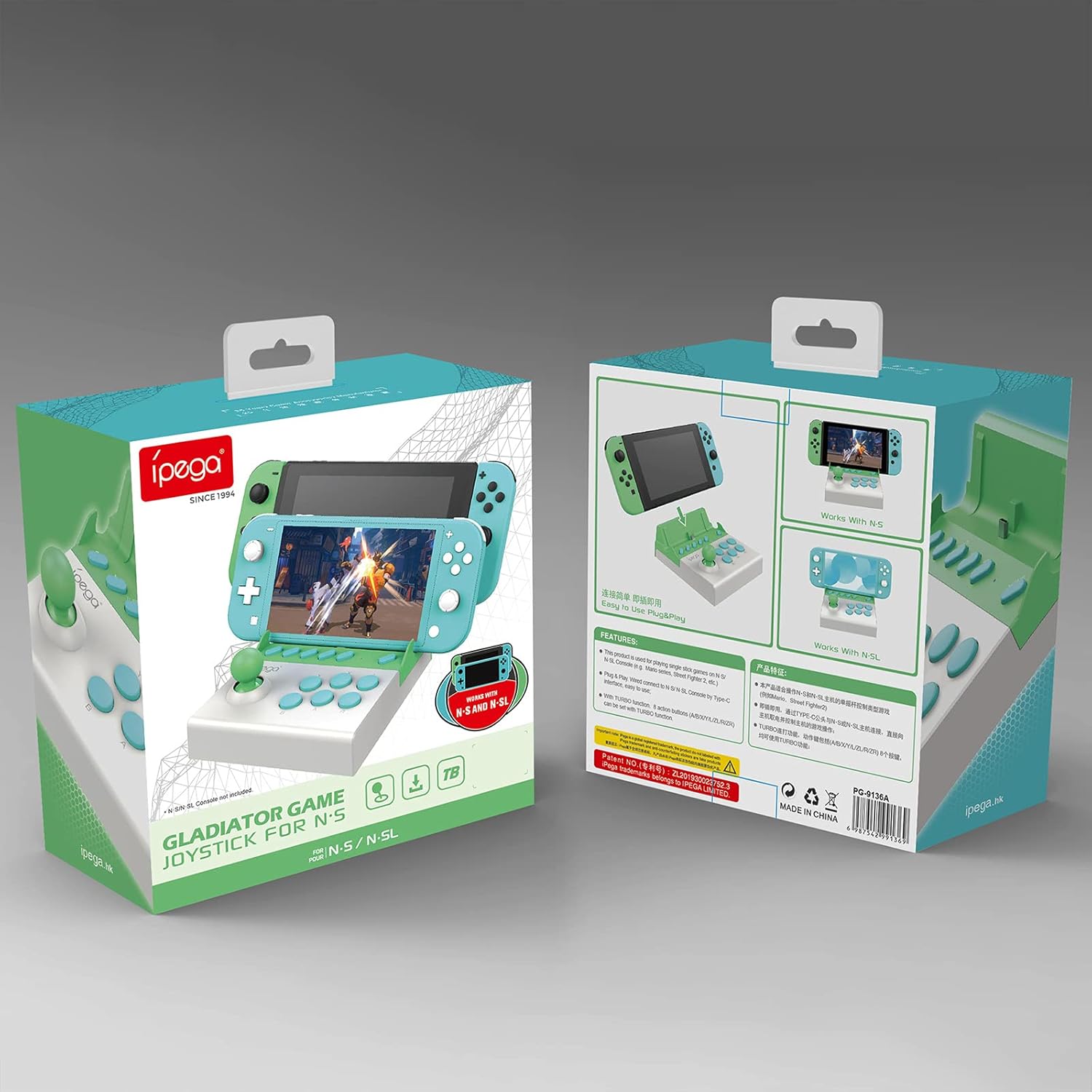
Figure 3.1: Product Packaging
4. Product Overview
The ipega PG-9136 features a compact design with a single joystick and multiple action buttons, mimicking a classic arcade setup. It is designed to securely hold your Nintendo Switch console.

Figure 4.1: Product Components
- 3D Joystick: For directional control in games.
- A/B/X/Y/L/R Function Buttons: Standard action buttons for gameplay.
- -/+/TURBO/ZL/ZR Buttons: Additional control buttons, including a dedicated Turbo function.
- HOME Button: For accessing the Nintendo Switch home menu.
- TYPE-C Plug: Connector for the Nintendo Switch console.
- Indicator Light: Provides status feedback.
5. Setup
Follow these steps to set up your ipega PG-9136 Gamepad:
- Prepare your Nintendo Switch: Before inserting the console, navigate to System Settings on your Nintendo Switch. Select 'Controllers and Sensors', then enable 'Pro Controller Wired Communication'. This step is crucial for the gamepad to function correctly.
- Remove Console Case (if applicable): If your Nintendo Switch has an outer protective case or shell, remove it. The PG-9136 is designed for a snug fit with the bare console.
- Insert the Nintendo Switch: Carefully align your Nintendo Switch console with the Type-C plug on the gamepad and slide it into the slot until it is securely connected. Ensure the console is firmly seated.

Figure 5.1: Nintendo Switch Lite inserted into the Gamepad

Figure 5.2: Standard Nintendo Switch inserted into the Gamepad
6. Operating Instructions
The ipega PG-9136 is a plug-and-play device. Once your Nintendo Switch is securely connected and 'Pro Controller Wired Communication' is enabled, the gamepad should be recognized automatically.
- Basic Control: Use the 3D joystick for movement and the A/B/X/Y/L/R buttons for in-game actions.
- Turbo Function: The dedicated TURBO button allows for one-click burst firing in compatible games. Press the TURBO button along with an action button to enable continuous input for that button. Press them again to disable.
- Home Button: Press the HOME button to return to the Nintendo Switch home screen.
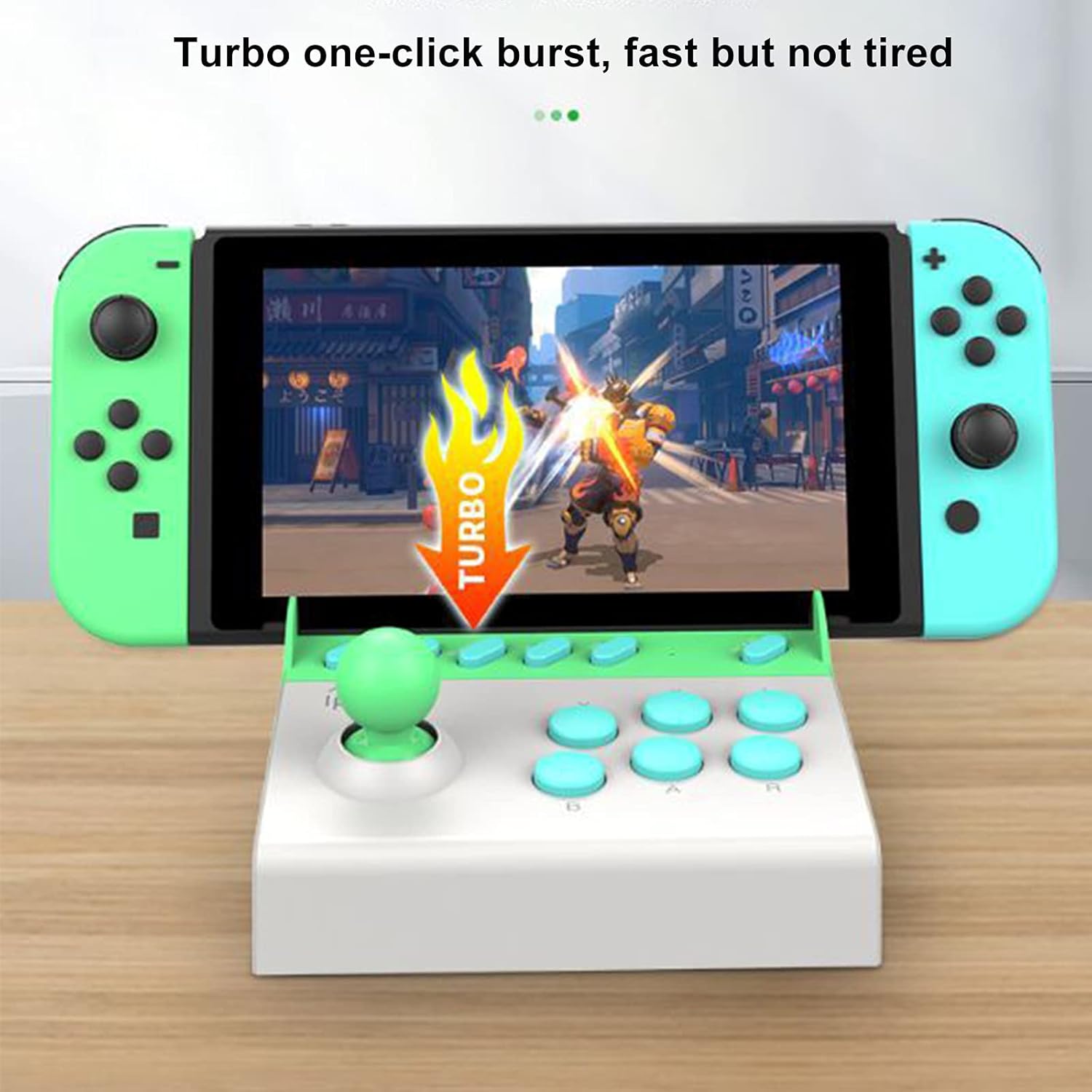
Figure 6.1: Turbo Function in Use
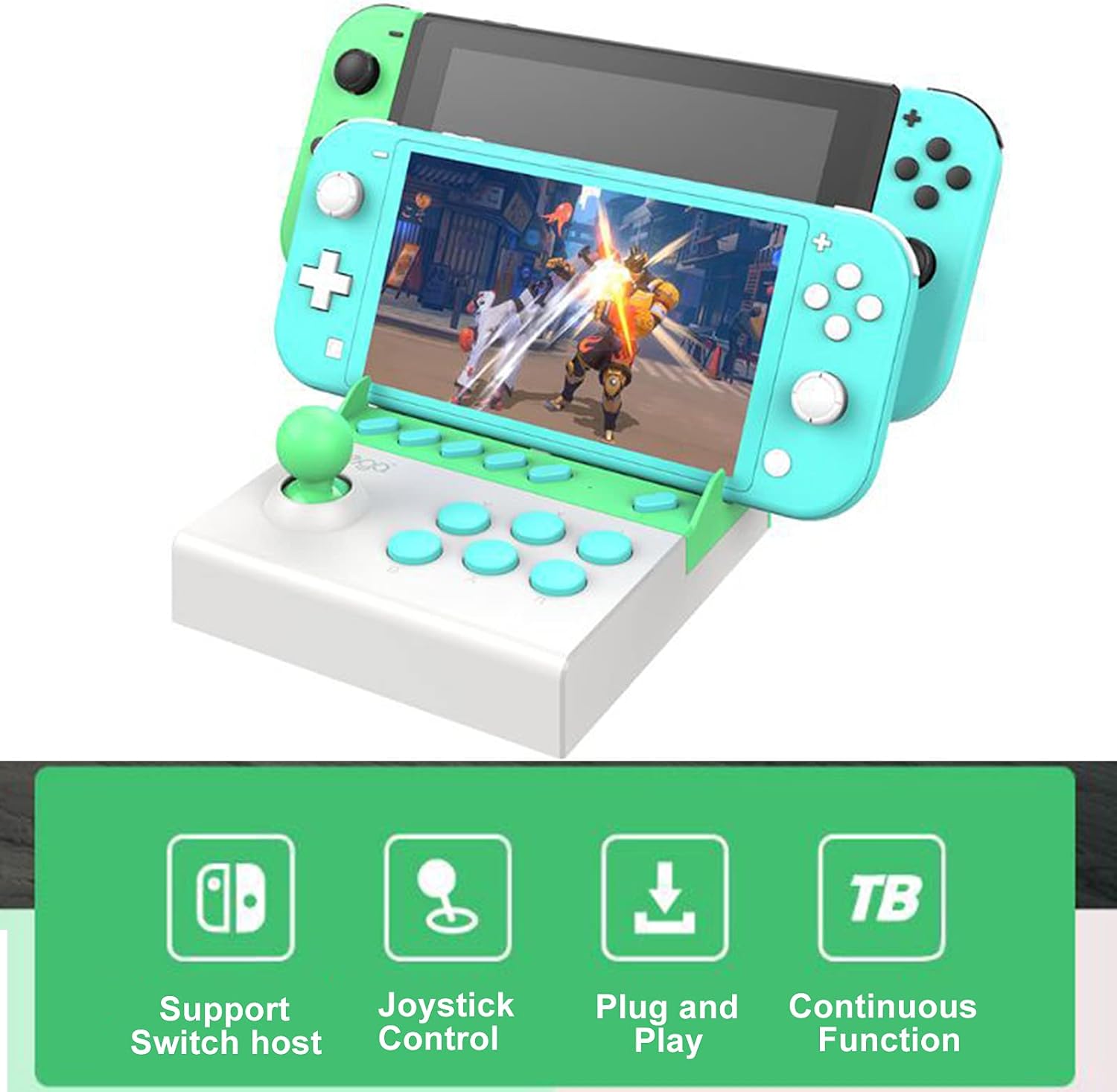
Figure 6.2: Key Features Overview
7. Maintenance
To ensure the longevity of your ipega PG-9136 Gamepad:
- Clean the device regularly with a soft, dry, lint-free cloth.
- Do not use liquid cleaners or aerosols directly on the device.
- Store the gamepad in a cool, dry place when not in use.
8. Troubleshooting
- Gamepad not responding: Ensure 'Pro Controller Wired Communication' is enabled in your Nintendo Switch System Settings. Verify the console is securely seated in the gamepad's Type-C port.
- Console difficult to insert/remove: Ensure no protective cases or skins are on the Nintendo Switch. The fit is designed to be snug. Apply gentle, even force when inserting or removing.
- Buttons/Joystick unresponsive: Disconnect and reconnect the Nintendo Switch. If the issue persists, ensure the device is clean and free of debris around the buttons and joystick.
9. Specifications
| Feature | Detail |
|---|---|
| Model Number | PG-9136 |
| ASIN | B07TJ1TZ22 |
| Item Weight | 12 ounces (approx. 340 grams) |
| Package Dimensions | 6.85 x 6.14 x 2.2 inches (approx. 17.4 x 15.6 x 5.6 cm) |
| Connectivity | Wired (Type-C) |
| Compatibility | Nintendo Switch, Nintendo Switch Lite |
10. Warranty and Support
Specific warranty information for the ipega PG-9136 Gamepad is not provided in this manual. For warranty claims or technical support, please refer to the retailer where the product was purchased or contact ipega customer service directly through their official website or support channels.
Keep your purchase receipt as proof of purchase for any warranty-related inquiries.


